

What to Check Before Sending an Event Agreement for Signature
· Jasmine Apps

An event agreement signature should confirm a document the venue has already checked. Sign Jasmine supplies the PDF, fields, recipient order and signing journey. The events team still needs the approved agreement content and a clear owner for changes before anyone receives a link.
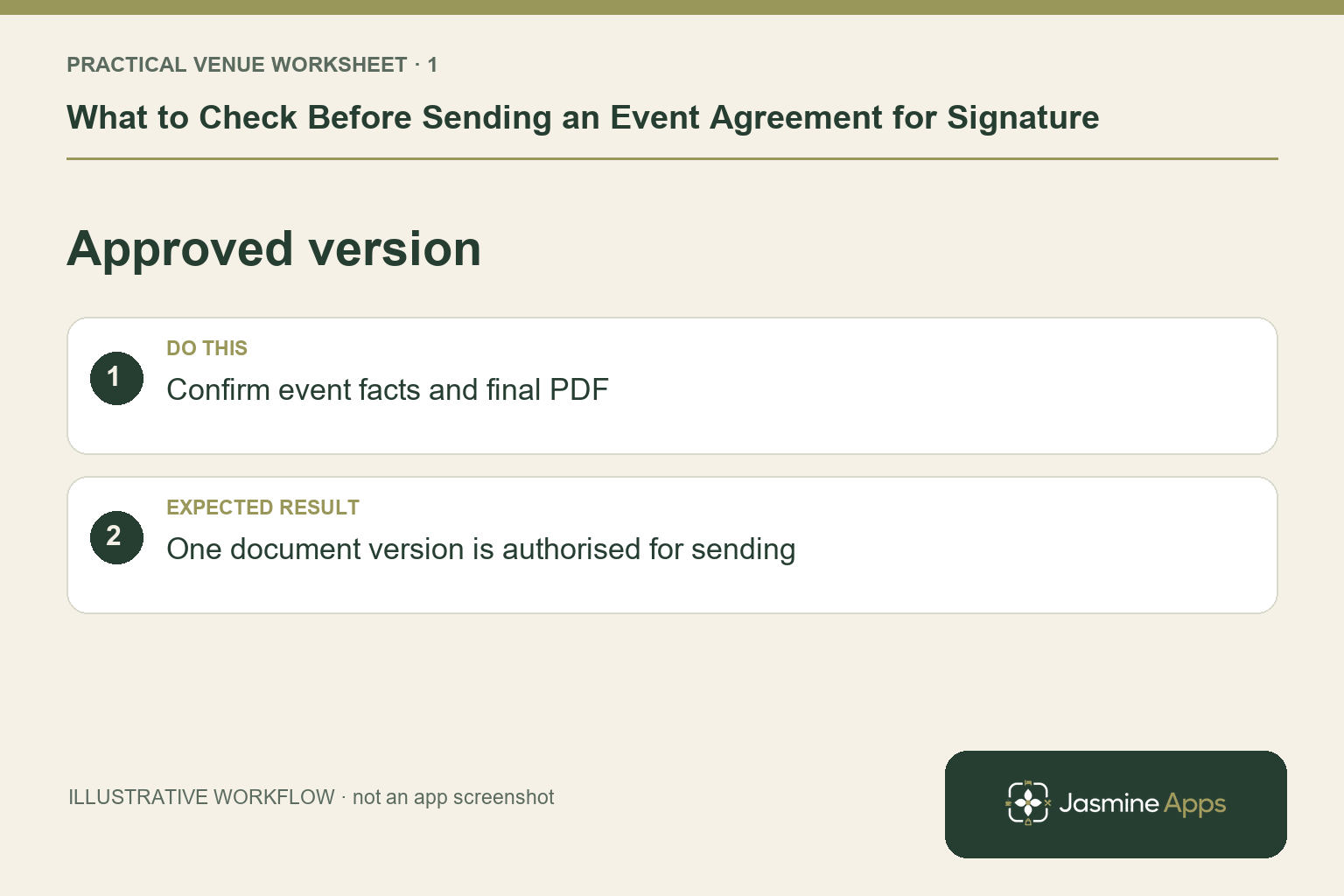
Prepare one approved document version
Have the responsible document owner confirm the event details and the agreement wording through your normal process. This guide is about the signing workflow, not legal advice or a contract template. Export the approved version as a readable PDF and inspect every page. Check the date, title and any references against the correct event. A draft labelled final in someone's downloads folder should not become the agreement simply because it is convenient to upload.
Check the result: One document version is authorised for sending.
Confirm the people and order
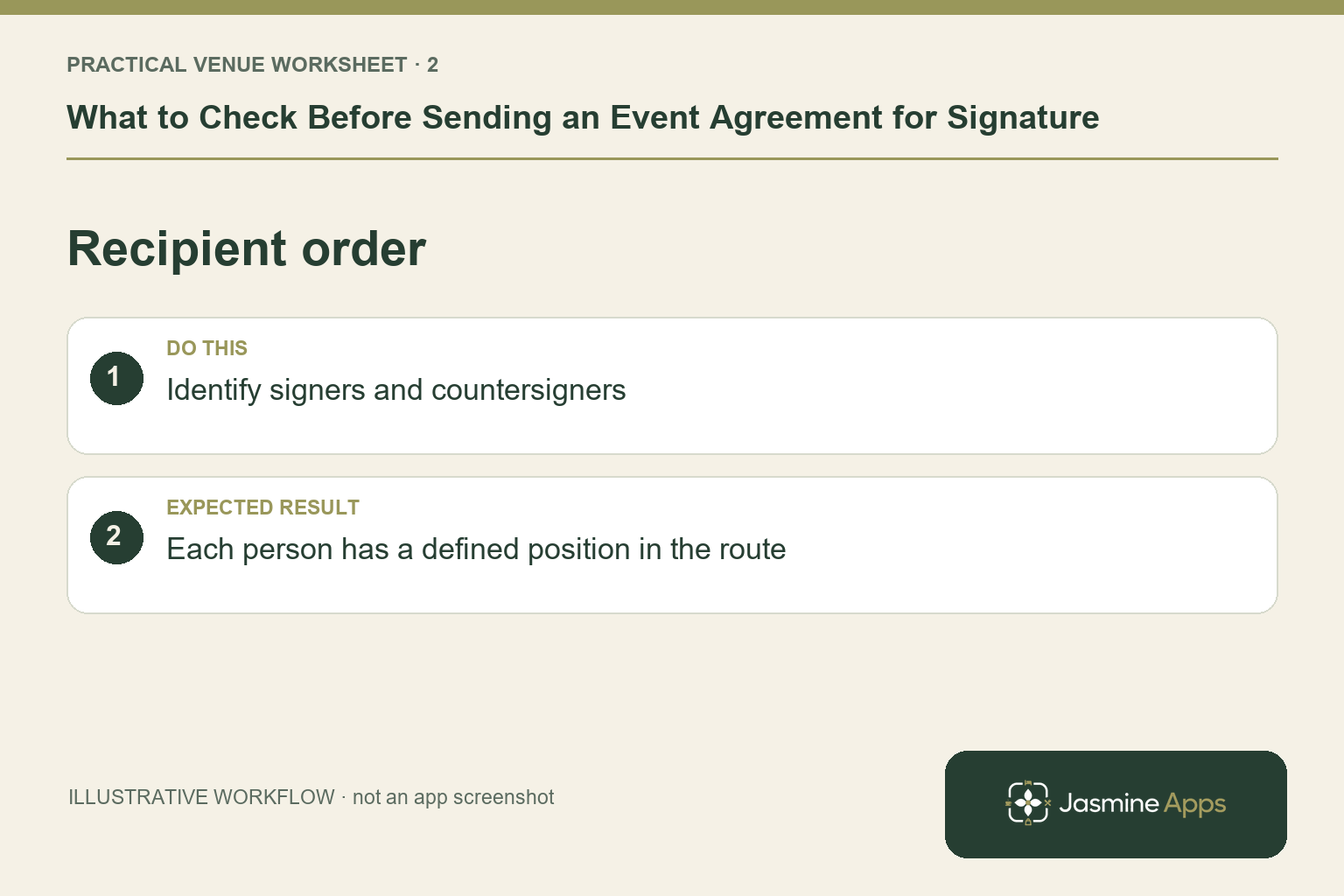
Enter the intended full names and email addresses in the recipient list. Sign Jasmine's documented journey includes signers and counter-signers, with people signing in order; Add me places the current user last in the setup guide. Make sure that reflects the venue's approved arrangement. Do not substitute a colleague's address to avoid a delay. Give the organiser a clear message about which document they are reviewing, and keep the private link within its intended recipient route.
Check the result: Each person has a defined position in the route.
Review the PDF and fields before Send
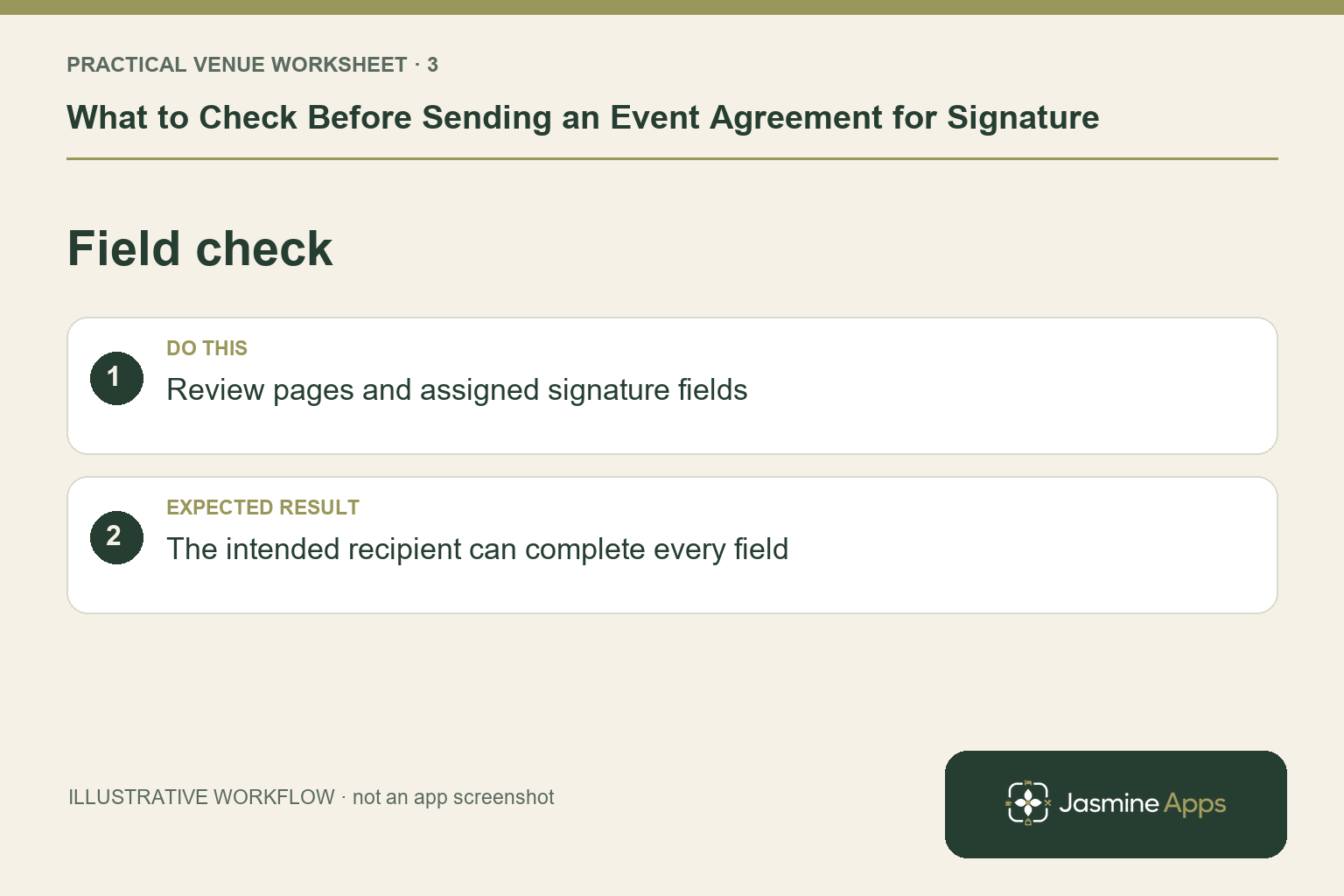
Continue to field placement and assign signature, date or other supported fields to the right recipient on the correct page. Check the placement on a representative small screen as well as the document view, using an approved nonsensitive example if needed. Send emails the signers, so complete this review first. A missing field after dispatch is not something to repair by casually editing a signed copy. Have the document owner coordinate the supported replacement or correction process.
Check the result: The intended recipient can complete every field.
Keep completion and audit evidence clear
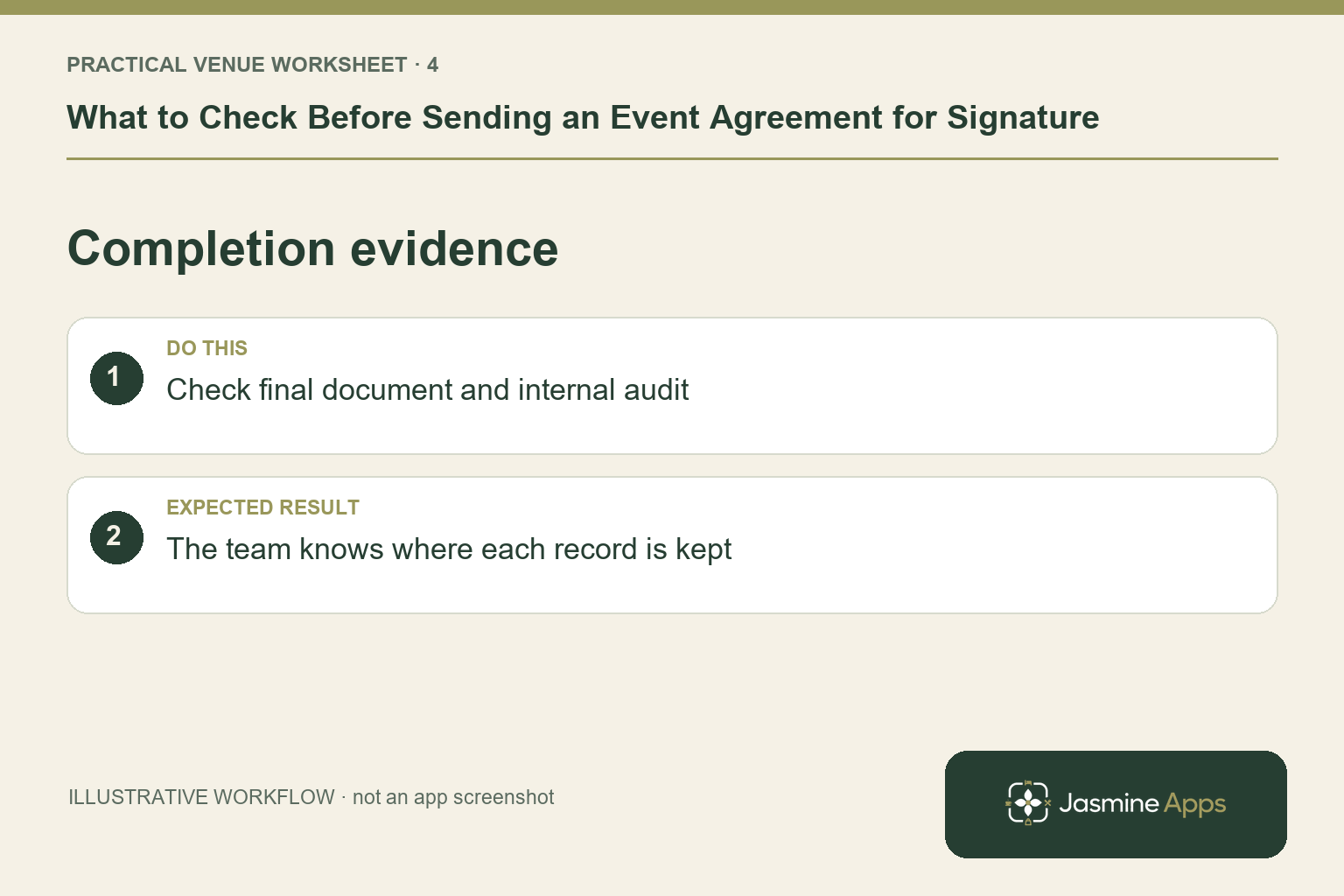
Opening the link does not establish that the recipient finished signing. Review the recorded completion state and retain the final signed PDF through the venue's authorised process. The Sign Jasmine internal certificate remains in the app, rather than being attached to the downloaded PDF. Staff can review signing time and device details where their access permits. Keep any later event changes separate and under the approved agreement process; a completed signature is not blanket approval for an unrelated revision.
Check the result: The team knows where each record is kept.
Put the plan into practice
Before sending, check the event reference, PDF version, recipients, order, fields and message with the responsible owner. After completion, confirm where the signed file and internal audit are retained and who handles a subsequent change request.
Questions venue teams ask
Does the recipient need an account? The published private-link workflow supports signing on desktop or mobile without an account.
Does an e-signature guarantee every agreement is legally suitable? No. Have the responsible owner obtain appropriate advice for the document and circumstances. This guide addresses the product workflow.
Example from the actual app
The real New envelope form separates Title, Message to signers, the PDF and the numbered recipient list. It offers Signer, Counter-signer and Viewer roles before Continue to field placement. Use those actual distinctions when preparing an event agreement, rather than adding every organiser as a required signer by default.
A working checklist for your venue
| Check | What to do | Result to verify |
|---|---|---|
| Approved version | Confirm event facts and final PDF. | One document version is authorised for sending. |
| Recipient order | Identify signers and countersigners. | Each person has a defined position in the route. |
| Field check | Review pages and assigned signature fields. | The intended recipient can complete every field. |
| Completion evidence | Check final document and internal audit. | The team knows where each record is kept. |
Use the checklist with a colleague who did not configure the workflow. Ask them to complete the ordinary task without coaching, then compare the result with the expected outcome. Record the point where they hesitate or need information from another shift. That observation gives you a specific improvement to make before extending the setup.
Discuss your own setup
Use a nonsensitive sample PDF and the recipient roles your process actually requires. Contact Us to discuss a Sign Jasmine demonstration covering field placement, signing order and retrieval of the completed record.
Illustrations explain the workflow and are not product screenshots. Any numerical example is labelled illustrative and is not a customer result. Product wording and documented setup checks reviewed on 13 October 2026; confirm the features available in your current installation.