Clock Jasmine
Guides and posts filed under Clock Jasmine.
Tutorials56
All tutorials
Clock Jasmine11

- Clock Jasmine contract templates: merge tags and preview
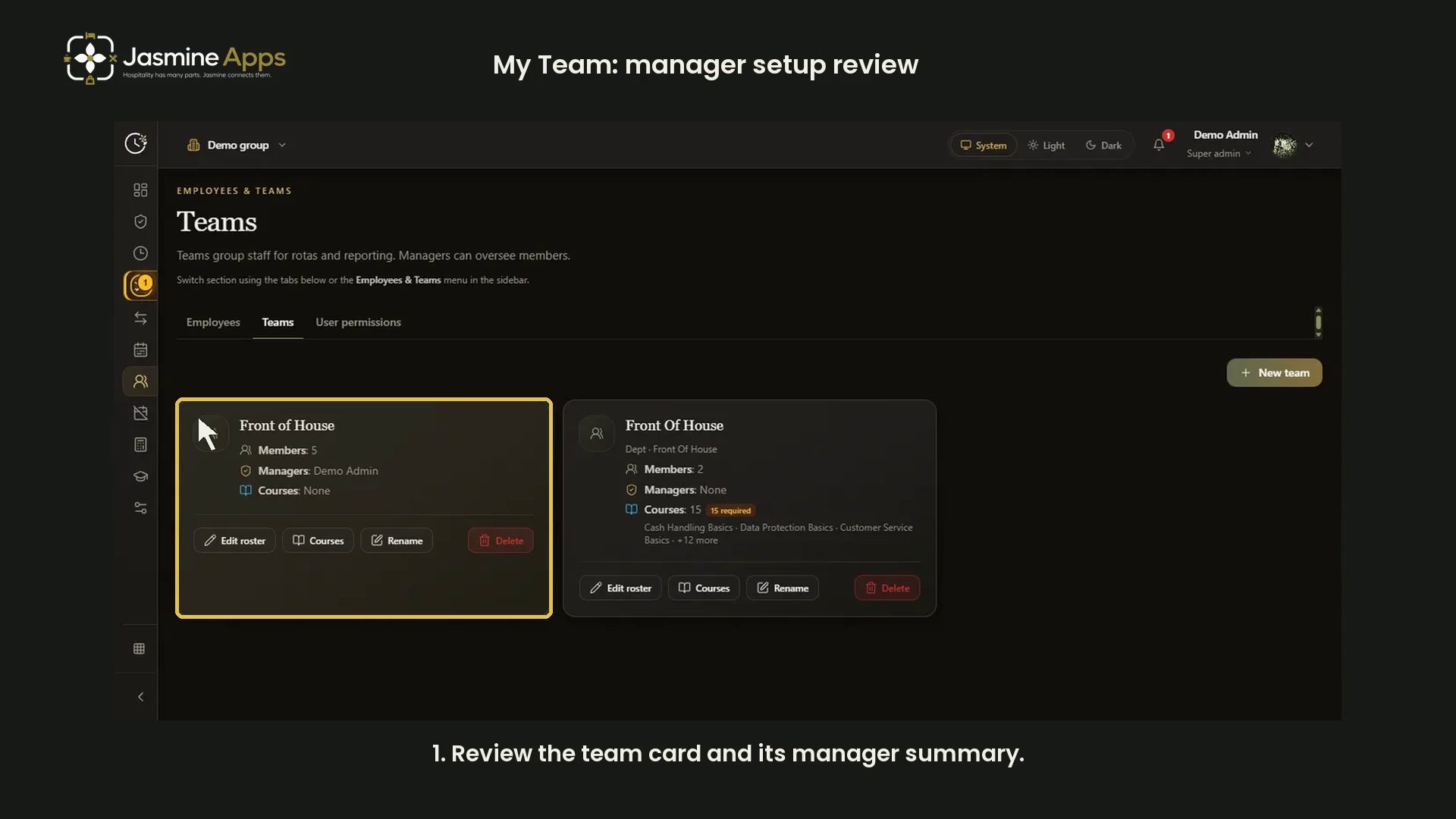
- Clock Jasmine My Team: review manager setup
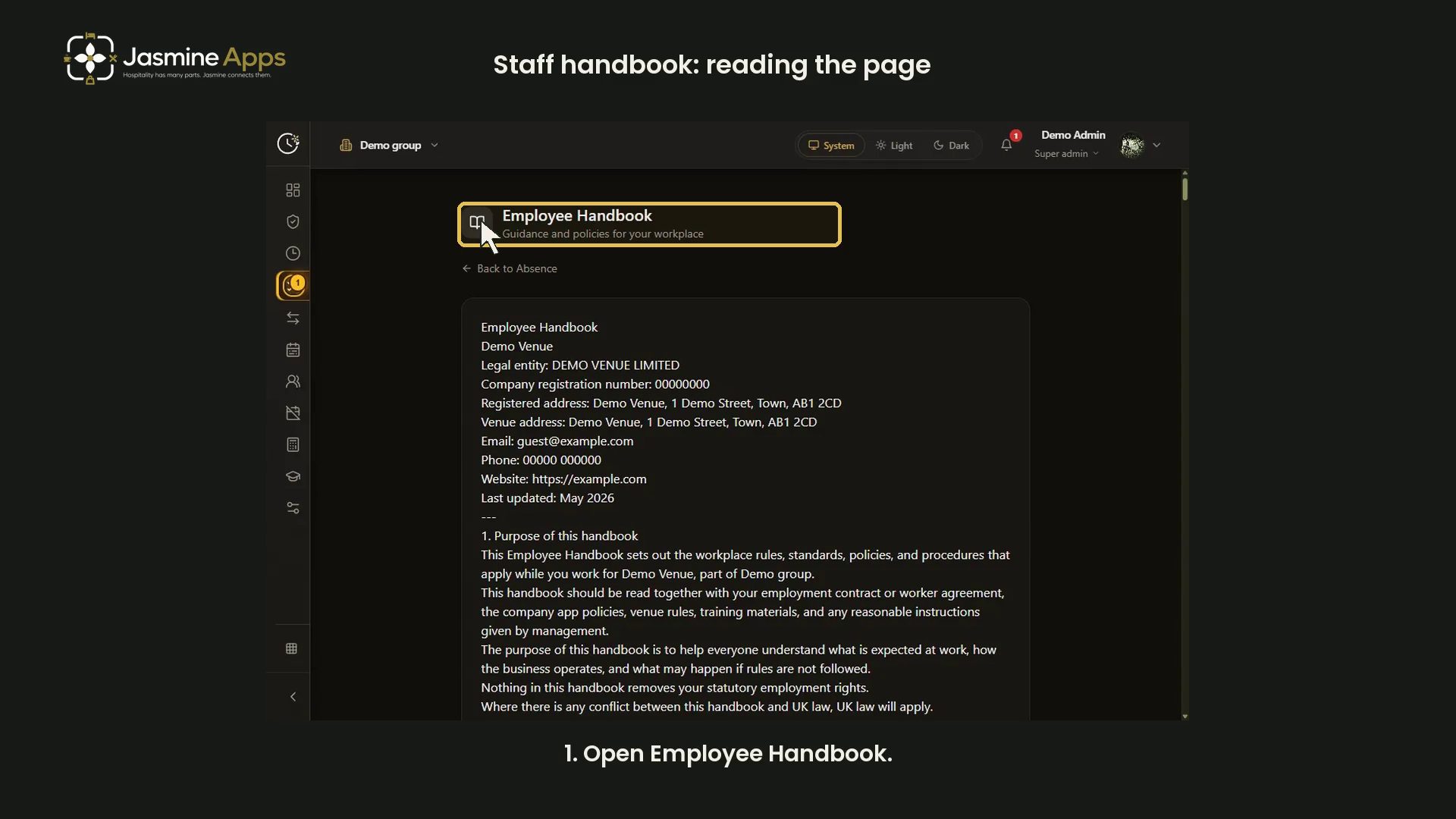
- Clock Jasmine staff handbook: read the published page
- Clock Jasmine: prepare a rota board
- Clock Jasmine: prepare an absence form
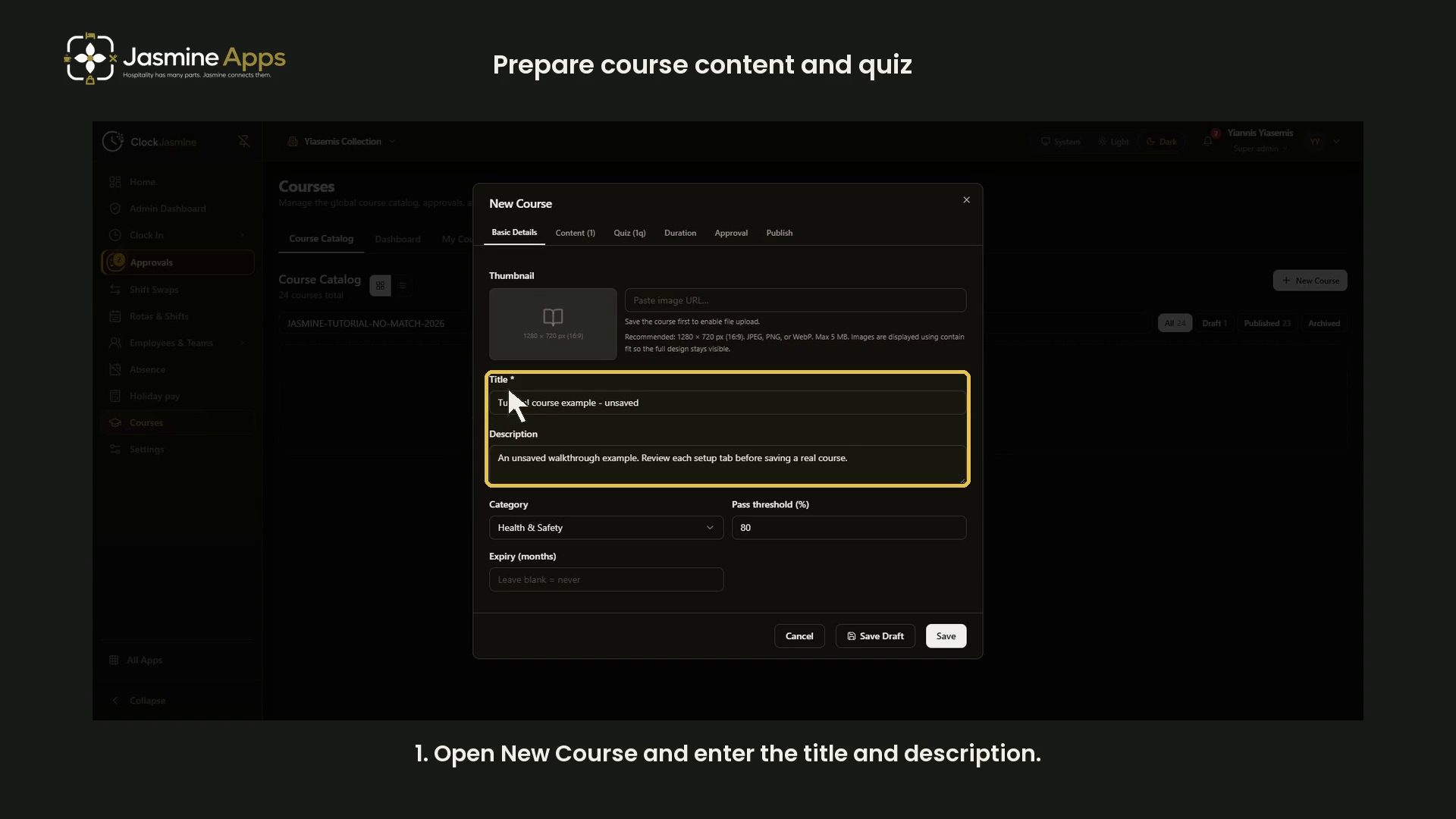
- Clock Jasmine: prepare course content and a quiz
- Clock Jasmine: review clock-in and location controls
- Clock Jasmine: review history and manual entry controls
- Clock Jasmine: review hours export controls
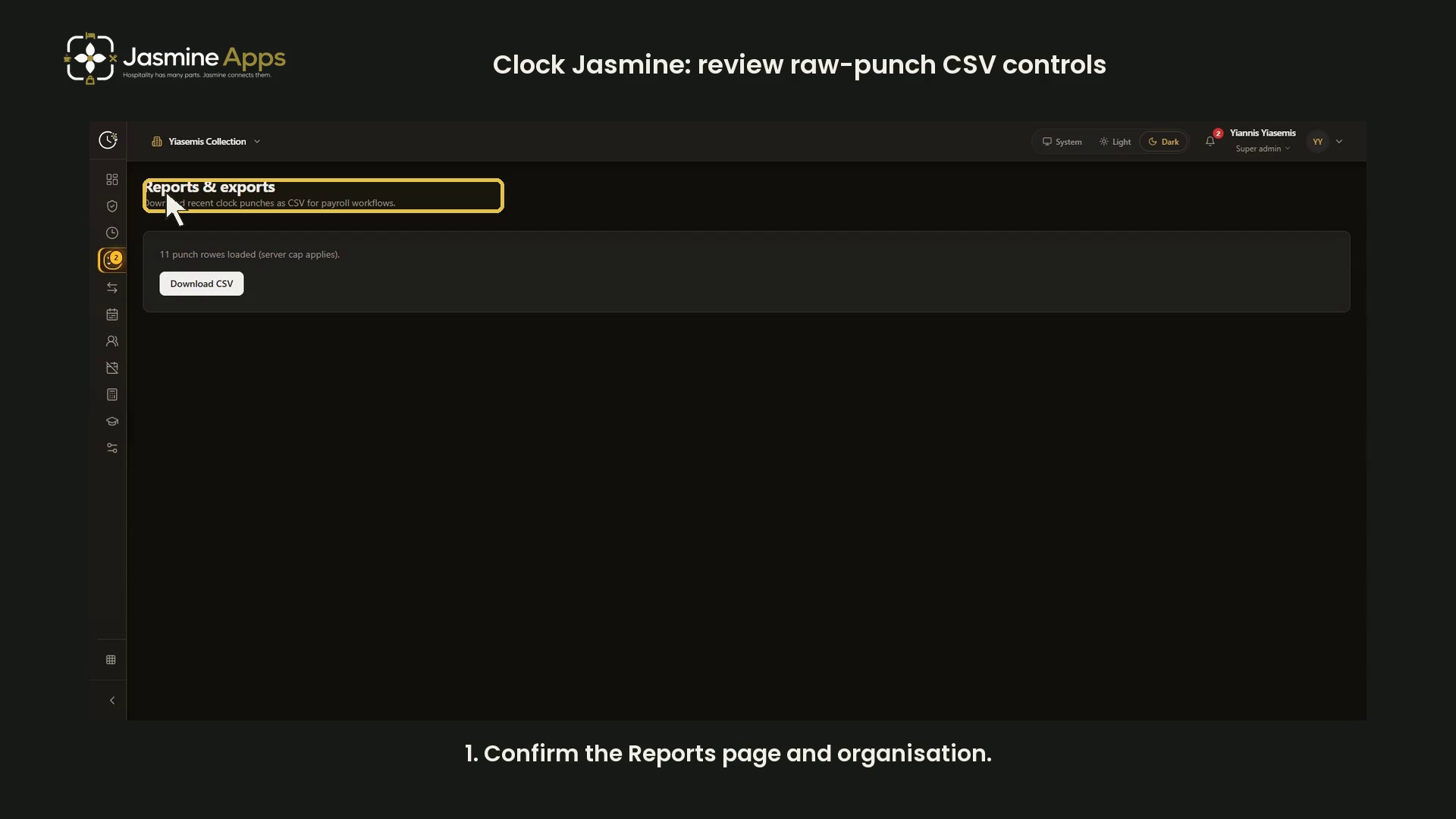
- Clock Jasmine: review raw-punch CSV controls
- Getting started with Clock Jasmine: staff onboarding
- View all Clock Jasmine
Clock Jasmine Kiosk1
Jasmine Loyalty7

- Jasmine Loyalty: edit and preview the welcome email
- Jasmine Loyalty: find and review achievement titles
- Jasmine Loyalty: getting started with video guides
- Jasmine Loyalty: guest sign-in and homepage preview
- Jasmine Loyalty: prepare a reward package
- Jasmine Loyalty: review venue profiles and events
- Jasmine Loyalty: scheme rates and redemption settings
- View all Jasmine Loyalty
Jasmine Maintenance2

Jasmine Marketing Hub3

Jasmine TV6

- Jasmine TV Activity: understand the page and empty state
- Jasmine TV Apps: review visibility, availability and order
- Jasmine TV Hotel info: sections, formatting and preview
- Jasmine TV Local attractions: cards, pictures and QR codes
- Jasmine TV rooms: review room and guest-stay controls
- Jasmine TV: preview the welcome screen
- View all Jasmine TV
Sign Jasmine3

Spa Booking9
- Spa Booking: prepare a therapist from the team
- Spa Booking: prepare a treatment
- Spa Booking: prepare an appointment
- Spa Booking: read the calendar and selected day
- Spa Booking: read the commission explanation
- Spa Booking: review treatment-room capacity
- Spa Booking: review widget settings and preview
- Spa Booking: search guests and understand no matches
- Spa Booking: settings and configuration video guides
- View all Spa Booking

Till Jasmine EPOS11

- Add Till Jasmine void reasons
- Pair a Till Jasmine EPOS till
- Review Till Jasmine users and permissions
- Till Jasmine: bought-in recipients and loyalty search
- Till Jasmine: customise receipt QR codes and text
- Till Jasmine: enter and correct an order
- Till Jasmine: review add-on groups and choices
- Till Jasmine: review linked and till-only tables
- Till Jasmine: review trading day, lock screen and service charge
- Till Jasmine: save and reopen table and room orders
- Track stock in Till Jasmine
- View all Till Jasmine EPOS
- Tutorial
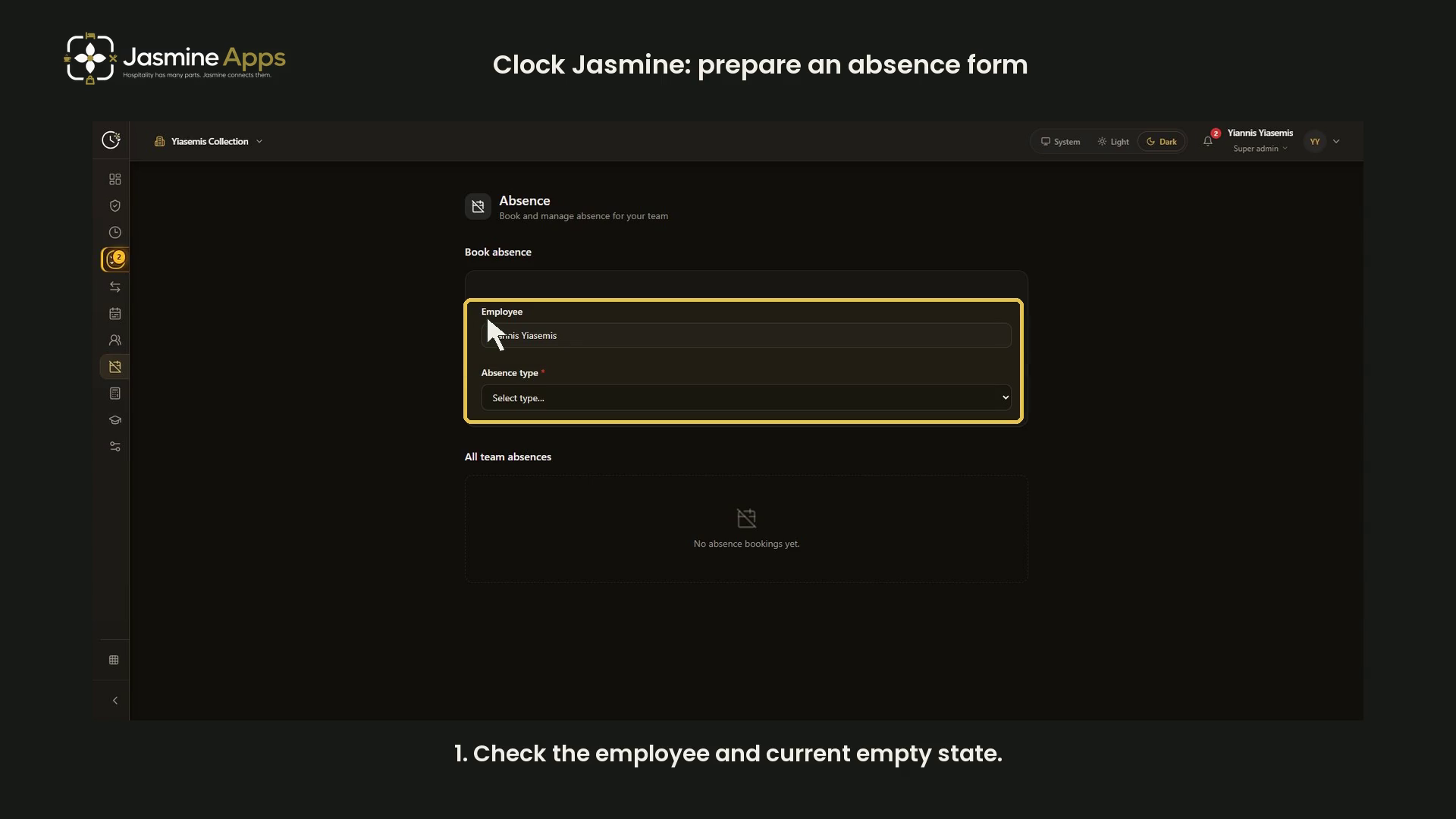
Clock Jasmine: prepare an absence formReview absence type, dates, summary, attachments and notes in a narrated dark-mode walkthrough of an unsaved form. No absence or approval record created.
- Tutorial
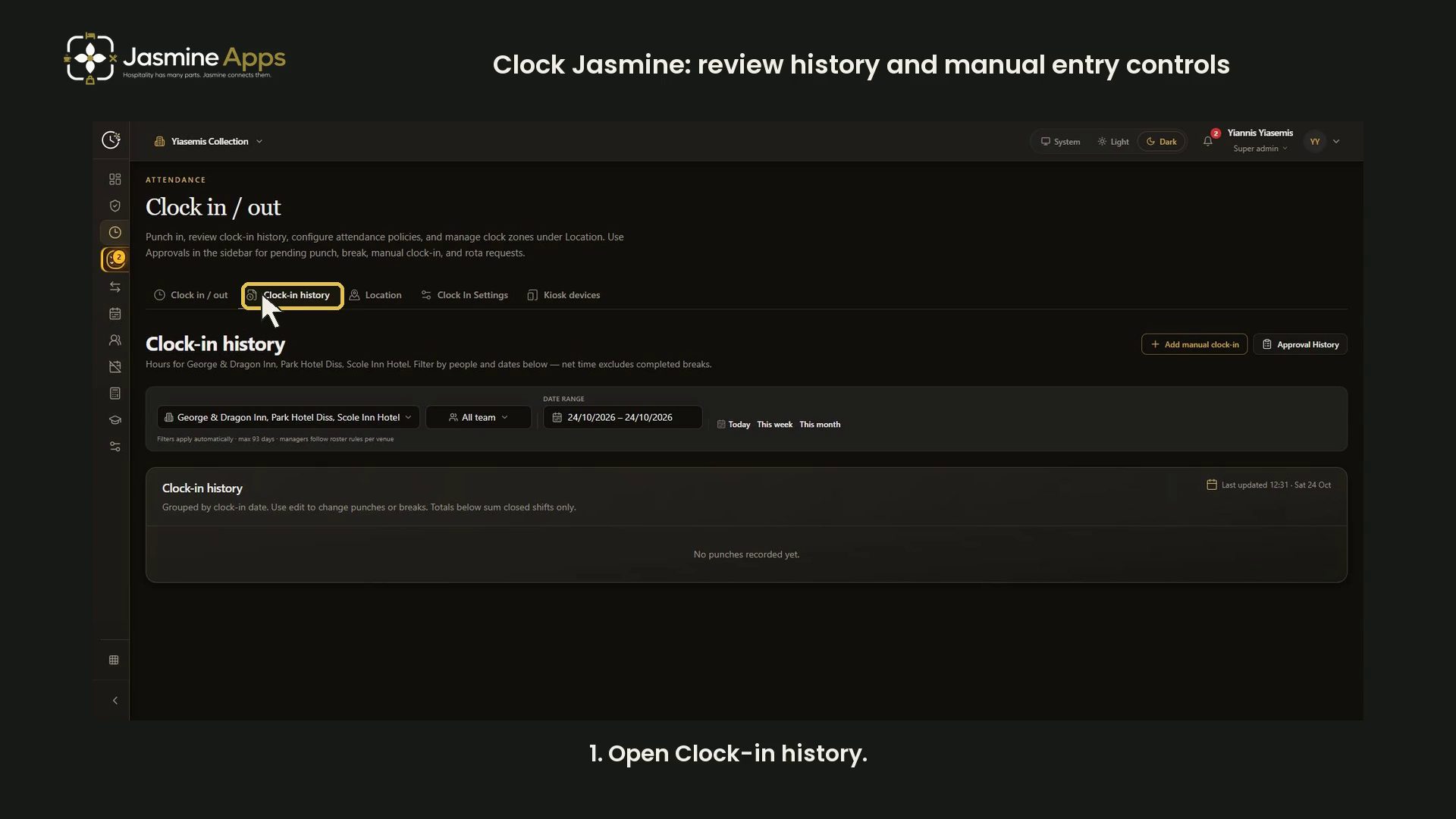
Clock Jasmine: review history and manual entry controlsReview attendance filters, history totals and the blank manual entry form in a narrated dark-mode walkthrough. No punches or approvals changed.
- Tutorial

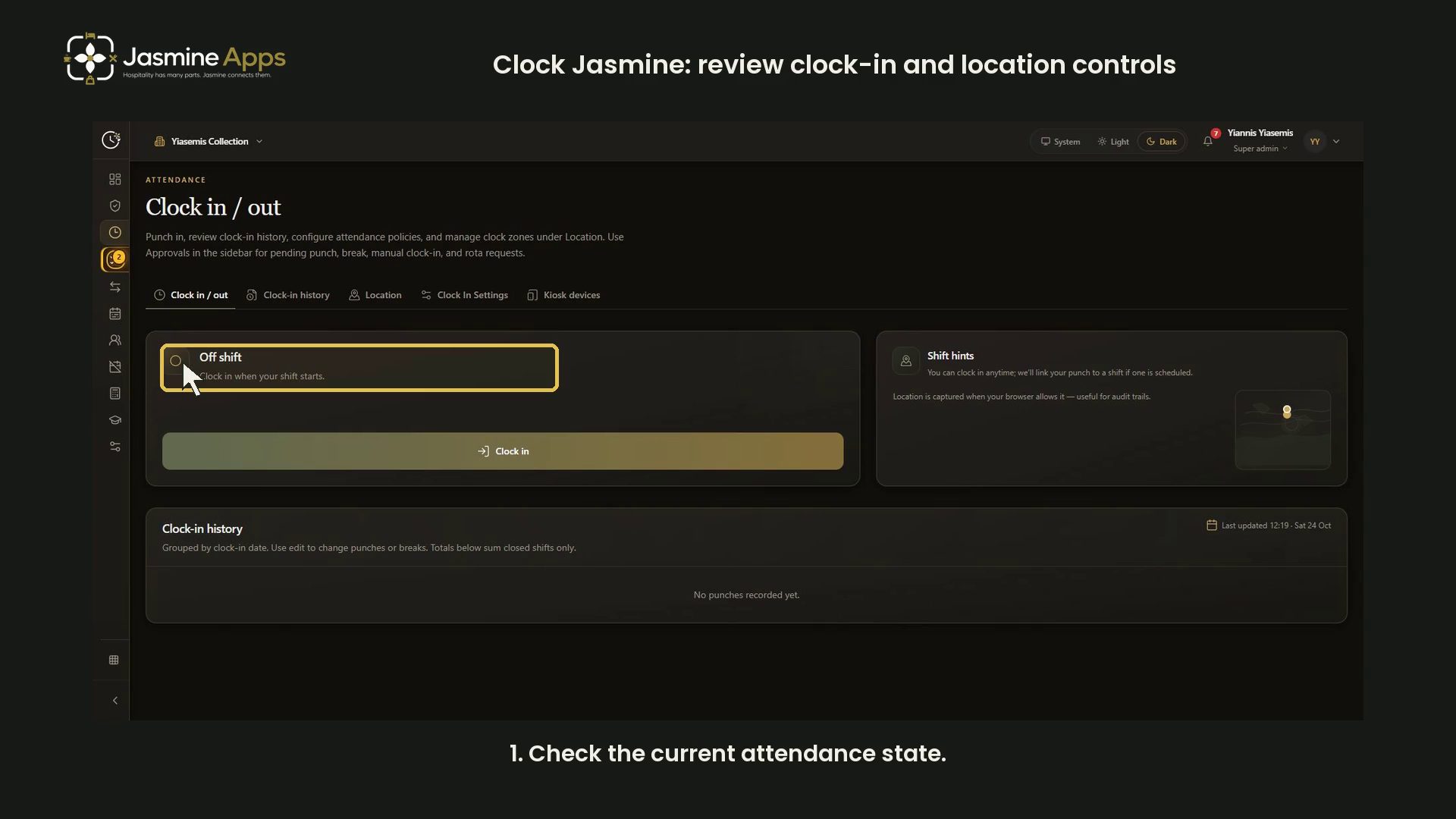
Clock Jasmine: review clock-in and location controlsReview the off-shift screen, attendance hints, history and a blank clock-location form in a narrated dark-mode walkthrough. No punches or zones saved.
- Tutorial

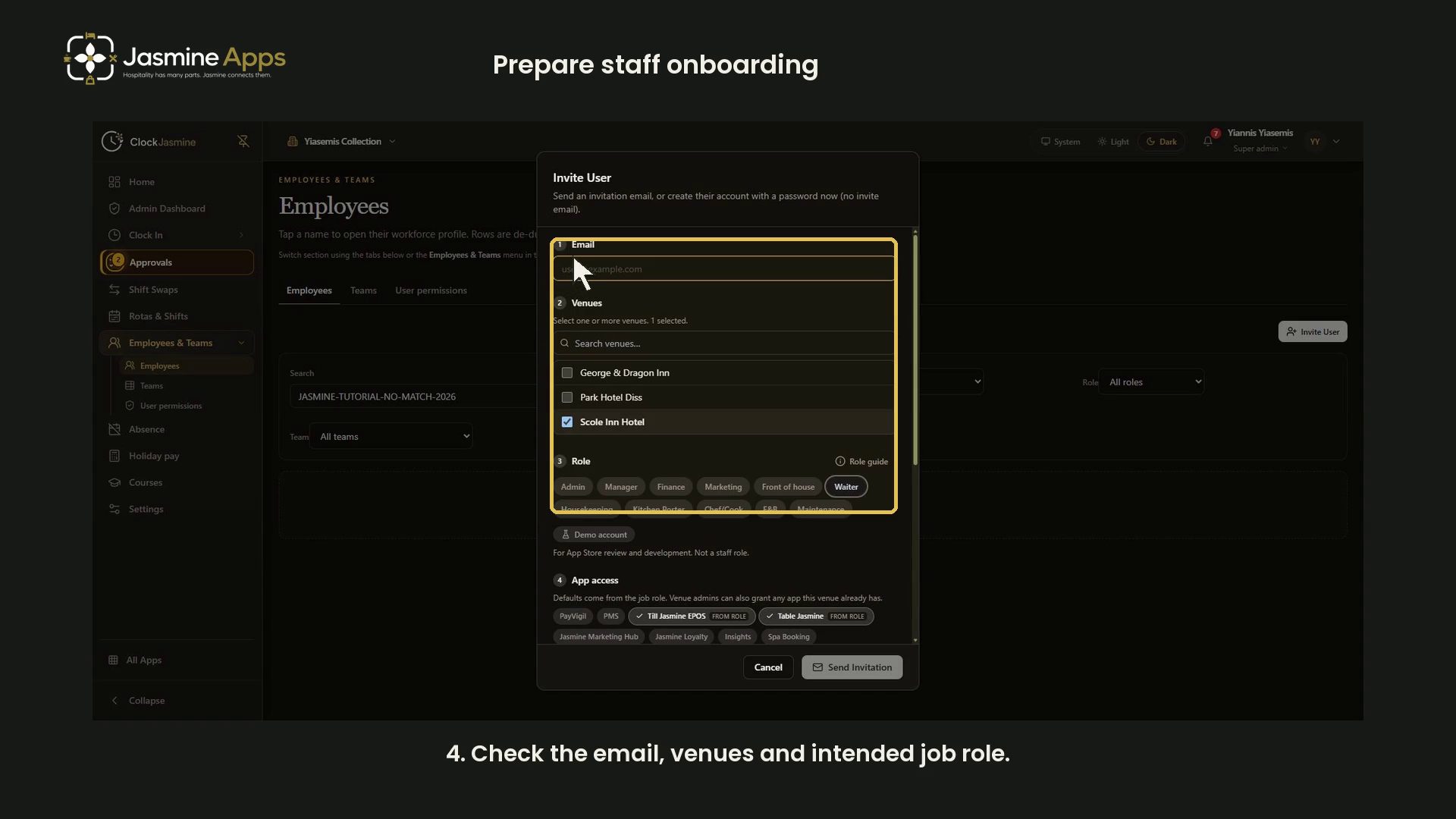
Getting started with Clock Jasmine: staff onboardingPrepare Clock Jasmine staff onboarding with a contract preview, venue and role checks, app access and invitation options. Includes a narrated dark-mode walkthrough.
- Tutorial

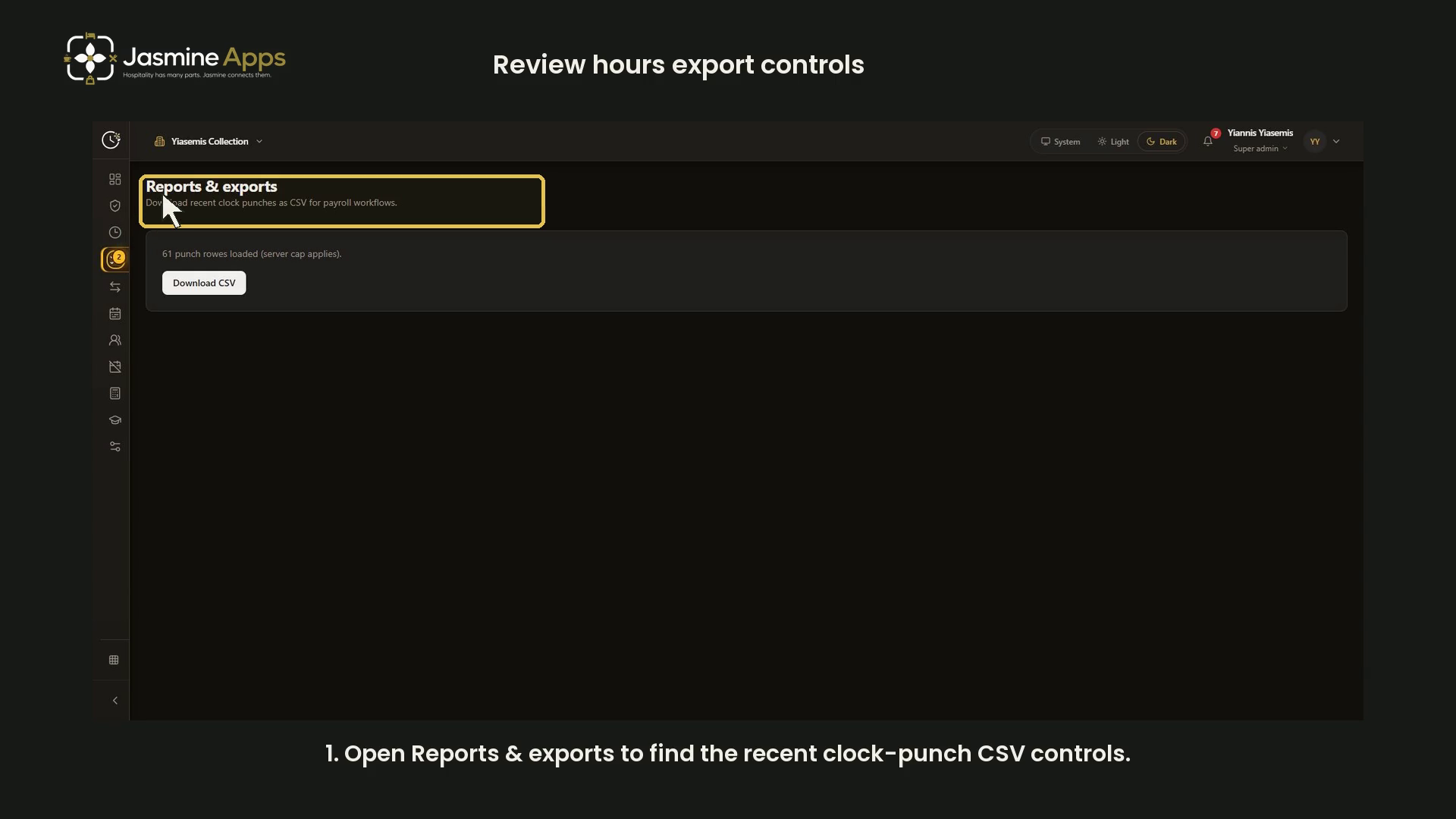
Clock Jasmine: review hours export controlsFind the recent clock-punch CSV controls and check the loaded-row scope before payroll use. Includes a narrated dark-mode video; no employee records or bank details are shown.
- Tutorial

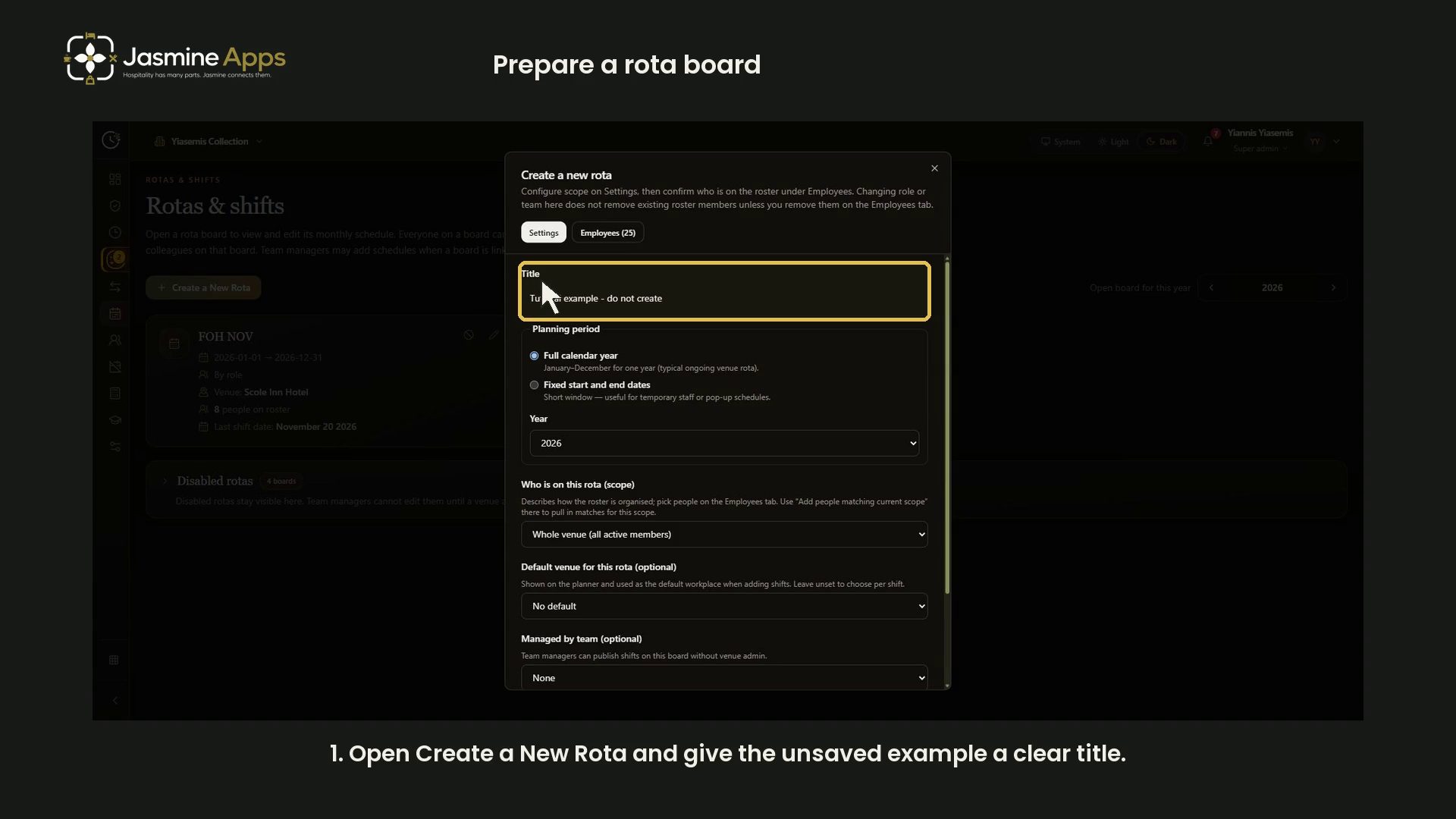
Clock Jasmine: prepare a rota boardReview a new rota board’s title, planning dates, roster scope, venue defaults and managing-team controls with a narrated dark-mode walkthrough. The example is closed without creating a board.

Hotel technologyHospitality Rota Administration Cost: What Happens Before the Shift?Your hospitality rota administration cost includes planning, availability checks and corrections. See where your manager’s time goes before shifts begin.

Hotel technologyHospitality New Starter Shift Plan: Make the First Seven Shifts CountYour hospitality new starter shift plan should turn induction into dependable service. Map seven supported shifts, clear checks and the right daily access.

Staff and rotasSeasonal Hospitality Training: Check Skills, Not Just CompletionYour seasonal hospitality training should change work on the floor. Choose role-specific refreshers, observe the task and check what your team can deliver.

Staff and rotasHospitality Rota Changes: Stop the Last-minute Chasing LoopYour hospitality rota changes need ownership and one approved schedule. Reduce repeated chasing, check working patterns and measure the handover work.

Staff and rotasHospitality Rota Software ROI: Is £1 Per Employee Worth It?Hospitality rota software ROI starts with the £25 minimum. Compare time saved, stable scheduling evidence and a practical test of Clock Jasmine at work.

Staff and rotasHospitality Staff Access Review: Your Former Supervisor May Still Have Manager PermissionsHospitality staff access review must cover role changes as well as leavers. Check each app and venue so permissions reflect the work your team does now.

Staff and rotasHospitality Software Adoption: Why a Completed Training Session Is Not a Working RolloutHospitality software adoption is not proved by training attendance. Test roles, ordinary tasks and exceptions to make your rollout work across every shift.

Staff and rotasOpening a Second Venue: Standardise Staff Processes FirstPrepare second venue staff processes with clear teams, access, rota ownership and attendance checks before copying your first site’s routine.

Staff and rotasStaff Cannot See Their Clock Jasmine Shift?Clock Jasmine shift not visible? Check employee scope, the rota month and publication before changing clock-in policies or adding another shift.

Staff and rotasAt Work but Clock Jasmine Refuses GPS Clock-In?Clock Jasmine GPS clock-in refused at work? Check location access, reported accuracy and venue settings before changing the attendance policy.

Staff and rotasForgot to Clock Out in Clock Jasmine? What Happens Next?Forgot to clock out in Clock Jasmine? Check history, record the actual shift times and use the approved correction process before payroll export.

Staff and rotasClock Jasmine Break Time Looks Wrong? Check the HistoryClock Jasmine break time looks wrong? Check Start break, End break and shift history before applying another deduction or exporting the hours.

Staff and rotasClock Jasmine CSV Missing Hours? Check Before Re-ExportingClock Jasmine CSV missing hours? Check approved punch records and the exported file before sending another version to your payroll provider.

Staff and rotasSpreadsheet Rotas or Rota Software for a Busy Kitchen?Compare kitchen rota software with spreadsheets around clashes, staff visibility, changes and attendance records before changing your planning process.

Staff and rotasA Hotel Employee’s First Week: Access, Training and AttendancePlan a hotel employee’s first week with role-specific access, practical training, a visible rota and an attendance routine the new starter can follow.

Staff and rotasBank Holiday Hospitality Rotas: Plan the Peaks and the HandoverBuild a bank holiday hospitality rota around actual service peaks, staff scope, leave and clear published shifts before the busy weekend.

Staff and rotasSummer Seasonal Staff: Prepare Access Before the First ShiftPrepare summer seasonal staff with correct venue access, published shifts, targeted training and an attendance exception route before service starts.
- Tutorial

Clock Jasmine My Team: review manager setupThis video reviews the existing demo captures for team-manager setup. It does not demonstrate the current My Team page or change live access.
- Tutorial

Clock Jasmine: review raw-punch CSV controlsReview Clock Jasmine Reports, the loaded-punch count, server-cap notice and CSV control in a narrated dark-mode guide. No staff-time file shared.
- Tutorial

Clock Jasmine: prepare course content and a quizWalk through course details, learning sections, quiz answers, duration, approval and publication controls in Clock Jasmine. Includes a narrated dark-mode video and complete screenshots.
- Tutorial

Clock Jasmine staff handbook: read the published pageRead the staff handbook in Clock Jasmine to find workplace guidance. The video uses an existing fictional demo capture and covers the reader page.
- Tutorial

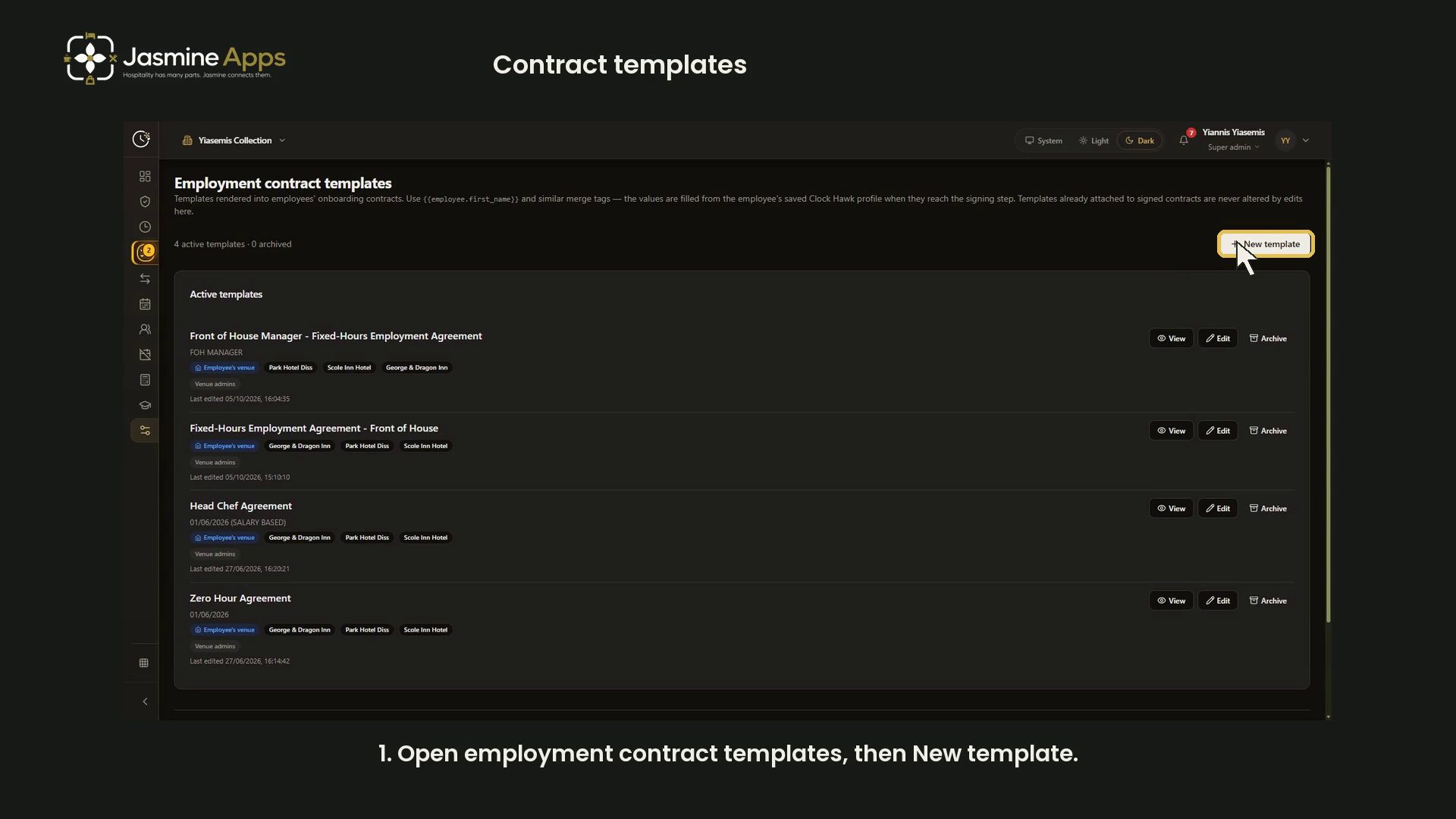
Clock Jasmine contract templates: merge tags and previewWalk through the Clock Jasmine contract template editor: venue scope, sender controls, wage options, merge tags and a live sample preview, with a narrated video.