

TutorialIn-app guide
Clock Jasmine: review hours export controls
· Jasmine Apps
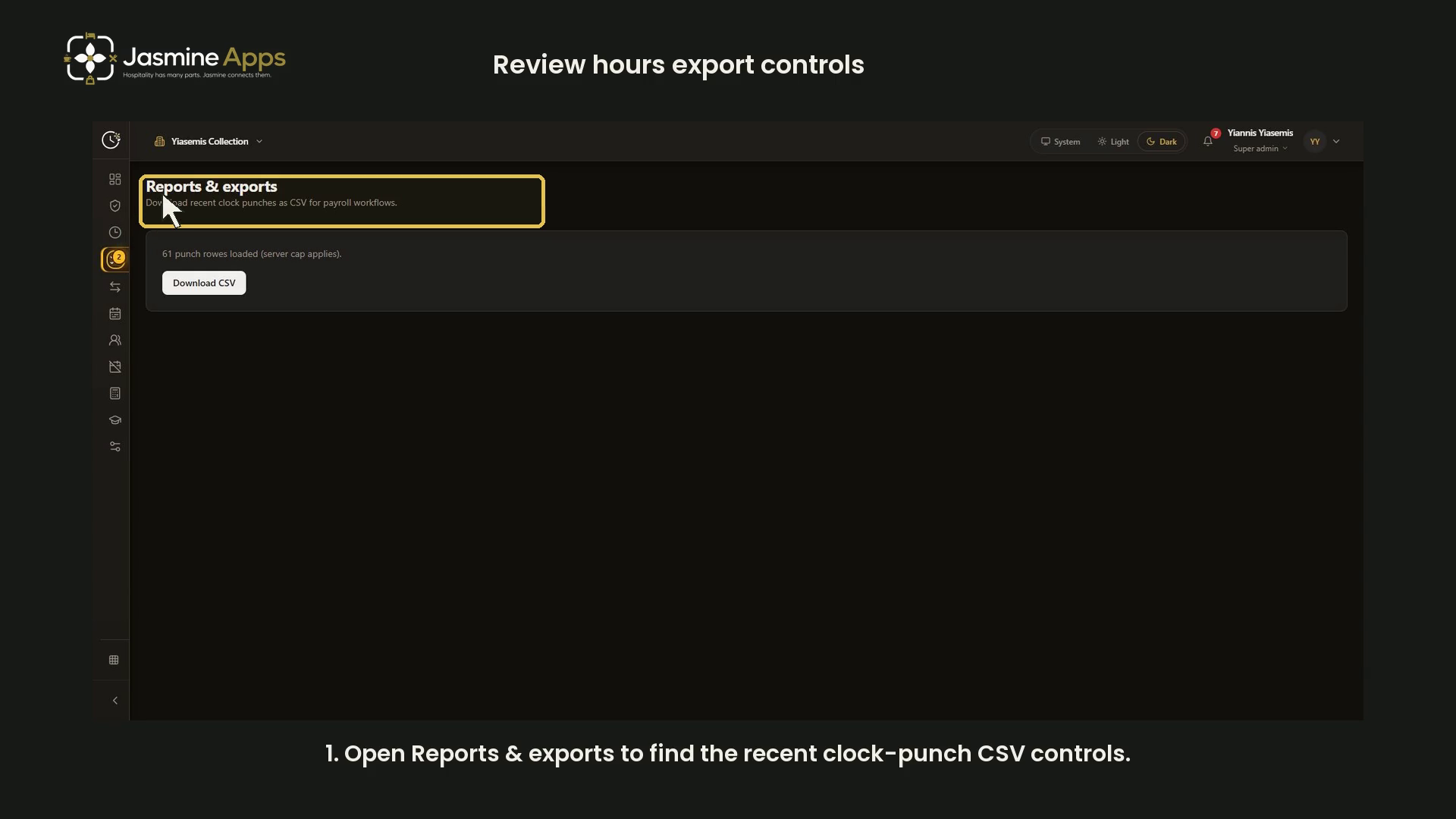
Find the Clock Jasmine hours export controls and check what the Reports & exports screen actually shows before using a CSV for payroll. This short narrated dark-mode guide reviews the current page without showing employee punch records.
Watch the walkthrough
1. Open Reports & exports
Open Reports & exports. The page describes its download as recent clock punches as CSV for payroll workflows. Access depends on your account permissions.
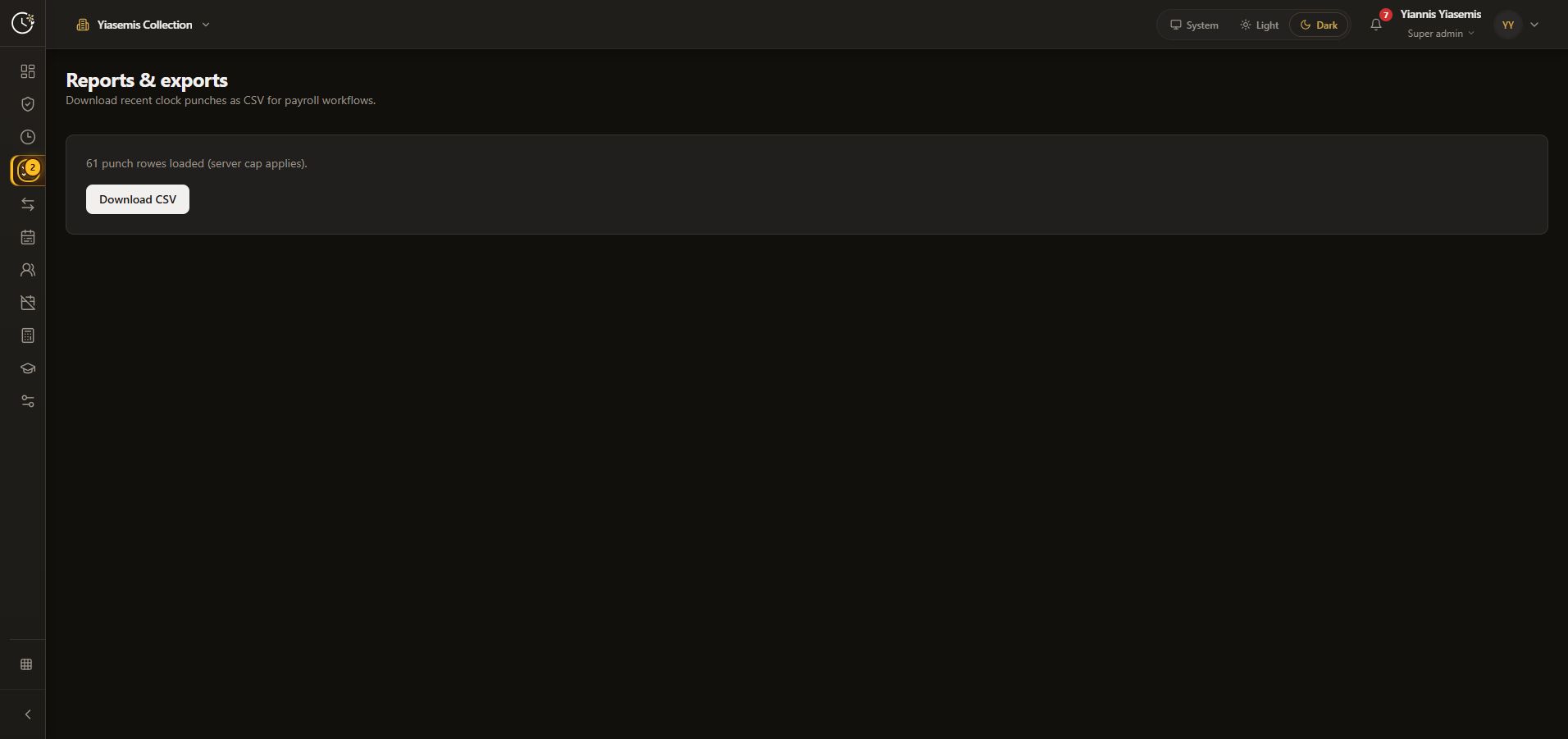
2. Check the loaded-row scope
Read the loaded punch-row count and the server cap applies notice. The recorded page shows a count, not individual employee rows. Its current layout has no date picker. Do not assume that a recent-row export necessarily contains every record for your pay period.
The count can change as records are added or access changes. Use the current count as page feedback, not proof that your payroll dataset is complete.
3. Request a CSV and verify the saved file
Select Download CSV to request the file. Check the browser's download result and open the saved file through your normal authorised payroll workflow. Confirm its dates and coverage before using or sending it.
Confirm that the file was saved successfully and that its dates cover the period you need. This guide focuses on the export controls and does not include an employee CSV.
Scope of this guide
This is a guide to the visible hours-export screen. It does not calculate holiday pay, inspect bank details, approve timesheets, change payroll settings or demonstrate a completed payroll run. Keep employee records in the appropriate restricted workflow.