

TutorialIn-app guide
Marketing Hub: review subscribers and the add form
· Jasmine Apps
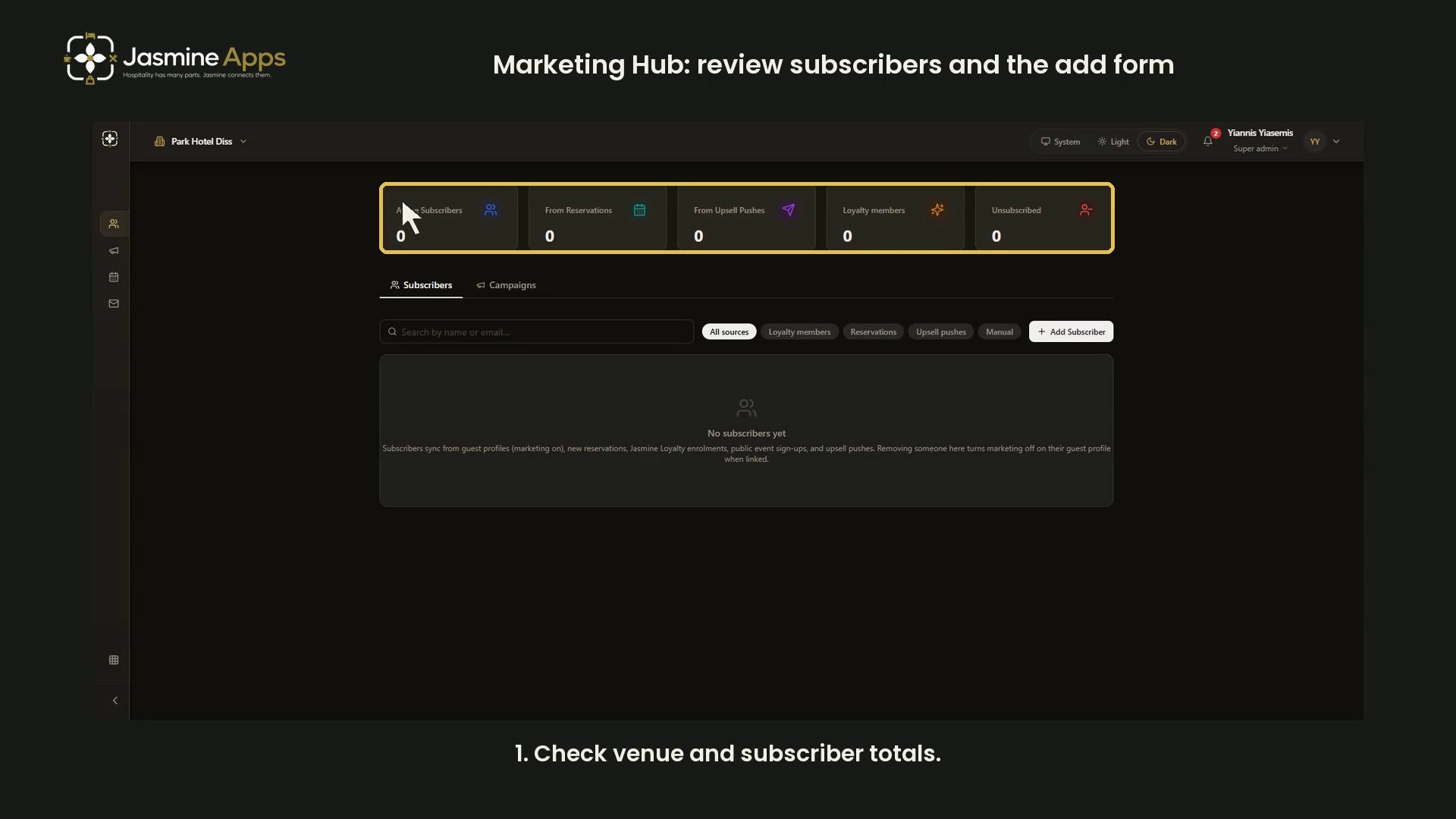
Jasmine Marketing Hub brings subscriber sources into one view. This dark-mode walkthrough uses an empty Park Hotel Diss subscriber list and a blank Add Subscriber form. It does not subscribe or remove anyone.
Watch the walkthrough
Check the selected venue
Open Subscribers. Confirm the venue before reading active and source counts. This example has no subscribers, so no guest contact details appear.
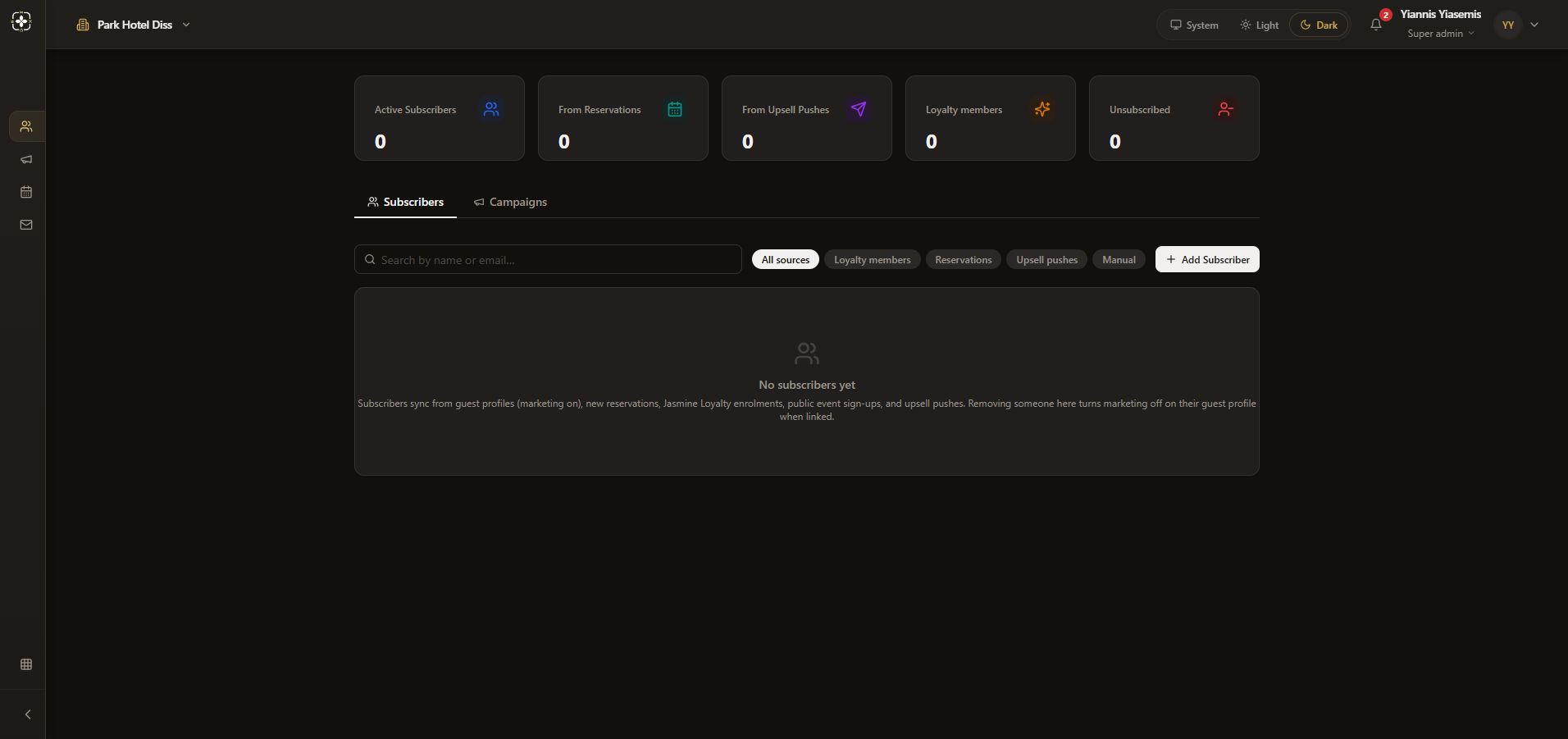
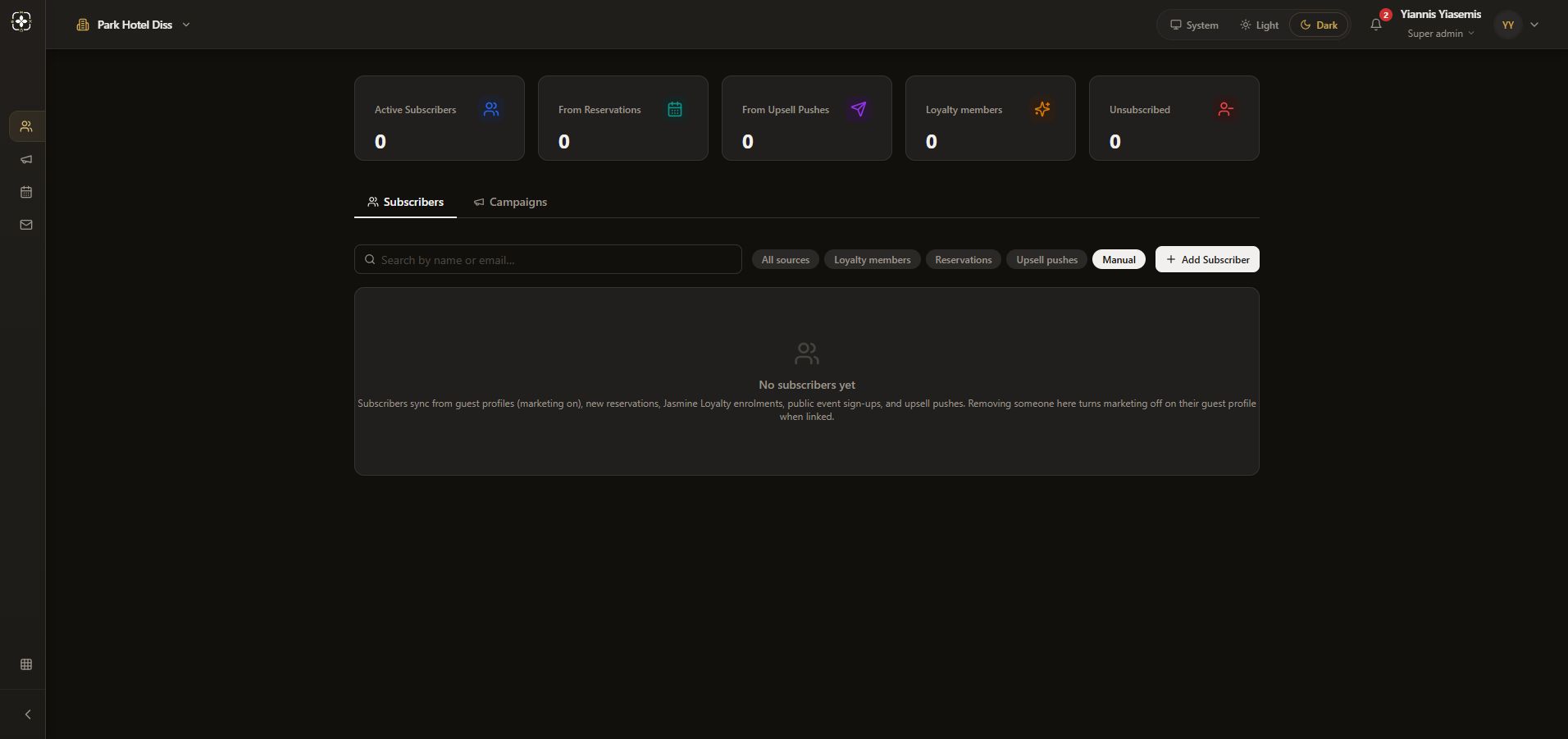
Filter and search
Use All sources, Loyalty members, Reservations, Upsell pushes or Manual. The search field accepts a name or email. An empty result can simply mean that nothing matches the selected scope.
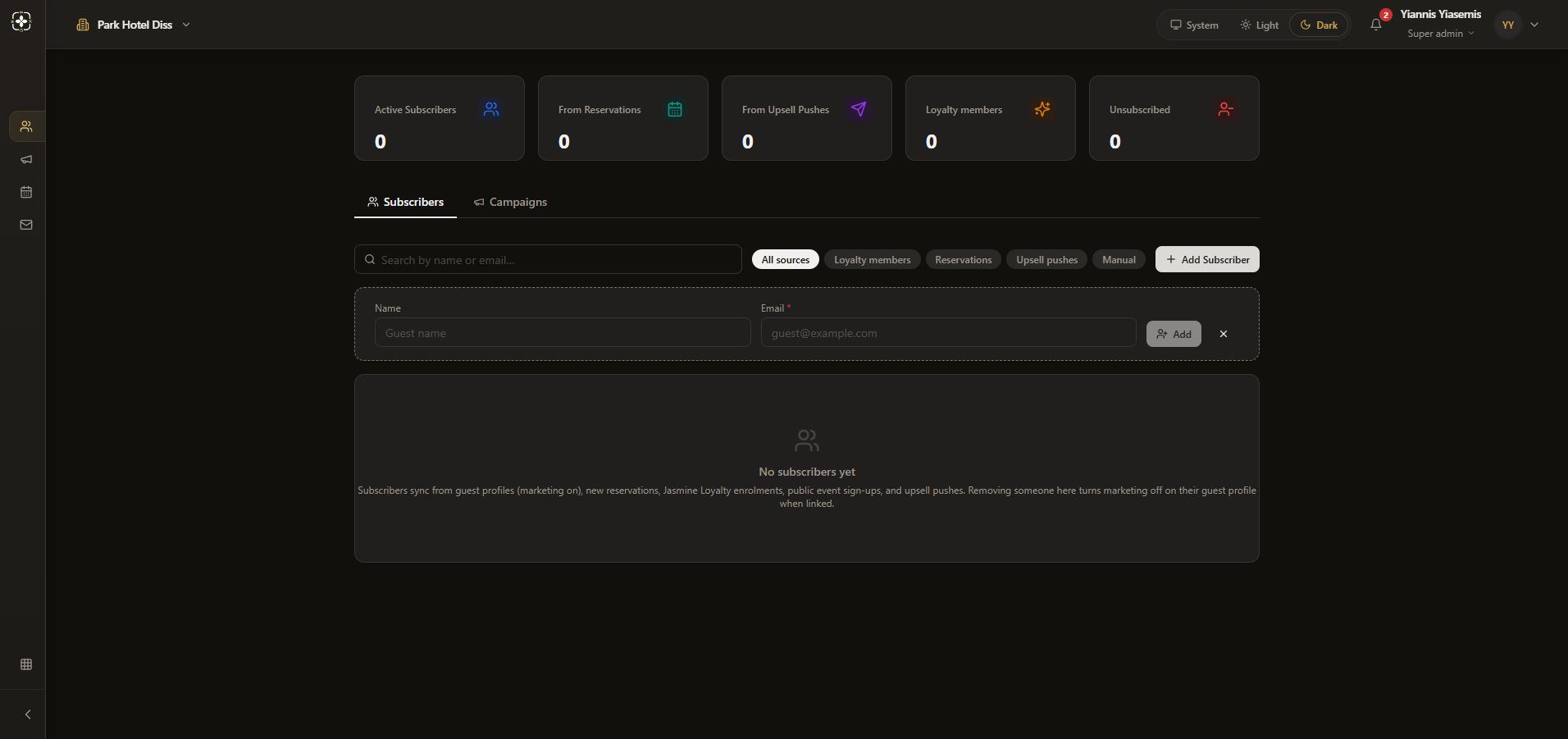
Review the add form
Choose Add Subscriber. The inline form has Name and required Email fields. Both remain blank here, and Add is disabled. Use the cross to close the form without adding anyone.
Understand removal before using it
The empty-state note explains that removing a subscriber turns marketing off on the linked guest profile. This walkthrough makes no removal and sends no message. Campaign creation and sending are separate workflows.
No subscriber, guest preference or campaign was changed.