

TutorialIn-app guide
Jasmine Loyalty: guest sign-in and homepage preview
· Jasmine Apps
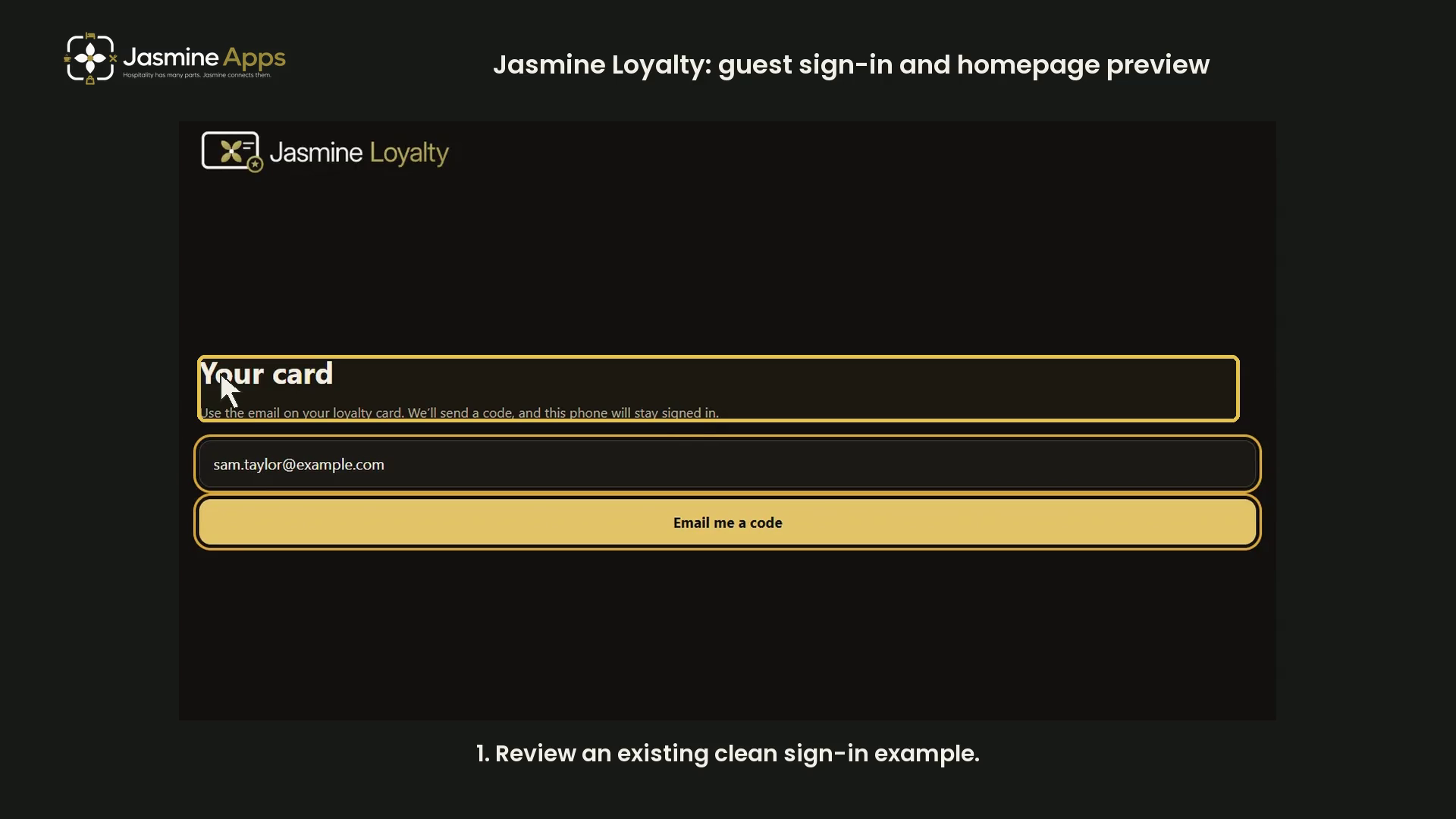
This Jasmine Loyalty guide combines an existing clean dark-mode sign-in example with the app's labelled guest-homepage preview. It reviews entry and homepage layout without signing in to a real member account.
Watch the walkthrough
Review the sign-in screen
Your card asks for the email on the loyalty card. The example uses an example.com address and shows the Email me a code control. That control is not pressed in the demonstration; no email or code is sent.
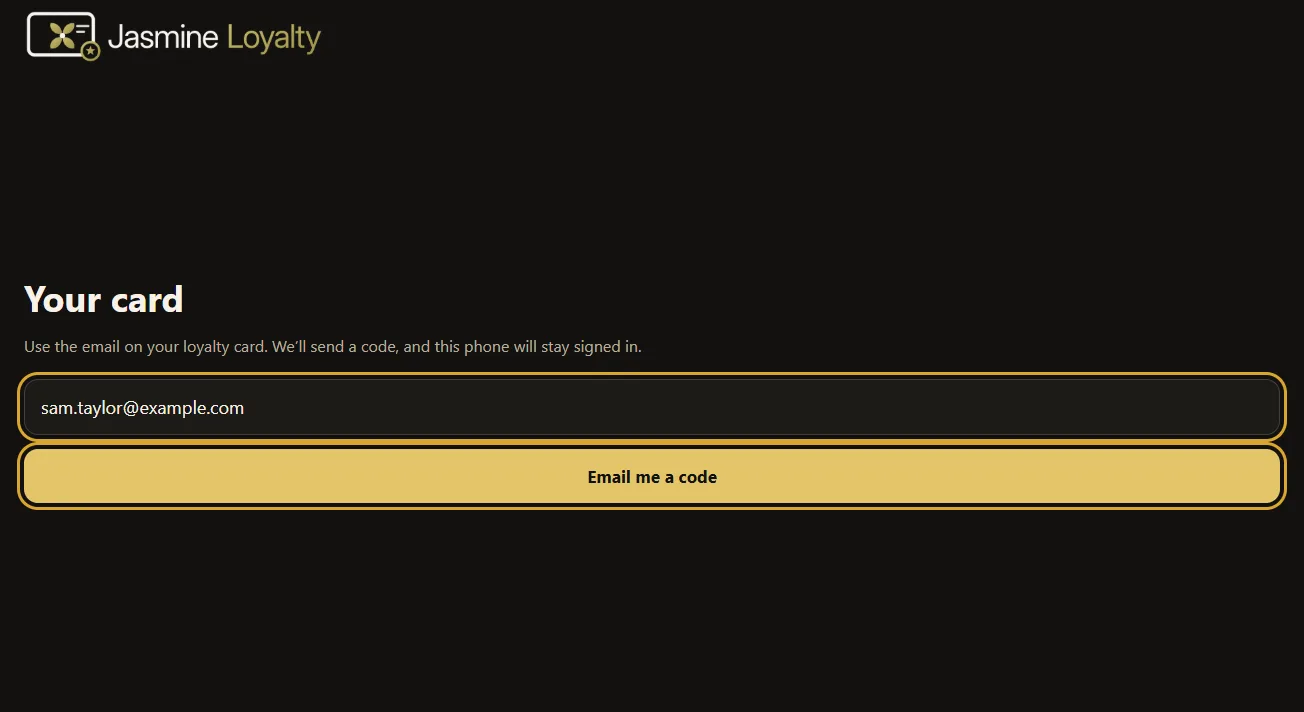
For a real sign-in, the guest should use the address associated with their own loyalty card. This guide does not demonstrate code entry or account recovery.
Read the sample homepage card
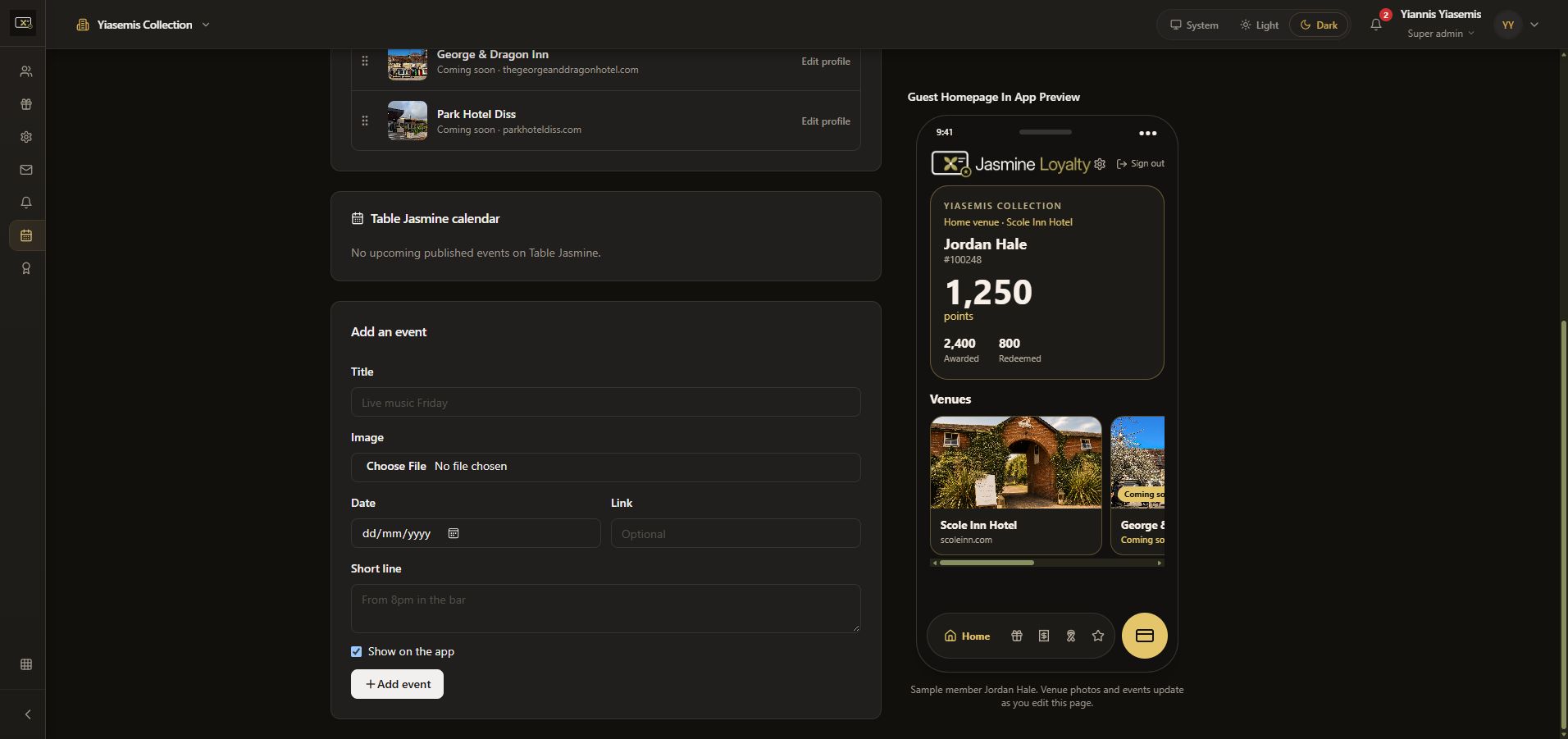
The separate Guest Homepage In App Preview displays sample member Jordan Hale. The preview shows a member number, points balance, awarded total and redeemed total. These are demonstration values, not a real customer's balance.
Review venue cards and navigation
The homepage preview includes venue cards and navigation controls. The venue-management page explains that a member's home venue stays on top, with Coming soon venues underneath active ones.
This walkthrough does not show a signed-in customer's private activity, issue rewards, redeem points or change an account. For venue profile controls, see Venues / Events.