Jasmine Maintenance
Guides and posts filed under Jasmine Maintenance.
Tutorials56
All tutorials
Clock Jasmine11
- Clock Jasmine contract templates: merge tags and preview
- Clock Jasmine My Team: review manager setup
- Clock Jasmine staff handbook: read the published page
- Clock Jasmine: prepare a rota board
- Clock Jasmine: prepare an absence form
- Clock Jasmine: prepare course content and a quiz
- Clock Jasmine: review clock-in and location controls
- Clock Jasmine: review history and manual entry controls
- Clock Jasmine: review hours export controls
- Clock Jasmine: review raw-punch CSV controls
- Getting started with Clock Jasmine: staff onboarding
- View all Clock Jasmine
Clock Jasmine Kiosk1
Jasmine Loyalty7

- Jasmine Loyalty: edit and preview the welcome email
- Jasmine Loyalty: find and review achievement titles
- Jasmine Loyalty: getting started with video guides
- Jasmine Loyalty: guest sign-in and homepage preview
- Jasmine Loyalty: prepare a reward package
- Jasmine Loyalty: review venue profiles and events
- Jasmine Loyalty: scheme rates and redemption settings
- View all Jasmine Loyalty
Jasmine Maintenance2

Jasmine Marketing Hub3

Jasmine TV6

- Jasmine TV Activity: understand the page and empty state
- Jasmine TV Apps: review visibility, availability and order
- Jasmine TV Hotel info: sections, formatting and preview
- Jasmine TV Local attractions: cards, pictures and QR codes
- Jasmine TV rooms: review room and guest-stay controls
- Jasmine TV: preview the welcome screen
- View all Jasmine TV
Sign Jasmine3

Spa Booking9
- Spa Booking: prepare a therapist from the team
- Spa Booking: prepare a treatment
- Spa Booking: prepare an appointment
- Spa Booking: read the calendar and selected day
- Spa Booking: read the commission explanation
- Spa Booking: review treatment-room capacity
- Spa Booking: review widget settings and preview
- Spa Booking: search guests and understand no matches
- Spa Booking: settings and configuration video guides
- View all Spa Booking

Till Jasmine EPOS11

- Add Till Jasmine void reasons
- Pair a Till Jasmine EPOS till
- Review Till Jasmine users and permissions
- Till Jasmine: bought-in recipients and loyalty search
- Till Jasmine: customise receipt QR codes and text
- Till Jasmine: enter and correct an order
- Till Jasmine: review add-on groups and choices
- Till Jasmine: review linked and till-only tables
- Till Jasmine: review trading day, lock screen and service charge
- Till Jasmine: save and reopen table and room orders
- Track stock in Till Jasmine
- View all Till Jasmine EPOS
- Tutorial
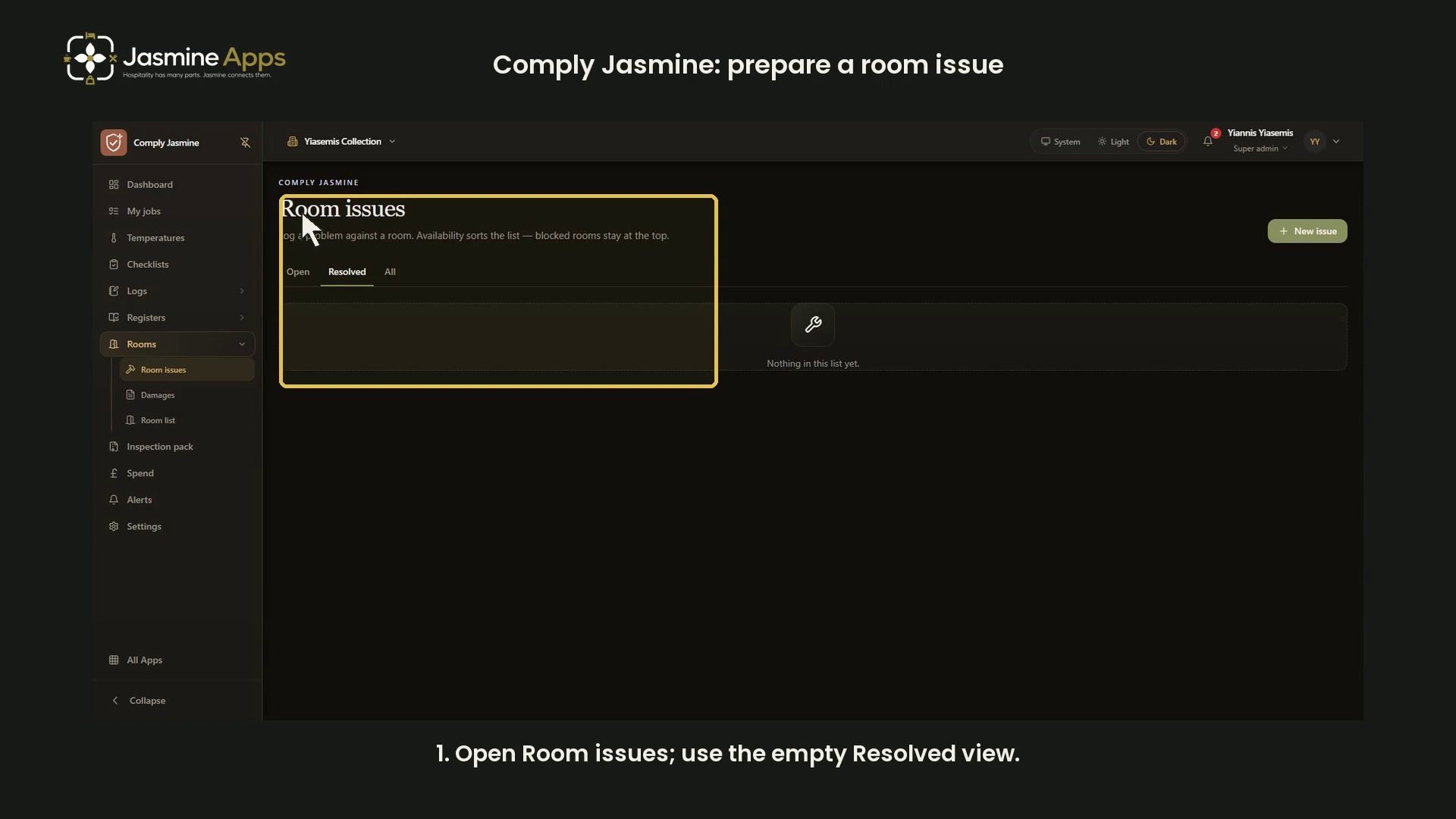
Comply Jasmine: prepare a room issueReview Comply Jasmine room-issue preparation, venue and room fields, availability choices and optional steps in dark mode. No issue logged.

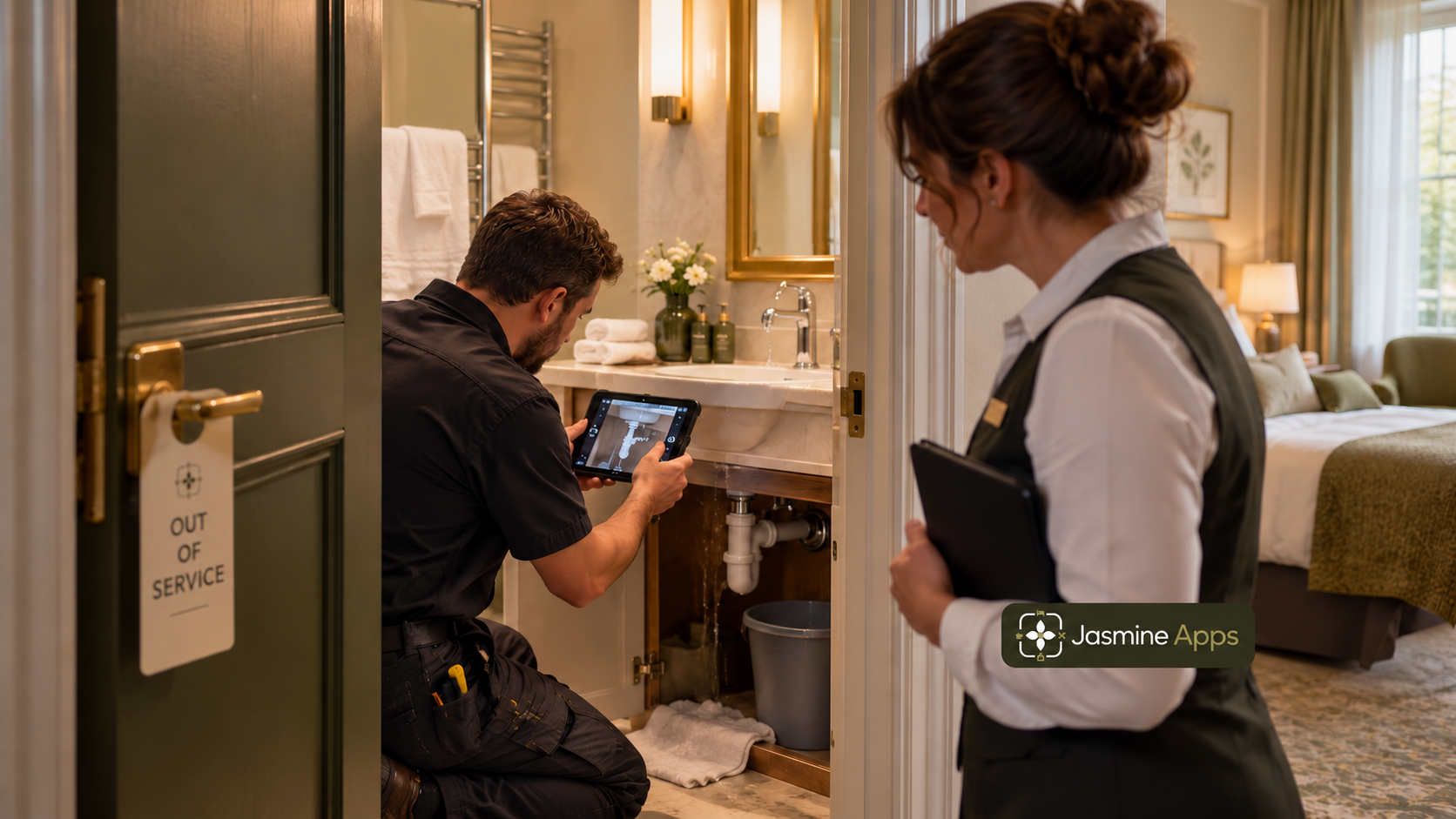
Hotel technologyHospitality Equipment Repair Lead Time: Can You Afford to Wait?Your hospitality equipment repair lead time can outweigh an invoice. Compare waiting, backup capacity and replacement delivery before choosing a next step.

Hotel technologyHotel Room Downtime Cost: What Does an Unavailable Room Lose?Your hotel room downtime cost depends on demand, contribution and recovery time. Value the loss behind a blocked room and plan maintenance handover well.

Hotel technologyHotel Preventive Maintenance Schedule: Plan Around Your GuestsYour hotel preventive maintenance schedule should match asset needs and guest access. Set ownership, evidence and release checks before filling a calendar.

Hotel technologyHotel Recurring Fault Investigation: Find the Cause Before Another RepairYour hotel recurring fault investigation should connect symptoms, repairs and operating conditions. Find what keeps returning before authorising a new fix.

MaintenanceHotel Asset Replacement Decisions: Repair Again or Replace?Your hotel asset replacement decisions need more than the next repair quote. Compare a common cost horizon, downtime and uncertainty before buying again.

MaintenanceHotel Maintenance Response Times: Find the Waiting Between JobsYour hotel maintenance response times include more than the repair. Track assignment, parts and room release to find the delay your team can actually fix.

MaintenanceHotel Maintenance Software ROI: What £79 Needs to SaveHotel maintenance software ROI depends on saleable rooms and repeat faults. Model a £79 plan, check availability and measure recoverable room contribution.

MaintenanceHotel Recurring Maintenance Faults: Why Closing More Tickets Can Hide the Real ProblemHotel recurring maintenance faults can hide behind closed tickets. Connect symptoms, repair evidence and room status to investigate a problem that returns.

MaintenanceWinter Hotel Room Checks: Turn Findings into Clear Repair TasksPrepare winter hotel room checks with factual room observations, honest availability and a clear repair handover before cold-weather pressure builds.

MaintenanceSpring Hotel Room Refresh: Keep Small Jobs from Getting LostPlan a spring hotel room refresh with stable room records, prioritised findings and a checked housekeeping handover instead of scattered job notes.

MaintenanceRoom Missing from Jasmine Maintenance? Check Save RoomsRoom missing from Jasmine Maintenance? Check the venue, Not saved state and Save rooms before renaming an existing room or logging against the wrong one.

MaintenanceResolved Maintenance Issue Still Open or Blocked?Jasmine Maintenance issue still open or blocked? Check saved steps, availability and Mark resolved, then review other faults and the reception handover.

MaintenanceCannot Add Photos or Reopen a Fault in Jasmine Maintenance?Cannot add photos or reopen a Jasmine Maintenance fault? Check the phone-versus-web workflow and resolved issue history before creating a duplicate.
- Tutorial

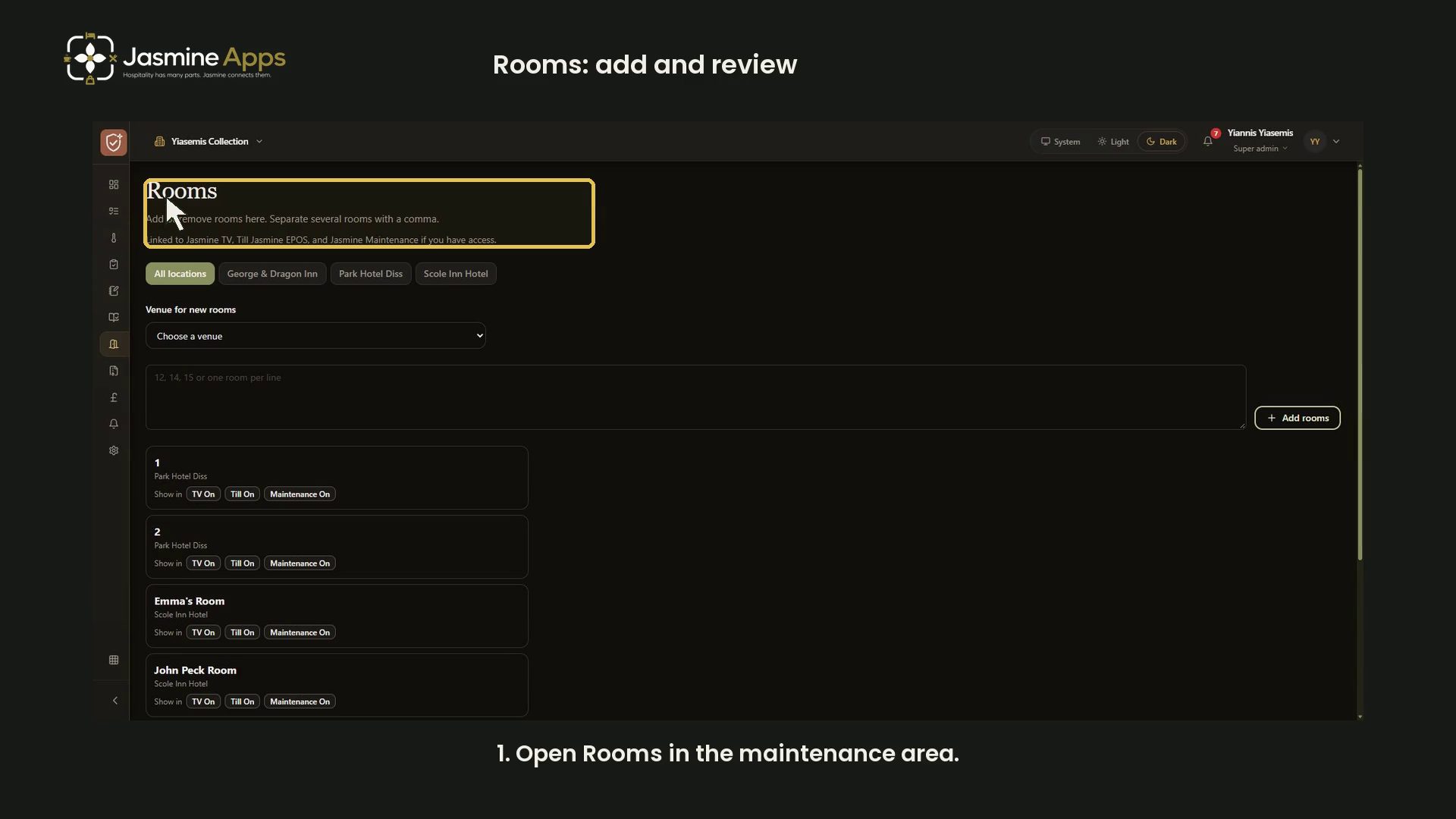
Jasmine Maintenance rooms: add names and review before savingFollow the current Rooms workflow in the maintenance area: choose a venue, stage room names, correct or remove unsaved rows and review before saving, with a narrated video.

MaintenanceOff-Season Hotel Maintenance: Plan Work Around Sellable RoomsPlan off-season hotel maintenance around actual work, guest impact and room-release checks while preparing a clear future Jasmine Maintenance workflow.