

TutorialIn-app guide
Spa Booking: settings and configuration video guides
· Jasmine Apps
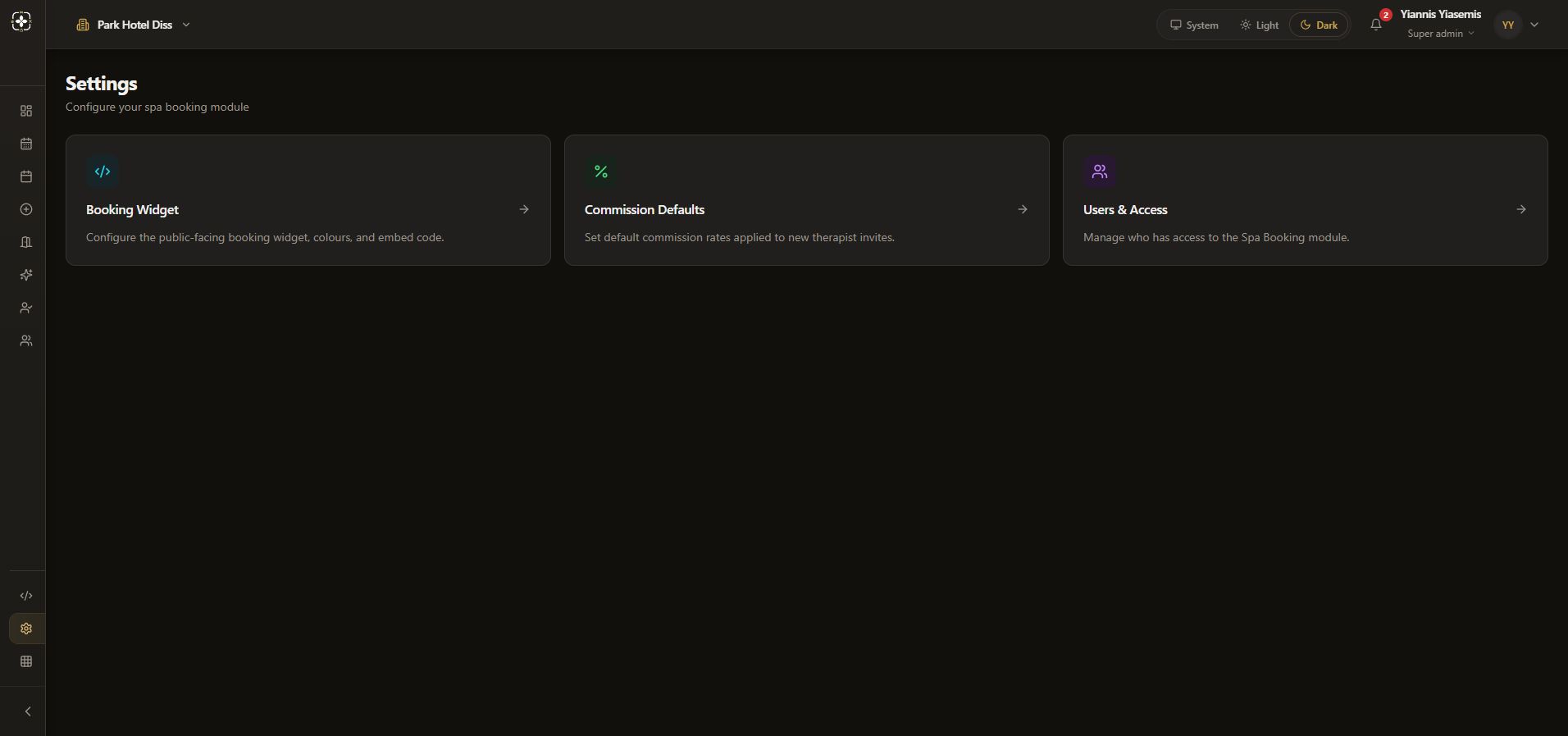
Spa Booking Settings links to public widget configuration, commission guidance and access administration. This overview places the existing narrated widget and commission walkthroughs beside the current dark-mode Settings page.
Start on Settings
Open Spa Settings and confirm the venue. The page has three navigation cards: Booking Widget, Commission Defaults and Users & Access.
Review the public widget
The widget walkthrough reviews its current preview, branding controls and embed settings using unsaved examples.
See the detailed widget guide. The demonstration does not save public widget changes.
Read commission guidance
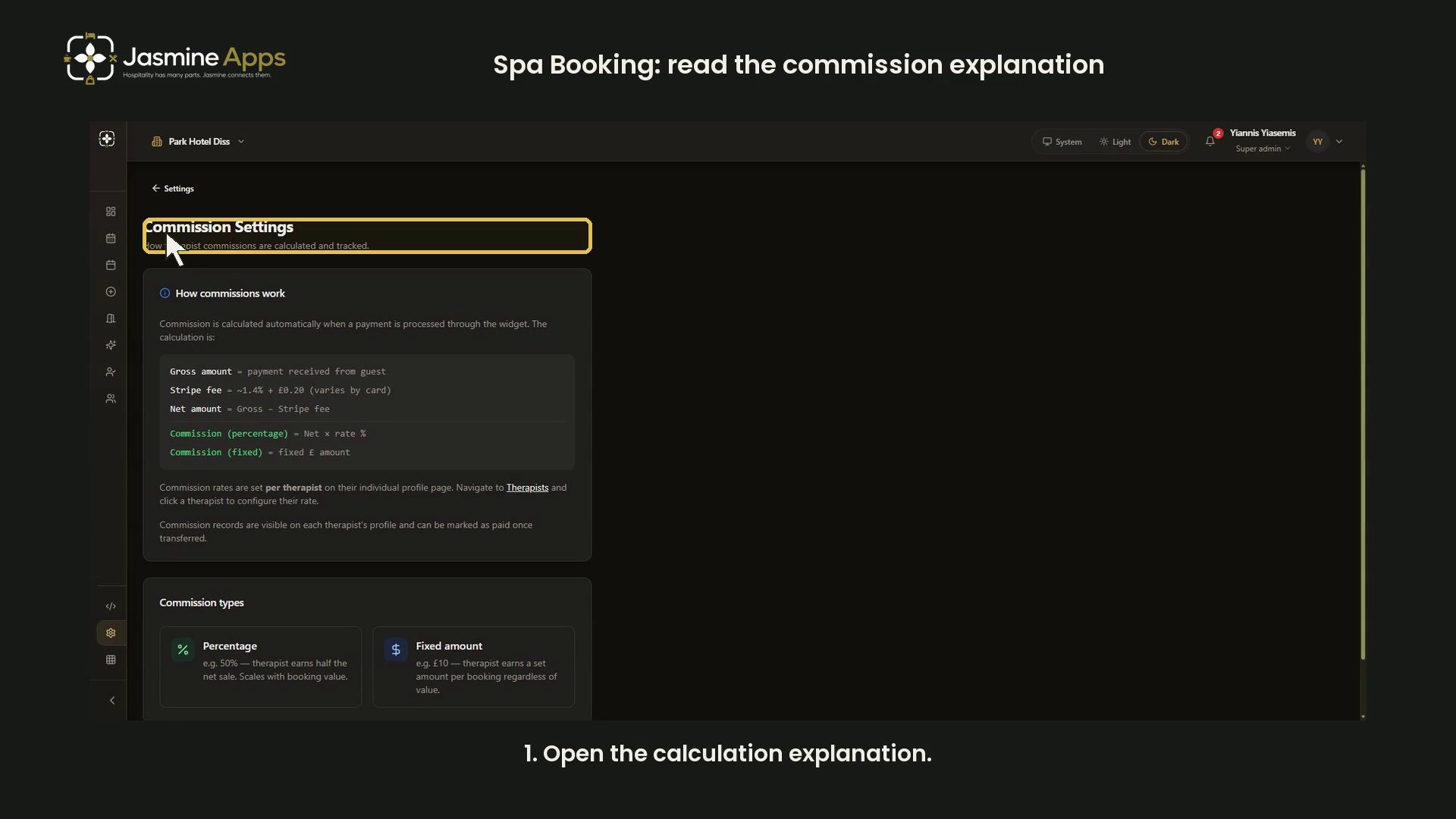
The landing card is labelled Commission Defaults. Its current destination explains per-therapist rates and has no global rate form. Read that destination before expecting a venue-wide default setting.
See commission terminology and the separate blank therapist form. No rate or paid status was changed.
Identify the access link
Users & Access opens administration. This overview identifies the link; it does not demonstrate granting, revoking or expanding access to guest bookings.
The embedded videos are the same established walkthroughs in their detailed guides. No new settings, invitations or permissions were saved.