

TutorialIn-app guide
Spa Booking: review treatment-room capacity
· Jasmine Apps
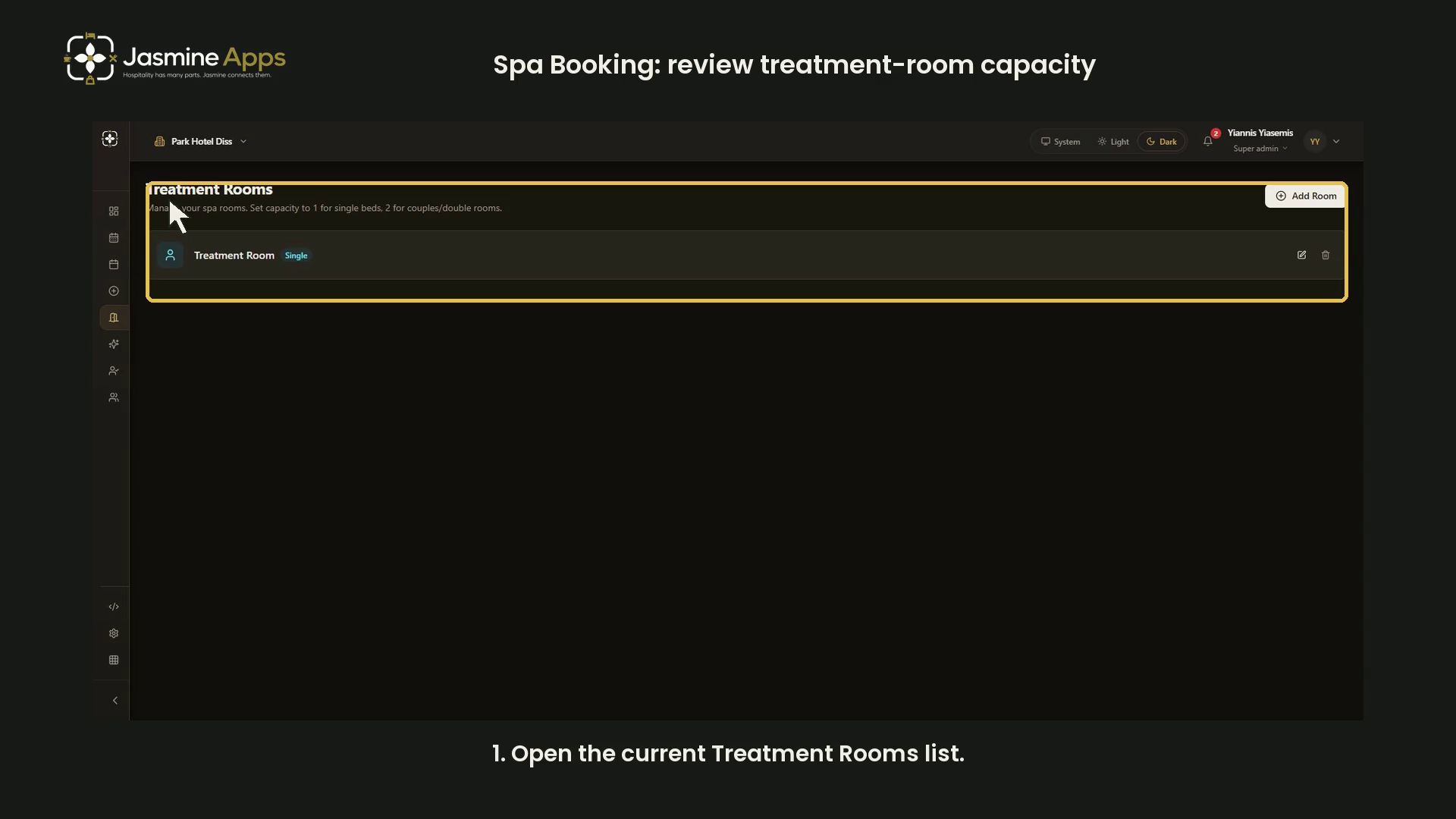
Spa Booking's Treatment Rooms page defines the spaces used for appointments. This dark-mode walkthrough reviews the room list, capacity choices and turnaround buffer using a blank unsaved form.
Watch the walkthrough
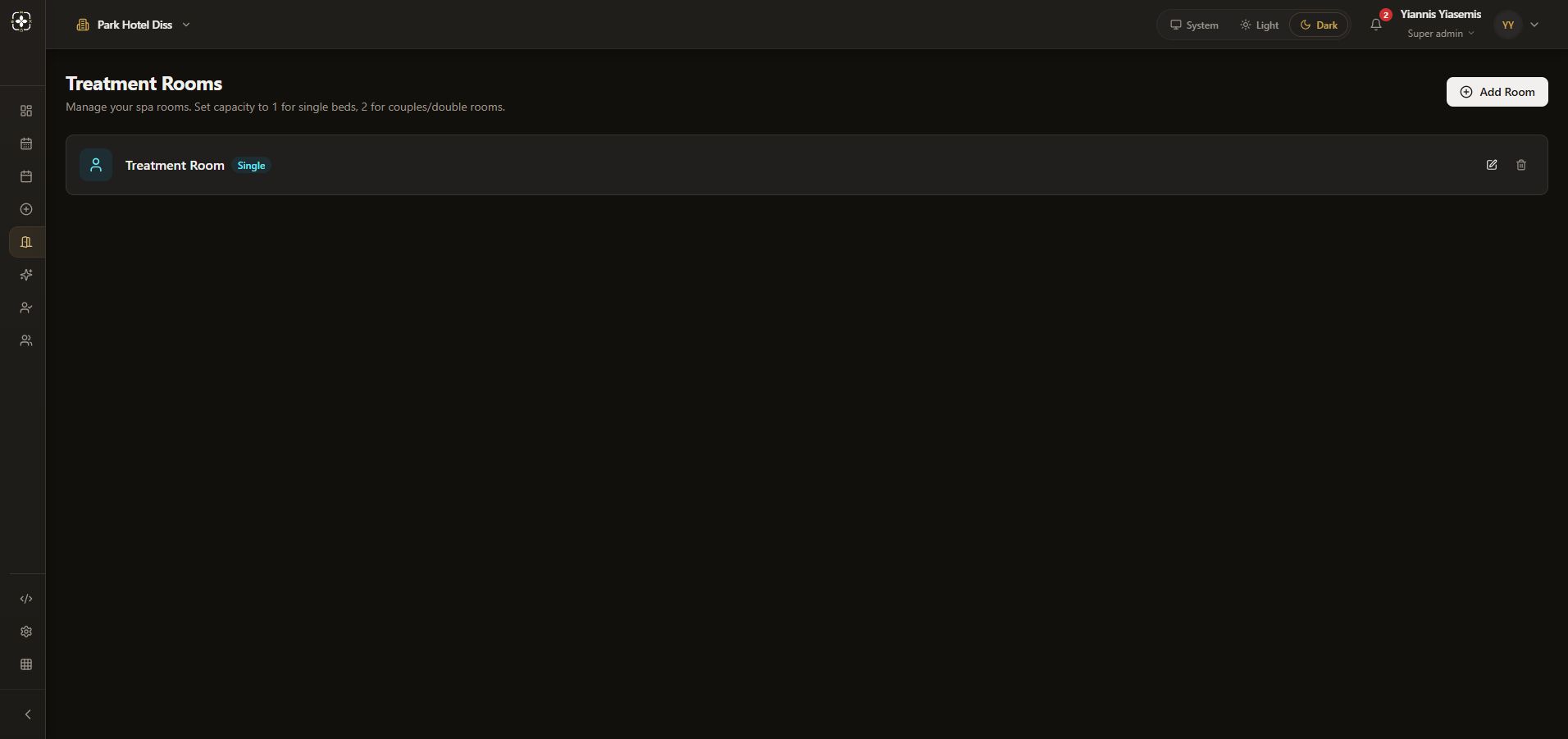
Check the existing room list
Open Rooms and check the venue. The heading is Treatment Rooms. The existing example room has a Single badge.
Review the room form
Choose Add Room. Room name identifies the space; Description is optional. Both fields remain blank in this demonstration.
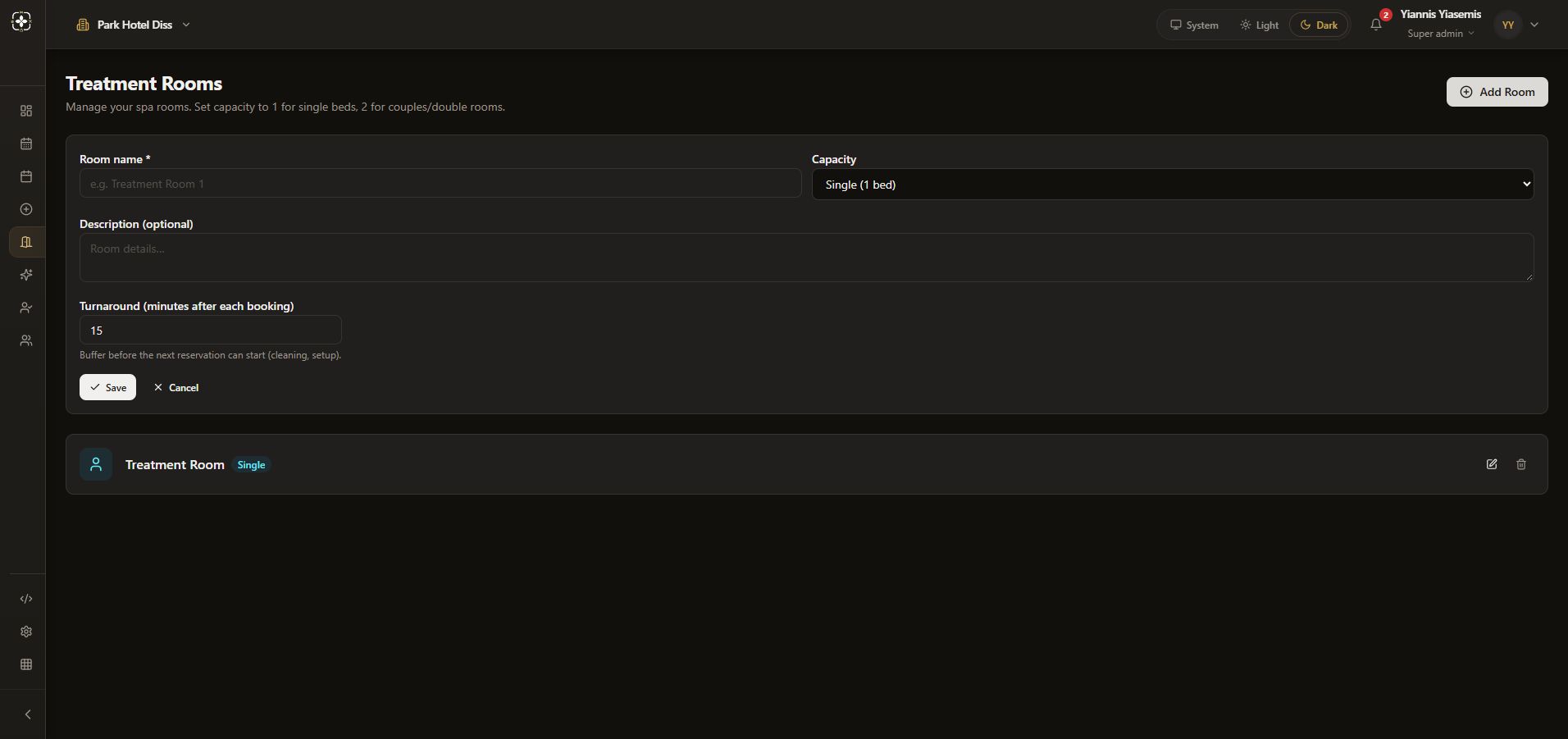
Set the correct capacity
Capacity offers Single (1 bed) and Double / Couples (2 beds). Choose according to the actual room. The video changes only this unsaved selection to show the couples option.
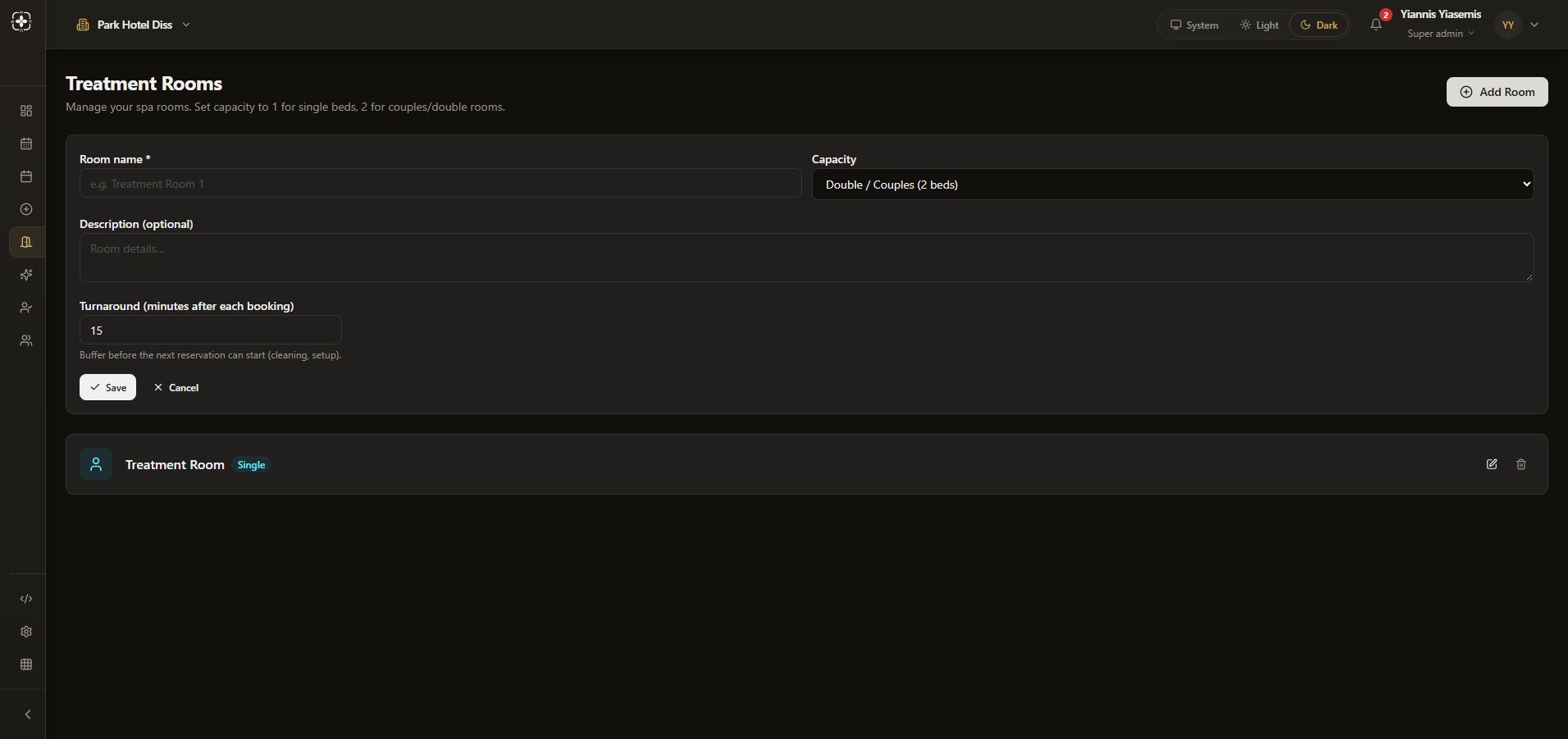
Allow turnaround time
Turnaround (minutes after each booking) is a buffer for cleaning and setup before the next reservation. The default shown is 15 minutes. Review it against your operating process before saving a real room.
Discard the training example
Save stores a room. This walkthrough uses Cancel, discarding the unsaved capacity choice. The existing room and availability remain unchanged.