TutorialIn-app guide
Jasmine TV Activity: understand the page and empty state
· Jasmine Apps
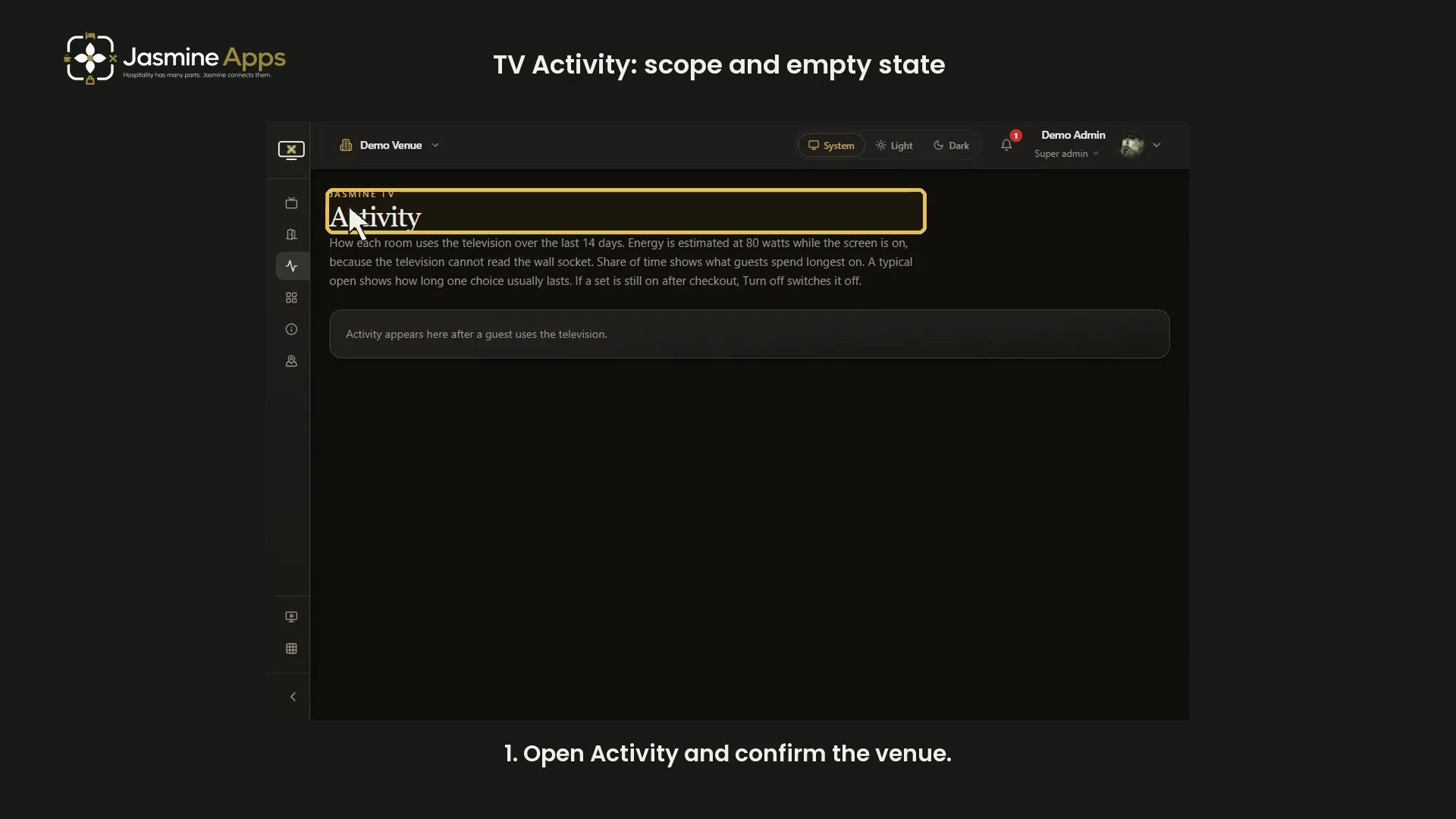
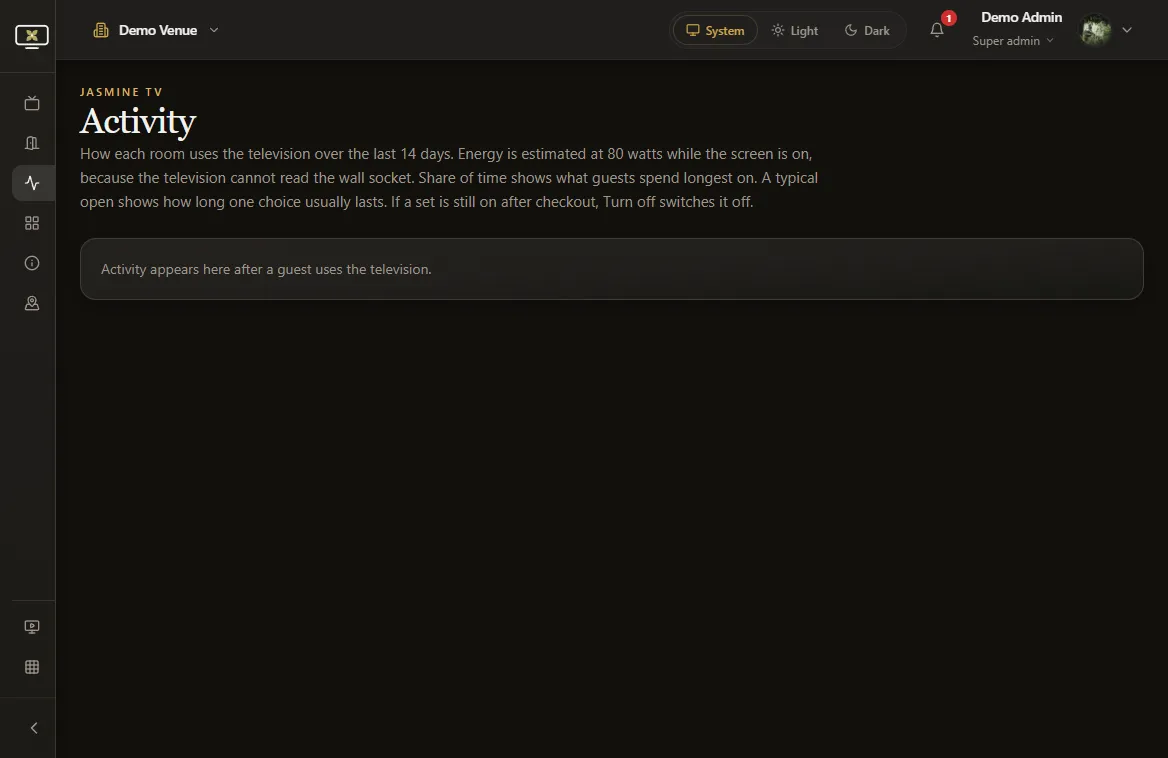
Jasmine TV Activity describes recent television use. This video explains the page's scope and empty state using an existing clean demo capture.
Watch the narrated demo
Understand the scope
The page covers the last 14 days. Its energy estimate uses 80 watts while a screen is on; it does not measure electricity at the wall socket.
Understand an empty view
The message says activity appears after a guest uses the television. No populated room or guest details are shown in this walkthrough. Room filtering and remote shutdown are outside this demonstration; no television is switched off.
Demo screenshots