

TutorialIn-app guide
Spa Booking: read the commission explanation
· Jasmine Apps
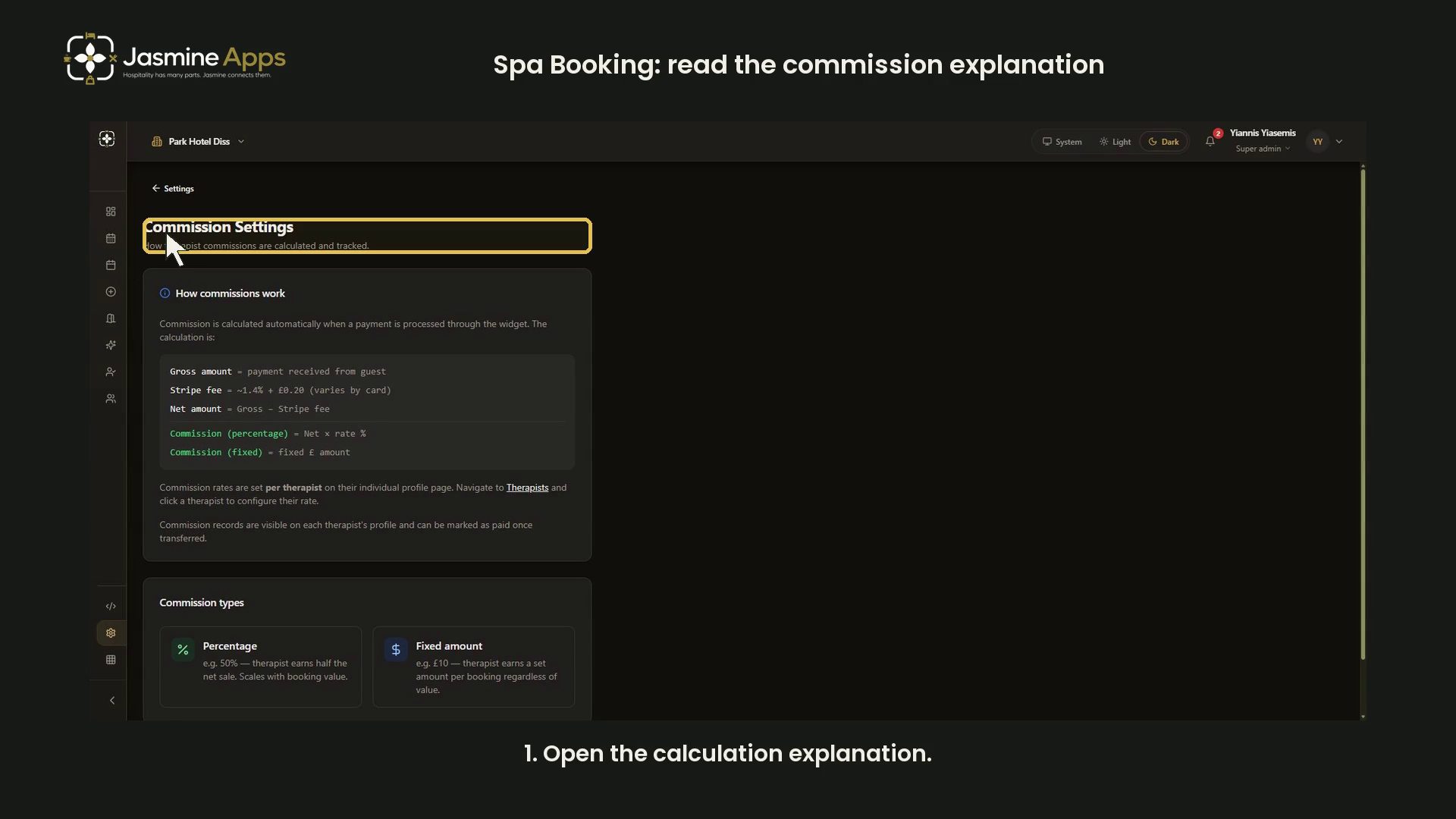
Spa Booking's Commission Settings page explains calculation and tracking. It does not contain a venue-wide rate form. This dark-mode walkthrough reviews the guidance without opening private therapist records or processing a payment.
Watch the walkthrough
Read the calculation explanation
Open Commission Settings. The page describes gross payment, a processing fee and the remaining net amount. Percentage commission applies a rate to net; fixed commission uses a set pound amount.
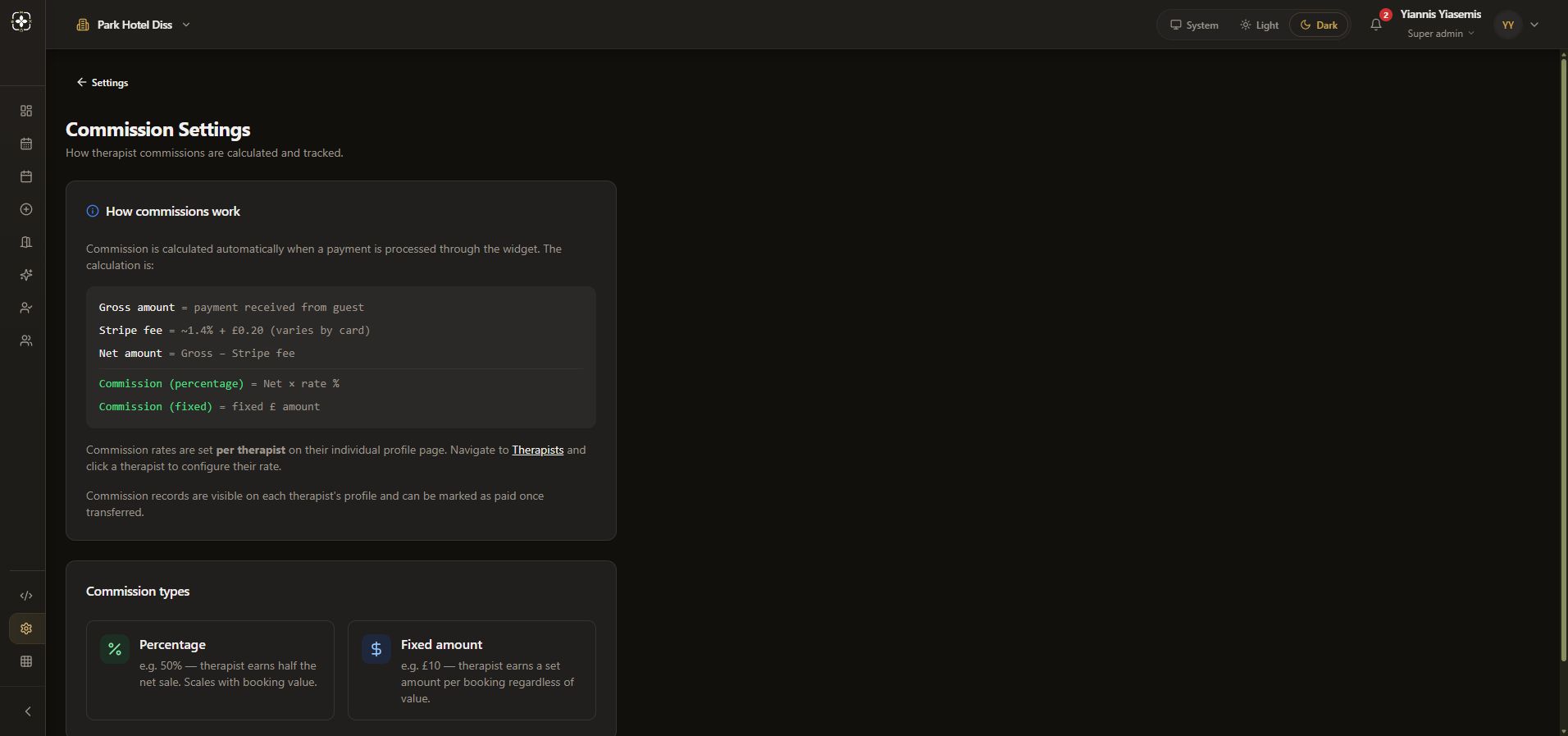
The displayed processing fee is illustrative and varies by card. It is not a guaranteed future charge. The sample percentage and pound figures explain the two commission types rather than recommending commercial terms.
Compare commission types
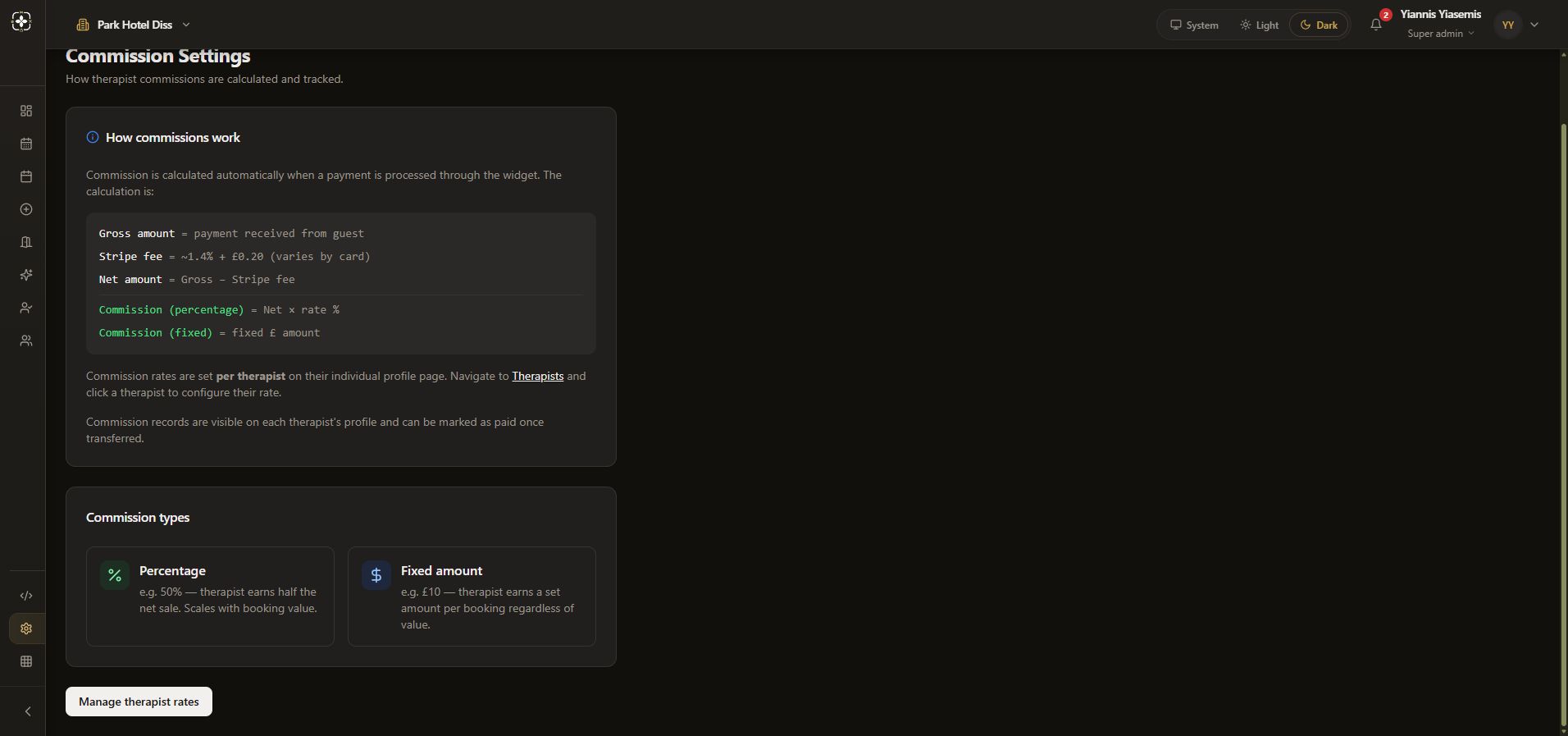
Percentage scales with net sale value. Fixed amount is described as a set amount per booking. Choose actual terms through your business's agreed process.
Find where rates belong
The page says rates are set per therapist on the individual profile. Manage therapist rates opens therapist management. The walkthrough does not select a person, change a rate or mark a commission paid.
The Settings landing-page link is labelled Commission Defaults, but its destination currently explains per-therapist rates. Follow the destination's actual controls rather than expecting a global rate field.
See therapist preparation for the blank form. No payment, transfer or paid-status action was performed.