Jasmine TV
Guides and posts filed under Jasmine TV.
Tutorials56
All tutorials
Clock Jasmine11

- Clock Jasmine contract templates: merge tags and preview
- Clock Jasmine My Team: review manager setup
- Clock Jasmine staff handbook: read the published page
- Clock Jasmine: prepare a rota board
- Clock Jasmine: prepare an absence form
- Clock Jasmine: prepare course content and a quiz
- Clock Jasmine: review clock-in and location controls
- Clock Jasmine: review history and manual entry controls
- Clock Jasmine: review hours export controls
- Clock Jasmine: review raw-punch CSV controls
- Getting started with Clock Jasmine: staff onboarding
- View all Clock Jasmine
Clock Jasmine Kiosk1
Jasmine Loyalty7

- Jasmine Loyalty: edit and preview the welcome email
- Jasmine Loyalty: find and review achievement titles
- Jasmine Loyalty: getting started with video guides
- Jasmine Loyalty: guest sign-in and homepage preview
- Jasmine Loyalty: prepare a reward package
- Jasmine Loyalty: review venue profiles and events
- Jasmine Loyalty: scheme rates and redemption settings
- View all Jasmine Loyalty
Jasmine Maintenance2

Jasmine Marketing Hub3

Jasmine TV6

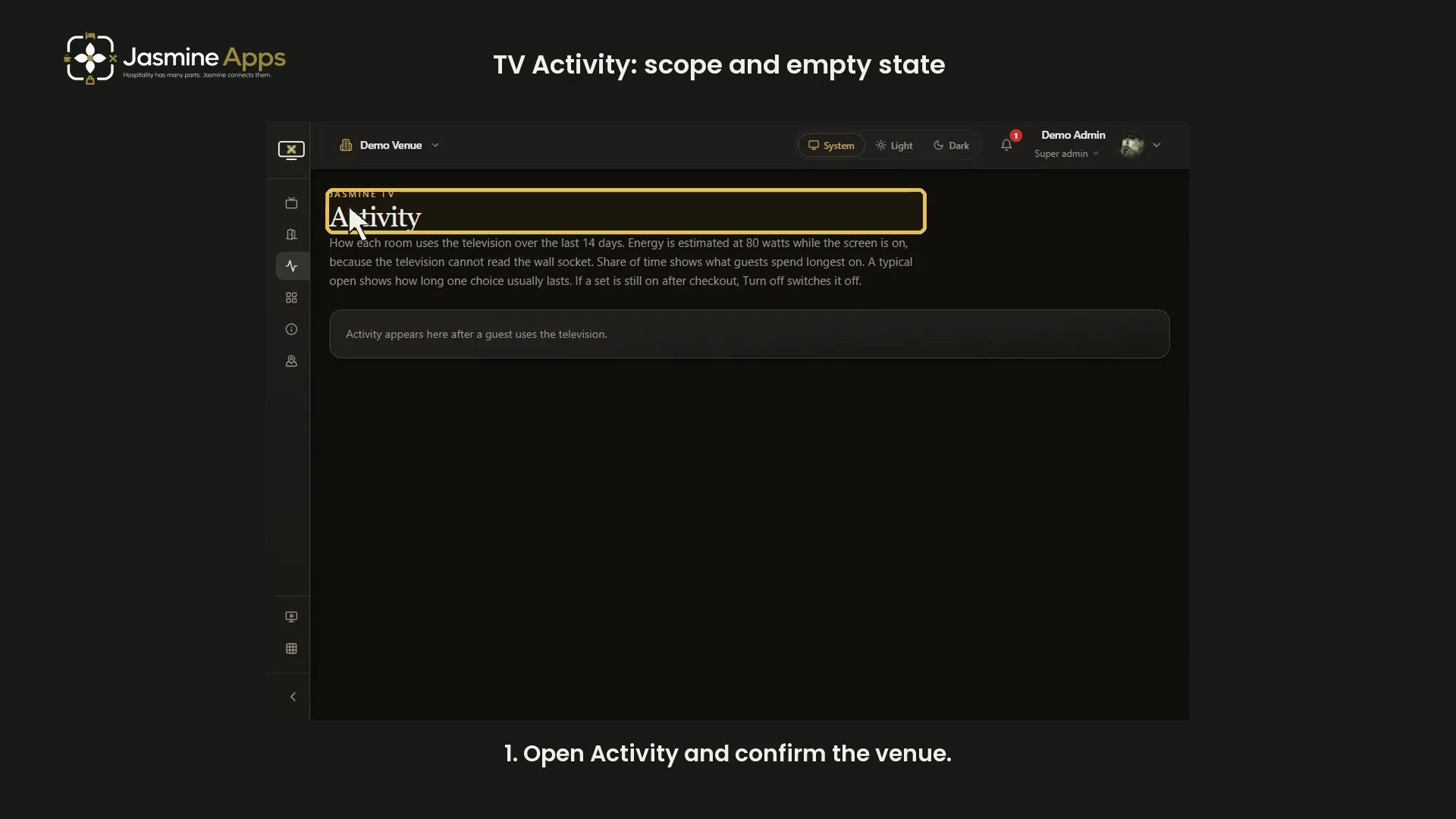
- Jasmine TV Activity: understand the page and empty state
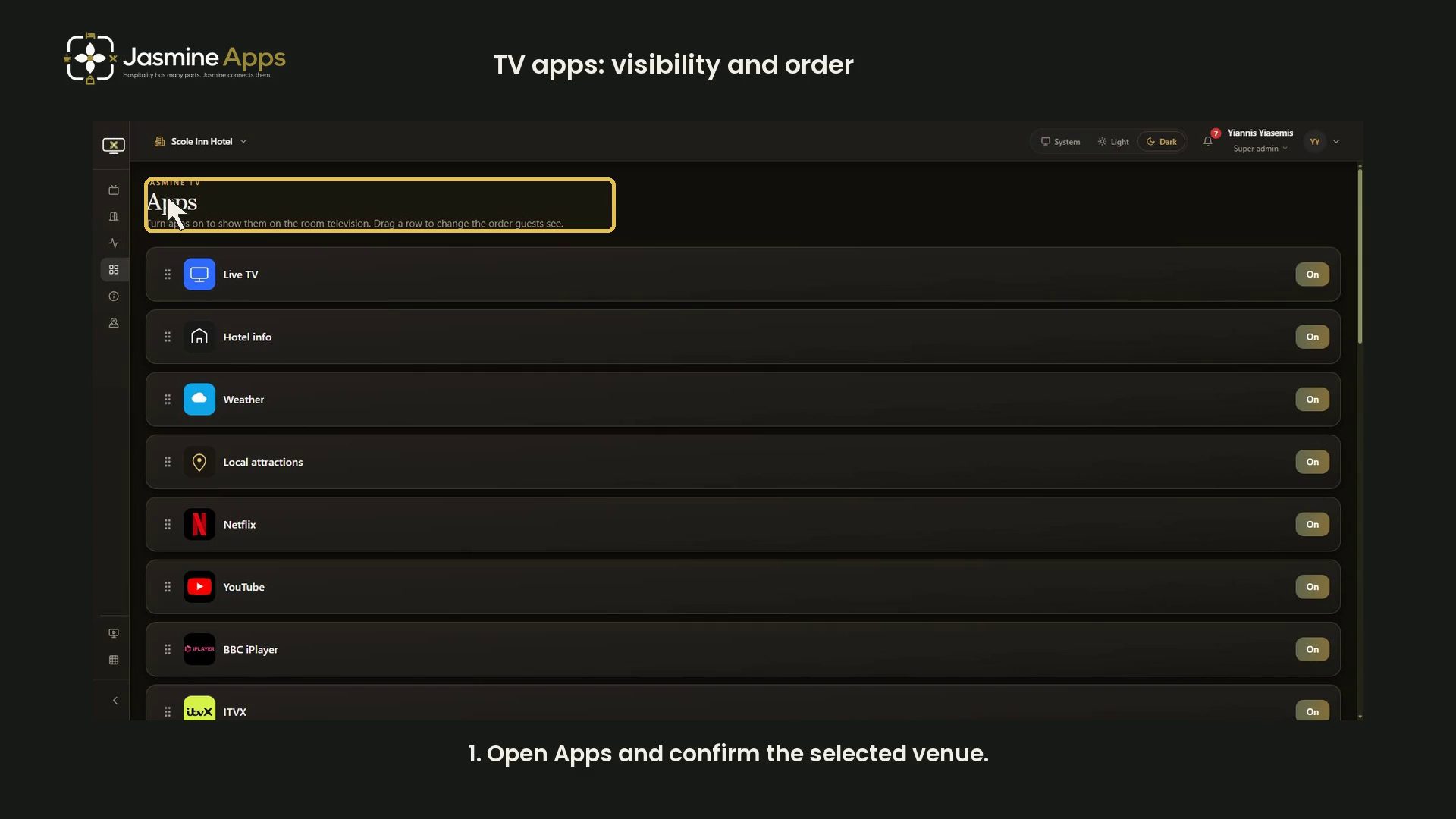
- Jasmine TV Apps: review visibility, availability and order
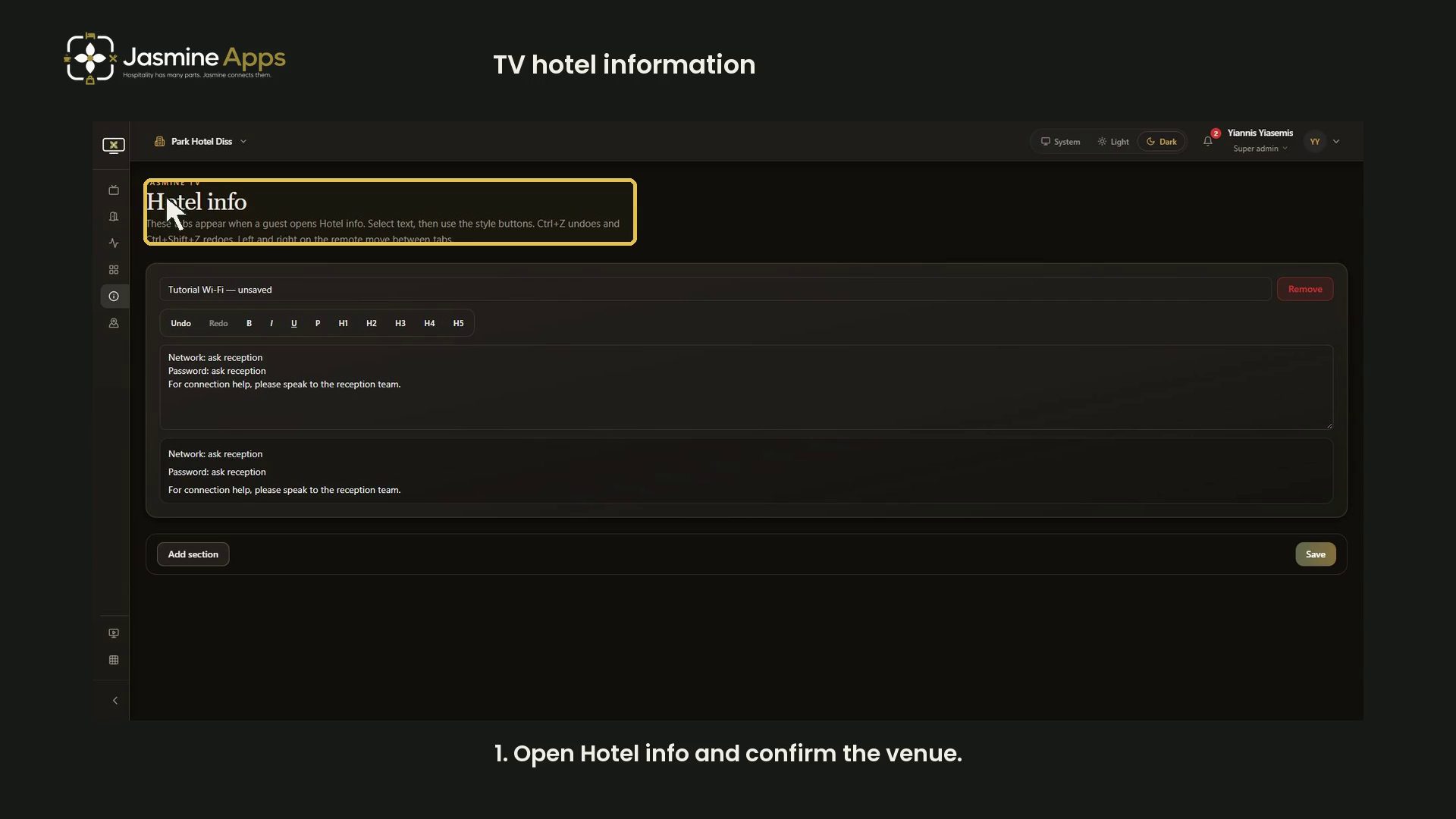
- Jasmine TV Hotel info: sections, formatting and preview
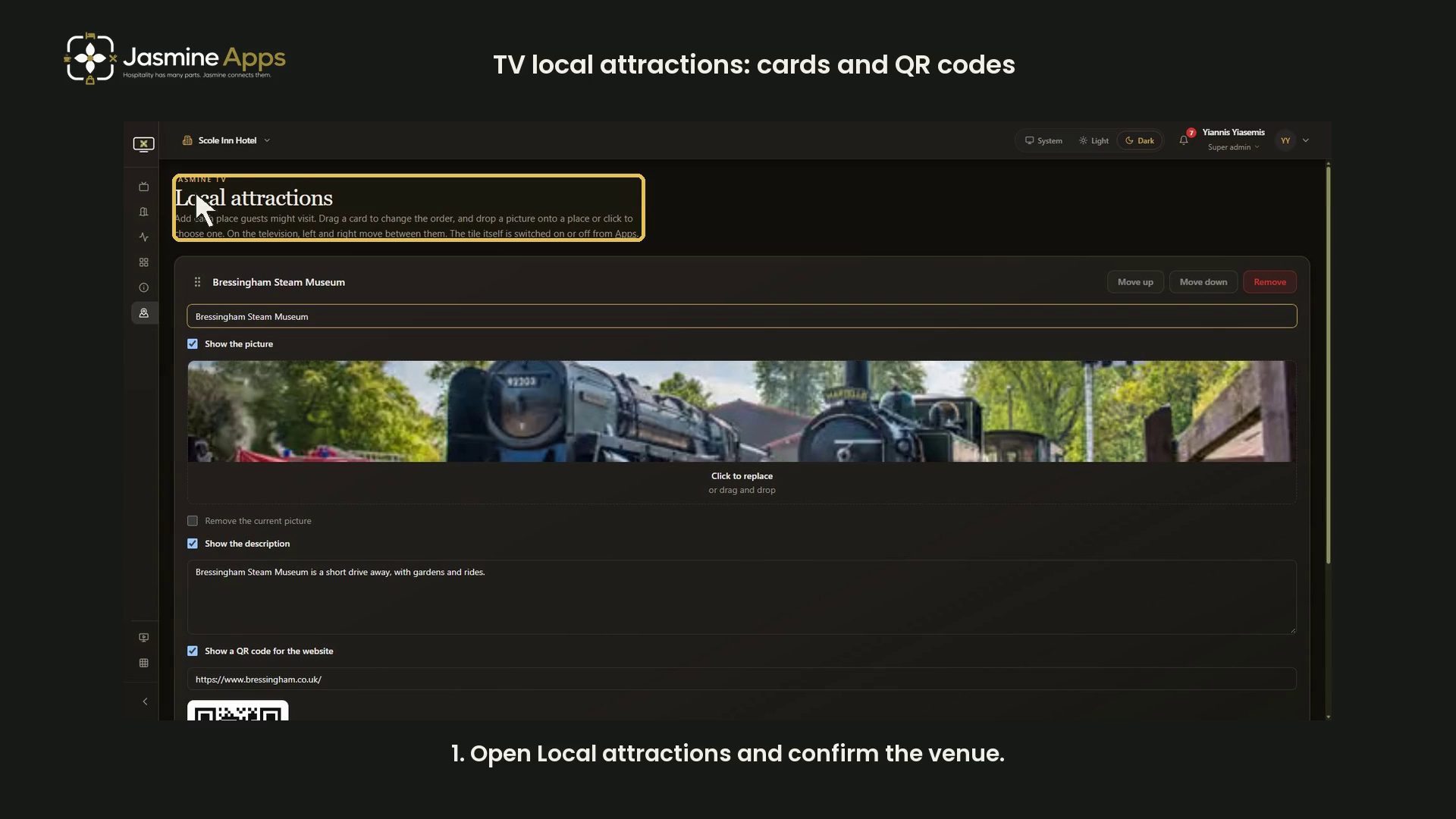
- Jasmine TV Local attractions: cards, pictures and QR codes
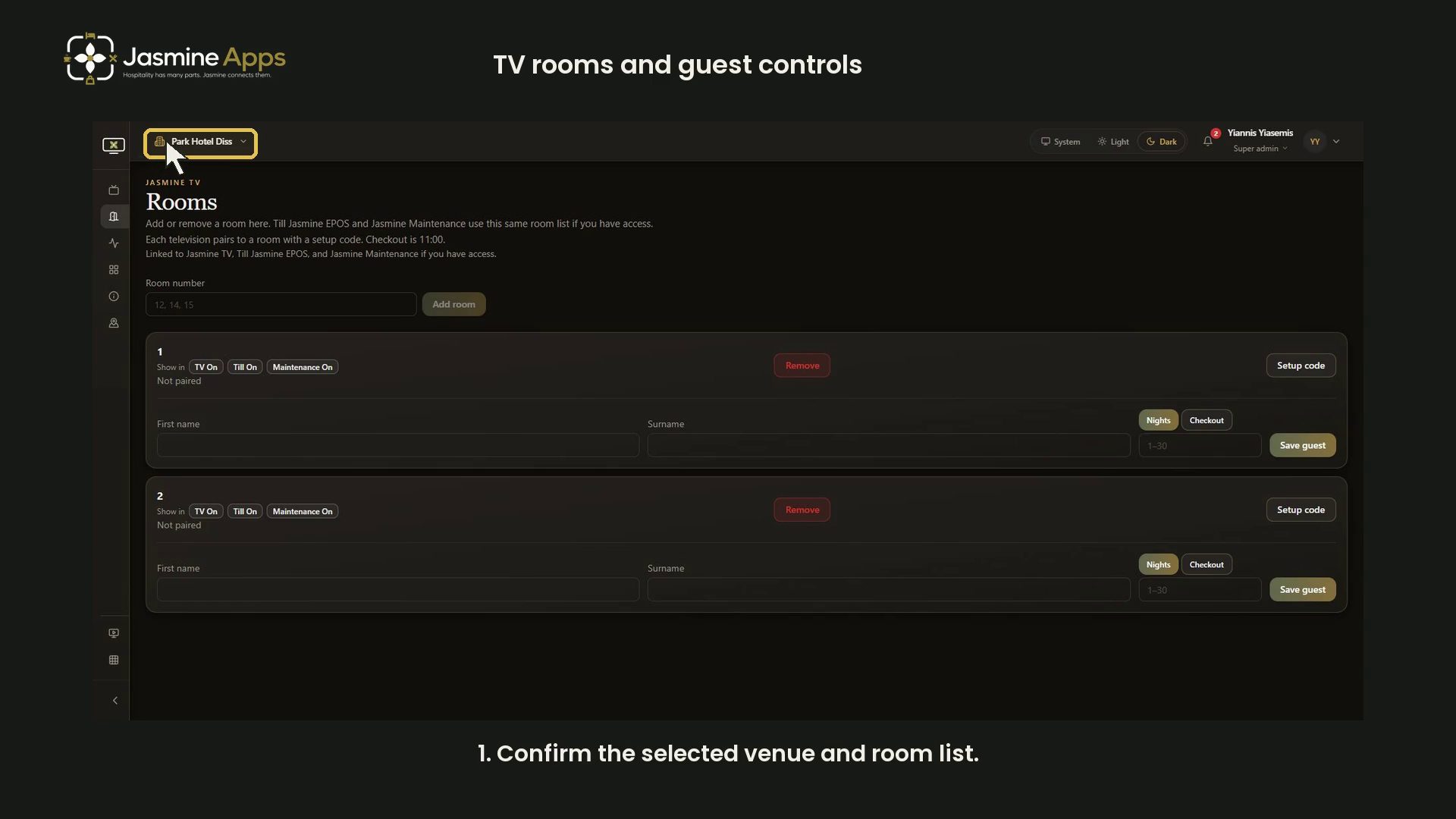
- Jasmine TV rooms: review room and guest-stay controls
- Jasmine TV: preview the welcome screen
- View all Jasmine TV
Sign Jasmine3

Spa Booking9
- Spa Booking: prepare a therapist from the team
- Spa Booking: prepare a treatment
- Spa Booking: prepare an appointment
- Spa Booking: read the calendar and selected day
- Spa Booking: read the commission explanation
- Spa Booking: review treatment-room capacity
- Spa Booking: review widget settings and preview
- Spa Booking: search guests and understand no matches
- Spa Booking: settings and configuration video guides
- View all Spa Booking

Till Jasmine EPOS11

- Add Till Jasmine void reasons
- Pair a Till Jasmine EPOS till
- Review Till Jasmine users and permissions
- Till Jasmine: bought-in recipients and loyalty search
- Till Jasmine: customise receipt QR codes and text
- Till Jasmine: enter and correct an order
- Till Jasmine: review add-on groups and choices
- Till Jasmine: review linked and till-only tables
- Till Jasmine: review trading day, lock screen and service charge
- Till Jasmine: save and reopen table and room orders
- Track stock in Till Jasmine
- View all Till Jasmine EPOS
- Tutorial
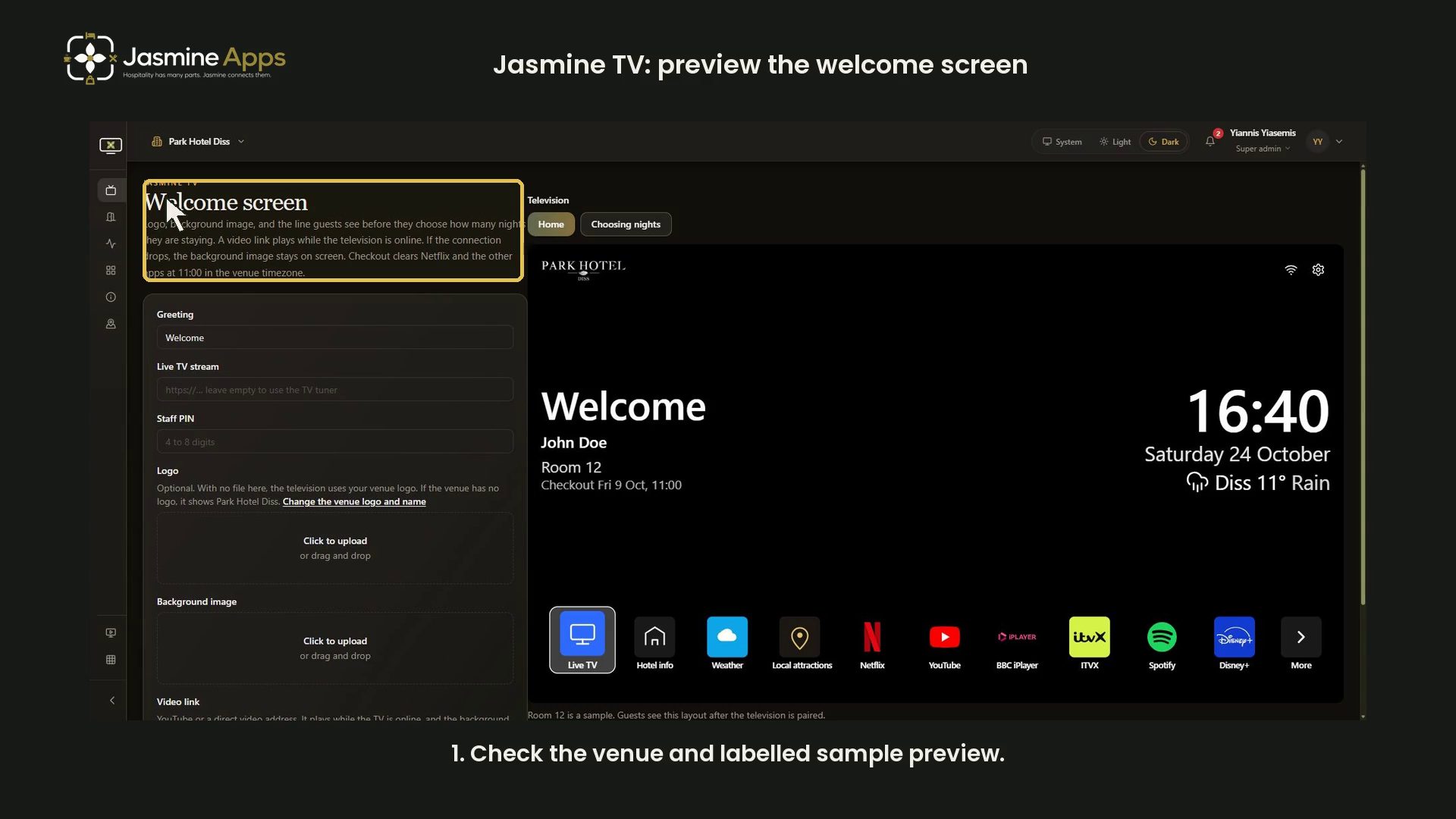
Jasmine TV: preview the welcome screenPreview the Jasmine TV greeting, venue logo, fallback image and sample nights prompt in dark mode, then discard the unsaved example. No TV changed.
Hotel technologyHotel Guest Information Channels: TV, Reception or Your Website?Your hotel guest information channels need different jobs. Decide what belongs on TV, at reception and online so guests find useful answers during a stay.

Hotel technologyHotel TV Ancillary Sales: What Can One Bedroom Screen Support?Your hotel TV ancillary sales depend on useful offers and a clear next step. Compare breakfast, late checkout and return-stay opportunities with clarity.

Hotel technologyHotel TV Stay-stage Content: Match the Message to Your Guest's Next TaskYour hotel TV stay-stage content helps guests arrive, plan and leave confidently. Choose useful messages and a working next step instead of more clutter.

Hotel technologyHotel Late Checkout Promotion: Sell Useful Time Without Overloading HousekeepingYour hotel late checkout promotion should sell time you can deliver. Check arrivals, housekeeping and contribution before putting an offer on the room TV.

Guest roomsHotel TV Content for Business Guests: Make Weekday Stays EasierYour hotel TV content for business guests can answer practical weekday questions. Plan useful information, check the delivery and measure what guests use.

Guest roomsHotel Breakfast Upselling: Make the Decision Easier Before MorningHotel breakfast upselling needs a clear offer before morning. Show the price, timing and booking route, protect your margin and test what guests choose.

Guest roomsHotel TV Software ROI: Can £5 Per Room Pay for Itself?Your hotel TV software ROI starts at £5 per room, with a £40 minimum. See what one screen must earn, costs matter and how to test guest offers fairly.

Guest roomsHotel Guest Information: Why a Beautiful Welcome Screen Can Still Send Guests to a Closed RestaurantHotel guest information can look polished and still be wrong. Align screen, reception and website facts so guests find the right answer during their stay.

Guest roomsHotel TV Guest Directory: What Belongs on the Bedroom Screen?Plan a hotel TV guest directory around the questions guests ask most. Keep dining, hotel information and local suggestions useful with Jasmine TV.

Guest roomsBefore Replacing Hotel TVs: Audit the Hardware You Already OwnAudit hotel TV models, operating systems and room connectivity before replacing hardware. Build a representative compatibility pilot for Jasmine TV.

Guest roomsHotel TV Logout Between Guests: Build a Reliable Room-Reset RoutineCheck hotel TV logout and room-reset behaviour between stays. Confirm supported apps, reset triggers and a practical housekeeping verification routine.

Guest roomsPromote Your Hotel Restaurant on Bedroom TVs Without the Hard SellMake hotel restaurant promotion useful on bedroom TVs with clear dining information and a working booking route. Plan a measured Jasmine TV trial.

Guest roomsJasmine TV Welcome Screen Not Opening in a Hotel Room?Jasmine TV welcome screen not opening? Check power, remote, input, network and exact supported TV model before resetting guest-room equipment.

Guest roomsPrevious Guest Still Signed In on a Hotel TV?Previous guest still signed in on a hotel TV? Keep the room on hold, follow the supported reset and verify every relevant app before releasing it.

Guest roomsWhat International Guests Need from a Hotel Welcome ScreenPlan an international hotel welcome screen with clear service details, readable wording and reliable enquiry routes through your Jasmine TV setup.
- Tutorial

Jasmine TV Hotel info: sections, formatting and previewFollow the Jasmine TV Hotel info editor with a narrated dark-mode walkthrough: section titles and text, opening hours, formatting, Undo/Redo and review before Save.
- Tutorial

Jasmine TV rooms: review room and guest-stay controlsWalk through Jasmine TV room names, shared-app indicators, pairing status and guest-stay inputs with a narrated dark-mode video and an unsaved example.
- Tutorial

Jasmine TV Apps: review visibility, availability and orderReview Jasmine TV app states, unavailable entries and ordering handles with a narrated dark-mode walkthrough. The demo picks up a row and cancels without changing the live menu.
- Tutorial

Jasmine TV Local attractions: cards, pictures and QR codesBuild Jasmine TV attraction cards with pictures, descriptions and website QR codes. Follow the narrated dark-mode walkthrough of adding, ordering and removing an unsaved sample.
- Tutorial

Jasmine TV Activity: understand the page and empty stateJasmine TV Activity describes recent television use. This video explains the page's scope and empty state using an existing clean demo capture.