

TutorialIn-app guide
Marketing Hub: preview social-post planning
· Jasmine Apps
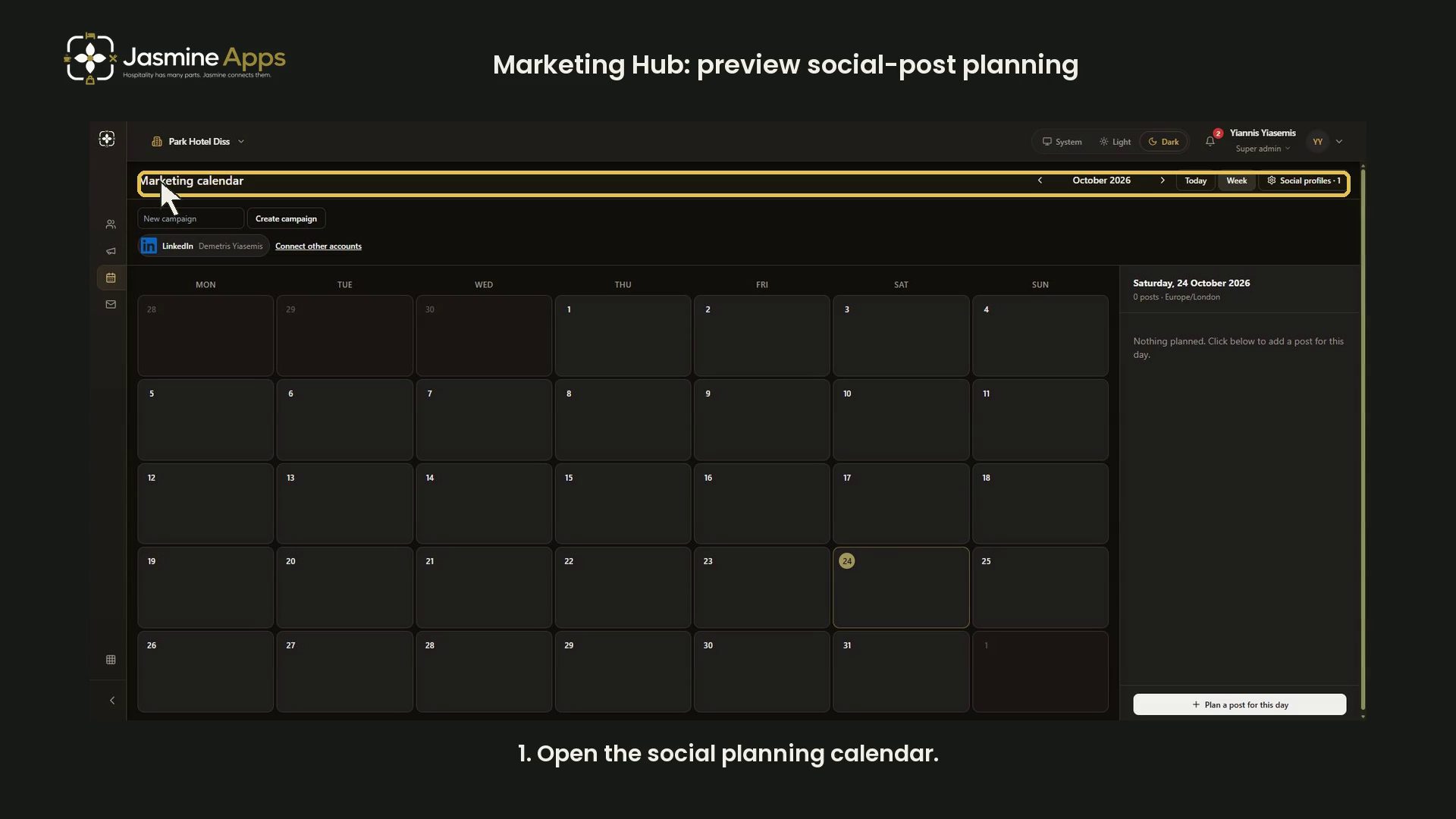
Marketing Hub's Marketing calendar is for social-post planning. This dark-mode walkthrough changes views and reviews a blank Plan a post form without saving a post, publishing content or connecting an account.
Watch the walkthrough
Confirm the venue and calendar
Open Marketing calendar. The recorded example uses Park Hotel Diss. This calendar is separate from the email Campaigns tab.
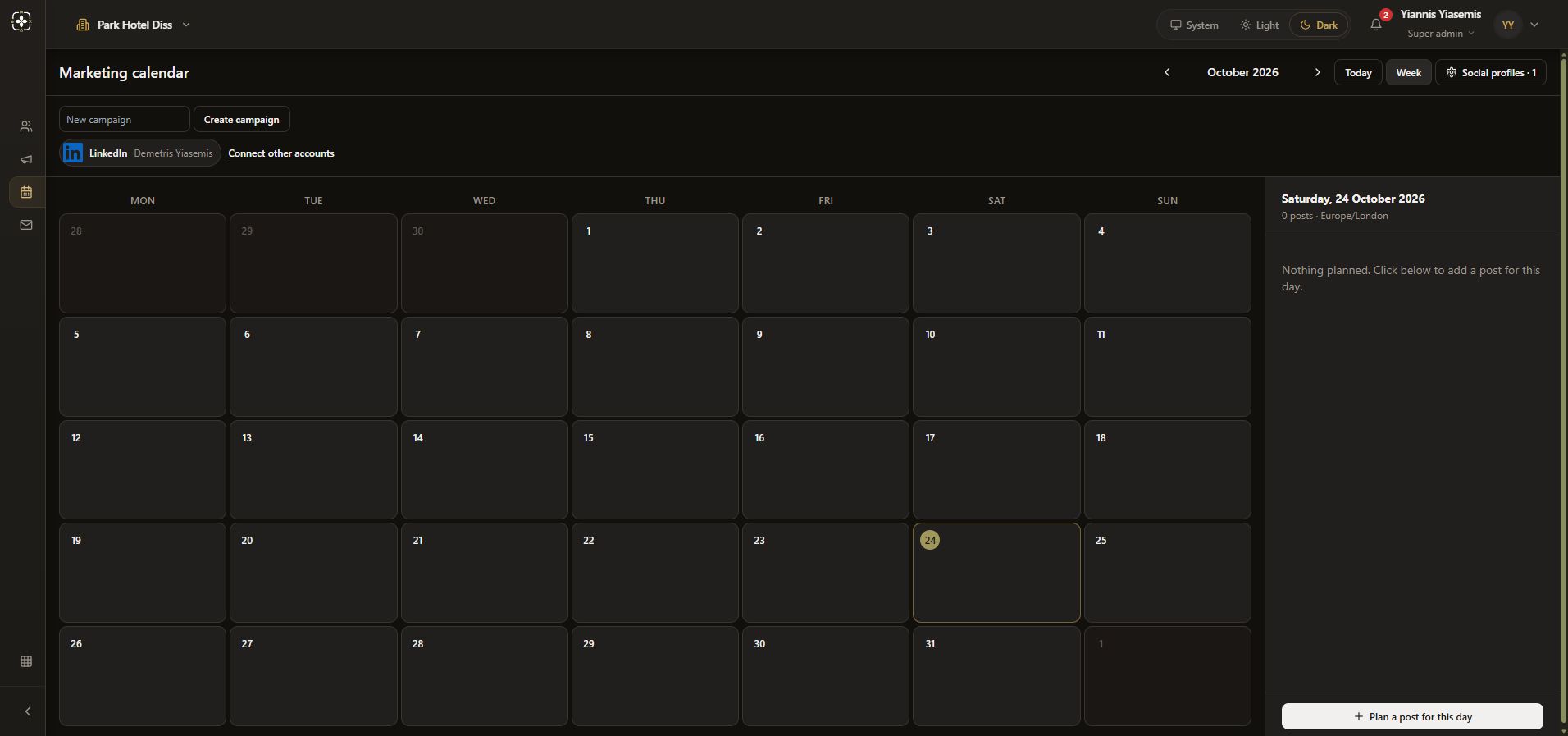
Switch month and week views
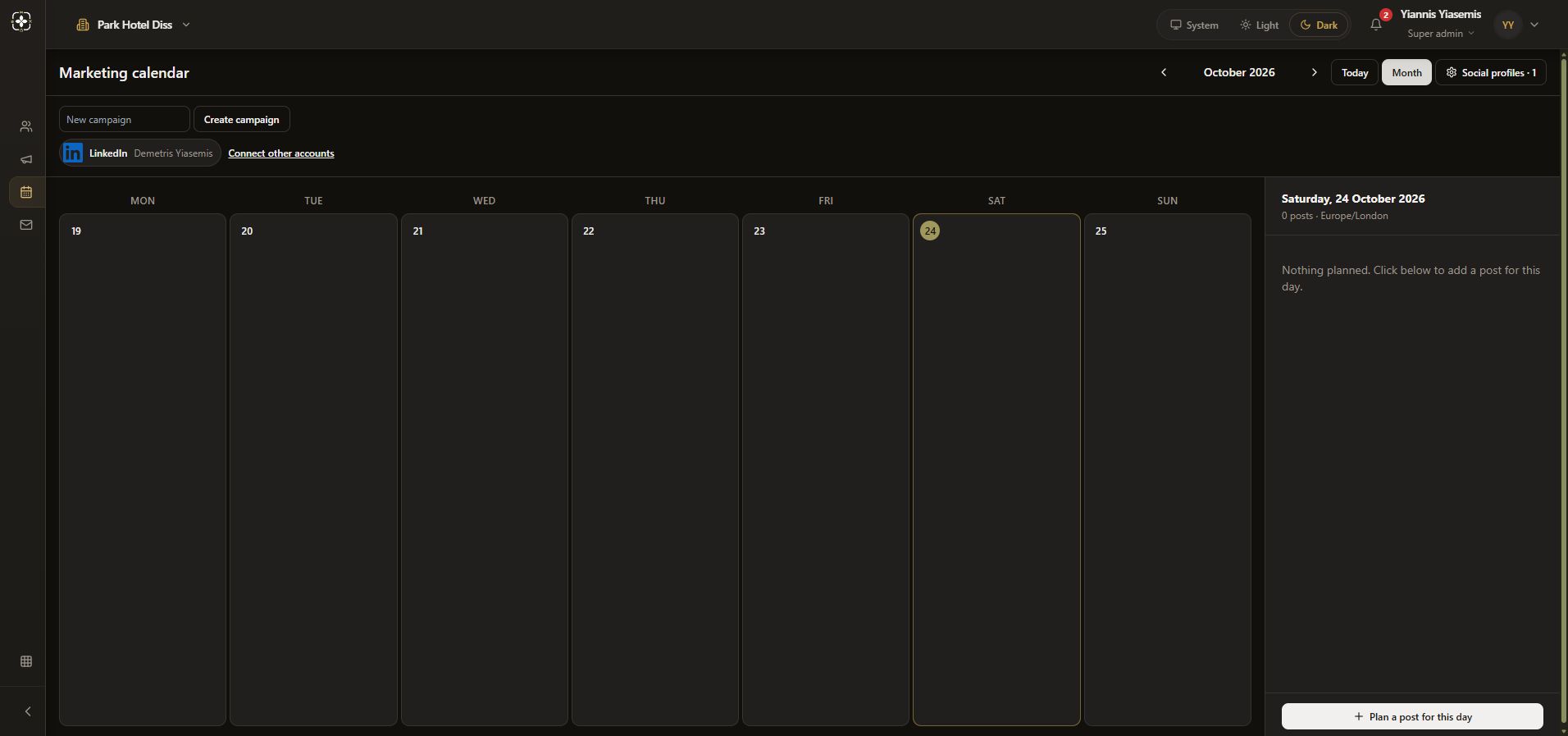
Choose Week to show seven days. The same control becomes Month to return to the wider grid. Today returns to the current date. Navigation creates no post.
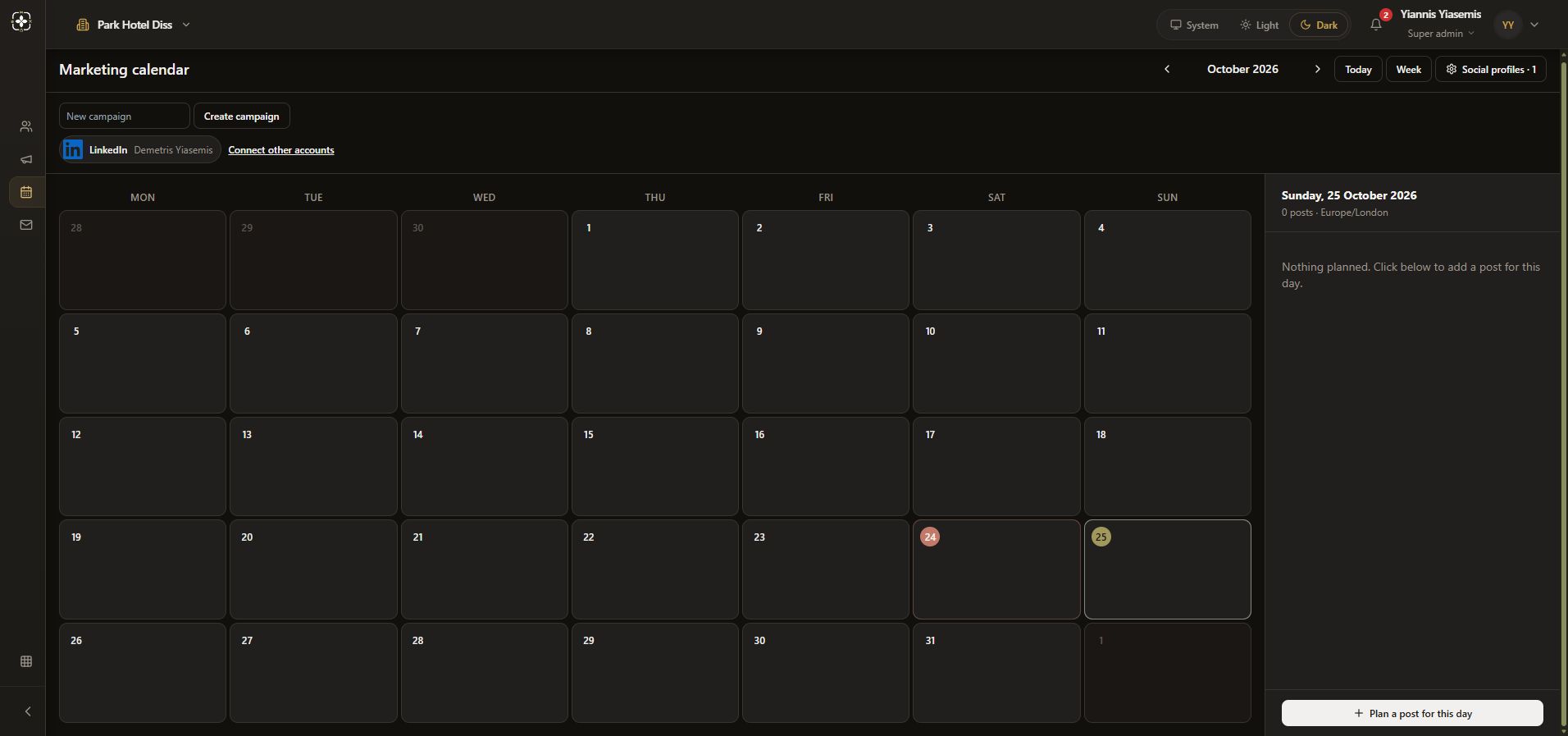
Select the intended day
Choose a day and check the panel heading. The example selects Sunday, 25 October 2026, with zero posts and the Europe/London time zone. Confirm the date and time zone before planning actual content.
Review the blank planning form
Choose Plan a post for this day. The form provides Image or video, Time, Copy, Campaign and Social profiles. Its note says Publish only goes to profiles connected in Social profiles. The displayed account selection is the form's current default, not an instruction to publish to it.
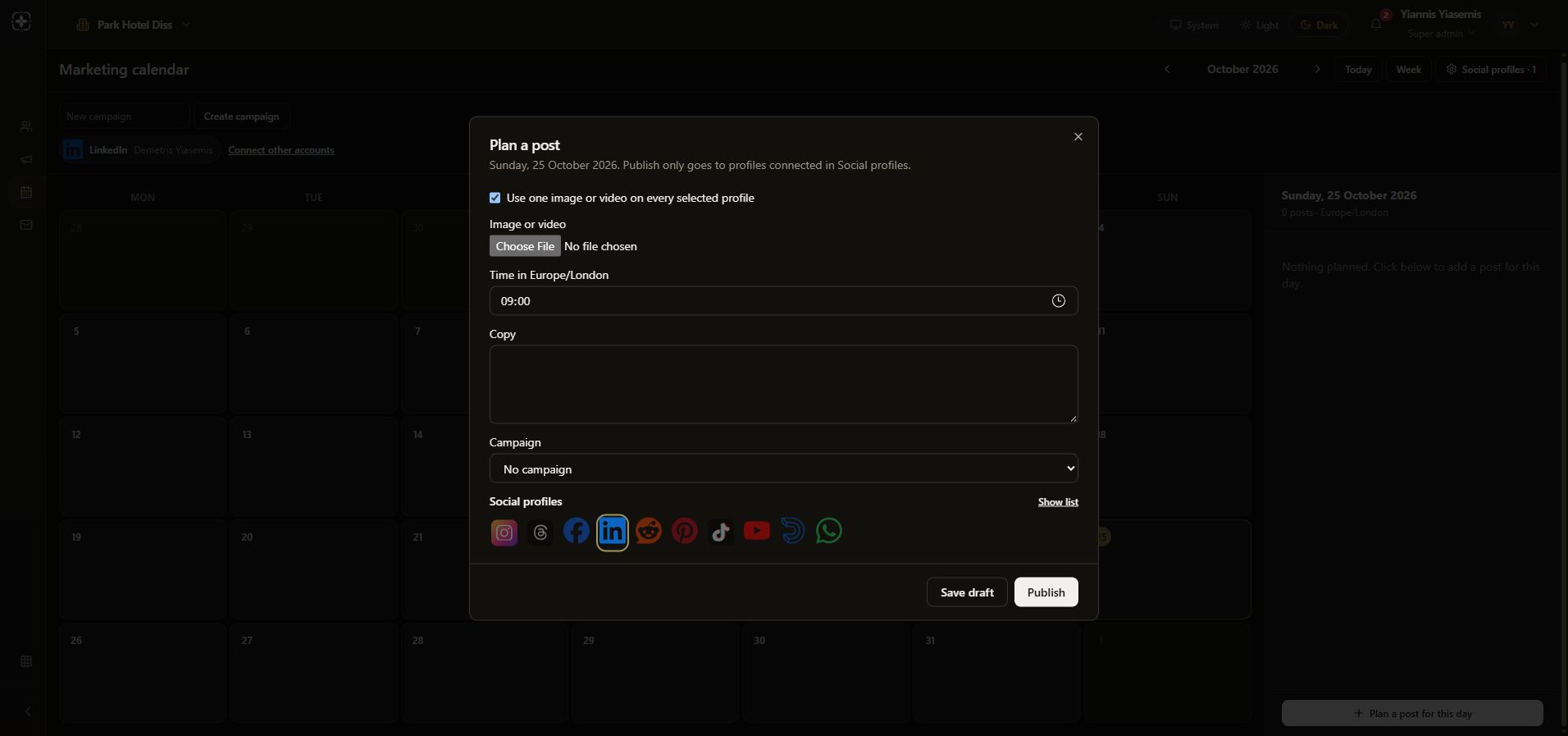
Close without saving or publishing
Use the cross to close the form. Save draft, Publish, Create campaign and Connect other accounts remain unused. No message, post, campaign or connection is created.
See email campaign availability for the separate Campaigns tab.