Jasmine Marketing Hub
Guides and posts filed under Jasmine Marketing Hub.
Tutorials56
All tutorials
Clock Jasmine11

- Clock Jasmine contract templates: merge tags and preview
- Clock Jasmine My Team: review manager setup
- Clock Jasmine staff handbook: read the published page
- Clock Jasmine: prepare a rota board
- Clock Jasmine: prepare an absence form
- Clock Jasmine: prepare course content and a quiz
- Clock Jasmine: review clock-in and location controls
- Clock Jasmine: review history and manual entry controls
- Clock Jasmine: review hours export controls
- Clock Jasmine: review raw-punch CSV controls
- Getting started with Clock Jasmine: staff onboarding
- View all Clock Jasmine
Clock Jasmine Kiosk1
Jasmine Loyalty7

- Jasmine Loyalty: edit and preview the welcome email
- Jasmine Loyalty: find and review achievement titles
- Jasmine Loyalty: getting started with video guides
- Jasmine Loyalty: guest sign-in and homepage preview
- Jasmine Loyalty: prepare a reward package
- Jasmine Loyalty: review venue profiles and events
- Jasmine Loyalty: scheme rates and redemption settings
- View all Jasmine Loyalty
Jasmine Maintenance2

Jasmine Marketing Hub3

Jasmine TV6

- Jasmine TV Activity: understand the page and empty state
- Jasmine TV Apps: review visibility, availability and order
- Jasmine TV Hotel info: sections, formatting and preview
- Jasmine TV Local attractions: cards, pictures and QR codes
- Jasmine TV rooms: review room and guest-stay controls
- Jasmine TV: preview the welcome screen
- View all Jasmine TV
Sign Jasmine3

Spa Booking9
- Spa Booking: prepare a therapist from the team
- Spa Booking: prepare a treatment
- Spa Booking: prepare an appointment
- Spa Booking: read the calendar and selected day
- Spa Booking: read the commission explanation
- Spa Booking: review treatment-room capacity
- Spa Booking: review widget settings and preview
- Spa Booking: search guests and understand no matches
- Spa Booking: settings and configuration video guides
- View all Spa Booking

Till Jasmine EPOS11

- Add Till Jasmine void reasons
- Pair a Till Jasmine EPOS till
- Review Till Jasmine users and permissions
- Till Jasmine: bought-in recipients and loyalty search
- Till Jasmine: customise receipt QR codes and text
- Till Jasmine: enter and correct an order
- Till Jasmine: review add-on groups and choices
- Till Jasmine: review linked and till-only tables
- Till Jasmine: review trading day, lock screen and service charge
- Till Jasmine: save and reopen table and room orders
- Track stock in Till Jasmine
- View all Till Jasmine EPOS
- Tutorial
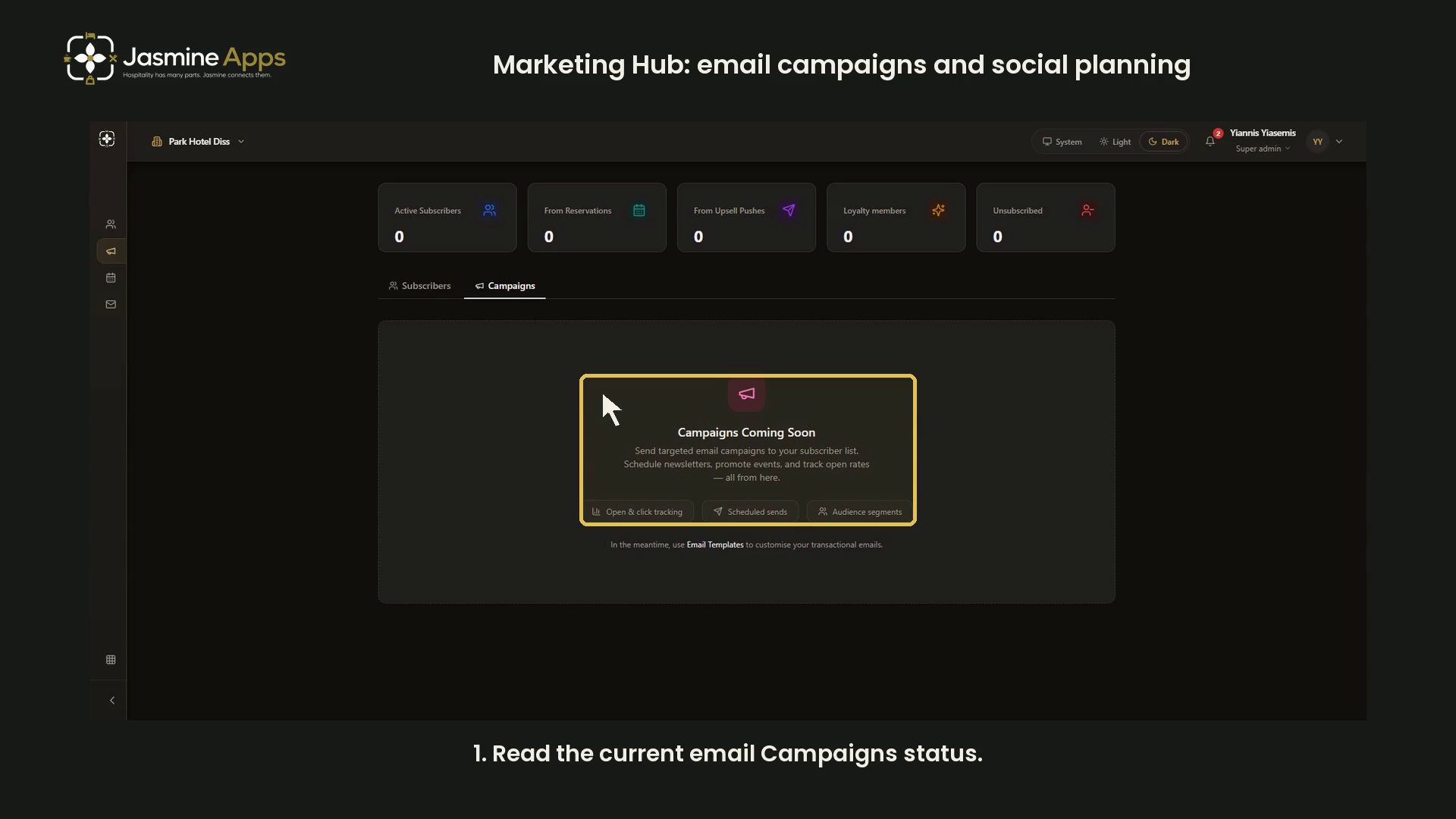
Jasmine Marketing HubMarketing Hub: email campaigns and social planningSee the current email Campaigns status and distinguish it from social-post planning and transactional templates in a narrated dark-mode guide.
- Tutorial
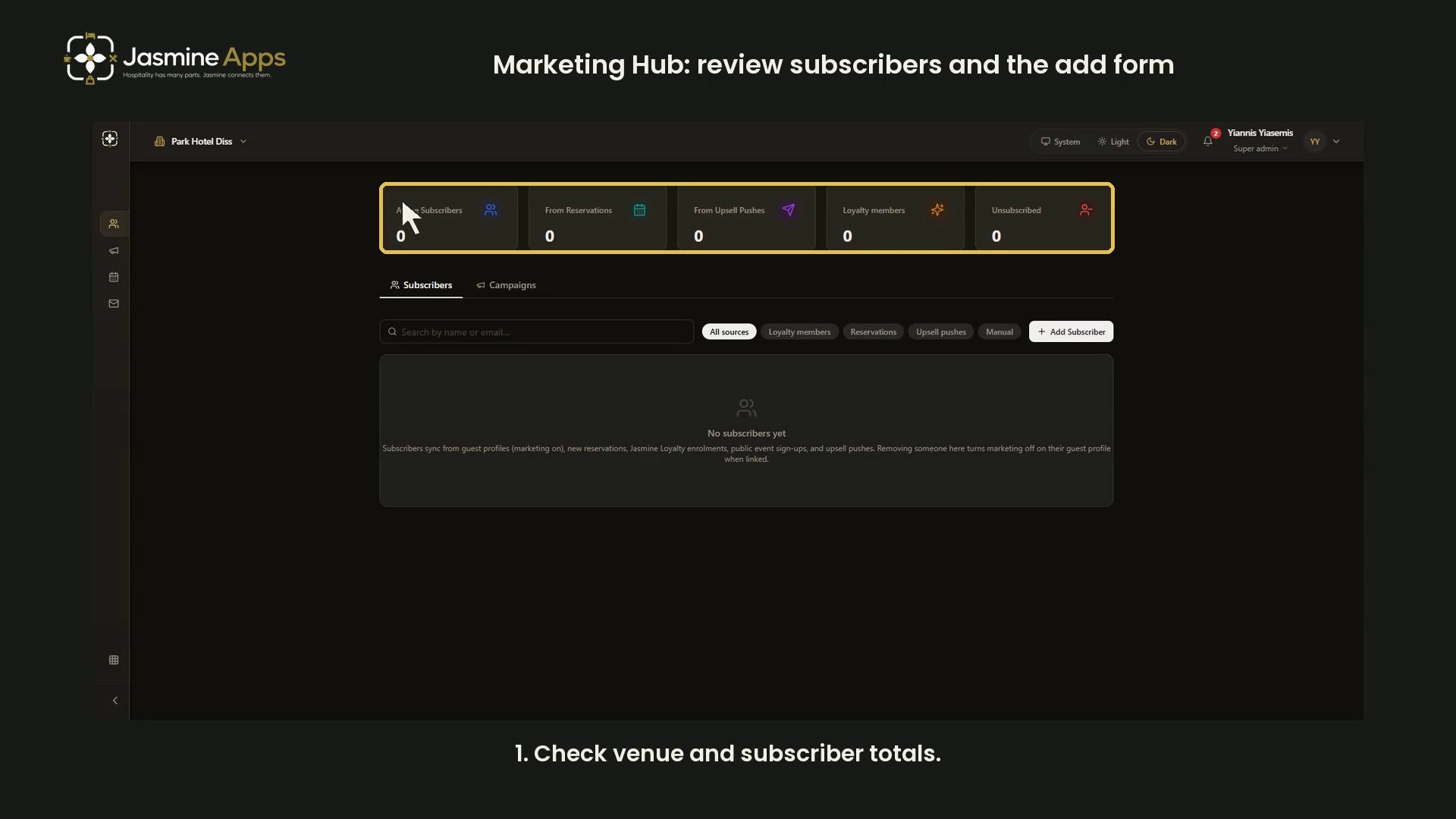

Jasmine Marketing HubMarketing Hub: review subscribers and the add formReview Marketing Hub subscriber totals, source filters, search and the blank Add Subscriber form in a narrated dark-mode guide. No contacts changed.

Jasmine Marketing HubHotel technologyHospitality Marketing Booking Attribution: Which Visits Followed the Post?Your hospitality marketing booking attribution should follow visits beyond clicks. Connect campaign references, bookings and completed service to a review.

Jasmine Marketing HubHotel technologyHospitality Quiet-week Campaign: What Should You Promote Next?Your hospitality quiet-week campaign should start with available capacity. Choose a profitable offer, booking route and useful deadline before posting.

Jasmine Marketing HubHotel technologyHospitality Seasonal Campaign Lead Time: Work Back From the ServiceYour hospitality seasonal campaign lead time should fit the buying journey and service deadline. Plan launches, decisions and cut-offs from real evidence.

Jasmine Marketing HubMarketingChristmas Hospitality Campaign: Set the Last Useful Booking DateYour Christmas hospitality campaign needs a practical cutoff. Work back from menus, suppliers and staffing so late interest becomes a deliverable booking.

Jasmine Marketing HubMarketingHotel Package Promotion: Keep the Room and Dinner Promise JoinedYour hotel package promotion needs one consistent promise. Check room, dining and price details across messages before spending more to attract bookings.

Jasmine Marketing HubMarketingHospitality Marketing Software ROI: What a £19 Plan Must GenerateYour hospitality marketing software ROI needs bookings, not likes. Test a £19 plan against contribution, content costs and the channels your venue can use.

Jasmine Marketing HubMarketingHospitality Social Media ROI: A Sold-Out Post Is Not a Proven Sales ResultHospitality social media ROI needs evidence beyond likes. Map campaign links, guest actions and costs to judge what your next promotion can actually prove.

Jasmine Marketing HubMarketingA Restaurant Social Content Calendar Built Around Real ServiceBuild a restaurant social content calendar around real menus, service times and offers using Jasmine Marketing Hub’s current alpha posting workflow.

Jasmine Marketing HubMarketingCan You Email Guests After a Booking? Start with the Right RecordUnderstand why a booking email address is not a complete marketing record. Organise guest choices and subscriber status with Marketing Hub.

Jasmine Marketing HubMarketingHospitality Email List Cleanup: Quality Before More ContactsClean up a hospitality subscriber list by checking status, sources and manual additions. Use Marketing Hub to organise the record before your next send.

Jasmine Marketing HubMarketingWhere Do Your Best Hospitality Subscribers Come From?Compare hospitality subscriber sources without confusing contact growth with bookings. Use Marketing Hub source tags to review your collection journeys.

Jasmine Marketing HubMarketingHotel Email Campaign Planning: Build the Offer Before Pressing SendPlan a useful hotel email campaign with a clear audience, offer and booking route. Prepare subscriber records in Marketing Hub before using your confirmed sender.

Jasmine Marketing HubMarketingSubscriber Missing or Still Unsubscribed in Marketing Hub?Marketing Hub subscriber missing or unsubscribed? Check searches, source filters and linked preferences before adding duplicates or changing consent.

Jasmine Marketing HubMarketingJasmine Marketing Hub Social Post Not Publishing? Check the SetupCheck post state, planned timing, connected venue profiles and content before retrying a social post in Jasmine Marketing Hub.

Jasmine Marketing HubMarketingA Six-Week Social Plan for a Seasonal Hospitality OfferBuild a six-week seasonal hospitality social plan with approved offers, distinct post angles and verified publishing through Jasmine Marketing Hub.
- Tutorial

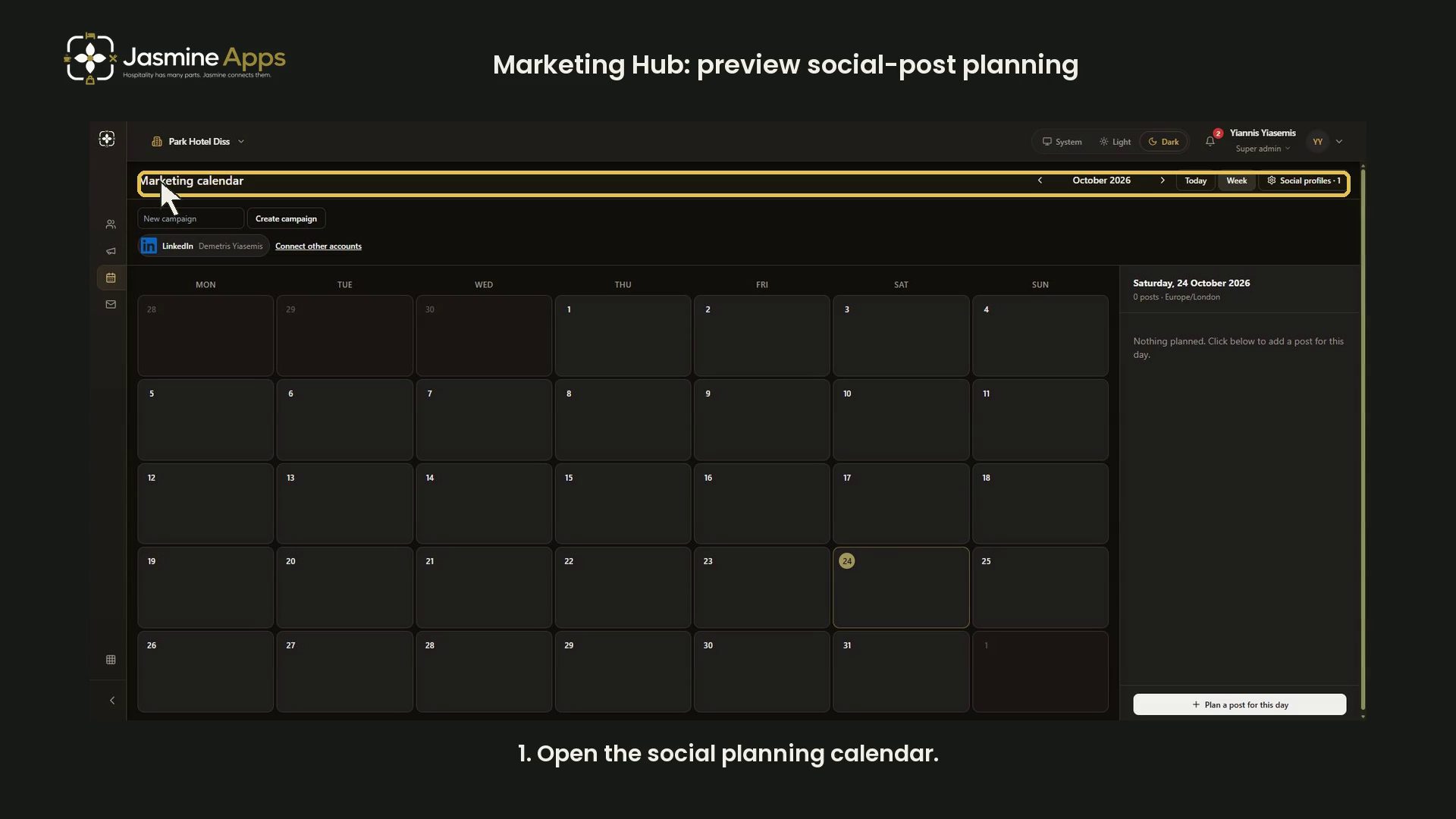
Jasmine Marketing HubMarketing Hub: preview social-post planningReview Marketing Hub month and week views, selected dates and the blank social-post form with narration in dark mode. No post saved or published.