TutorialIn-app guide
Clock Jasmine My Team: review manager setup
· Jasmine Apps
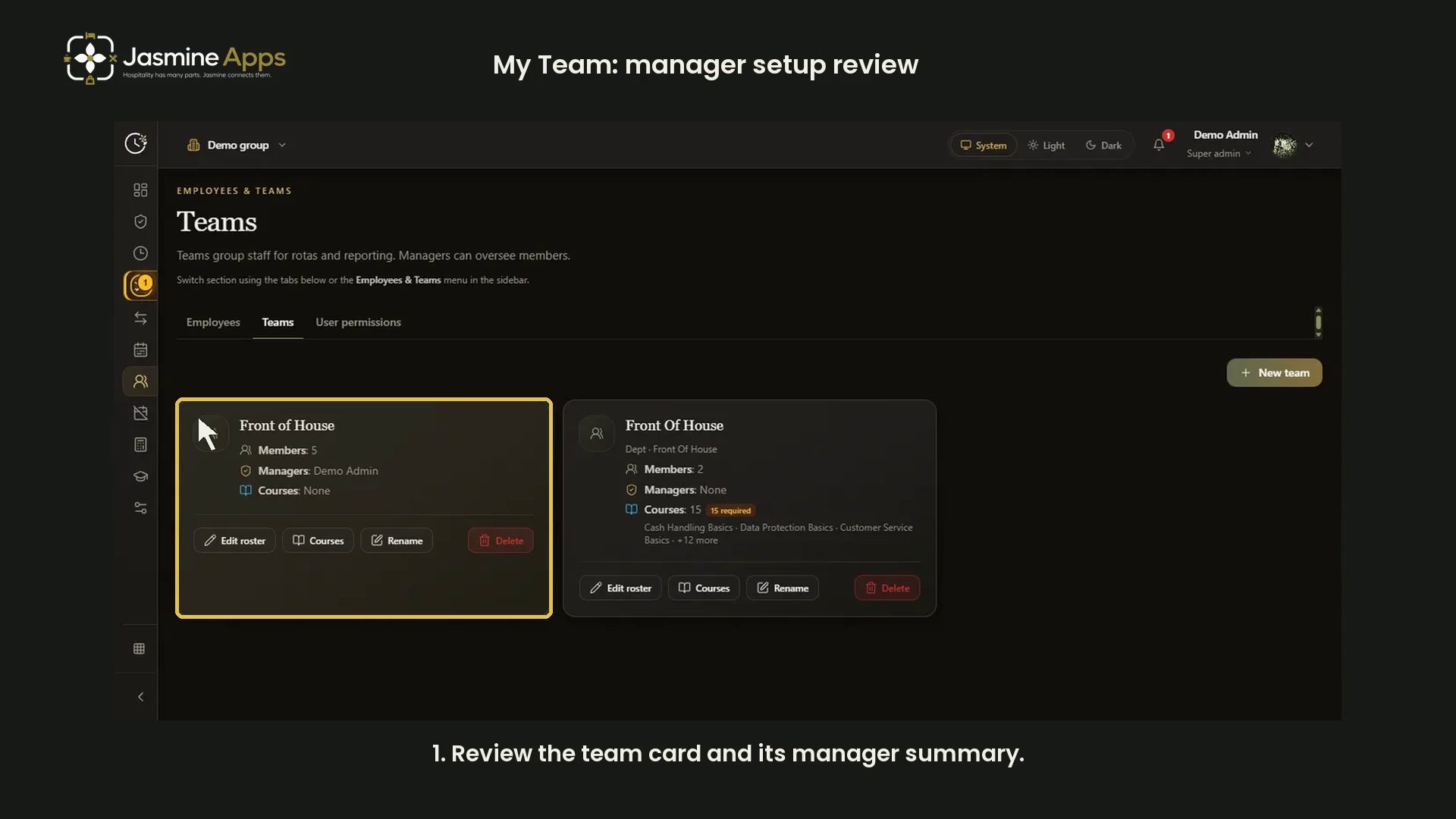
This video reviews the existing demo captures for team-manager setup. It does not demonstrate the current My Team page or change live access.
Watch the narrated demo
Review the demo roster
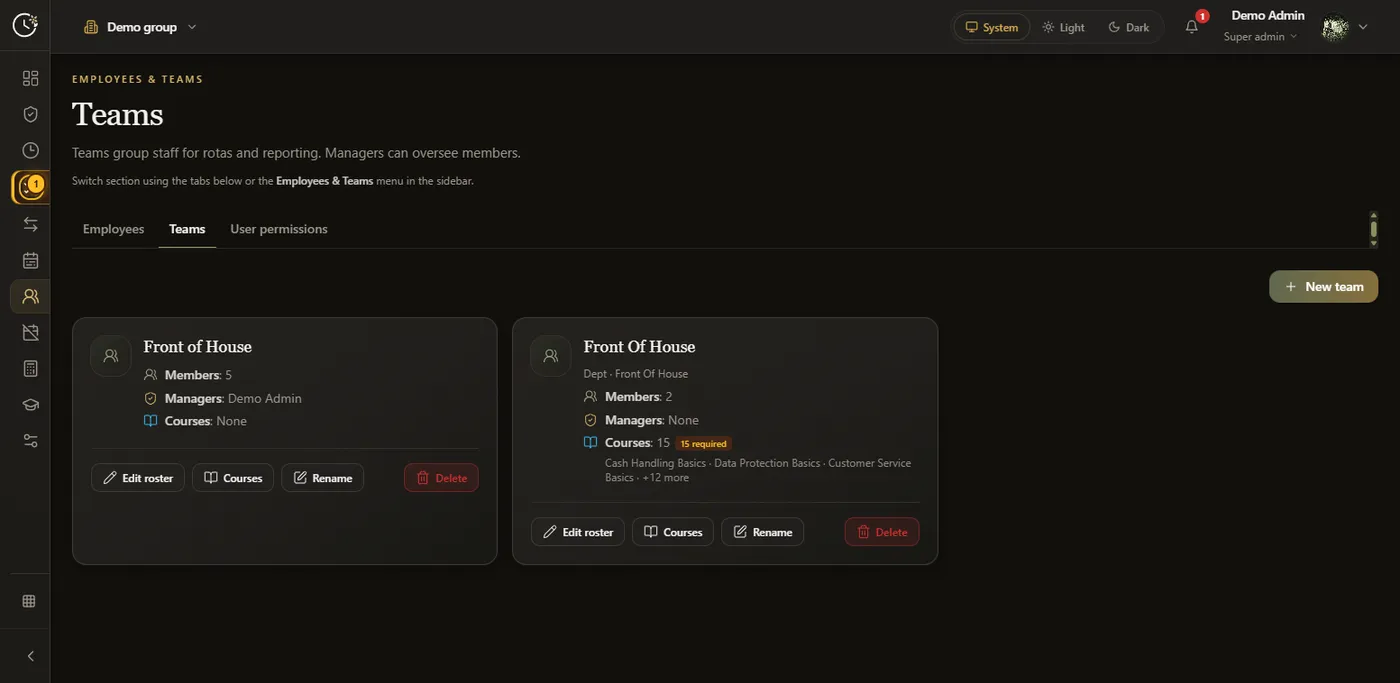
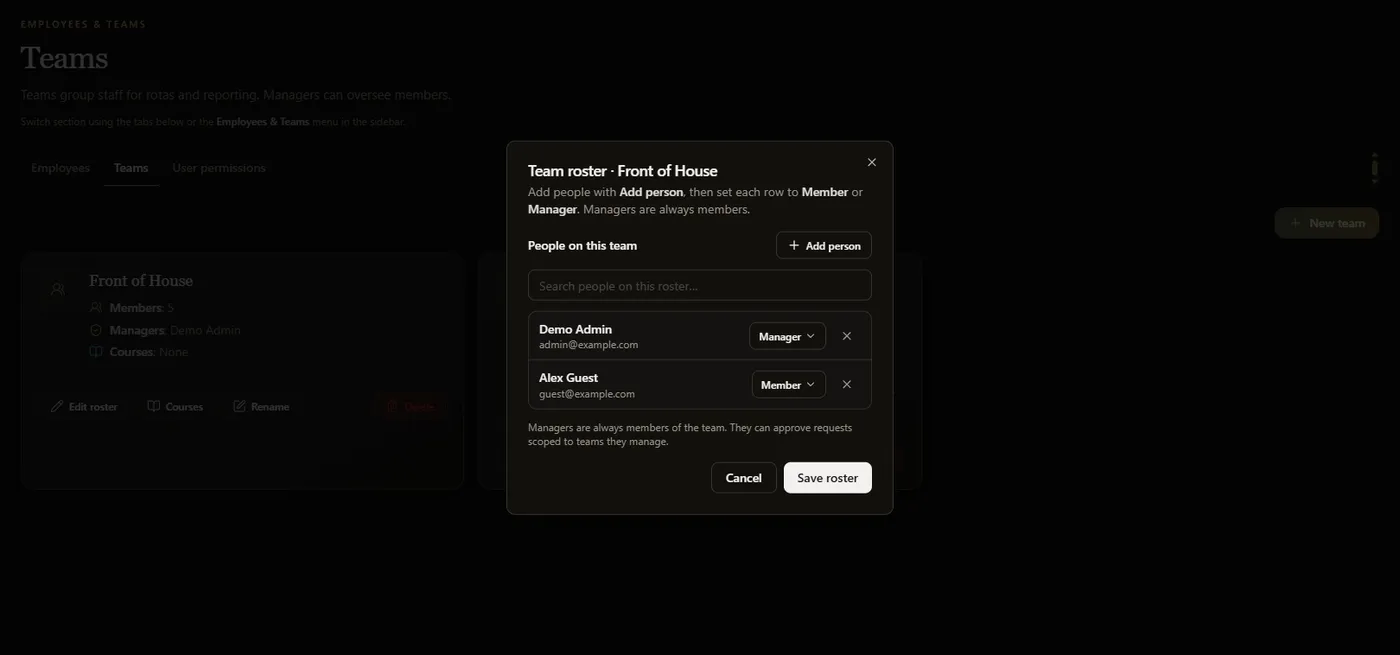
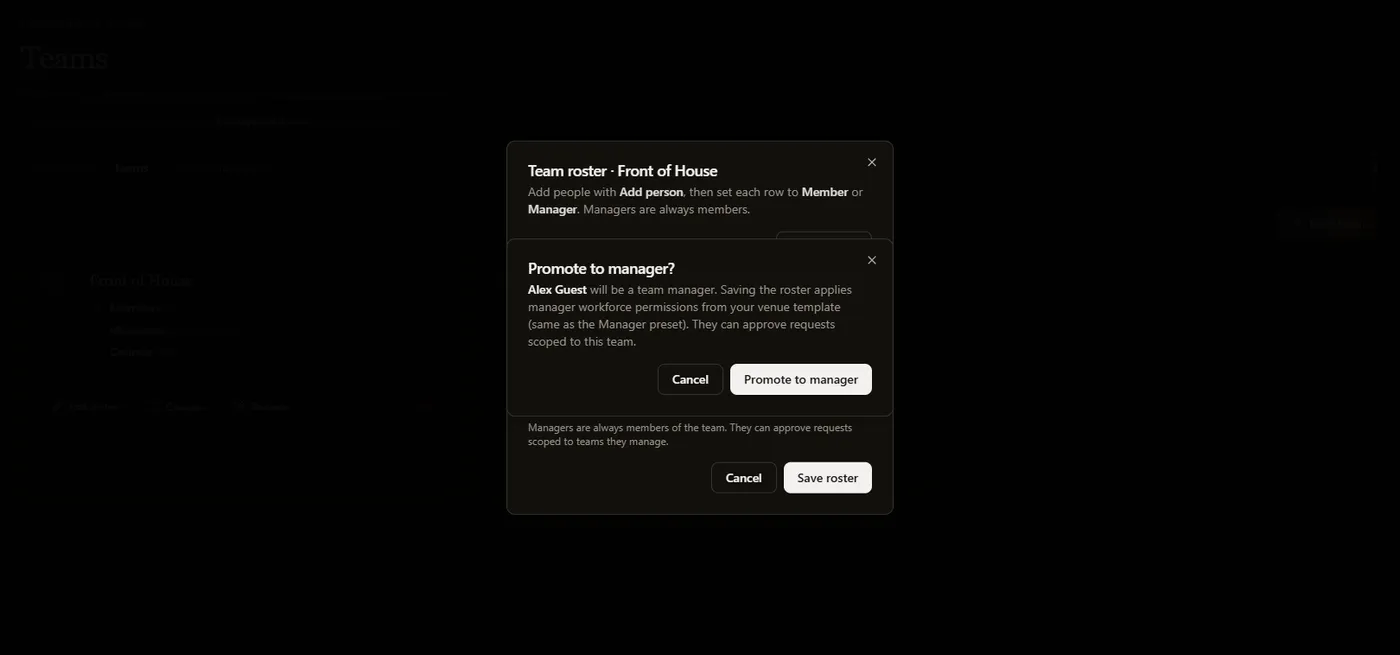
Read the team summary, then review Member and Manager in Edit roster. Managers remain team members. Read the promotion notice before an authorised change: Save roster applies it.
Open My Team with approved access
An authorised manager can open My Team. If access is denied, ask a venue administrator to review the intended role. Do not promote someone solely to record a tutorial.
Demo screenshots