

TutorialIn-app guide
Spa Booking: search guests and understand no matches
· Jasmine Apps
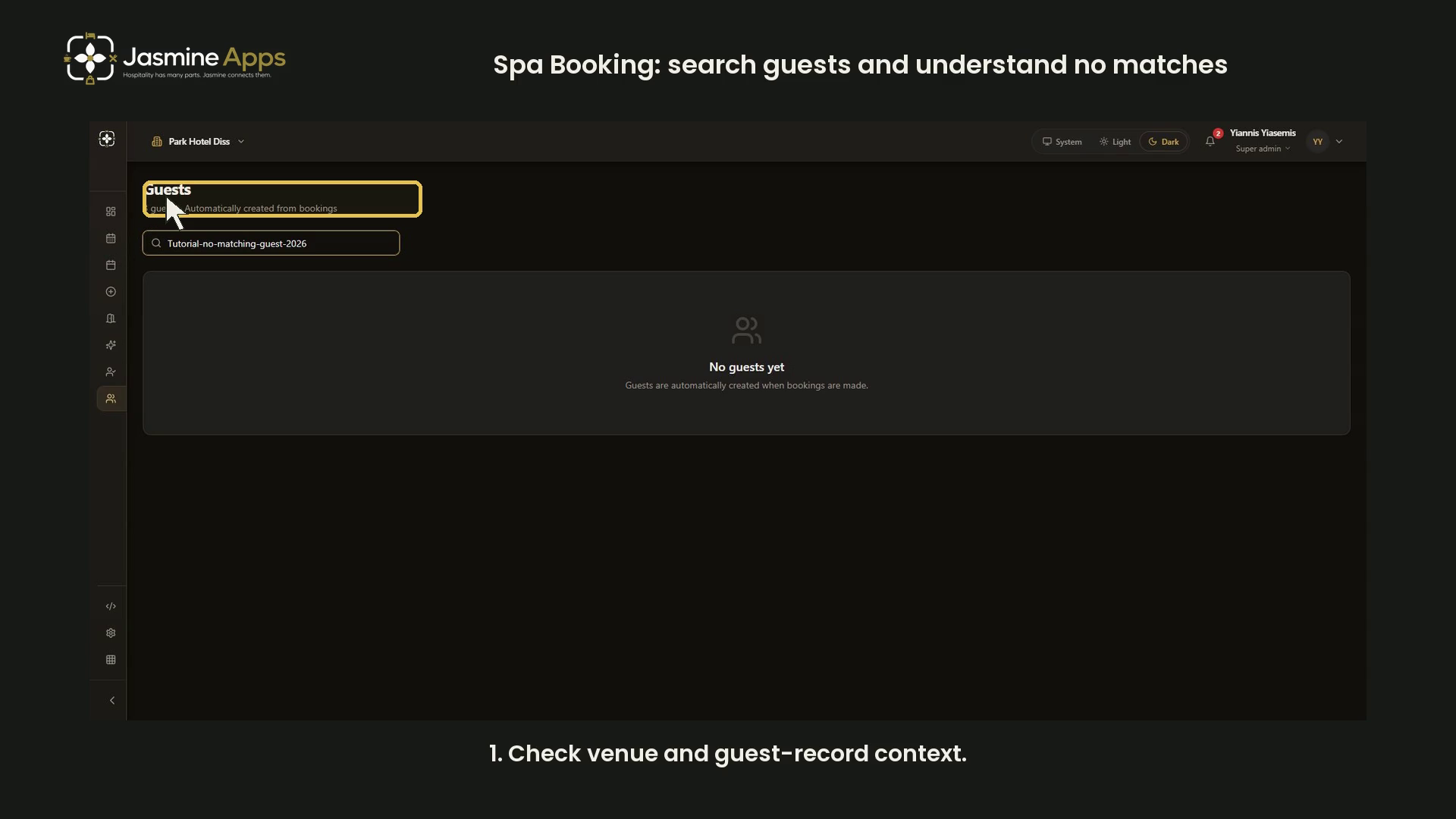
Spa Booking guest search can show an empty result even when a venue has guest records. This dark-mode walkthrough uses a deliberate no-match query so no guest name, contact detail or visit record is displayed.
Watch the walkthrough
Check venue and guest context
Open Guests and confirm the venue. The recorded Park Hotel Diss header reports three guests and says records are automatically created from bookings.
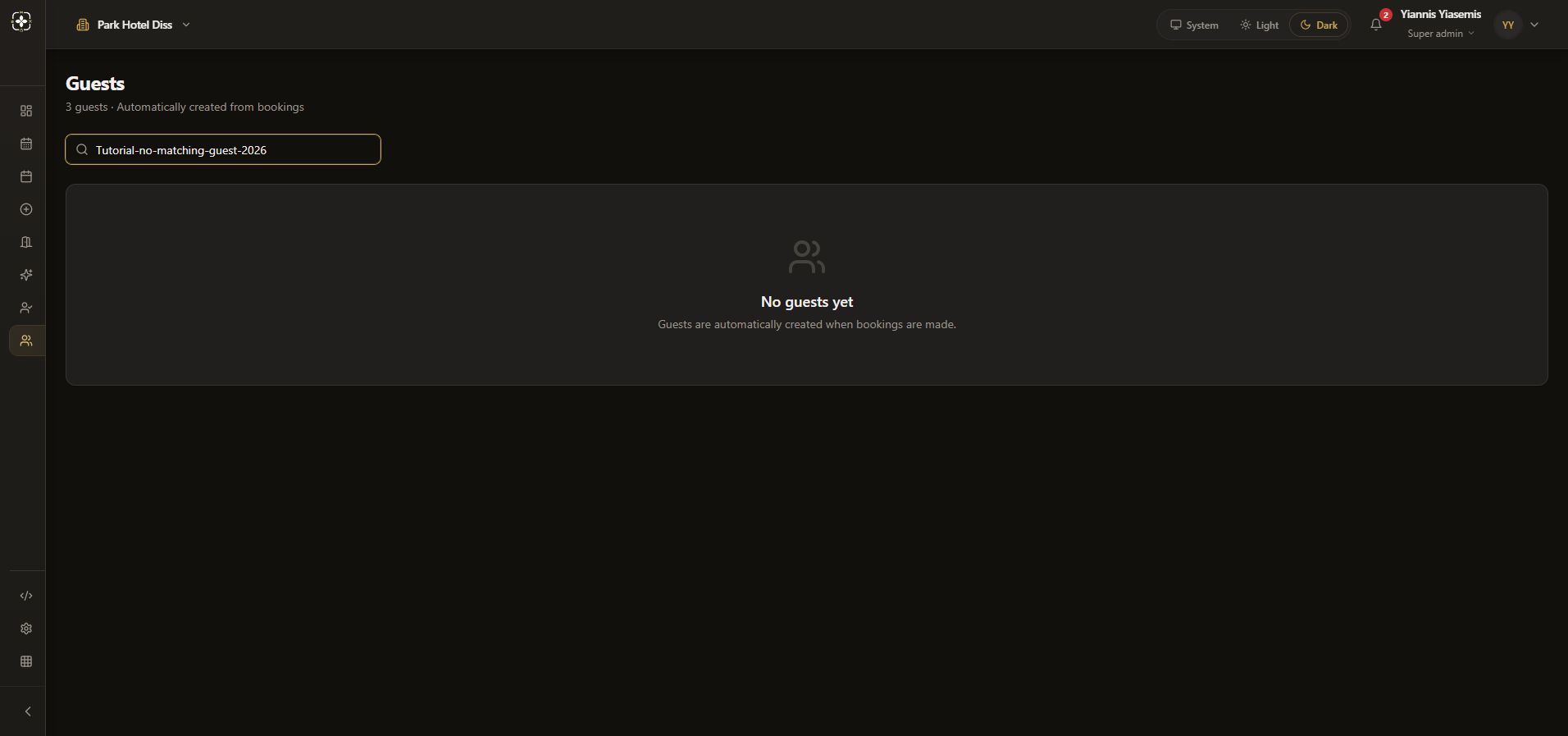
Use the search field
Search guests… is the search control. The example query Tutorial-no-matching-guest-2026 deliberately matches nobody. It is a query, not a guest created by this tutorial.
Interpret the empty result carefully
The result says No guests yet, while the header still reports three. A filtered no-match state can therefore resemble an empty catalogue. For your own authorised search, check or clear the query before concluding that no guests exist.
Keep the demonstration scoped
This walkthrough does not open a guest profile, alter contacts or create a booking. For booking-entry fields, see appointment preparation.