TutorialIn-app guide
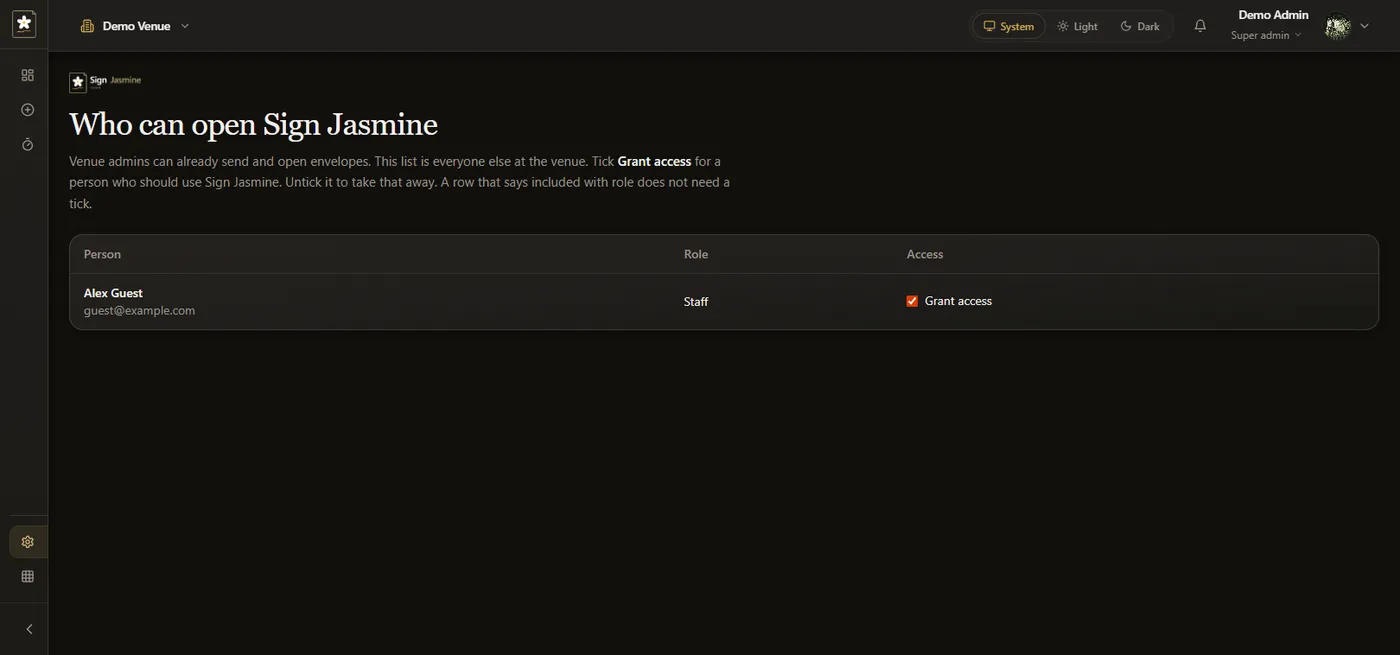
Sign Jasmine settings: review document access
· Jasmine Apps
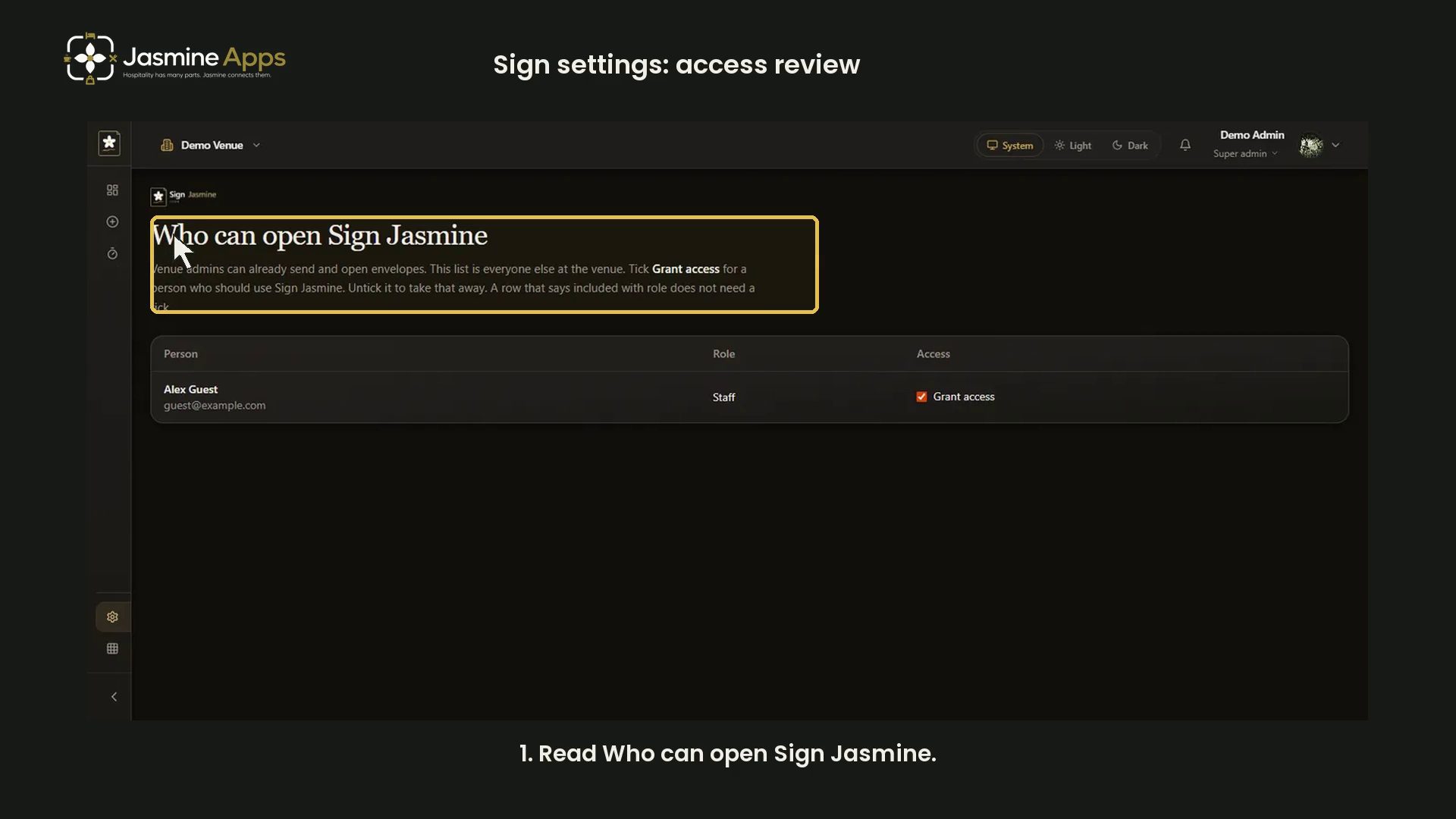
Review Sign Jasmine access in Settings. This video uses an existing demo capture with an example account; it changes no permissions.
Watch the narrated demo
Check the person and role
Read Person, Role and Access together. Venue administrators already have Sign Jasmine through their role. Included with role means a separate grant is unnecessary.
Review an intentional change
Grant access allows the person to use Sign Jasmine and access venue envelopes. Confirm the intended person and authorisation before changing it. This demonstration does not toggle the control.
Demo screenshots