
Till Jasmine EPOS
Guides and posts filed under Till Jasmine EPOS.
Tutorials57
All tutorials
Clock Jasmine16

- Clock Jasmine absence approvals: review and verify a decision
- Clock Jasmine absence: book and verify a saved request
- Clock Jasmine approvals: review and verify a time correction
- Clock Jasmine contract templates: create, save and preview
- Clock Jasmine courses: create, save and preview a quiz
- Clock Jasmine history: save manual punches and breaks
- Clock Jasmine holiday pay: save an employee profile
- Clock Jasmine locations: create and verify an inactive zone
- Clock Jasmine rota grace periods: save and verify the policy
- Clock Jasmine rotas: create and verify a draft shift
- Clock Jasmine shift swaps: offer a shift and cancel a request
- Clock Jasmine teams: create a team and manage its roster
- Clock Jasmine: clock in, take a break and clock out
- Clock Jasmine: download and check clock-punch exports
- Getting started with Clock Jasmine: staff onboarding
- My Organisation: save your venue's employee handbook
- View all Clock Jasmine
Clock Jasmine Kiosk3
Jasmine Loyalty7

- Jasmine Loyalty achievements: save and verify bonus points
- Jasmine Loyalty members: enrol, find and verify a member
- Jasmine Loyalty packages: create, save and verify a reward
- Jasmine Loyalty scheme: save and verify rates and terms
- Jasmine Loyalty welcome email: edit, save and verify
- Jasmine Loyalty: getting started with video guides
- Jasmine Loyalty: save venue profiles and prepare events
- View all Jasmine Loyalty
Table Jasmine17

- Change or cancel a reservation in Table Jasmine
- Create a reservation in Table Jasmine
- Set Table Jasmine opening hours
- Set up tables and dining areas in Table Jasmine
- Table Jasmine activity logs: find and review booking events
- Table Jasmine booking closures and venue rules
- Table Jasmine booking widget
- Table Jasmine calendar and reservation statuses
- Table Jasmine confirmation emails: save a preset and subject
- Table Jasmine deposits: record, save and verify a payment
- Table Jasmine events: create and verify a draft
- Table Jasmine floor plan
- Table Jasmine functions and pre-orders
- Table Jasmine guests and messaging
- Table Jasmine menus and offers: create and preview
- Table Jasmine: invite a team member and check their access
- Table Jasmine: update stale reservation statuses
- View all Table Jasmine
Till Jasmine EPOS14

- Till Jasmine add-ons: create a group and verify its items
- Till Jasmine layout: customise, save and verify a button
- Till Jasmine products: save an item and publish a price edit
- Till Jasmine receipts: customise, save and verify the preview
- Till Jasmine reporting: filter and export the Sales journal
- Till Jasmine settings: save and verify the trading-day end time
- Till Jasmine stock: save counts and verify low-stock changes
- Till Jasmine tables: add, save and edit a till-only table
- Till Jasmine users and permissions: review an account
- Till Jasmine void reasons: add, edit and verify saved wording
- Till Jasmine: bought-in recipients and immediate handover
- Till Jasmine: complete and check a training sale
- Till Jasmine: count and close the till
- Till Jasmine: save and reopen table and room orders
- View all Till Jasmine EPOS

- Tutorial
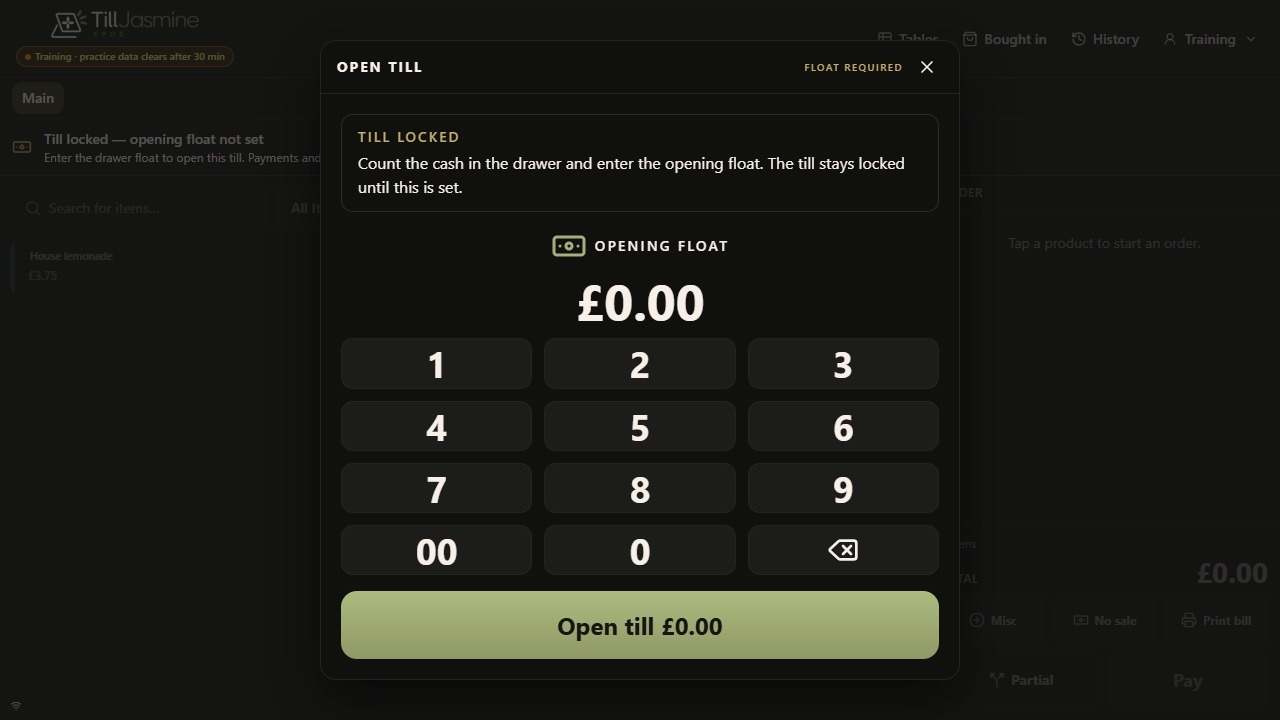
Till Jasmine: count and close the tillUse Till Jasmine cash-up to enter the money counted at the end of a shift, compare cash and card separately, save a handover note and close the till. This walkthrough completes those steps in the app's explicitly labelled training session.
- Tutorial
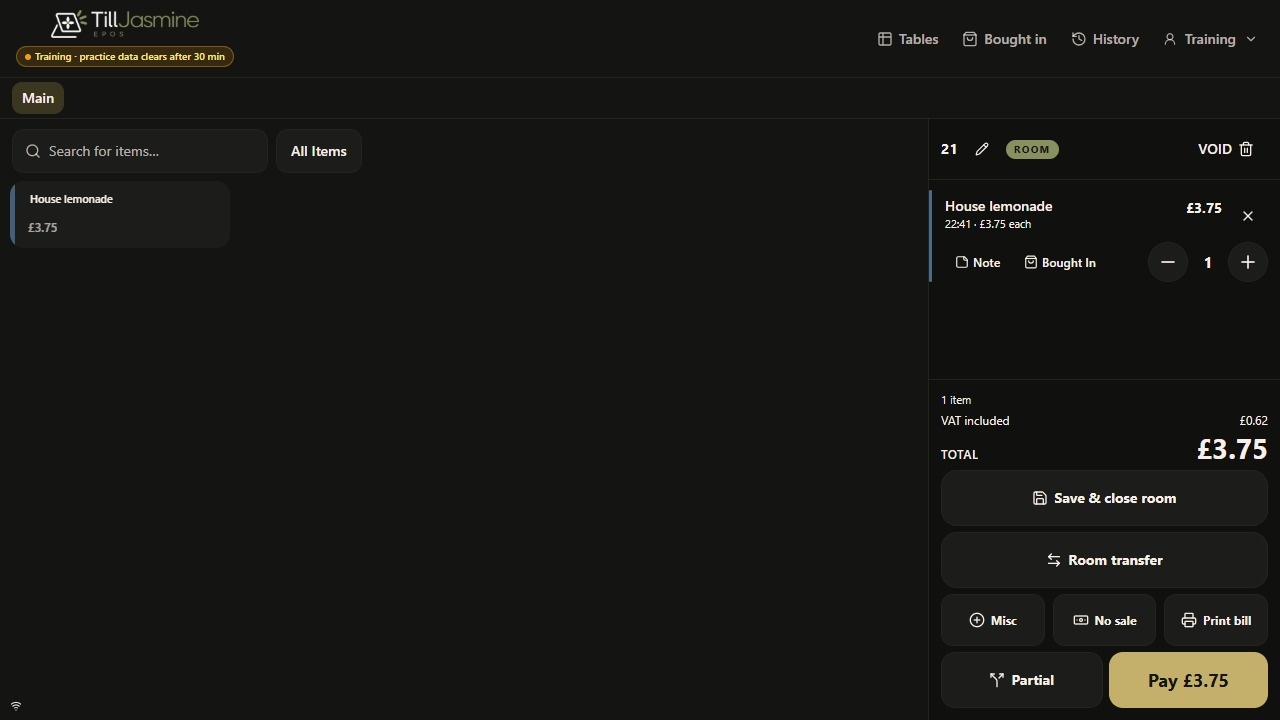
Till Jasmine: save and reopen table and room ordersSave Till Jasmine table and room orders when you need to put an order aside and return to it later. This walkthrough selects each destination, adds an item, saves and closes the order, then reopens it to check the contents.
- Tutorial

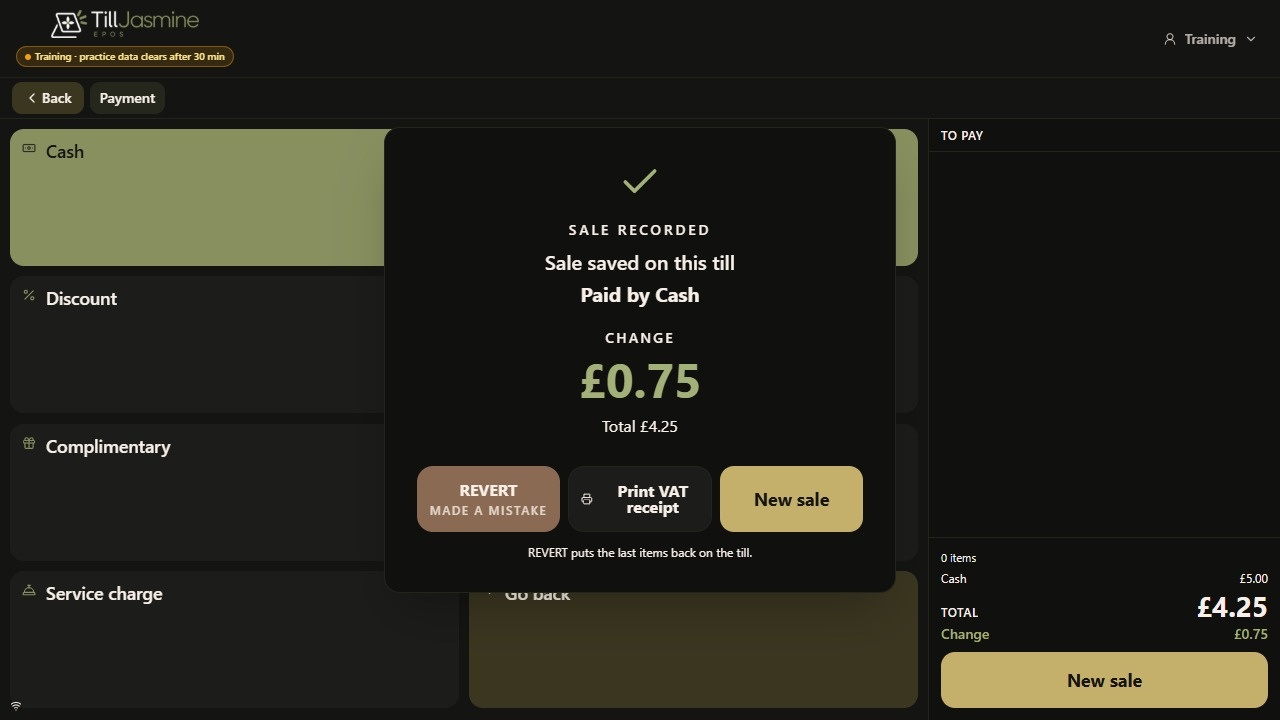
Till Jasmine: complete and check a training saleComplete a practice cash sale in Till Jasmine: unlock the till, enter an opening float, choose a product and optional extra, save a preparation note and check the tender, change and recorded-sale confirmation. The walkthrough uses the clearly labelled Training account.
- Tutorial

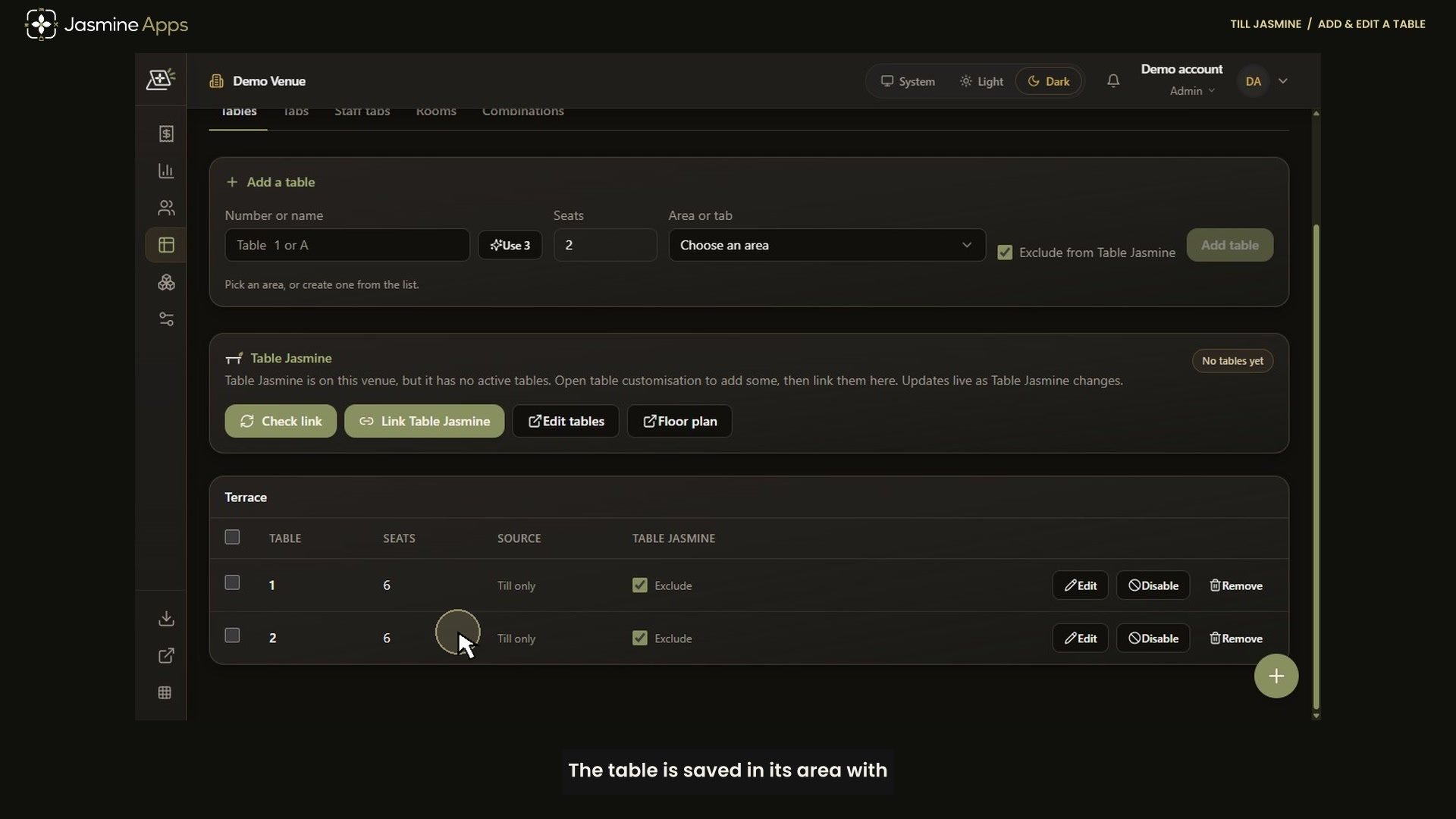
Till Jasmine tables: add, save and edit a till-only tableCreate a till-only table, save it and verify it after reloading. This walkthrough then edits the saved table's capacity, completes the second save and checks that the updated seats, area and exclusion are retained.
- Tutorial

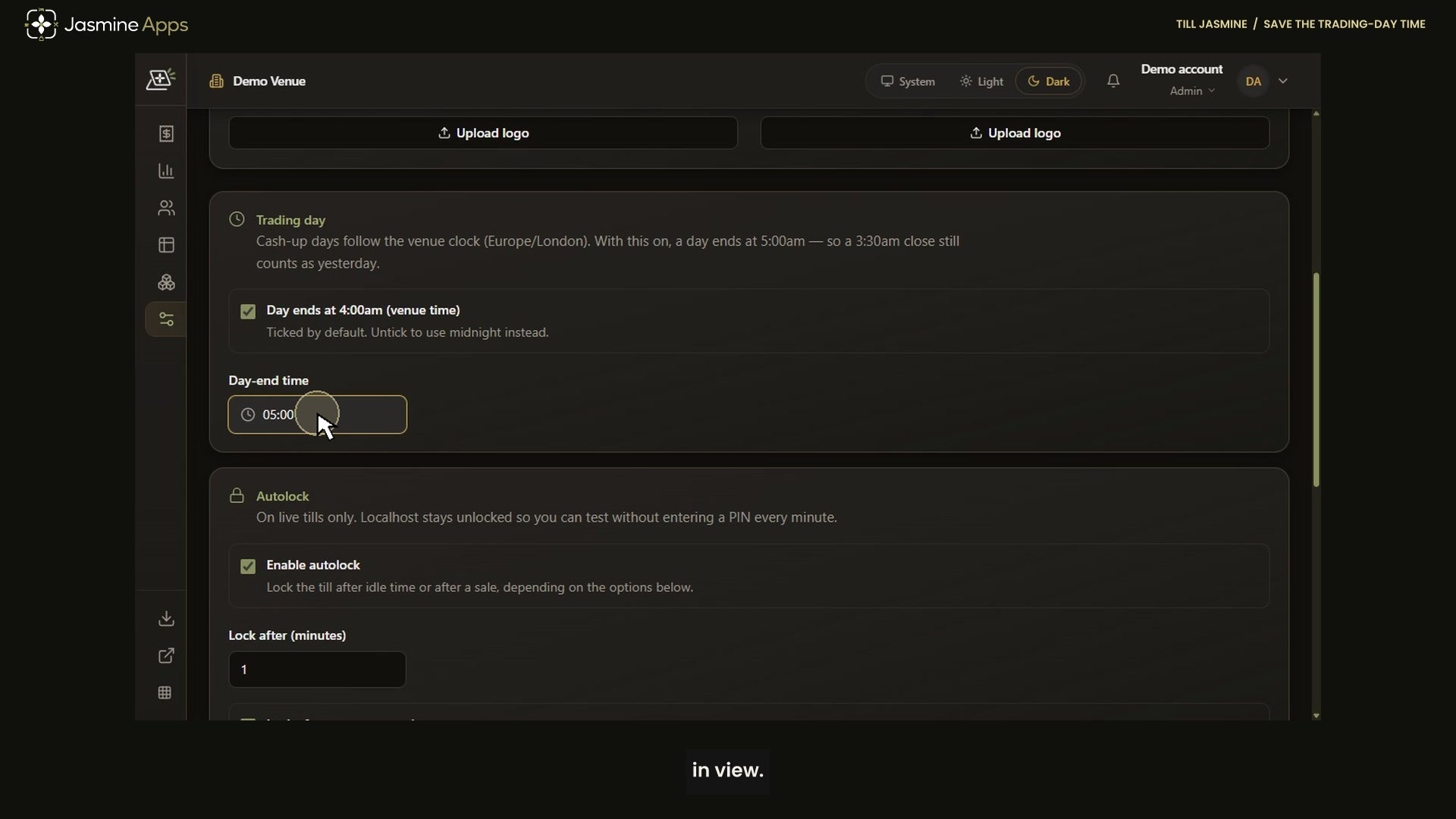
Till Jasmine settings: save and verify the trading-day end timeSet a trading-day end time in Till Settings, save it and verify it after reloading. This walkthrough checks the venue time zone, selects an hour, saves the settings and reopens the time picker to confirm the stored hour and minutes.
- Tutorial

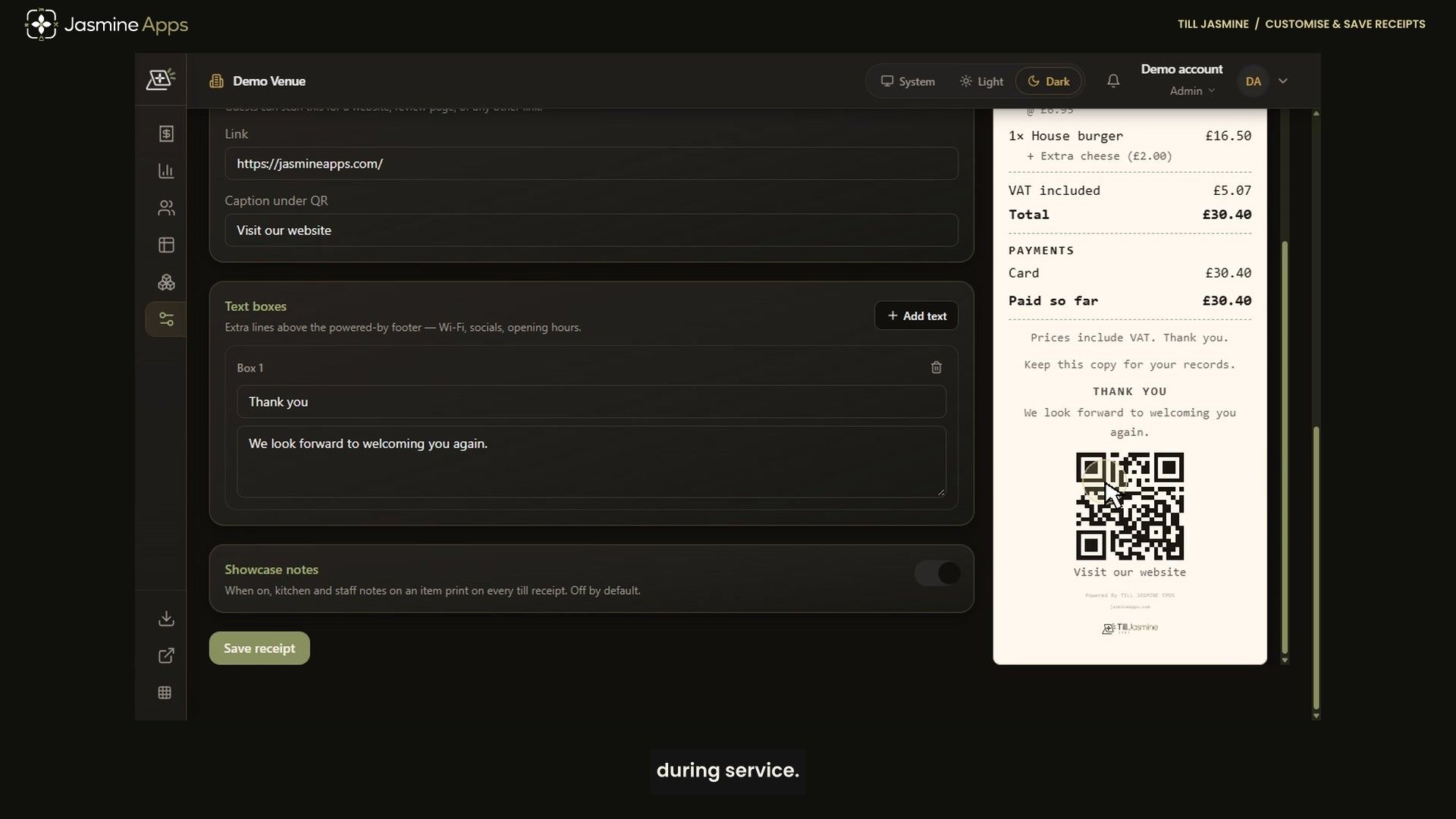
Till Jasmine receipts: customise, save and verify the previewCustomise a receipt with a QR link, a short caption and an extra text box. This walkthrough reviews the live preview, saves the setup and reloads the page to verify that the link, caption and message were stored.
- Tutorial

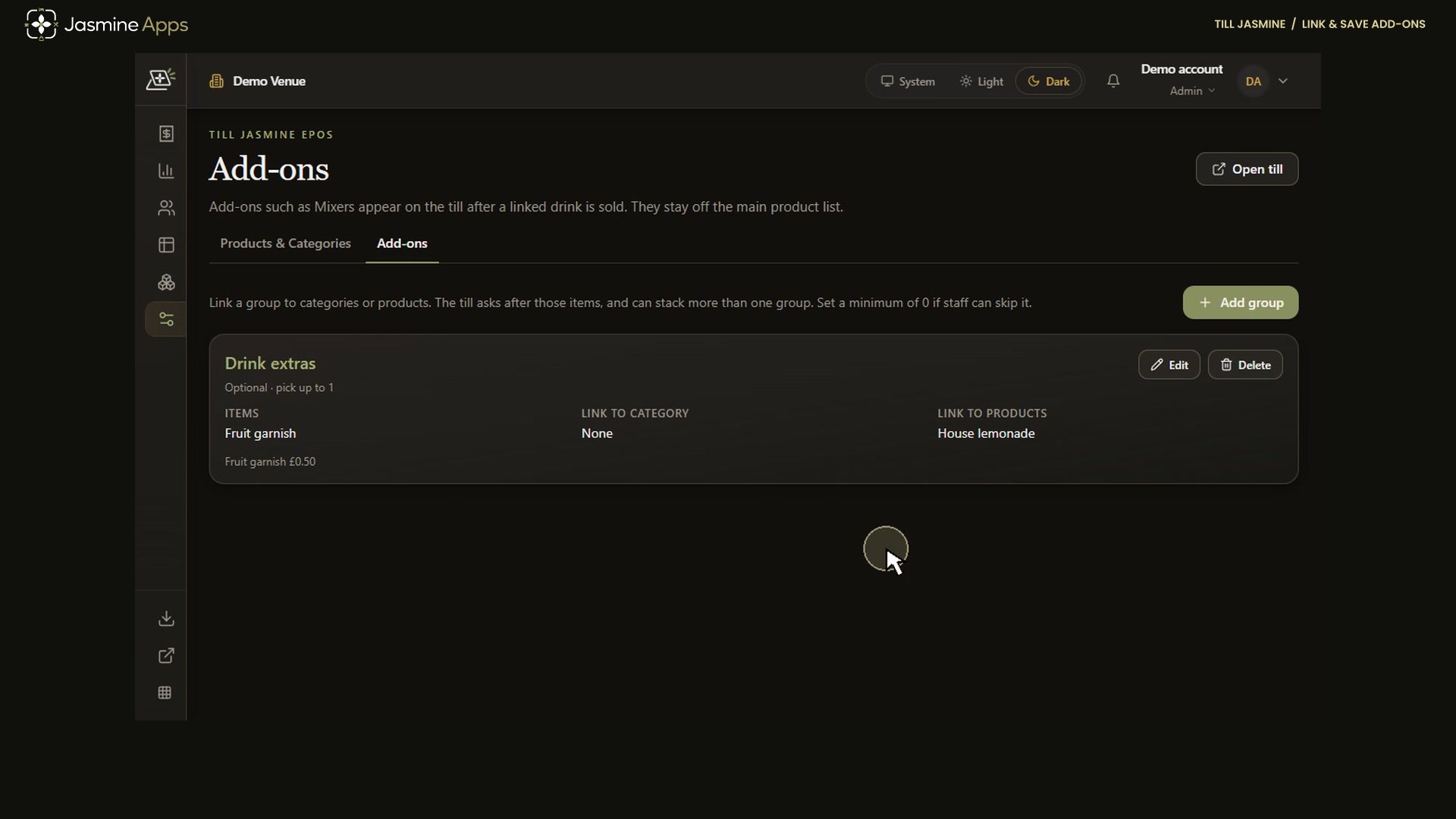
Till Jasmine add-ons: create a group and verify its itemsCreate a Till Jasmine add-on group, link it to the intended product and add an extra with its own price, cost and tax setting. This guide completes the save, reloads the page and checks that the group and item details were retained.
- Tutorial

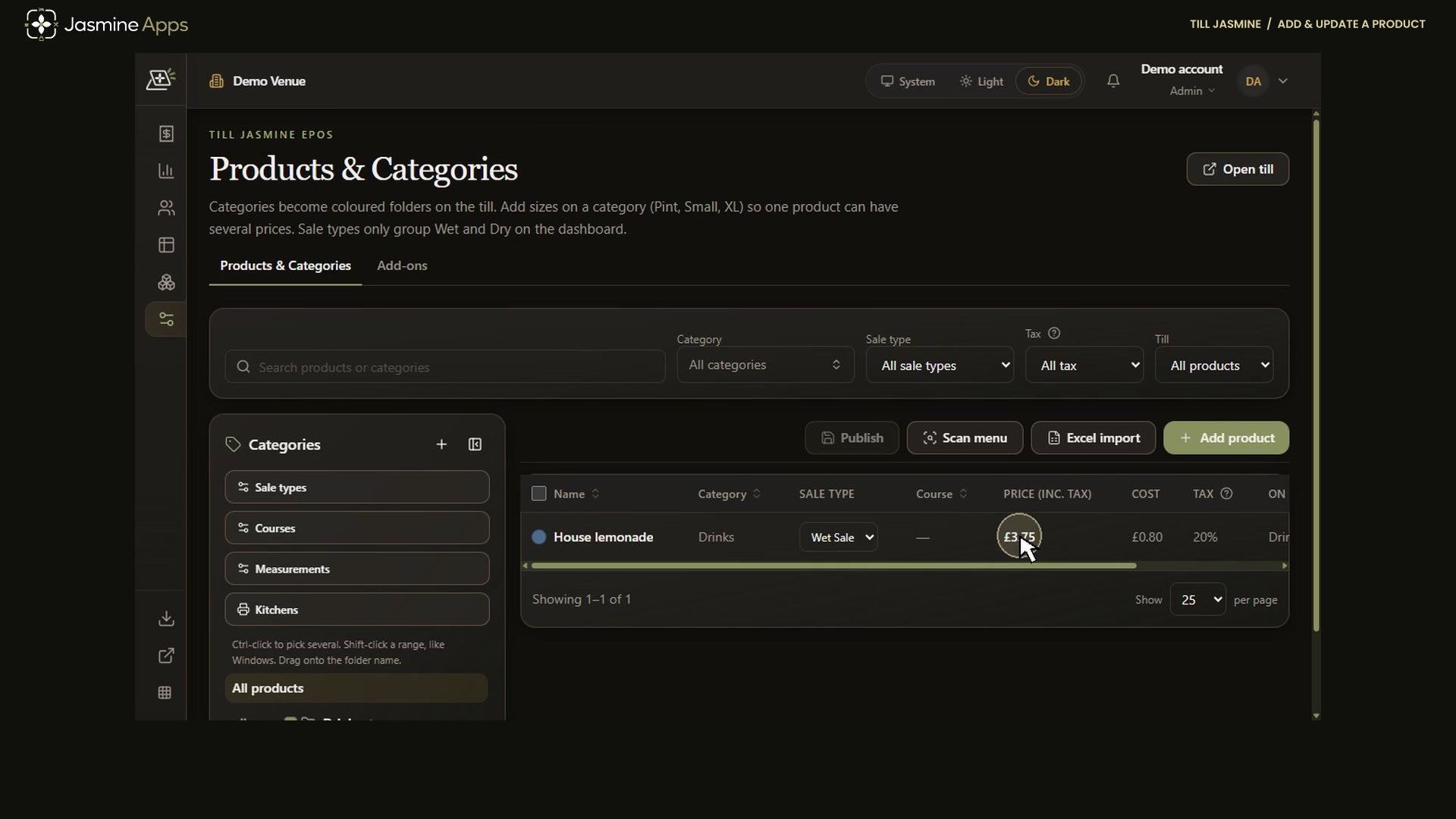
Till Jasmine products: save an item and publish a price editCreate a product in Till Jasmine, check its saved details, then make and publish a quick price change. The walkthrough follows the current app from an existing category through a reload check of the updated product. The fictional demo account remains readable.

Point of saleAI Menu Scanning for Restaurants: When Does £10 Pay Back?Your AI menu scanning for restaurants needs a review step. Compare revision frequency, checking time and the £10 add-on before deciding what it can save.

Point of saleRestaurant Menu Profitability: Your Bestseller May Not WinYour restaurant menu profitability needs more than a bestseller list. Compare contribution, demand and service capacity before changing prices or dishes.

Point of saleRestaurant EPOS ROI: What Must a £59 Till System Earn?Your restaurant EPOS ROI depends on margin, stock and service. See what a £59 till must earn, which costs to include and how to prove value at the venue.

Point of saleMulti Venue EPOS Reporting: Why Your Busiest Site May Not Be Your Best PerformerMulti venue EPOS reporting can rank the wrong winner. Align dates, definitions and service context to turn sales comparisons into useful venue decisions.

Point of saleRestaurant Discount Policy: Give Staff Confidence Without Losing ControlYour restaurant discount policy should explain the reason as clearly as the amount. Align offers, permissions and records before the busy service begins.

Point of saleRestaurant Stock Variance: Why a Missing Bottle Is Not Proof of TheftRestaurant stock variance does not explain its own cause. Check count timing, pack units, recipes and movements before deciding where your stock has gone.

Point of saleA Till Can Pass a Demo and Fail Your Friday Night: Your EPOS Demo ChecklistUse your EPOS demo checklist to expose what a polished presentation misses. Test real orders, exceptions, costs and responsibilities before you buy a till.

Point of saleHospitality Software ROI: Why Time Saved Is Not Always Money SavedYour hospitality software ROI can look strong while cash costs stay unchanged. Separate capacity, savings and contribution before approving the investment.

Point of saleDoes EPOS Work Without Internet? A Hotel and Bar Outage PlanDoes EPOS work without internet? Understand offline sales, card payment limits and a practical outage plan for hotel bars using Till Jasmine.

Point of saleHow to Switch EPOS Systems Without Disrupting ServiceSwitch EPOS systems with a practical plan for data, hardware, training and a pilot. Prepare your hotel, bar or restaurant for a smoother changeover.

Point of saleHow to Reduce Bar Queues: Practical Till and Service ChangesReduce bar queues by finding the real bottleneck. Improve till layouts, payment handover and team routines, with practical examples for busy venues.

Guest loyaltyRestaurant Loyalty Programmes: Rewards That Encourage Return VisitsBuild restaurant loyalty programmes around a clear reward and a simple till routine. Learn to price rewards, train staff and measure repeat visits.

Point of saleWhy Is My Product Not Showing on Till Jasmine?Product not showing on Till Jasmine? Check publication, categories and the saved till layout before creating duplicates or changing live service.

Point of saleCash or Card Button Missing on Till Jasmine?Cash or Card button missing on Till Jasmine? Check the Payment page, save the layout and distinguish missing buttons from terminal payment faults.

Point of saleTill Jasmine Pairing Code Rejected? What to CheckTill Jasmine pairing code rejected? Check expiry, device setup and the right venue before generating a fresh code for your Windows till.

Point of saleTill Jasmine Shows the Wrong Change: Check Cash EntryTill Jasmine showing the wrong change? Check Clear, Exact and quick-note entry before completing the cash sale, then verify the receipt and drawer.

Point of saleTill Jasmine Cash-Up Does Not Match? Start HereTill Jasmine cash-up does not match? Check float, cash and card counts, recorded expenses and the cash-up period before closing the till.

Point of saleMatch-Day Pub Service: Prepare the Till Before Kick-OffPrepare match-day pub service with a checked till layout, clear payment handover and planned stock stations before the first busy round arrives.

Point of saleChanging a Pub Menu: A Catalogue and Price ReviewPlan a pub menu change with checked product names, prices and categories. Review menu-scan suggestions and test the saved Till Jasmine layout.

Point of saleFully Booked Hotel Weekend: A Practical Technology BriefingPrepare a fully booked hotel weekend with a joined-up briefing for tills, reservations, staffing and room information, using clear owners and checks.

Point of saleChristmas Menus on Your Till: Prepare Prices, Pages and StaffPrepare a Christmas menu till setup with approved products, clear festive pages and practical staff tests before the first party service.
- Tutorial

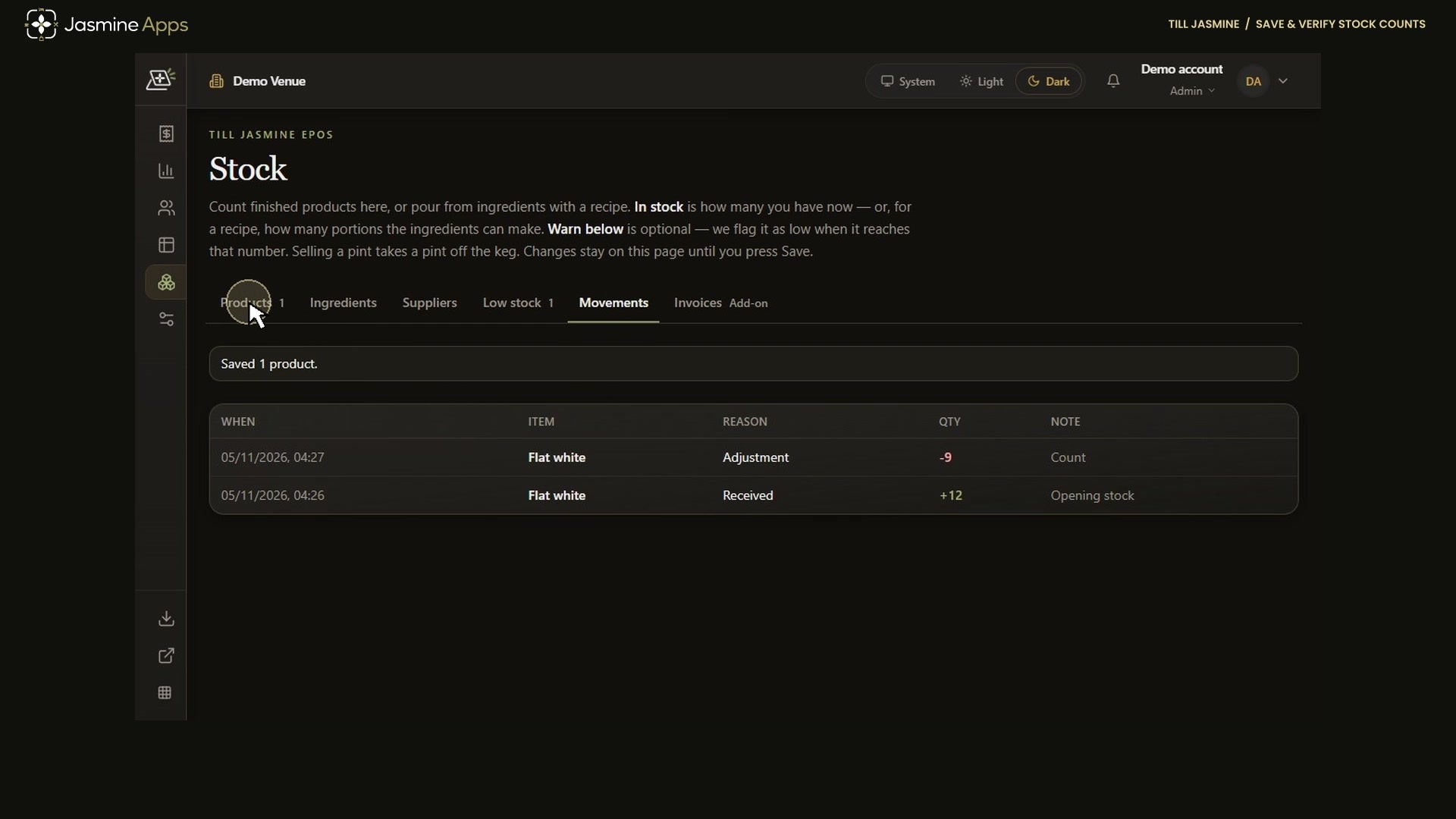
Till Jasmine stock: save counts and verify low-stock changesSave a Till Jasmine stock count, set a warning level and check that both survive reloading. This walkthrough also saves a lower count, reviews the flagged product in Low stock and checks the resulting entries in Movements.
- Tutorial

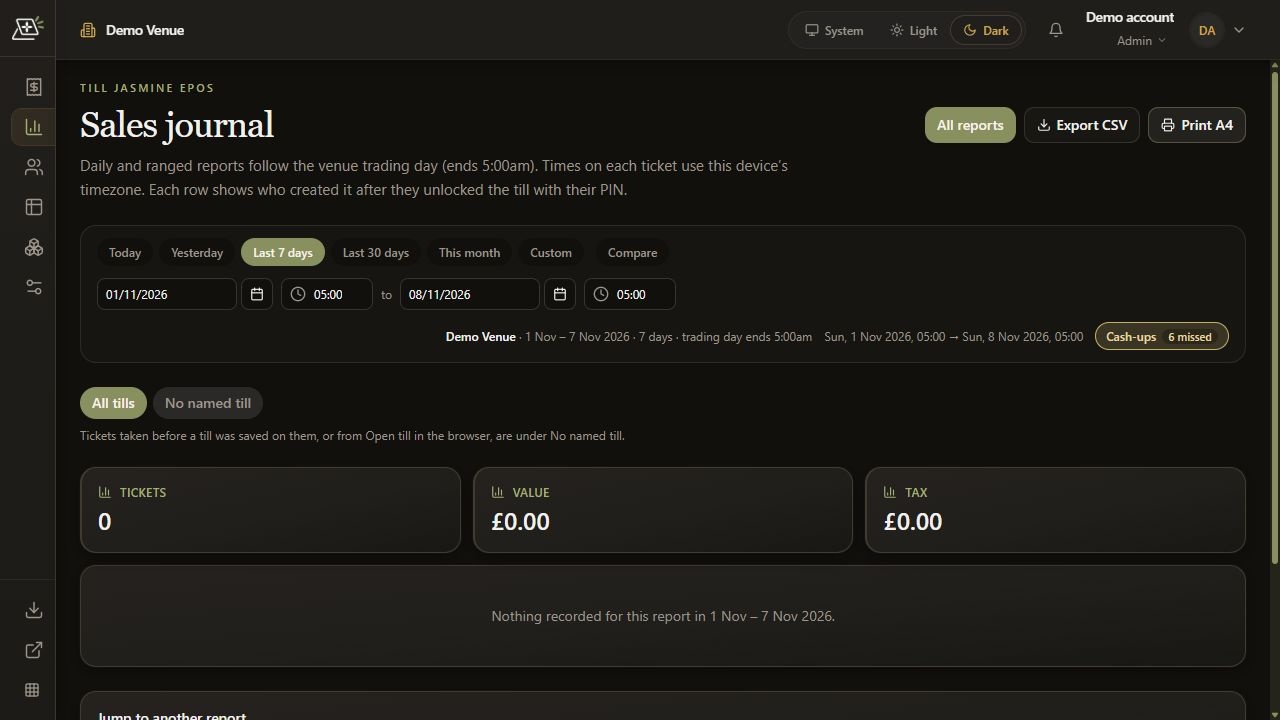
Till Jasmine reporting: filter and export the Sales journalUse the Sales journal to choose a reporting period, filter tickets by till and export the selected report as CSV. The walkthrough uses Demo Venue and an empty reporting period.
- Tutorial

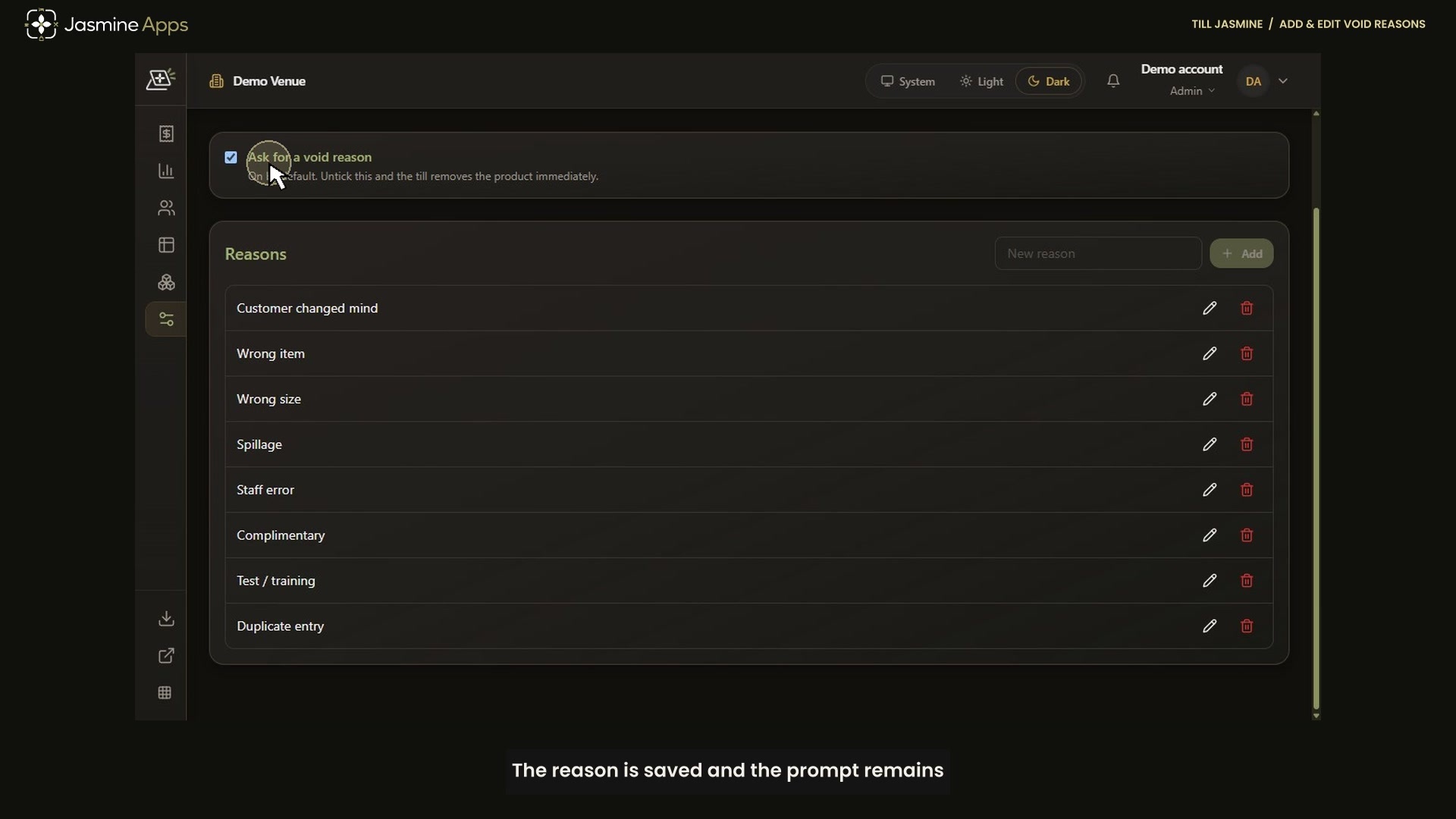
Till Jasmine void reasons: add, edit and verify saved wordingCreate a clear void reason, save it and verify it after reloading. This walkthrough also edits the new reason with its pencil control, saves the revised wording with Enter and checks that the change was retained.
- Tutorial

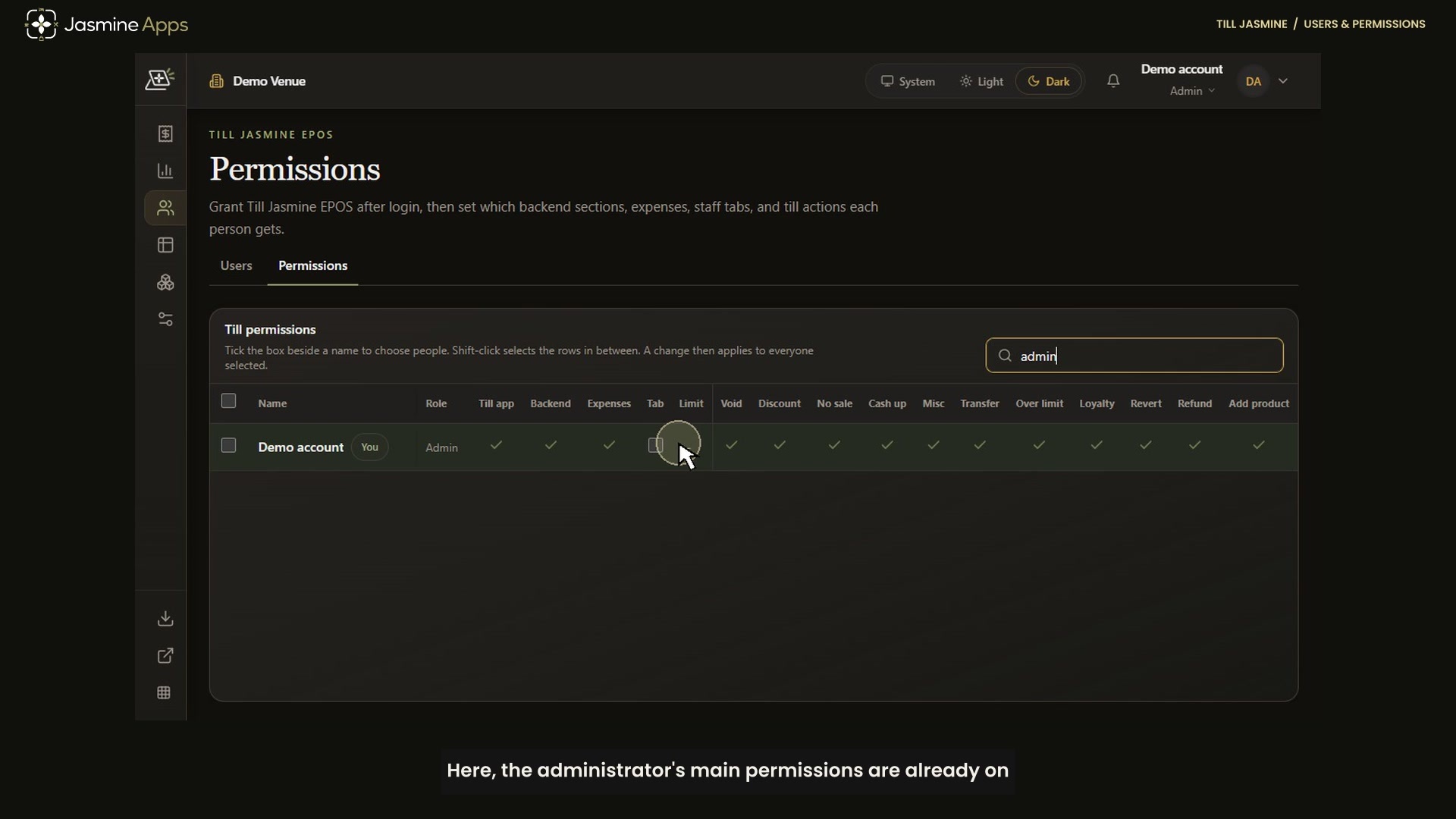
Till Jasmine users and permissions: review an accountTill Jasmine users and permissions are split between account details and access controls. This walkthrough checks a training account, searches its permissions and returns to Users. Fictional demo details remain readable; real private details are excluded.

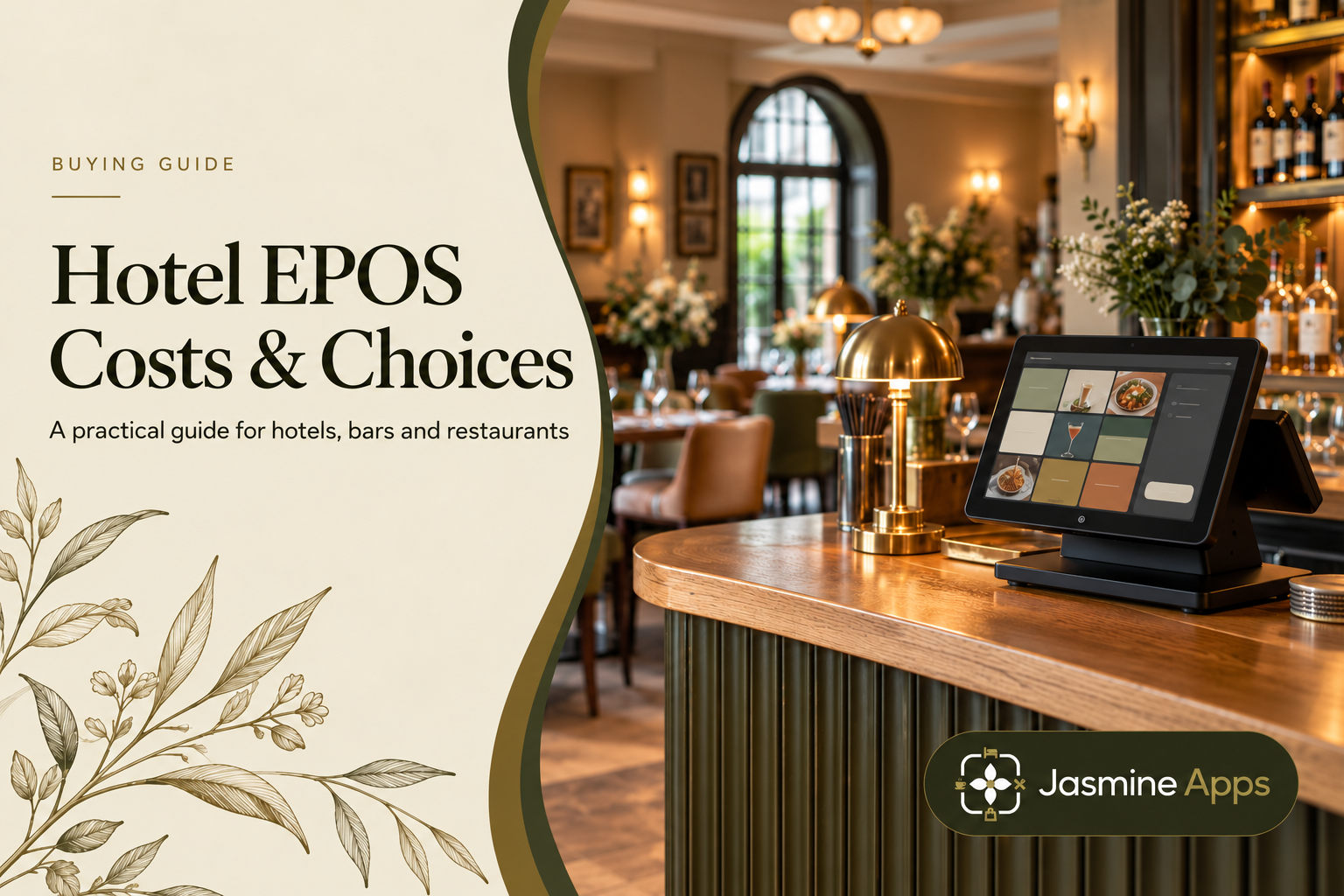
Point of saleHow Much Does a Hotel EPOS System Cost?Choosing a till for your hotel? Compare one, two and three-till costs, hardware, setup, payment fees and bundles, with a practical checklist for reception, bar and restaurant.
- Tutorial

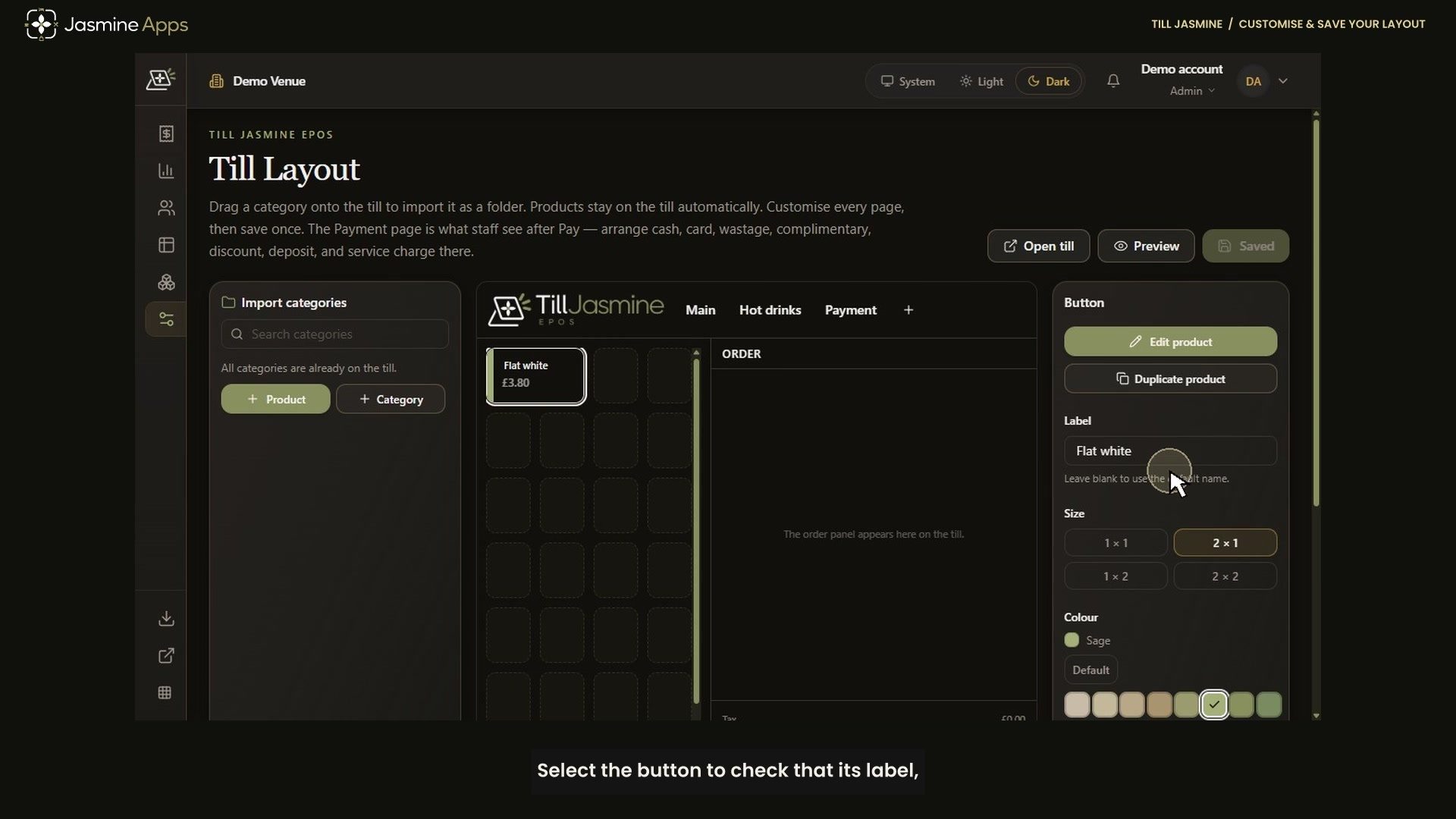
Till Jasmine layout: customise, save and verify a buttonCustomise a Till Jasmine product button so its name and price are easier to read, preview the result, then save and verify the layout. This walkthrough completes a real change in Demo Venue and checks the retained settings after reloading.
- Tutorial

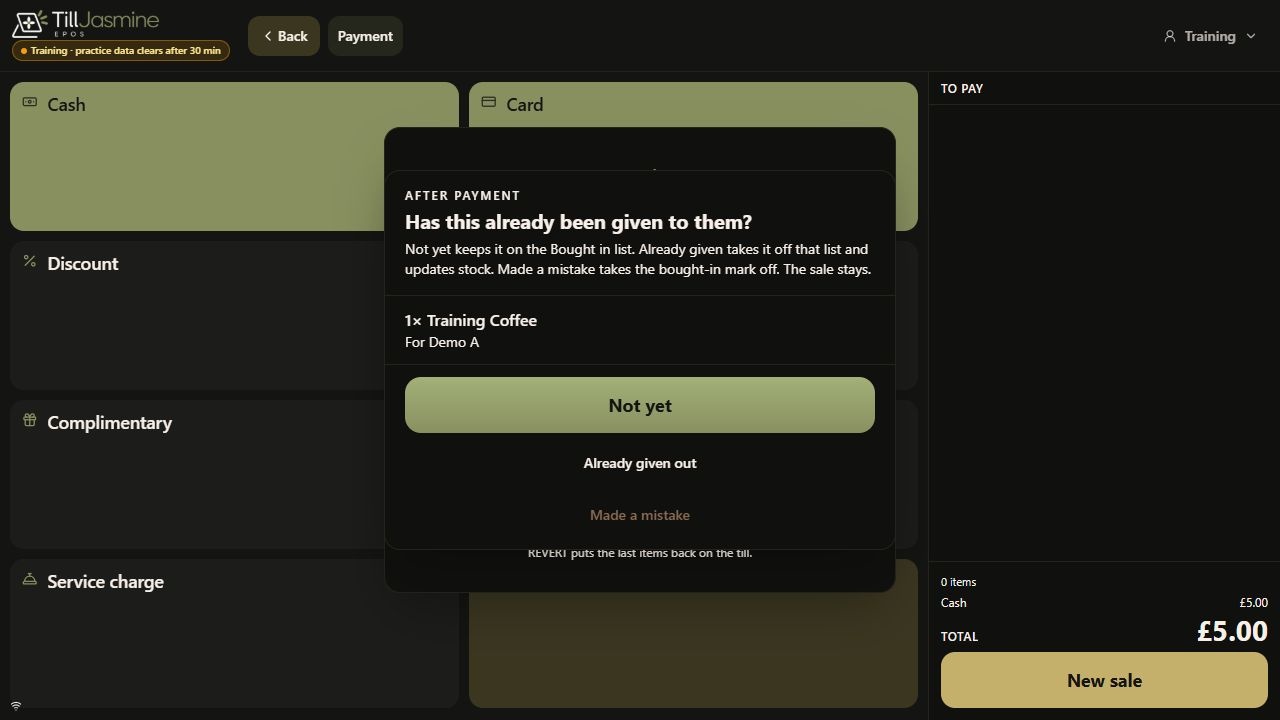
Till Jasmine: bought-in recipients and immediate handoverMark an order line as bought in, choose its recipient, take payment and record whether the item has been handed over. This walkthrough completes a fictional staff-recipient example in the till's explicitly labelled Training mode.

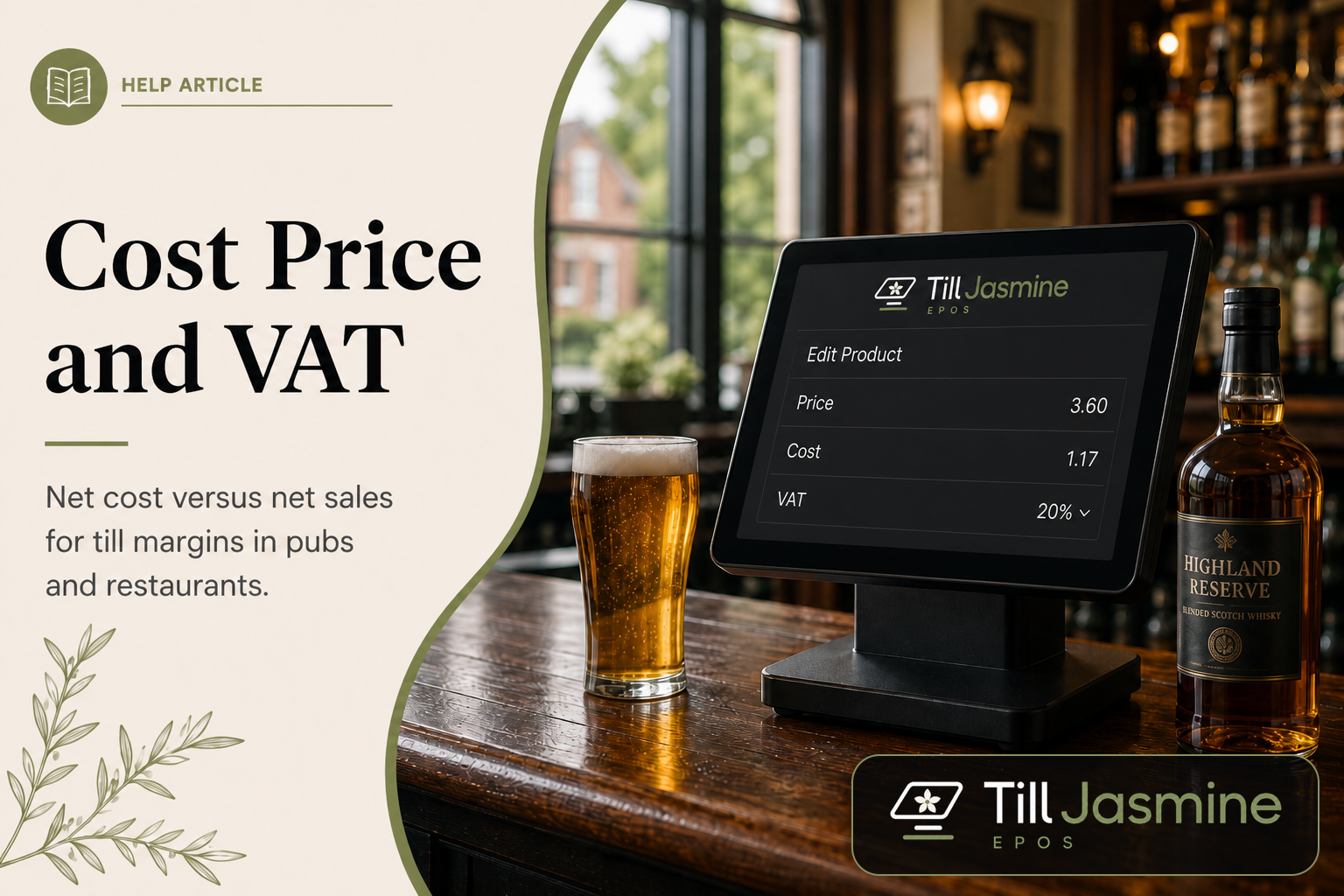
TaxDoes EPOS cost price include VAT?Net supplier cost after recoverable VAT, and why food bought at 0% can still be sold eat-in at 20%.

TaxUK VAT on till productsWhen to use 20%, 5%, or 0% on Till Jasmine EPOS, and what a VAT receipt needs versus a table bill.