TutorialIn-app guide
Clock Jasmine tutorials
In-app guides for how to use Clock Jasmine.
Tutorials56
All tutorials
Clock Jasmine11

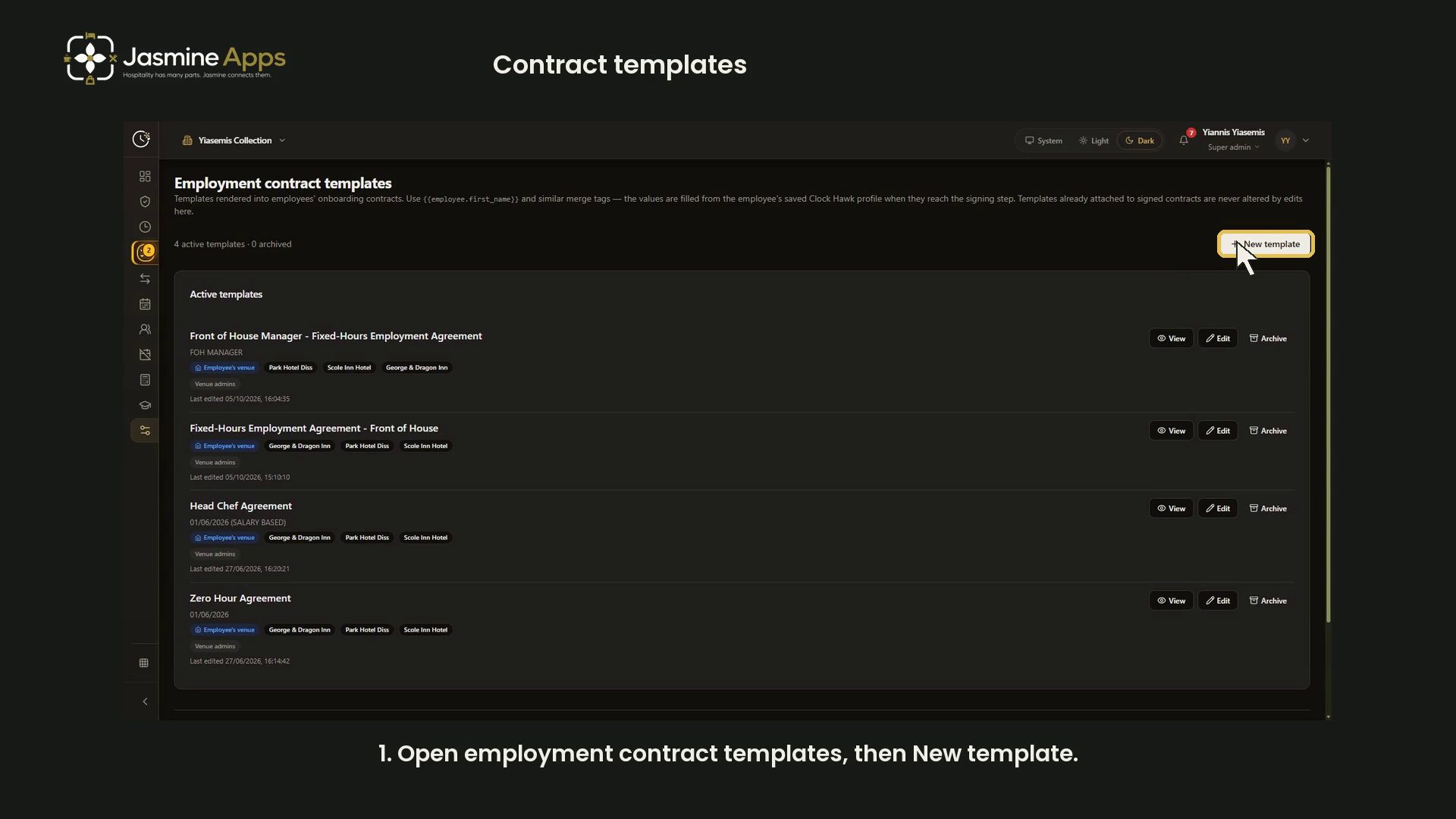
- Clock Jasmine contract templates: merge tags and preview
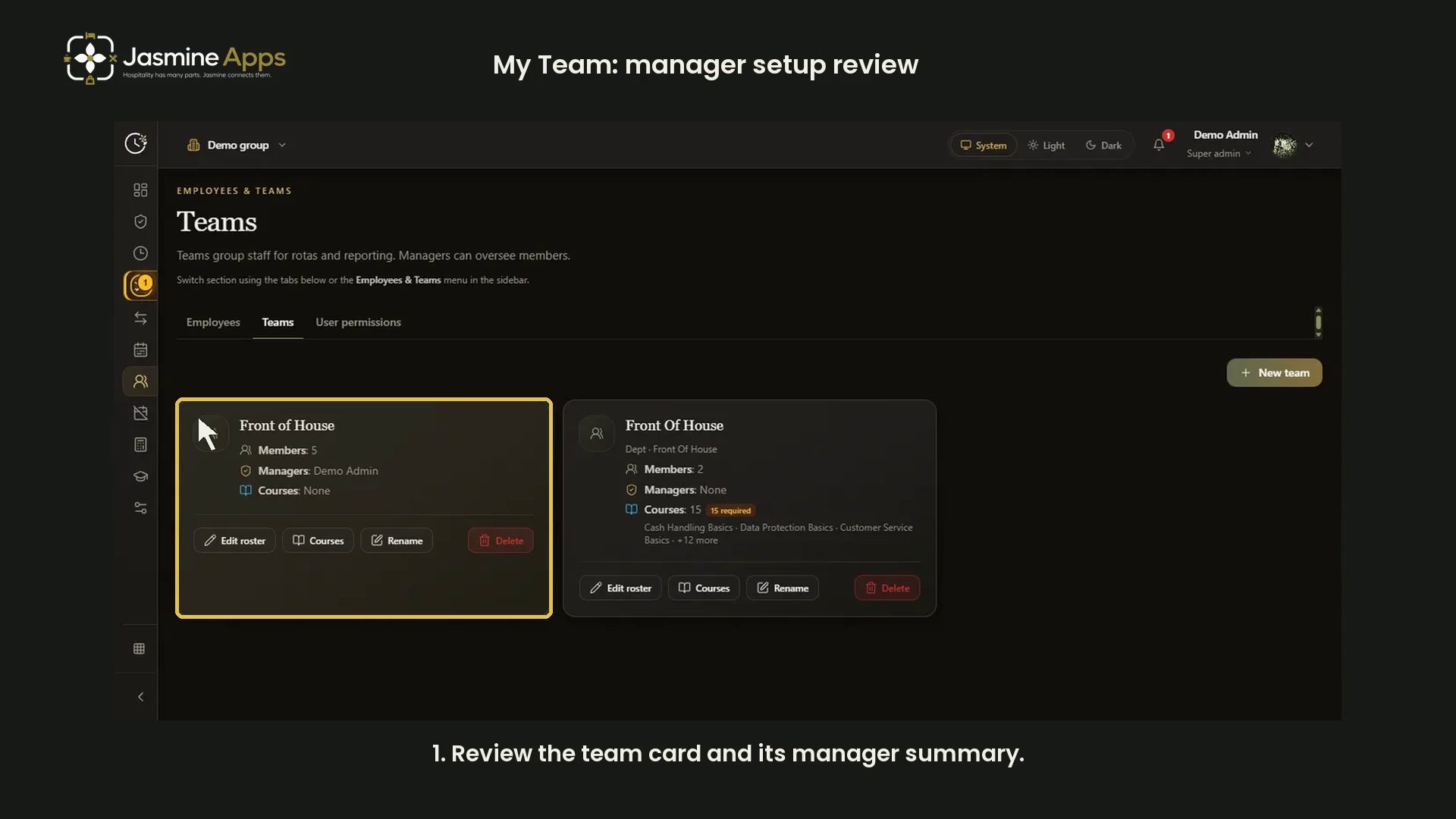
- Clock Jasmine My Team: review manager setup
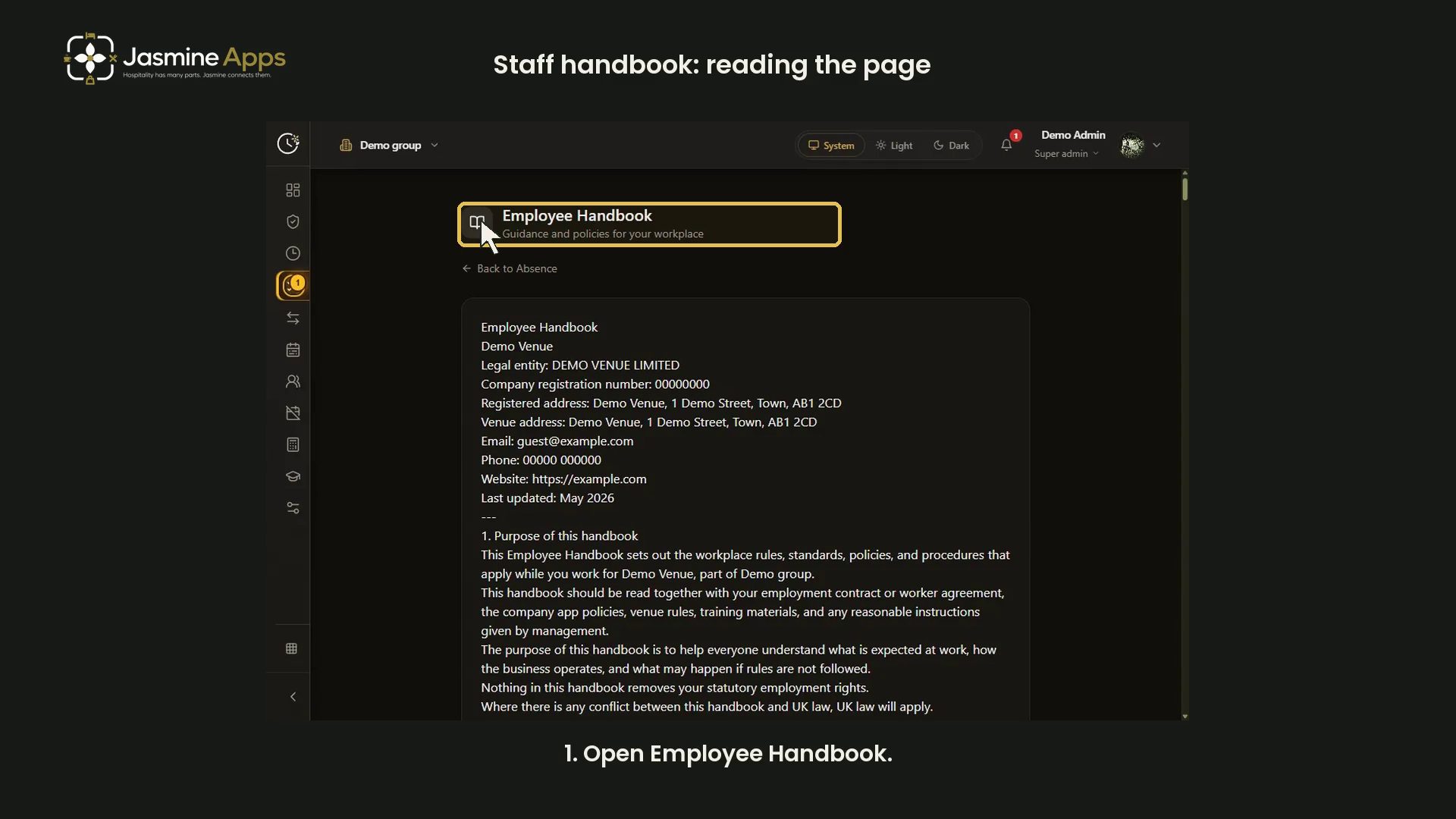
- Clock Jasmine staff handbook: read the published page
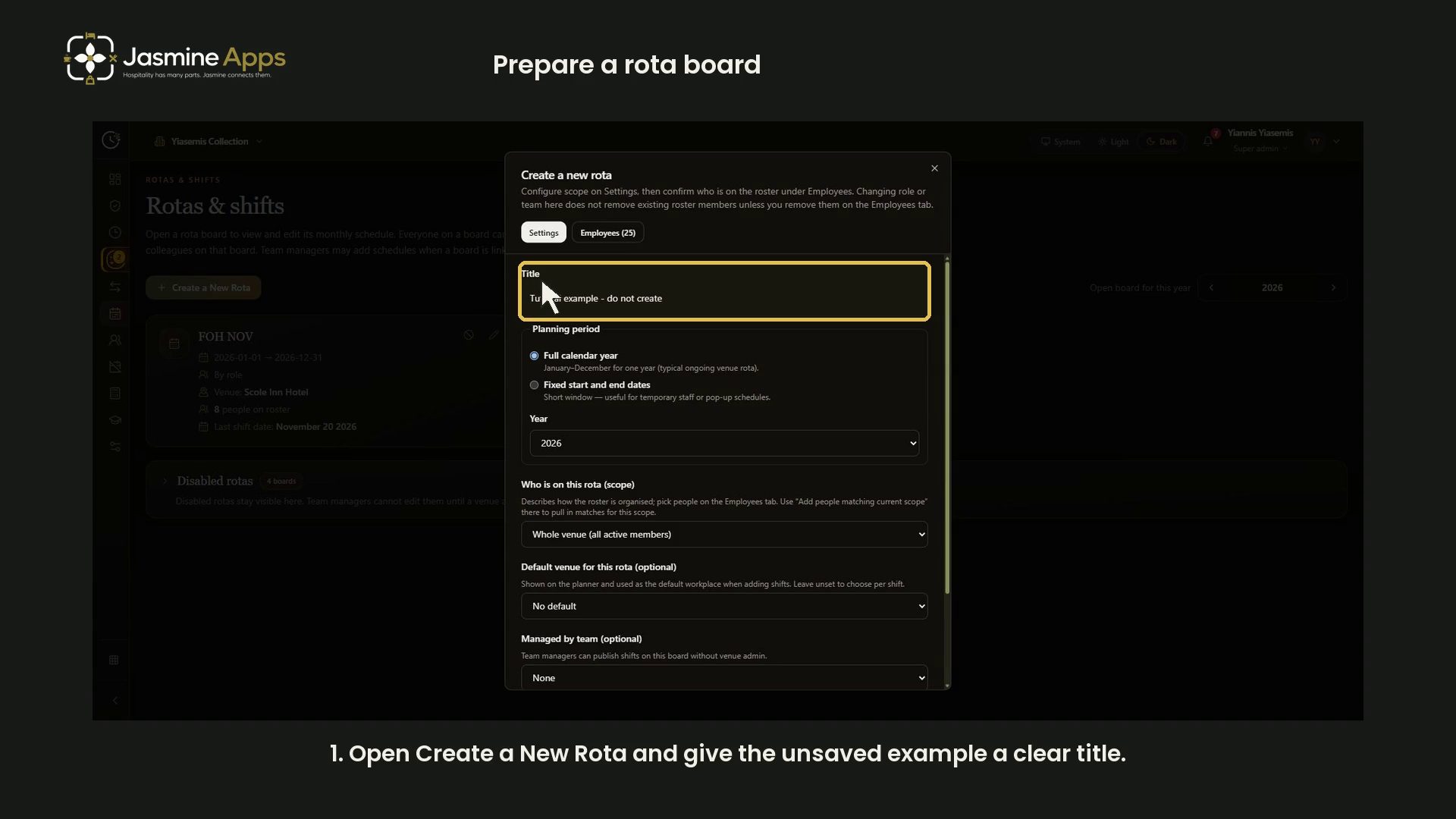
- Clock Jasmine: prepare a rota board
- Clock Jasmine: prepare an absence form
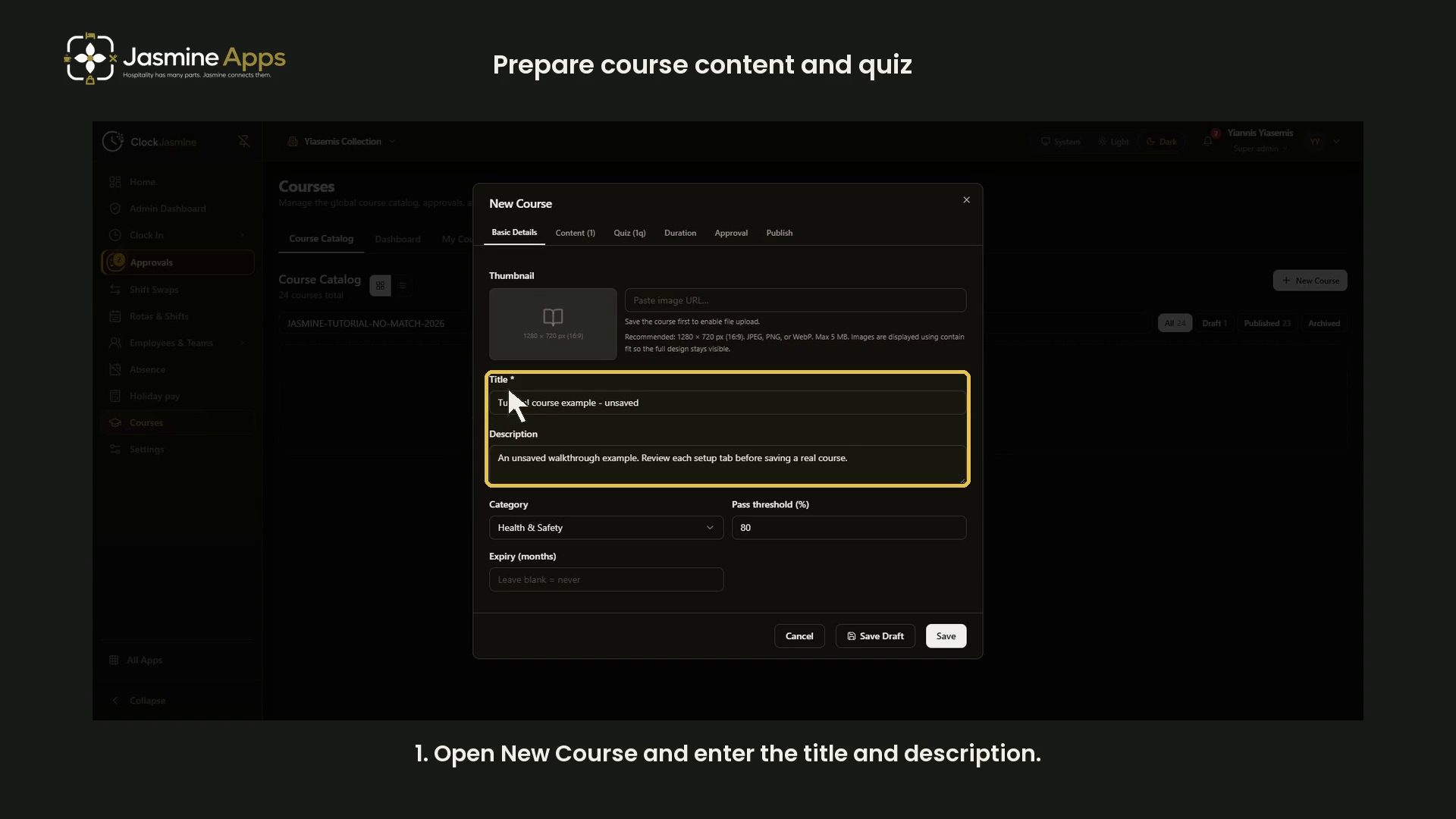
- Clock Jasmine: prepare course content and a quiz
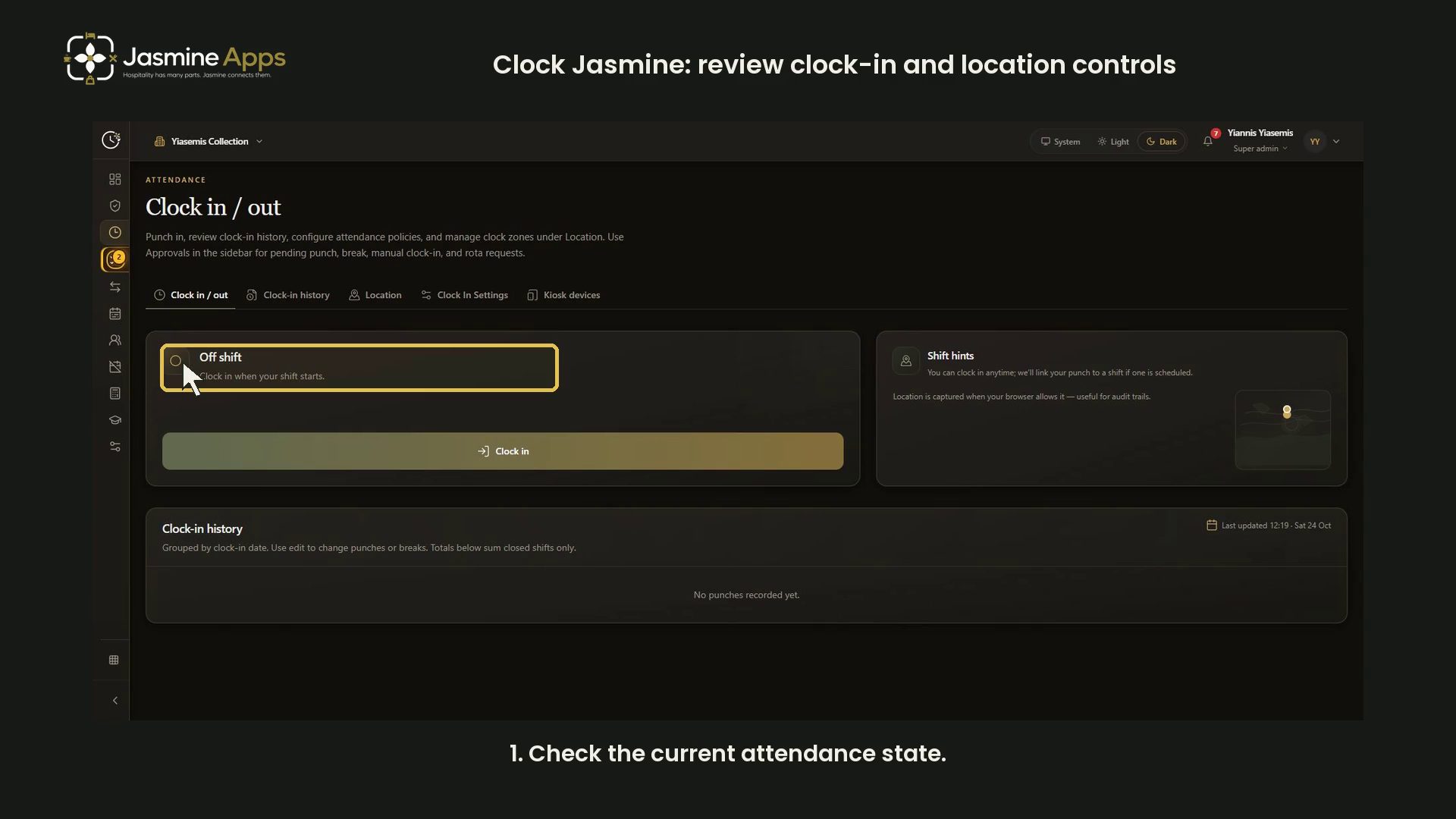
- Clock Jasmine: review clock-in and location controls
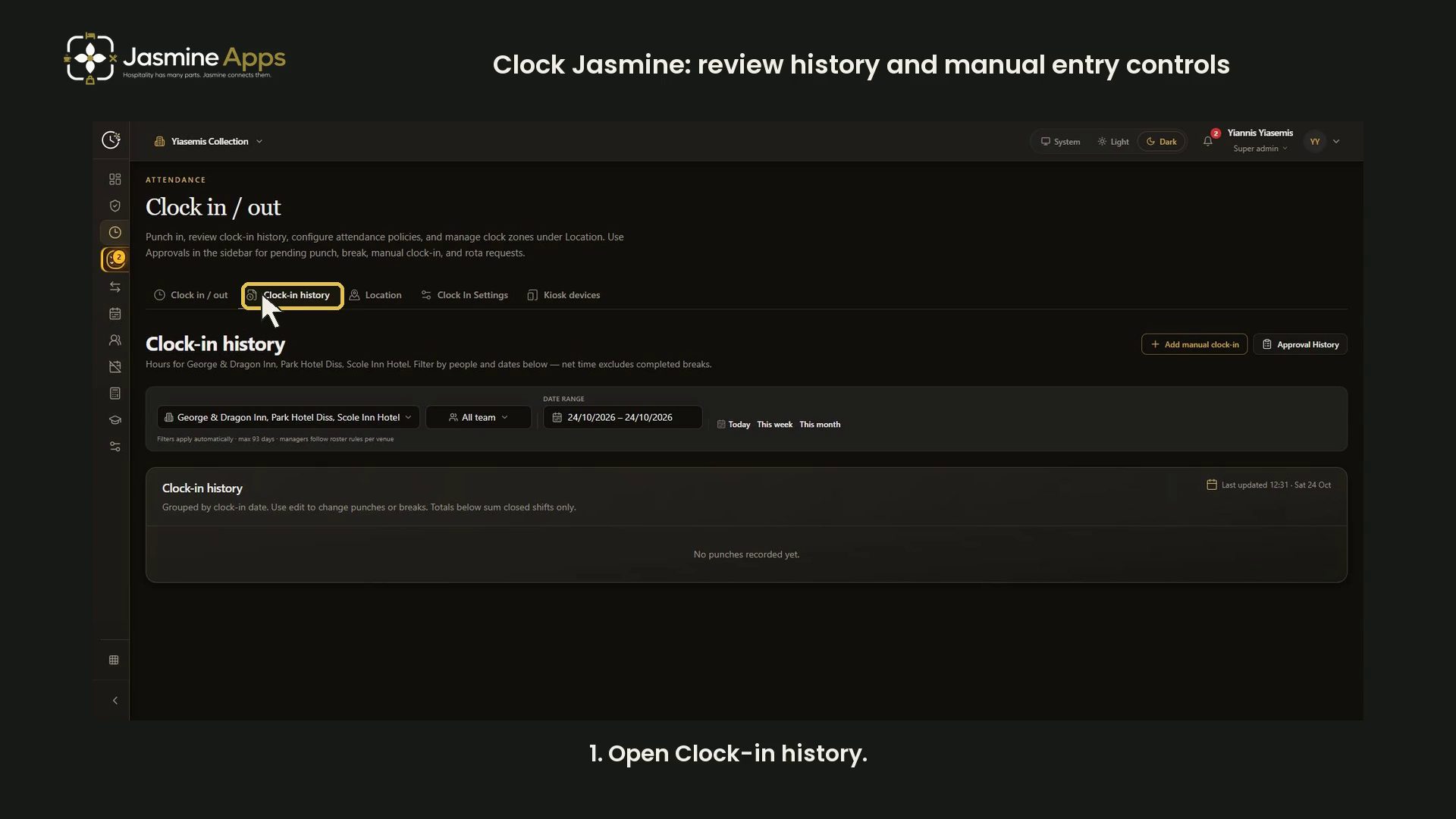
- Clock Jasmine: review history and manual entry controls
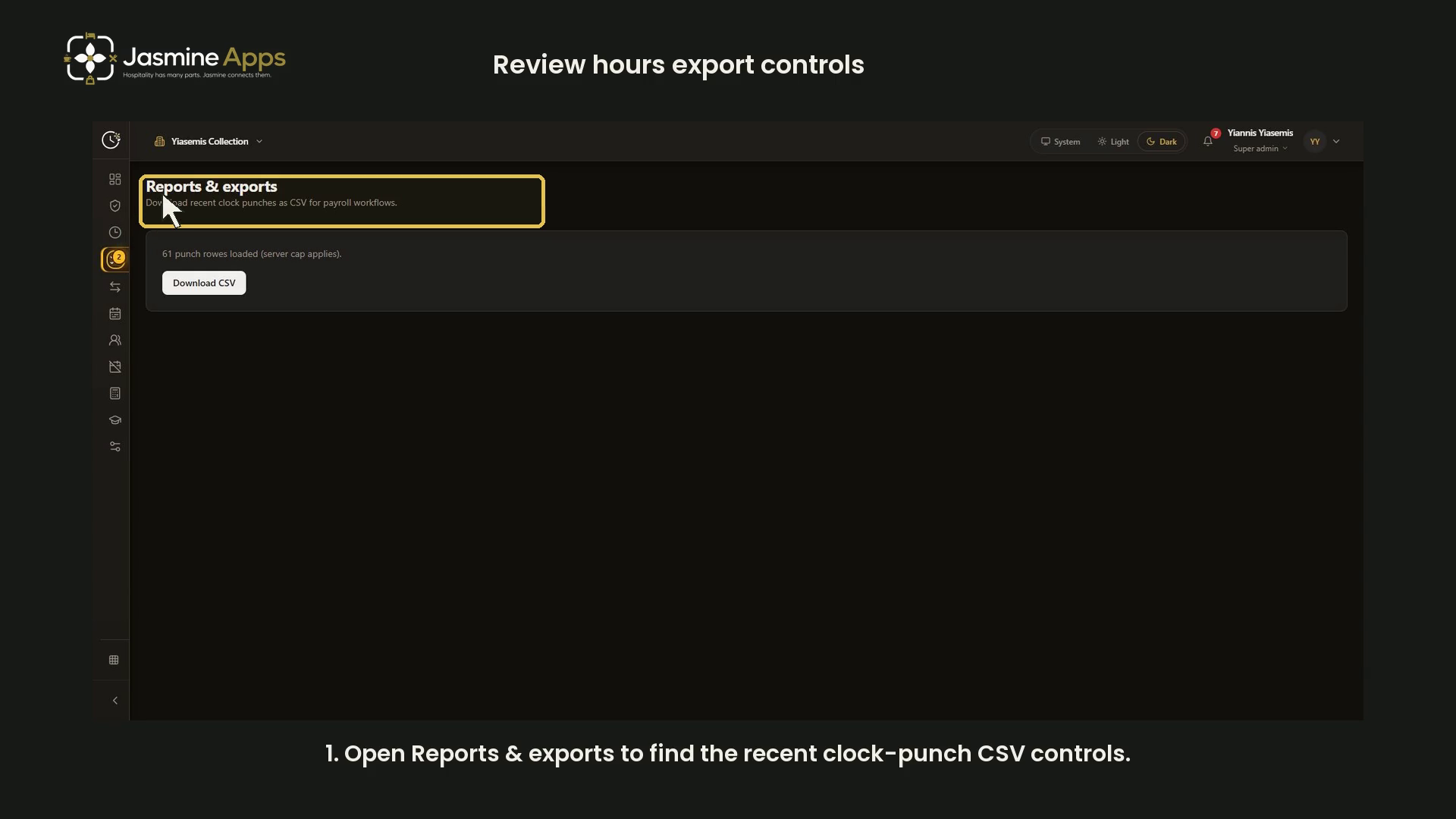
- Clock Jasmine: review hours export controls
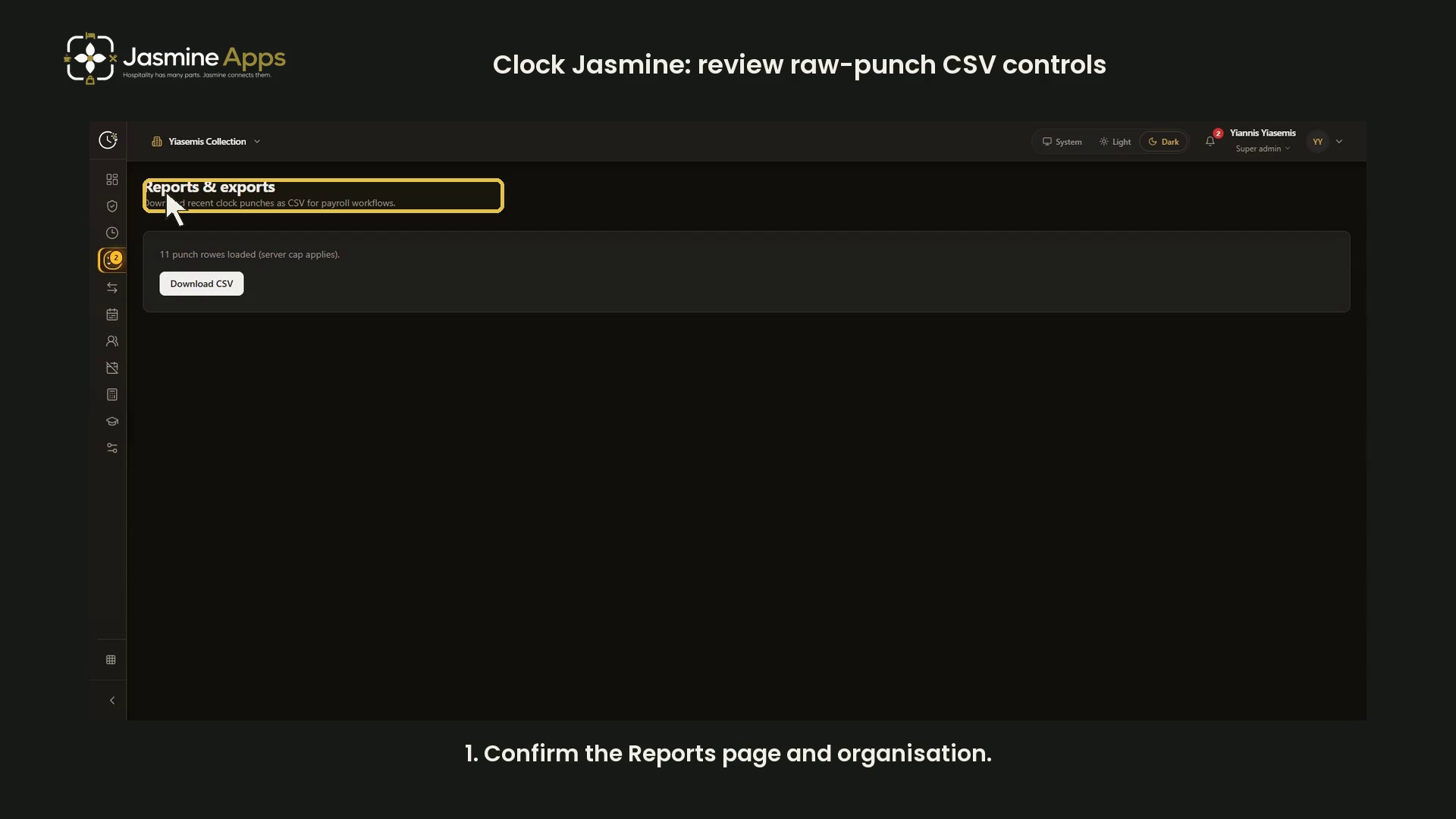
- Clock Jasmine: review raw-punch CSV controls
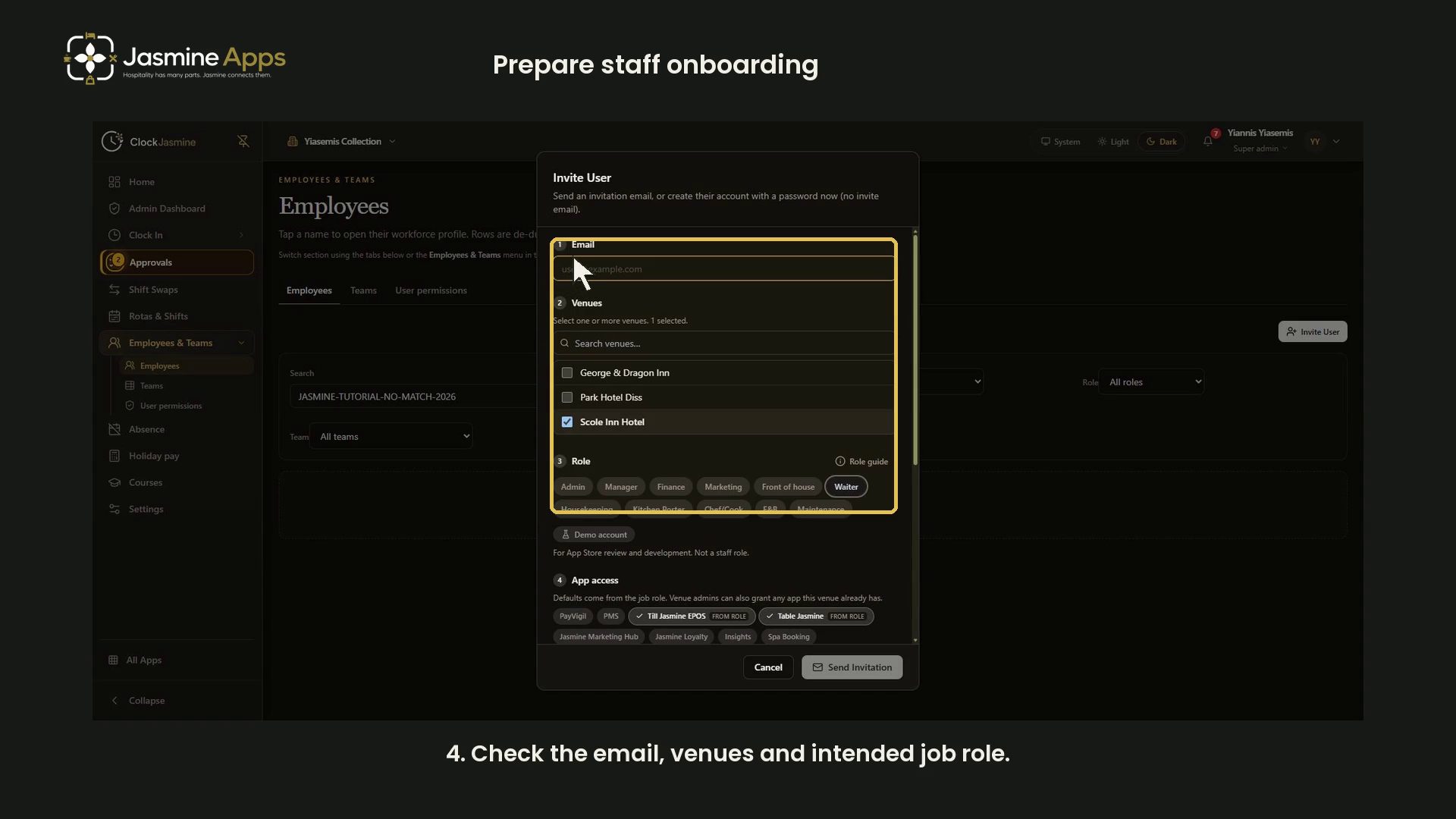
- Getting started with Clock Jasmine: staff onboarding
- View all Clock Jasmine
Clock Jasmine Kiosk1
Jasmine Loyalty7

- Jasmine Loyalty: edit and preview the welcome email
- Jasmine Loyalty: find and review achievement titles
- Jasmine Loyalty: getting started with video guides
- Jasmine Loyalty: guest sign-in and homepage preview
- Jasmine Loyalty: prepare a reward package
- Jasmine Loyalty: review venue profiles and events
- Jasmine Loyalty: scheme rates and redemption settings
- View all Jasmine Loyalty
Jasmine Maintenance2

Jasmine Marketing Hub3

Jasmine TV6

- Jasmine TV Activity: understand the page and empty state
- Jasmine TV Apps: review visibility, availability and order
- Jasmine TV Hotel info: sections, formatting and preview
- Jasmine TV Local attractions: cards, pictures and QR codes
- Jasmine TV rooms: review room and guest-stay controls
- Jasmine TV: preview the welcome screen
- View all Jasmine TV
Sign Jasmine3

Spa Booking9
- Spa Booking: prepare a therapist from the team
- Spa Booking: prepare a treatment
- Spa Booking: prepare an appointment
- Spa Booking: read the calendar and selected day
- Spa Booking: read the commission explanation
- Spa Booking: review treatment-room capacity
- Spa Booking: review widget settings and preview
- Spa Booking: search guests and understand no matches
- Spa Booking: settings and configuration video guides
- View all Spa Booking

Till Jasmine EPOS11

- Add Till Jasmine void reasons
- Pair a Till Jasmine EPOS till
- Review Till Jasmine users and permissions
- Till Jasmine: bought-in recipients and loyalty search
- Till Jasmine: customise receipt QR codes and text
- Till Jasmine: enter and correct an order
- Till Jasmine: review add-on groups and choices
- Till Jasmine: review linked and till-only tables
- Till Jasmine: review trading day, lock screen and service charge
- Till Jasmine: save and reopen table and room orders
- Track stock in Till Jasmine
- View all Till Jasmine EPOS
- Tutorial
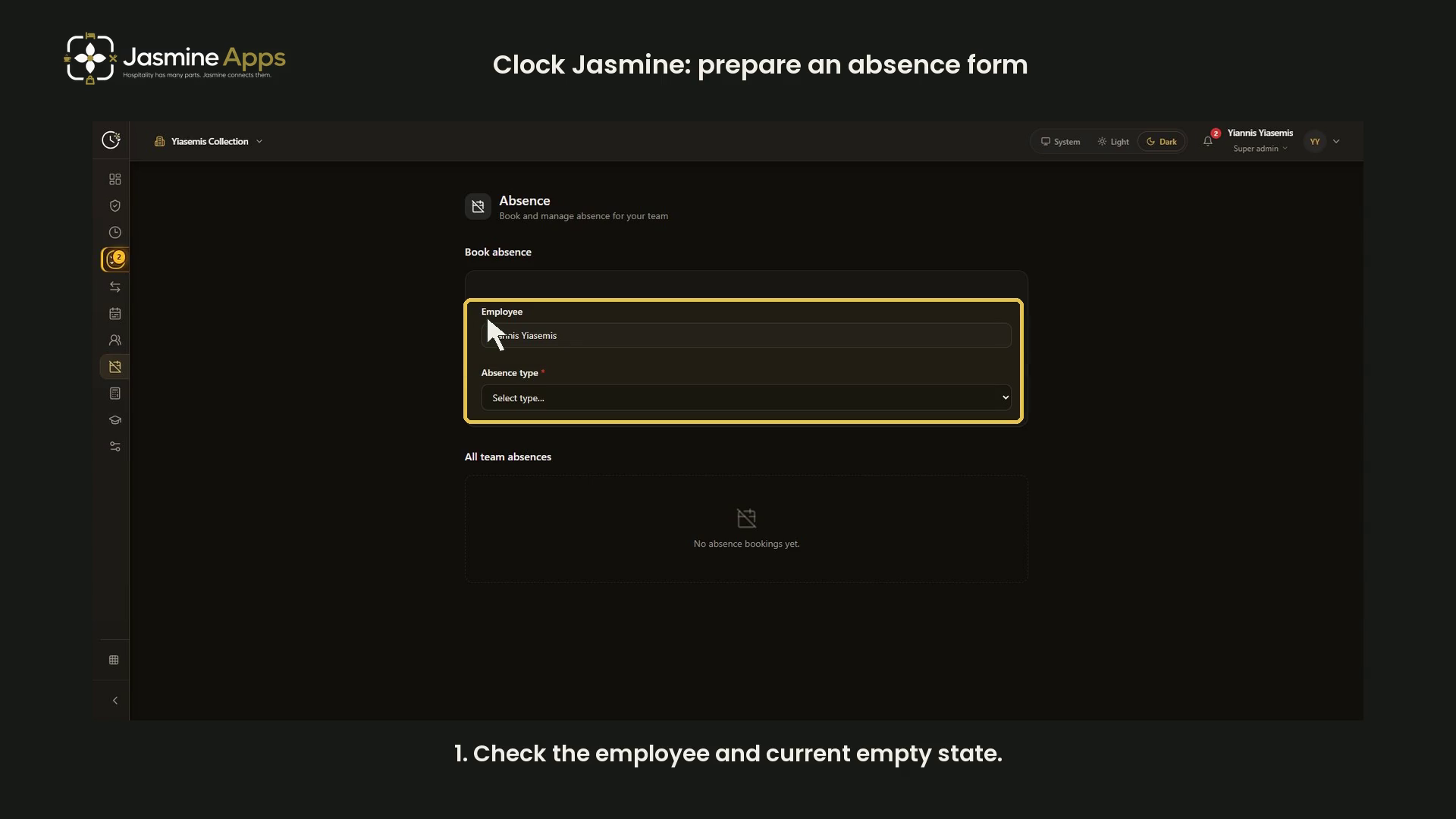
Clock Jasmine: prepare an absence formReview absence type, dates, summary, attachments and notes in a narrated dark-mode walkthrough of an unsaved form. No absence or approval record created.
- Tutorial
- Tutorial
- Tutorial
- Tutorial
- Tutorial
- Tutorial
- Tutorial
- Tutorial
- Tutorial
- Tutorial