TutorialIn-app guide
Tutorials
Guides and posts filed under Tutorials.
Tutorials56
All tutorials
Clock Jasmine11
- Clock Jasmine contract templates: merge tags and preview
- Clock Jasmine My Team: review manager setup
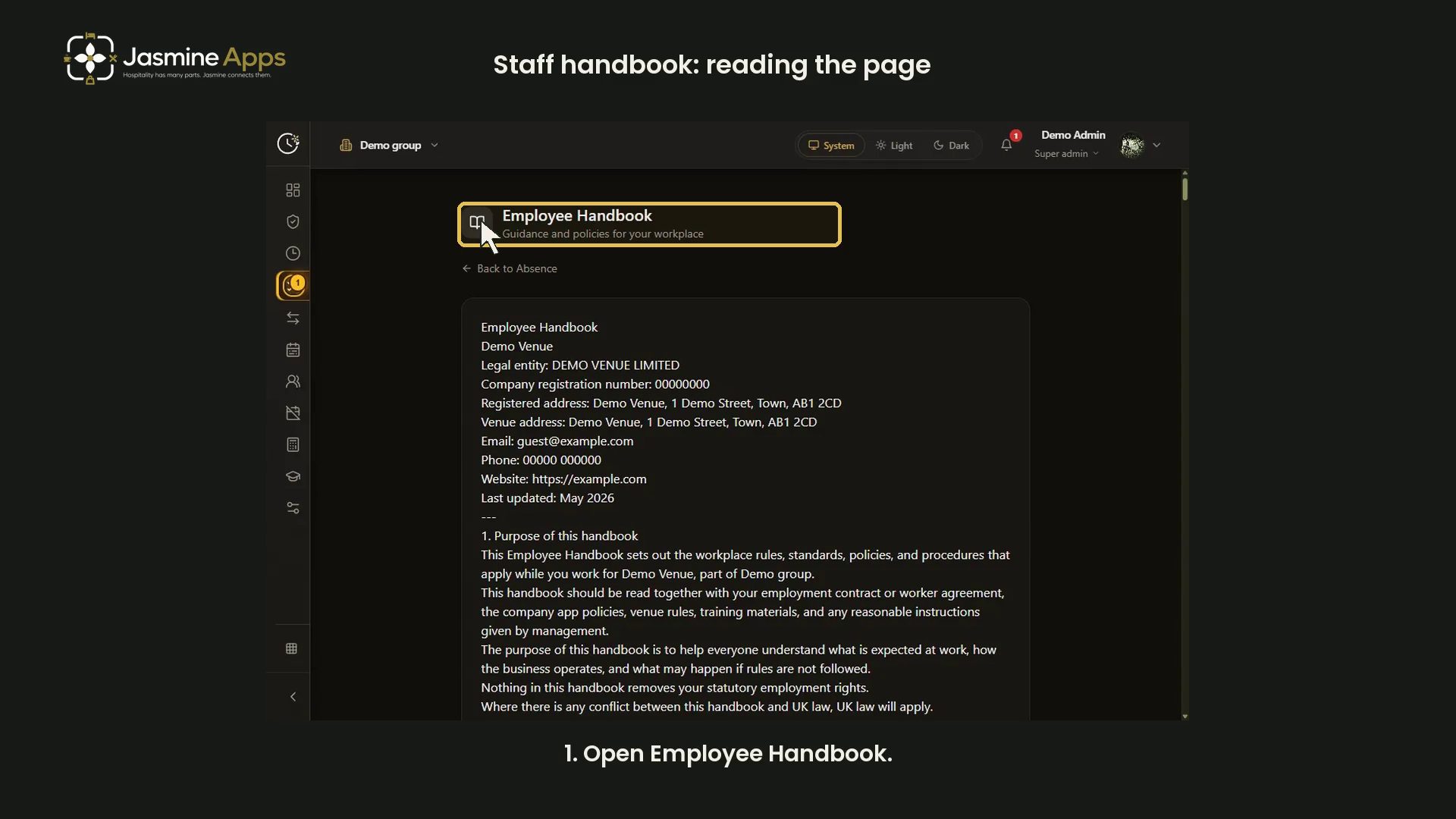
- Clock Jasmine staff handbook: read the published page
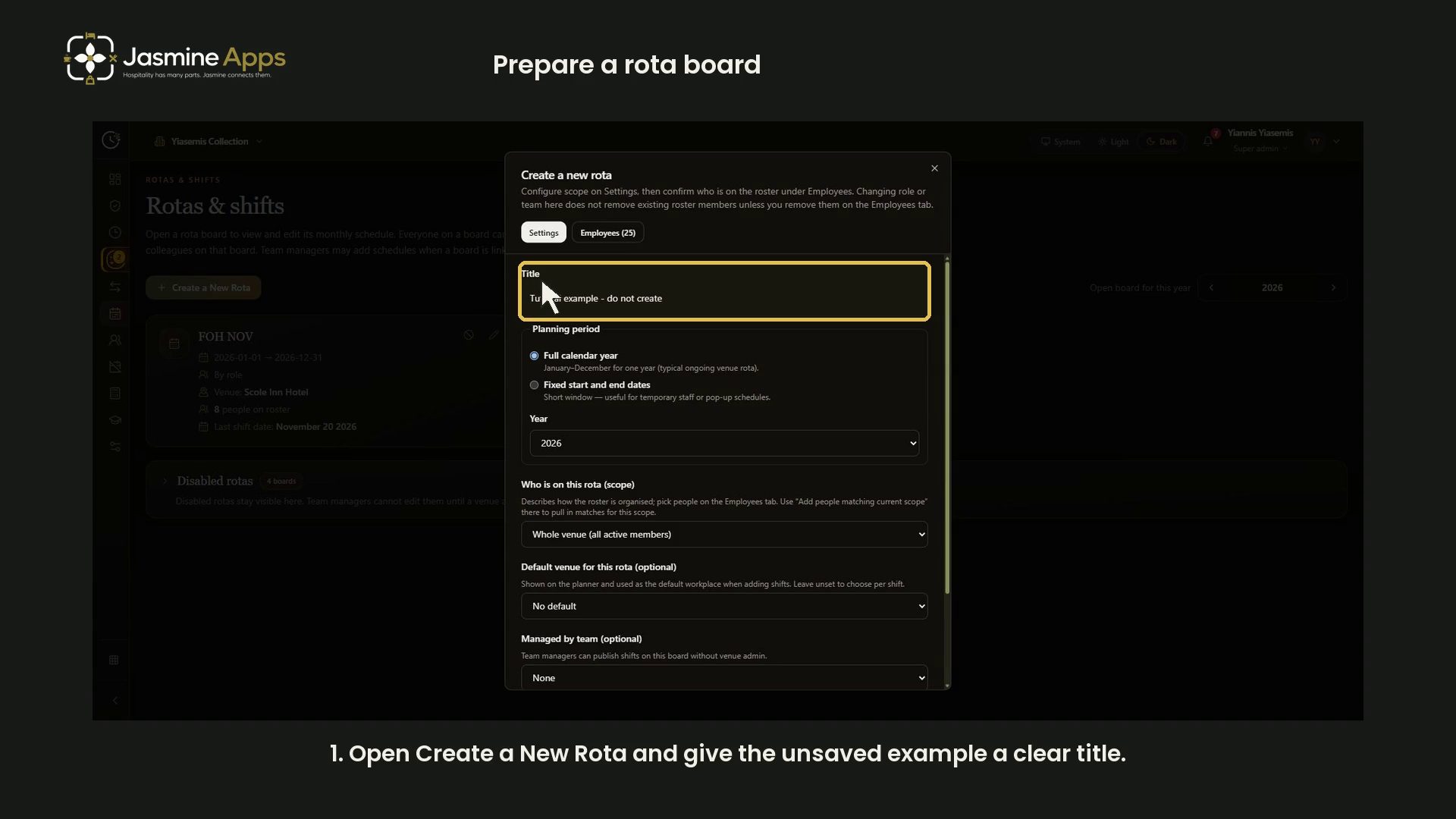
- Clock Jasmine: prepare a rota board
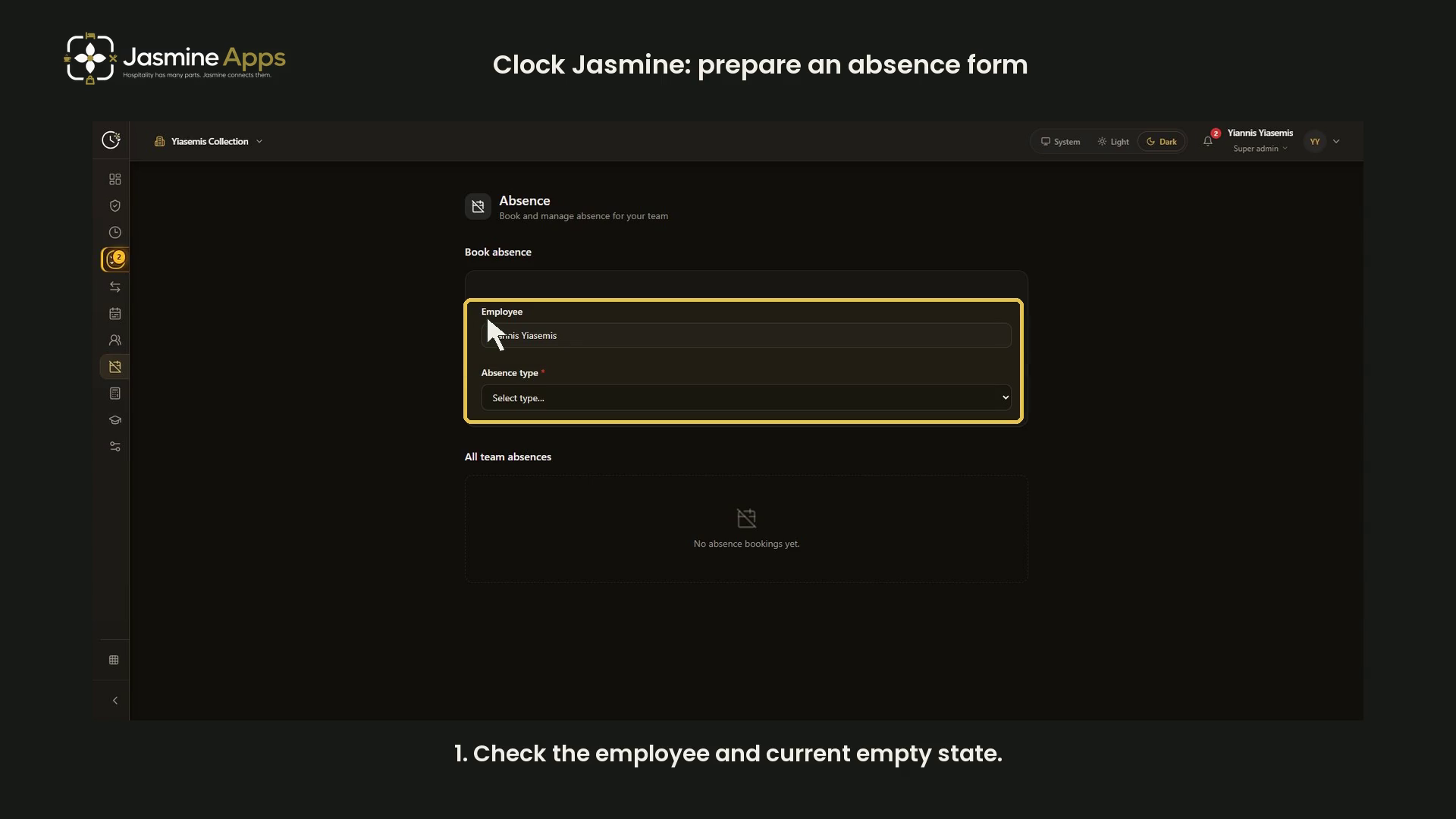
- Clock Jasmine: prepare an absence form
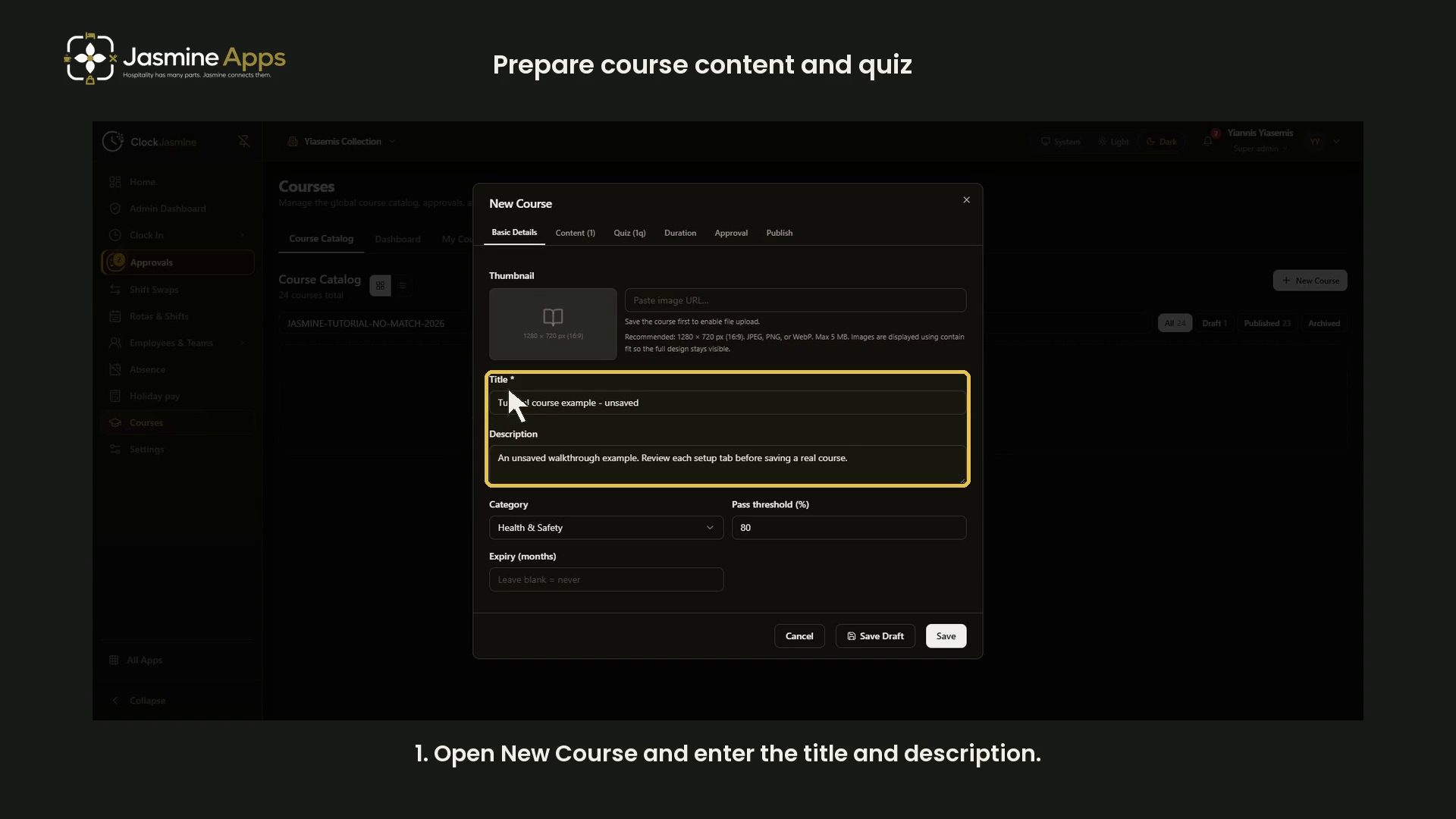
- Clock Jasmine: prepare course content and a quiz
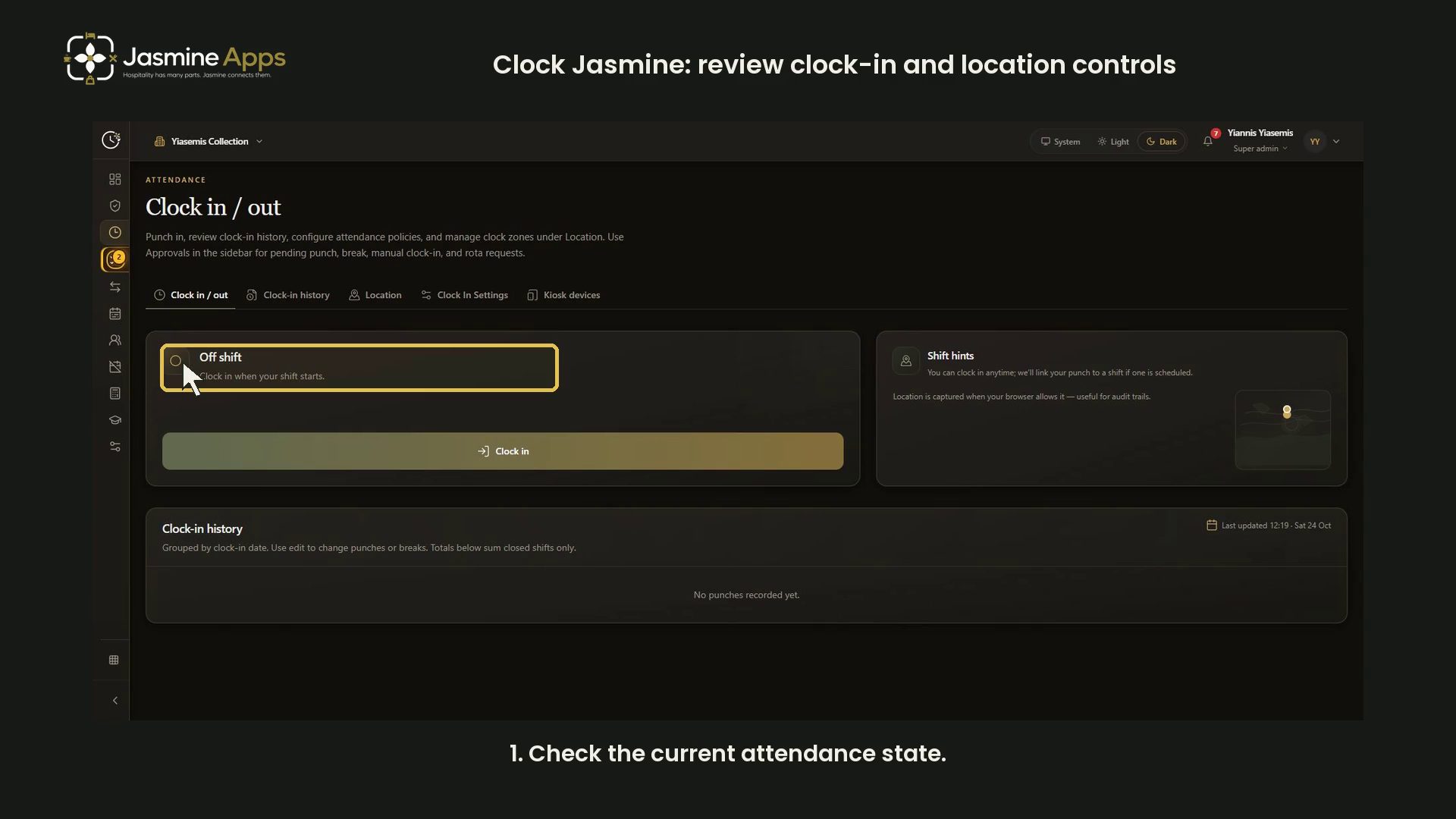
- Clock Jasmine: review clock-in and location controls
- Clock Jasmine: review history and manual entry controls
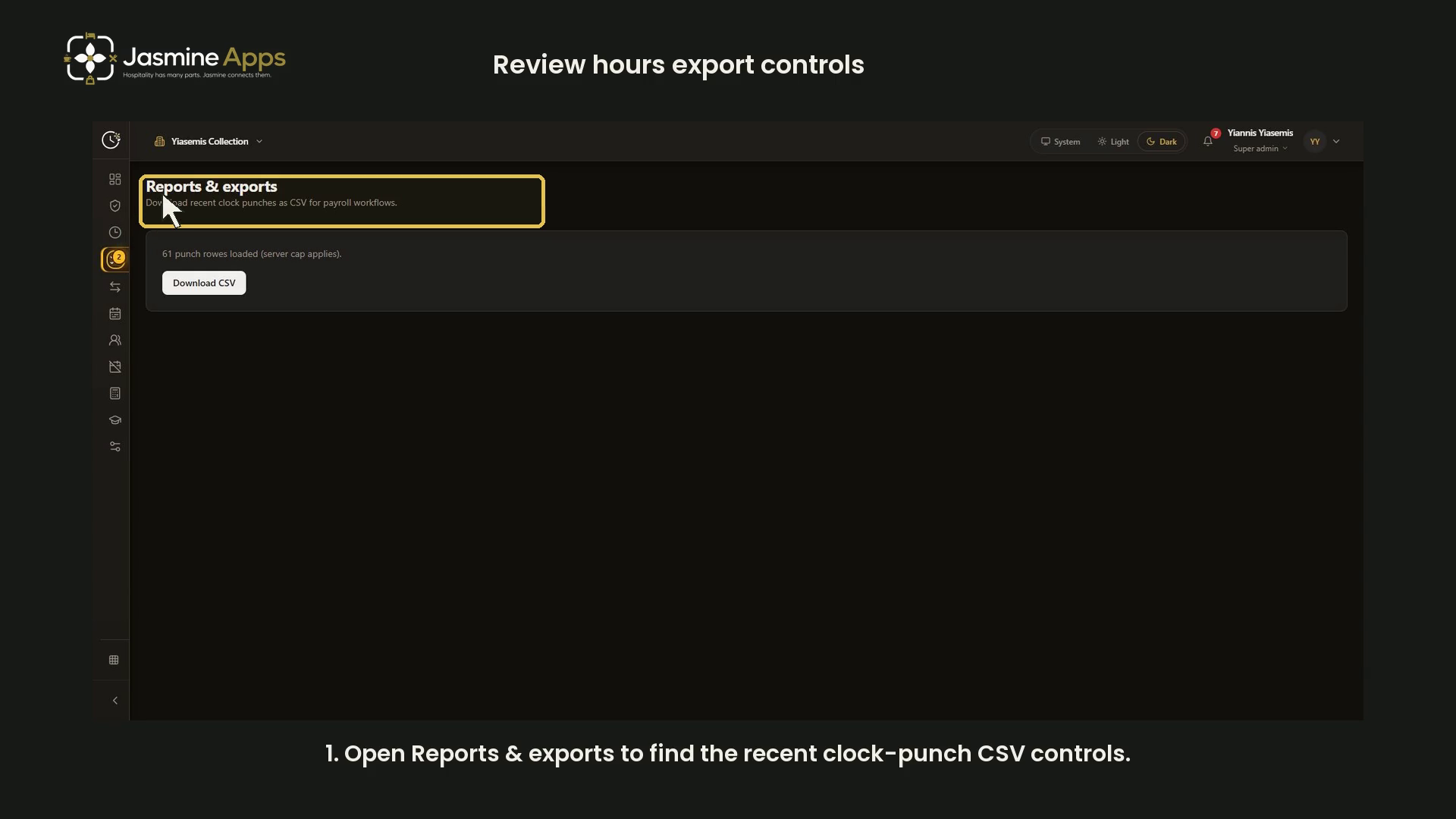
- Clock Jasmine: review hours export controls
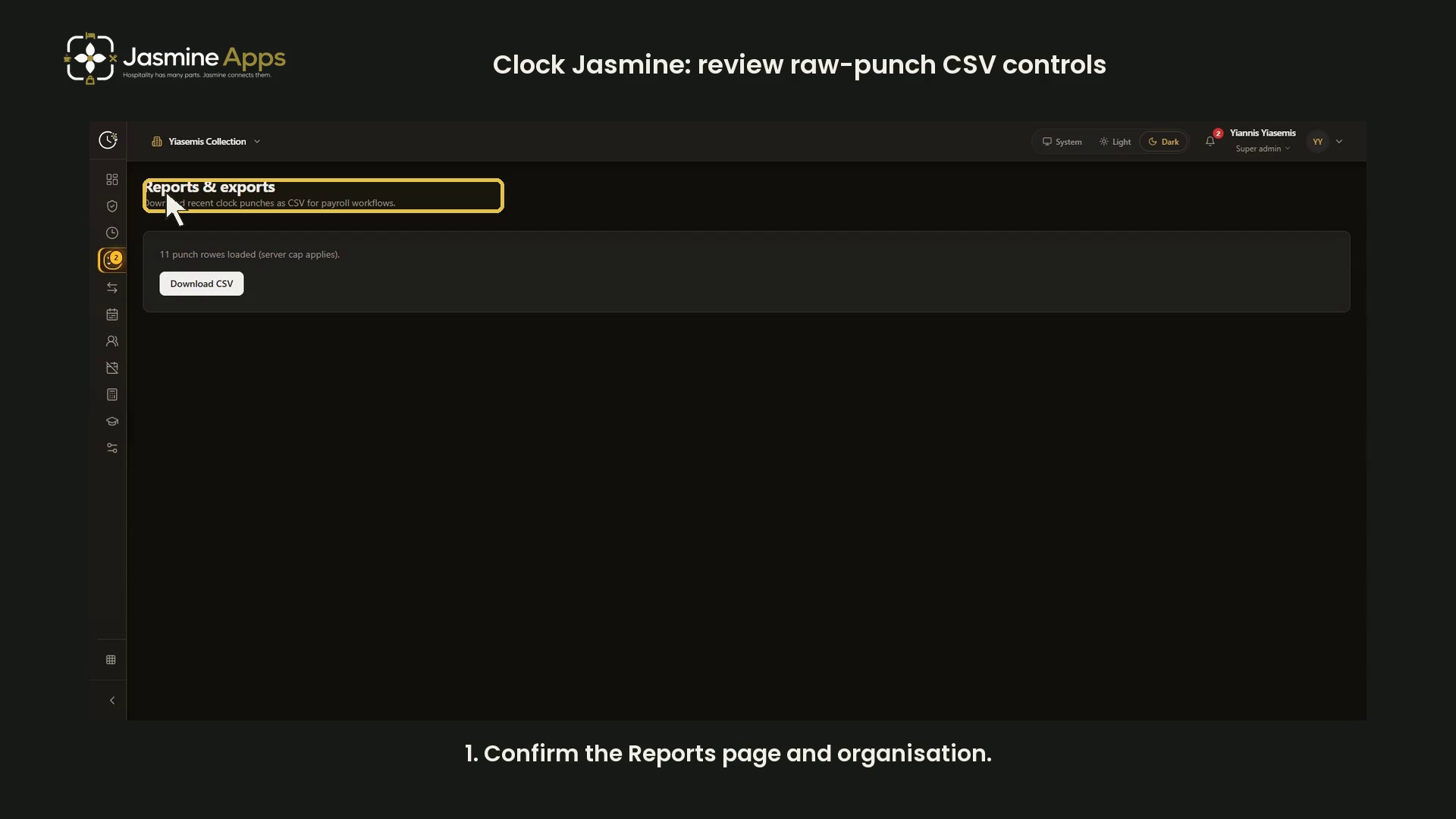
- Clock Jasmine: review raw-punch CSV controls
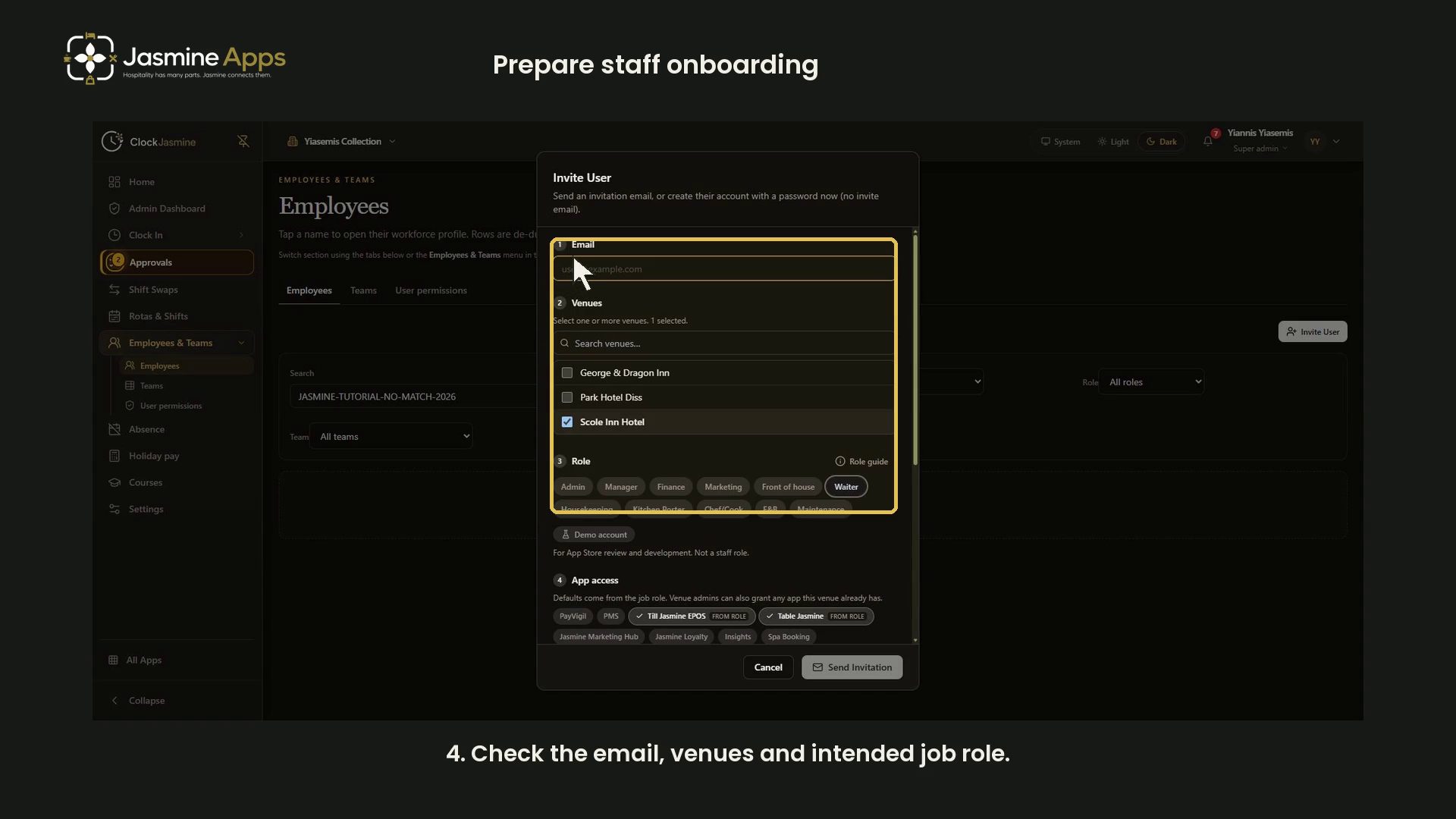
- Getting started with Clock Jasmine: staff onboarding
- View all Clock Jasmine
Clock Jasmine Kiosk1
Jasmine Loyalty7

- Jasmine Loyalty: edit and preview the welcome email
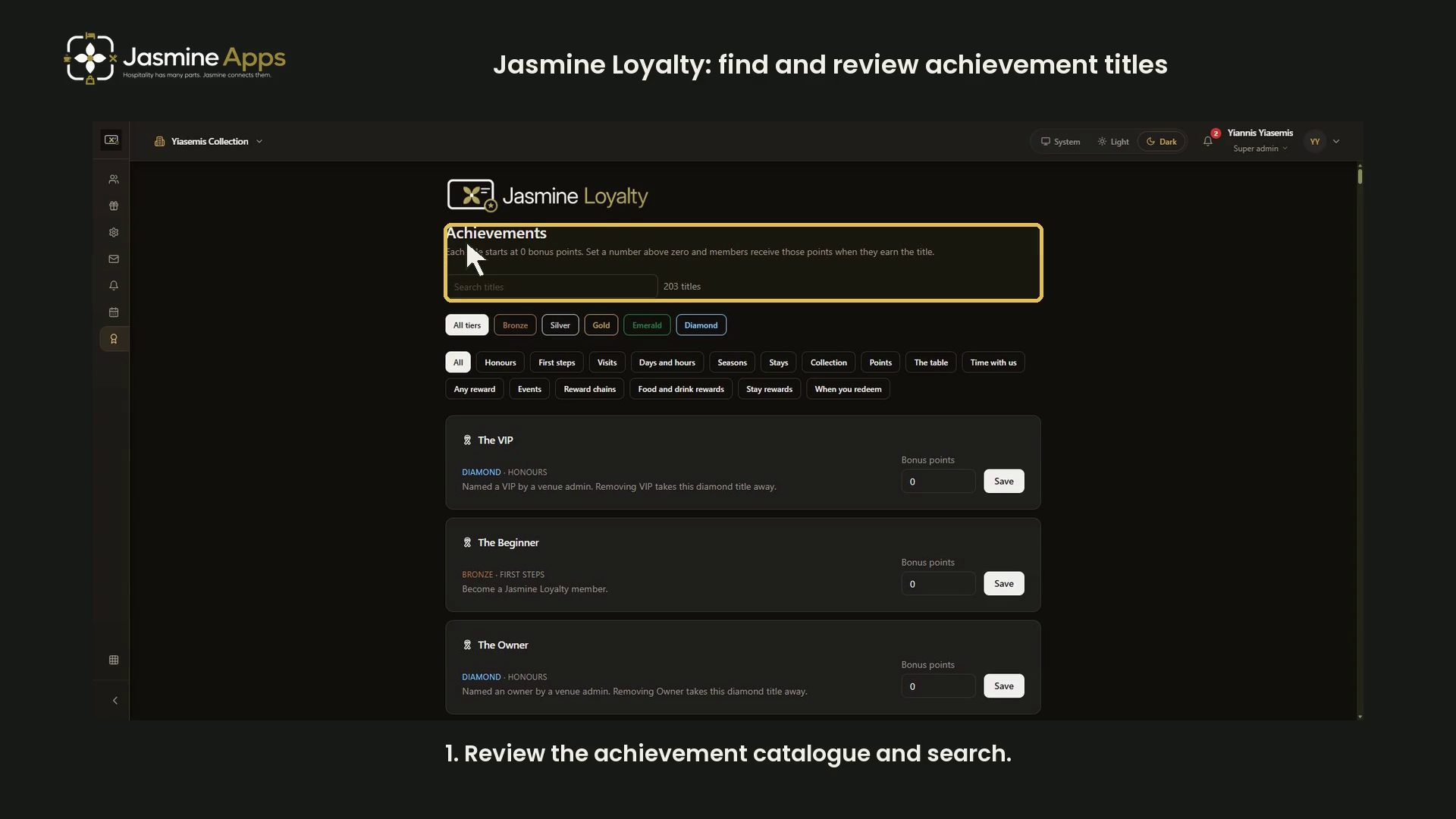
- Jasmine Loyalty: find and review achievement titles
- Jasmine Loyalty: getting started with video guides
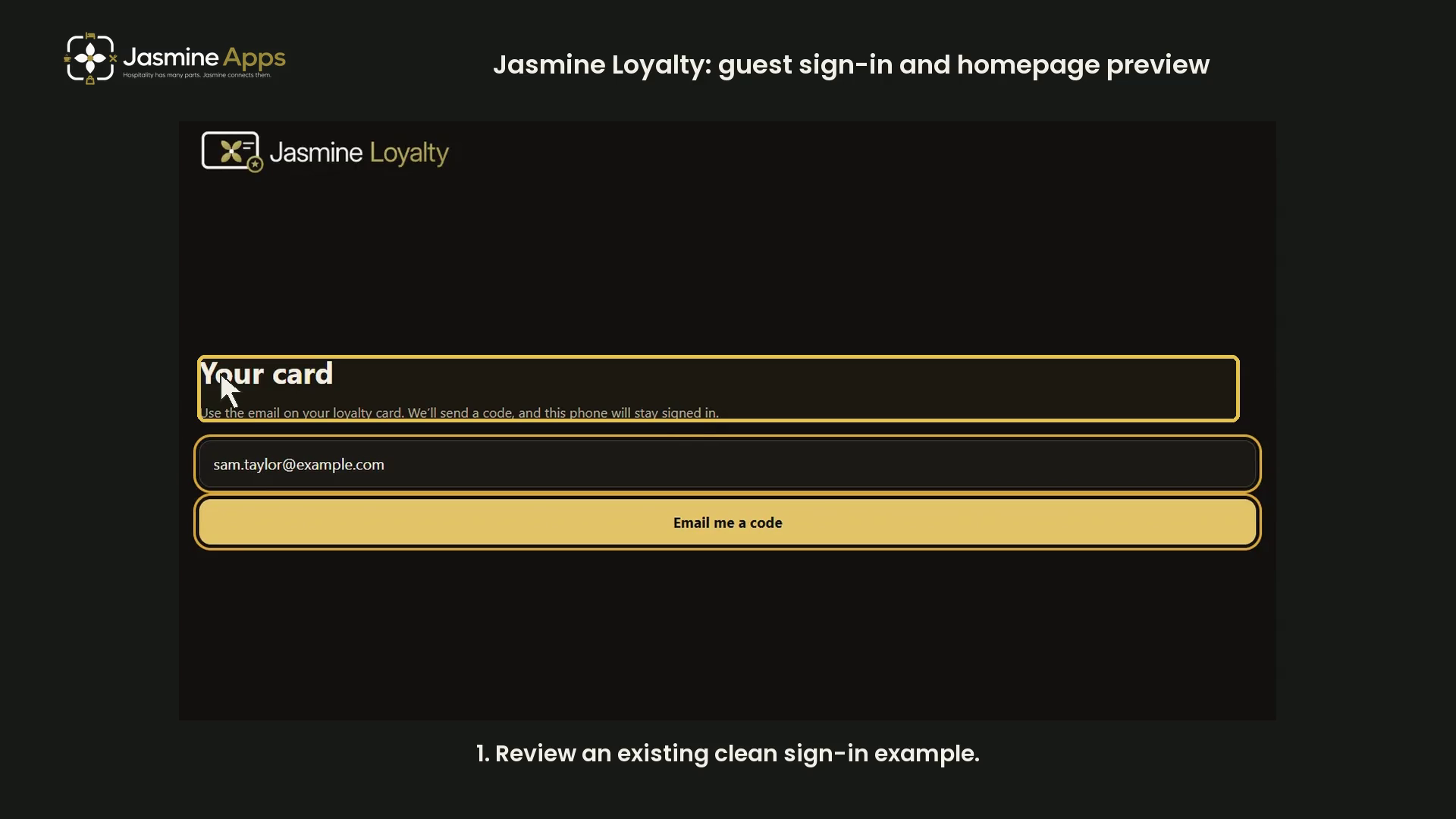
- Jasmine Loyalty: guest sign-in and homepage preview
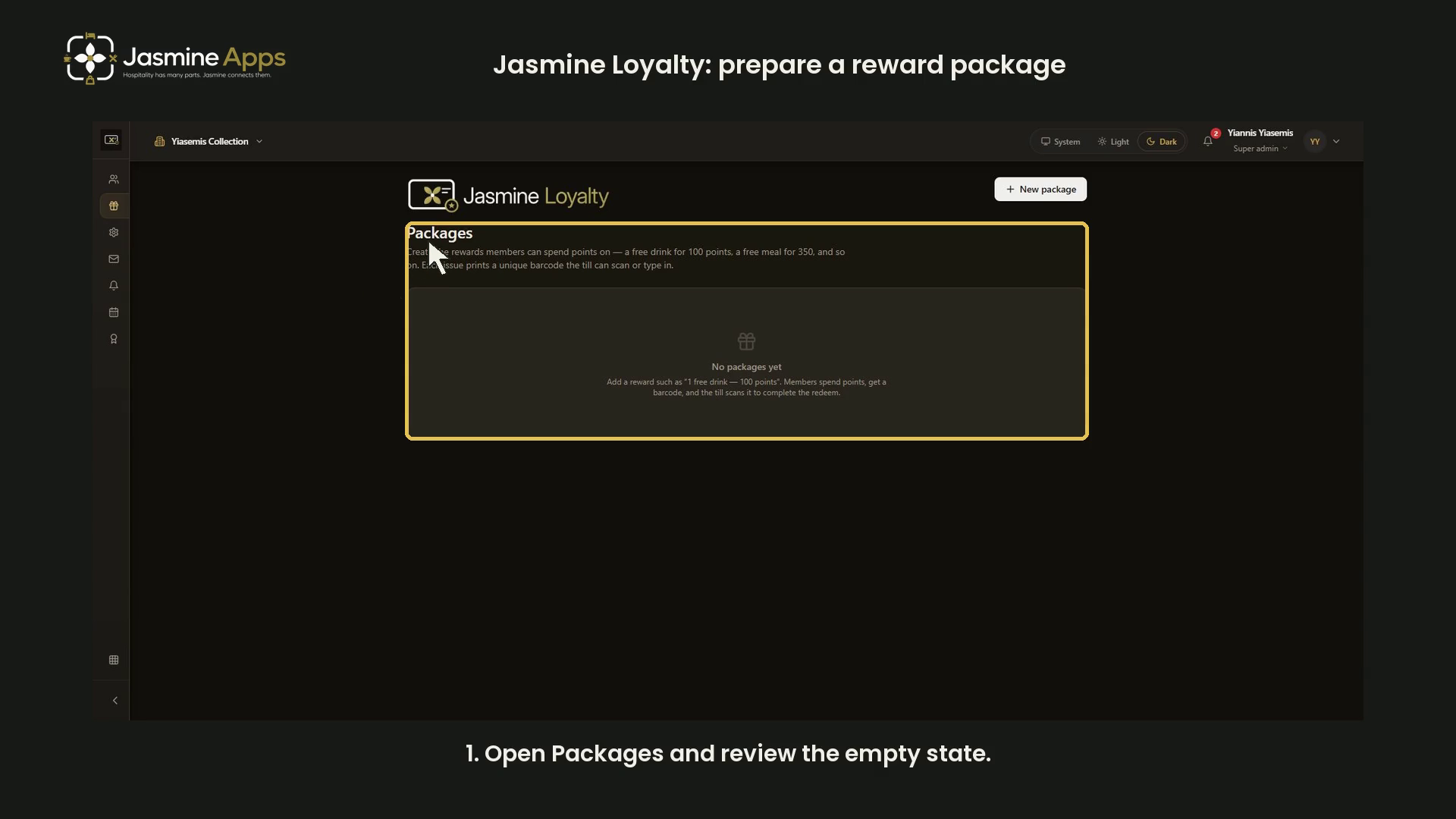
- Jasmine Loyalty: prepare a reward package
- Jasmine Loyalty: review venue profiles and events
- Jasmine Loyalty: scheme rates and redemption settings
- View all Jasmine Loyalty
Jasmine Maintenance2

Jasmine Marketing Hub3

Jasmine TV6

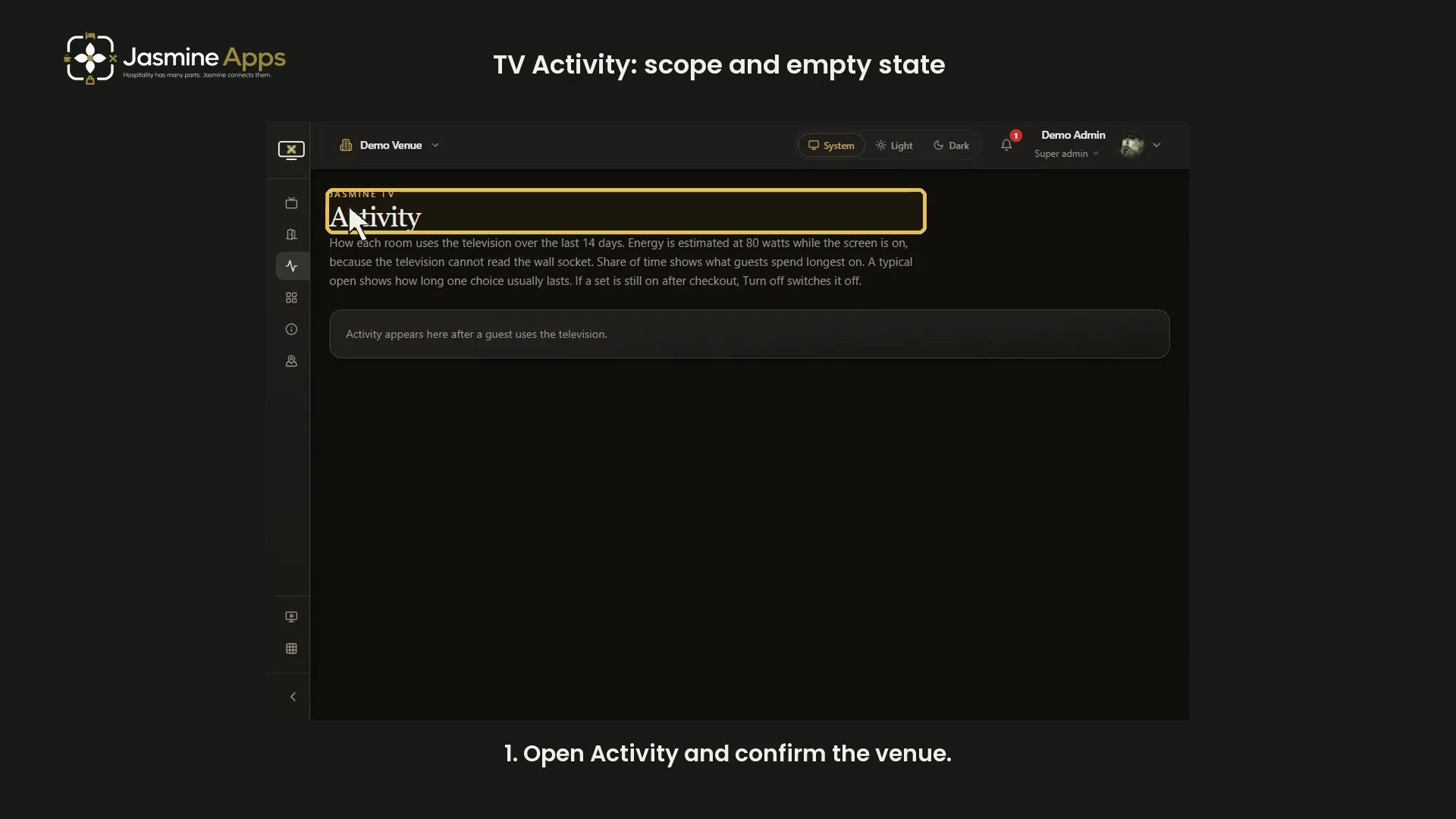
- Jasmine TV Activity: understand the page and empty state
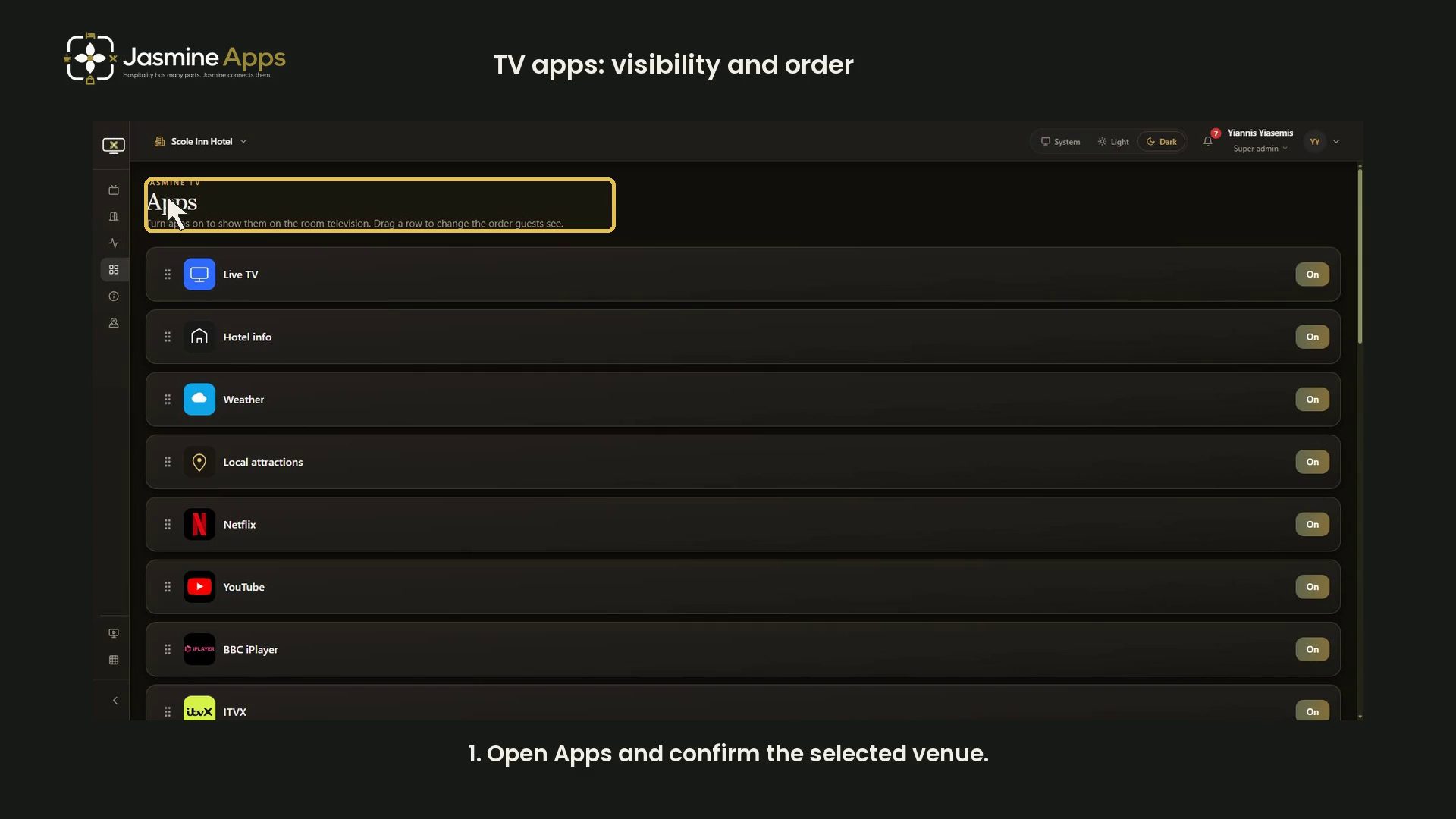
- Jasmine TV Apps: review visibility, availability and order
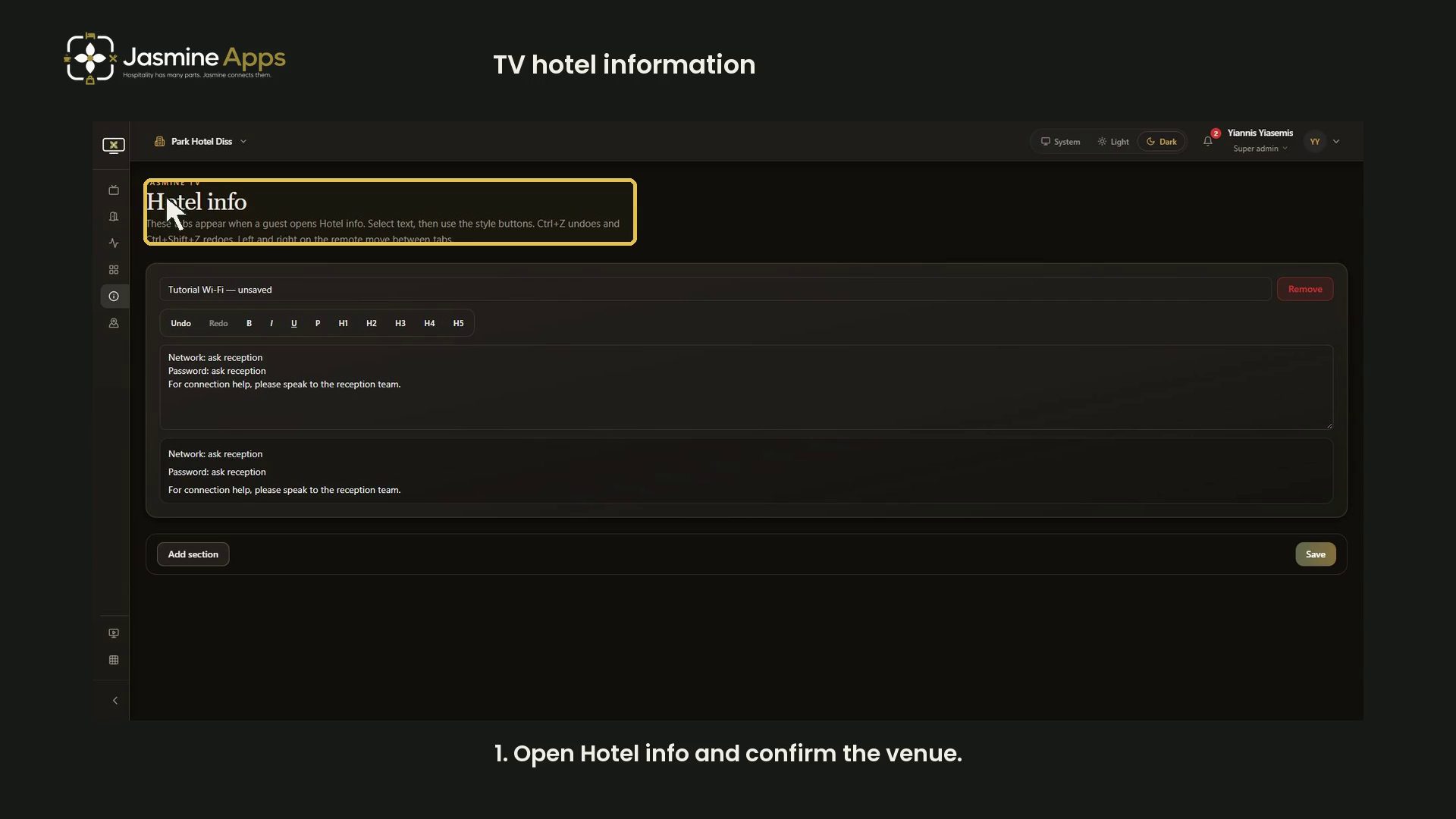
- Jasmine TV Hotel info: sections, formatting and preview
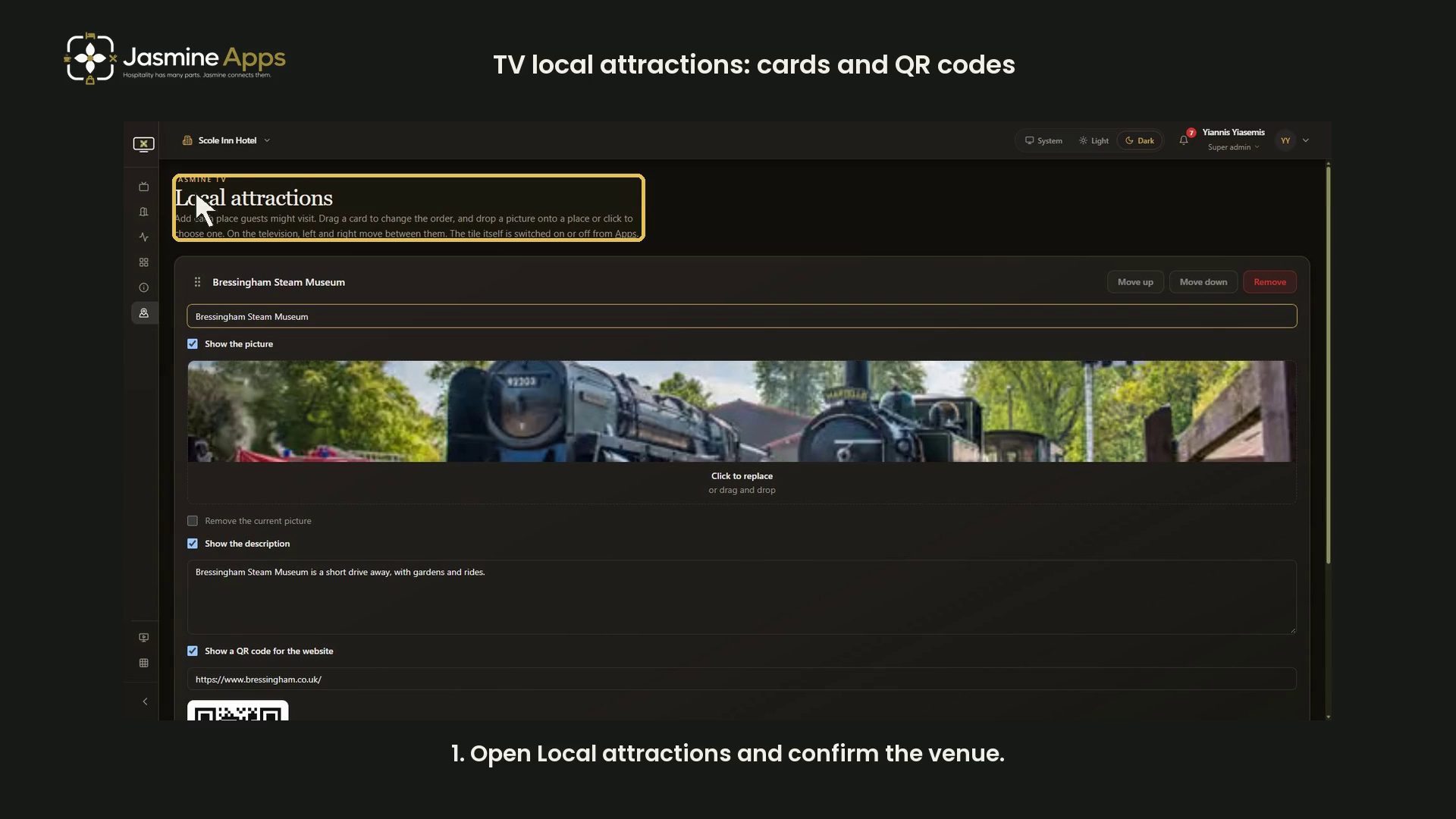
- Jasmine TV Local attractions: cards, pictures and QR codes
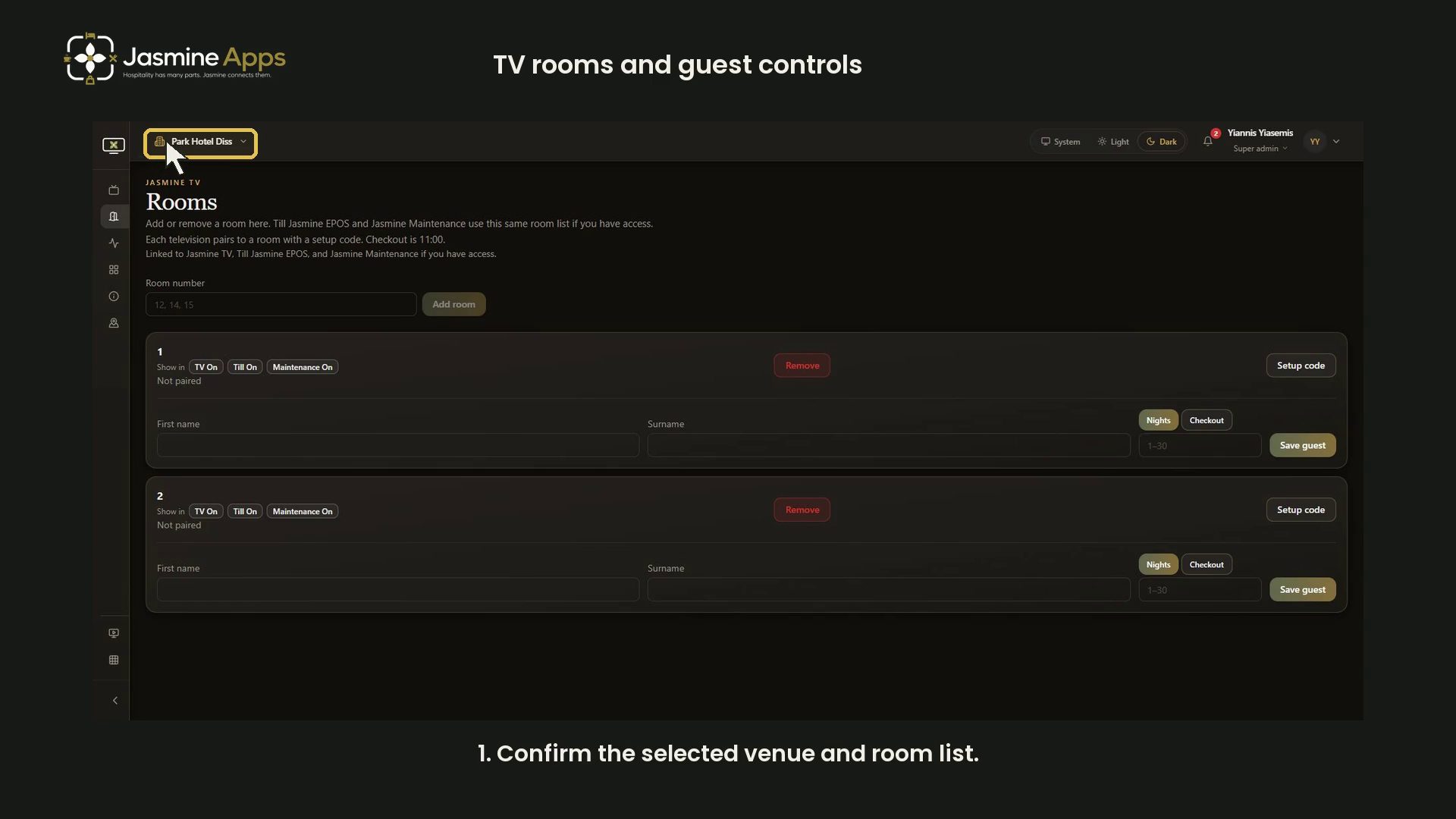
- Jasmine TV rooms: review room and guest-stay controls
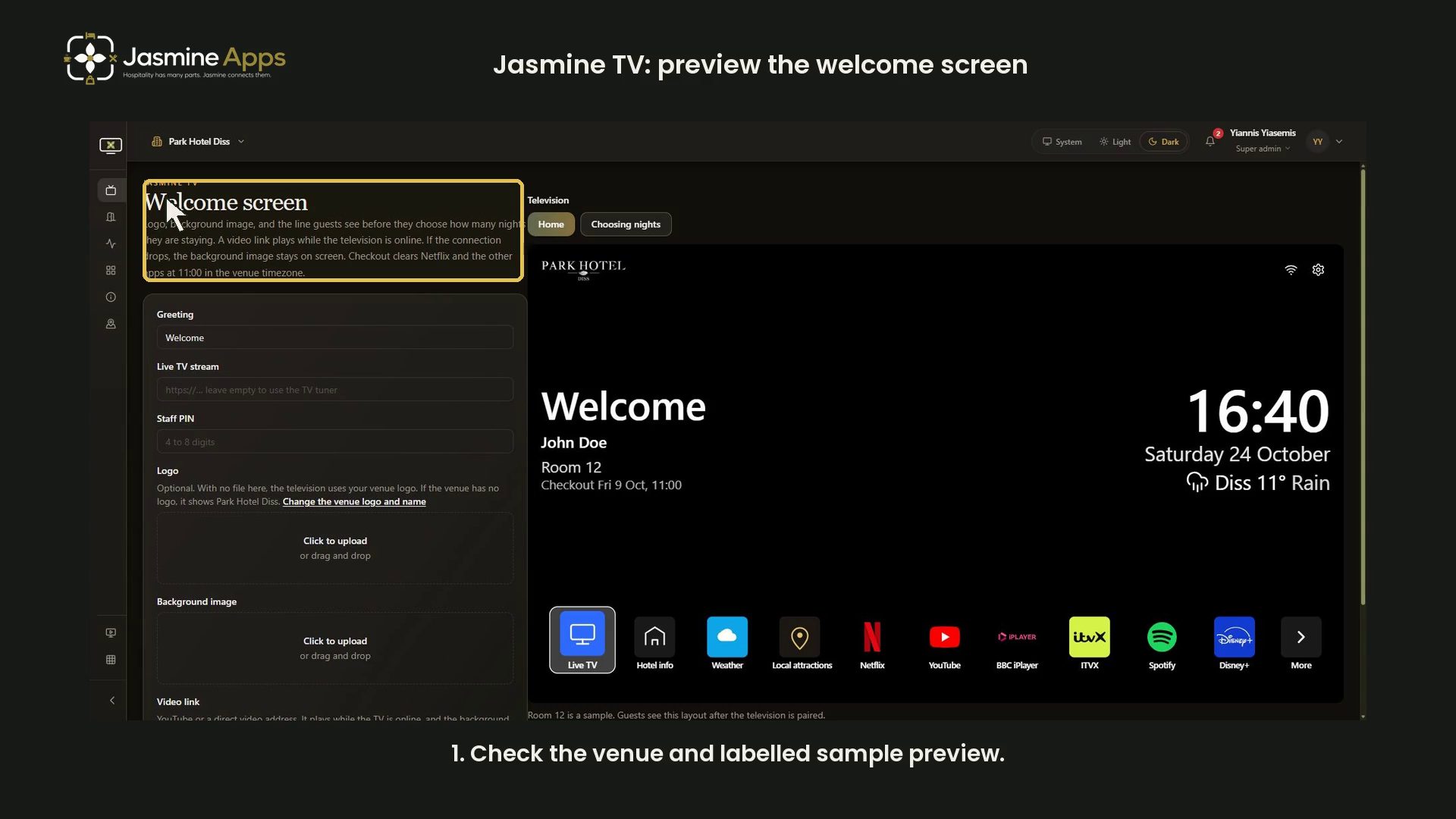
- Jasmine TV: preview the welcome screen
- View all Jasmine TV
Sign Jasmine3

Spa Booking9
- Spa Booking: prepare a therapist from the team
- Spa Booking: prepare a treatment
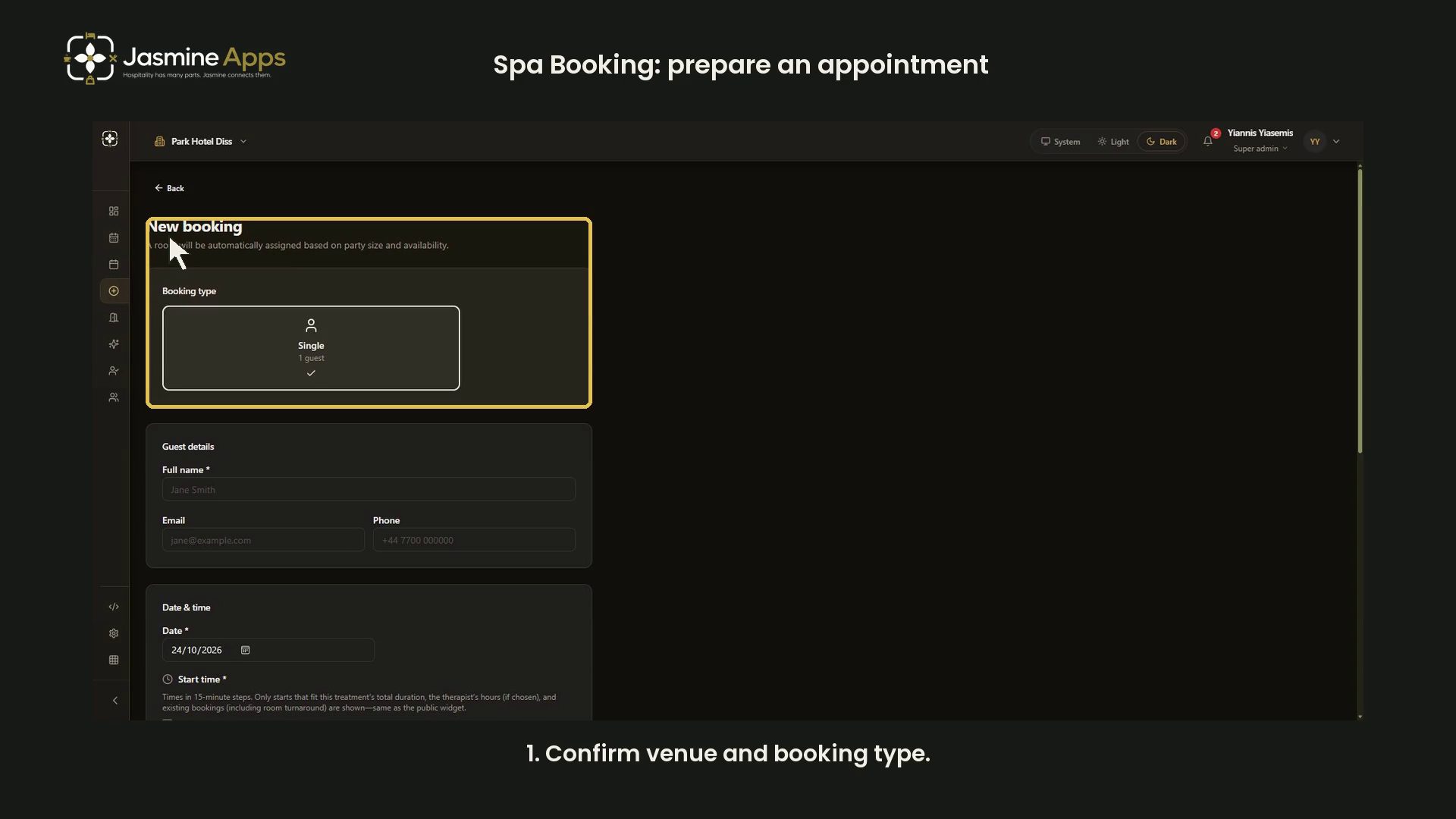
- Spa Booking: prepare an appointment
- Spa Booking: read the calendar and selected day
- Spa Booking: read the commission explanation
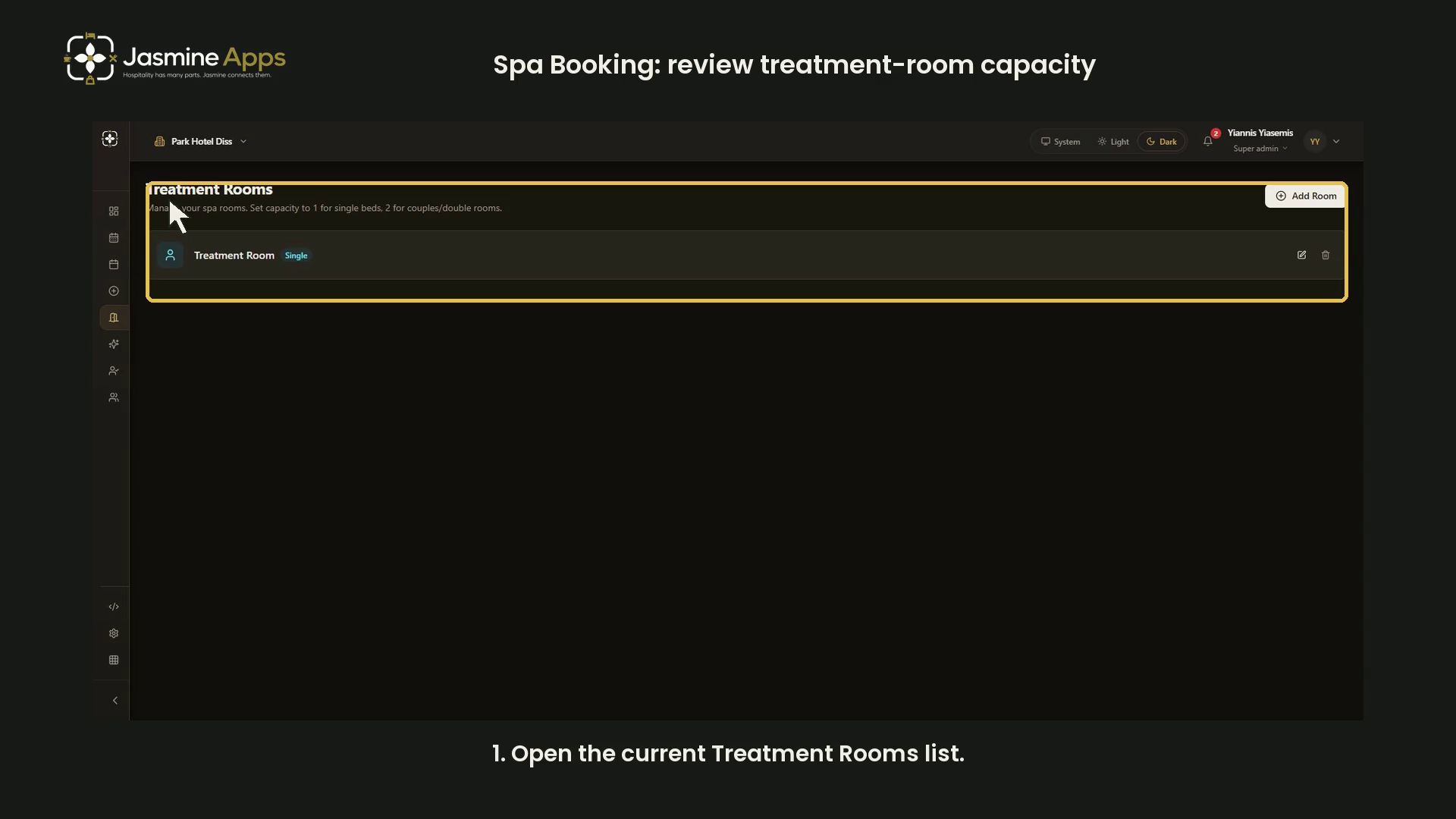
- Spa Booking: review treatment-room capacity
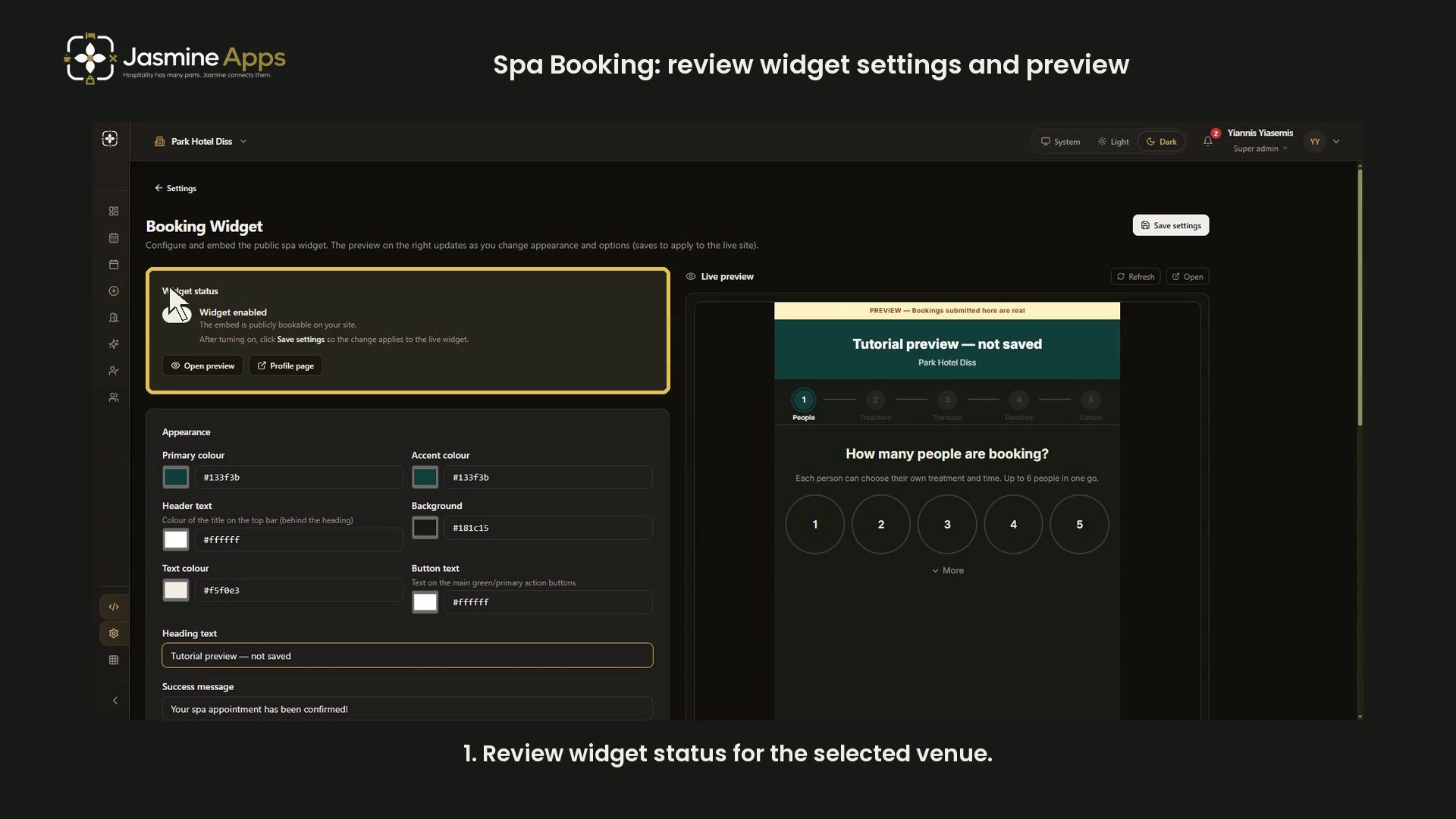
- Spa Booking: review widget settings and preview
- Spa Booking: search guests and understand no matches
- Spa Booking: settings and configuration video guides
- View all Spa Booking

Till Jasmine EPOS11

- Add Till Jasmine void reasons
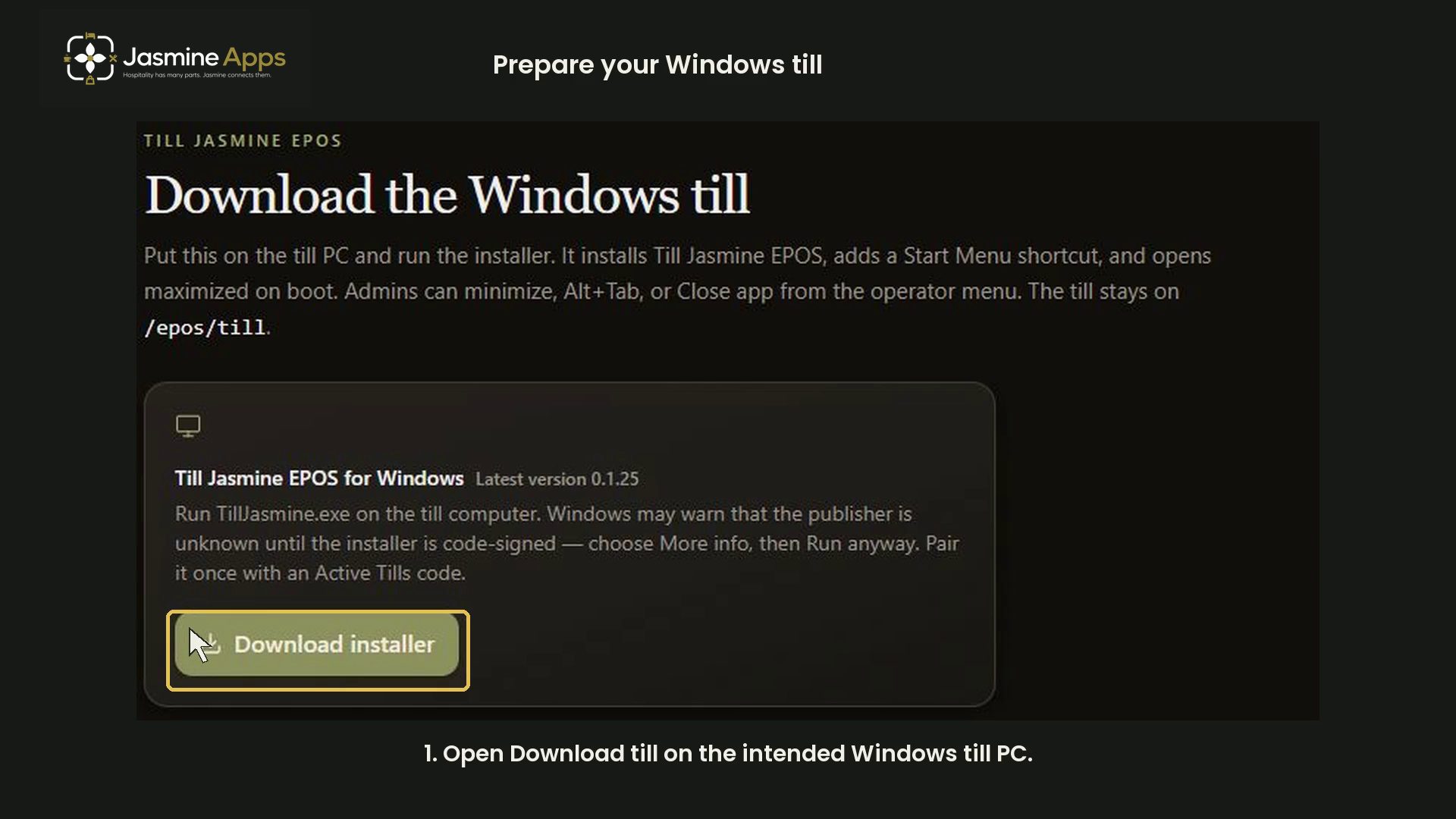
- Pair a Till Jasmine EPOS till
- Review Till Jasmine users and permissions
- Till Jasmine: bought-in recipients and loyalty search
- Till Jasmine: customise receipt QR codes and text
- Till Jasmine: enter and correct an order
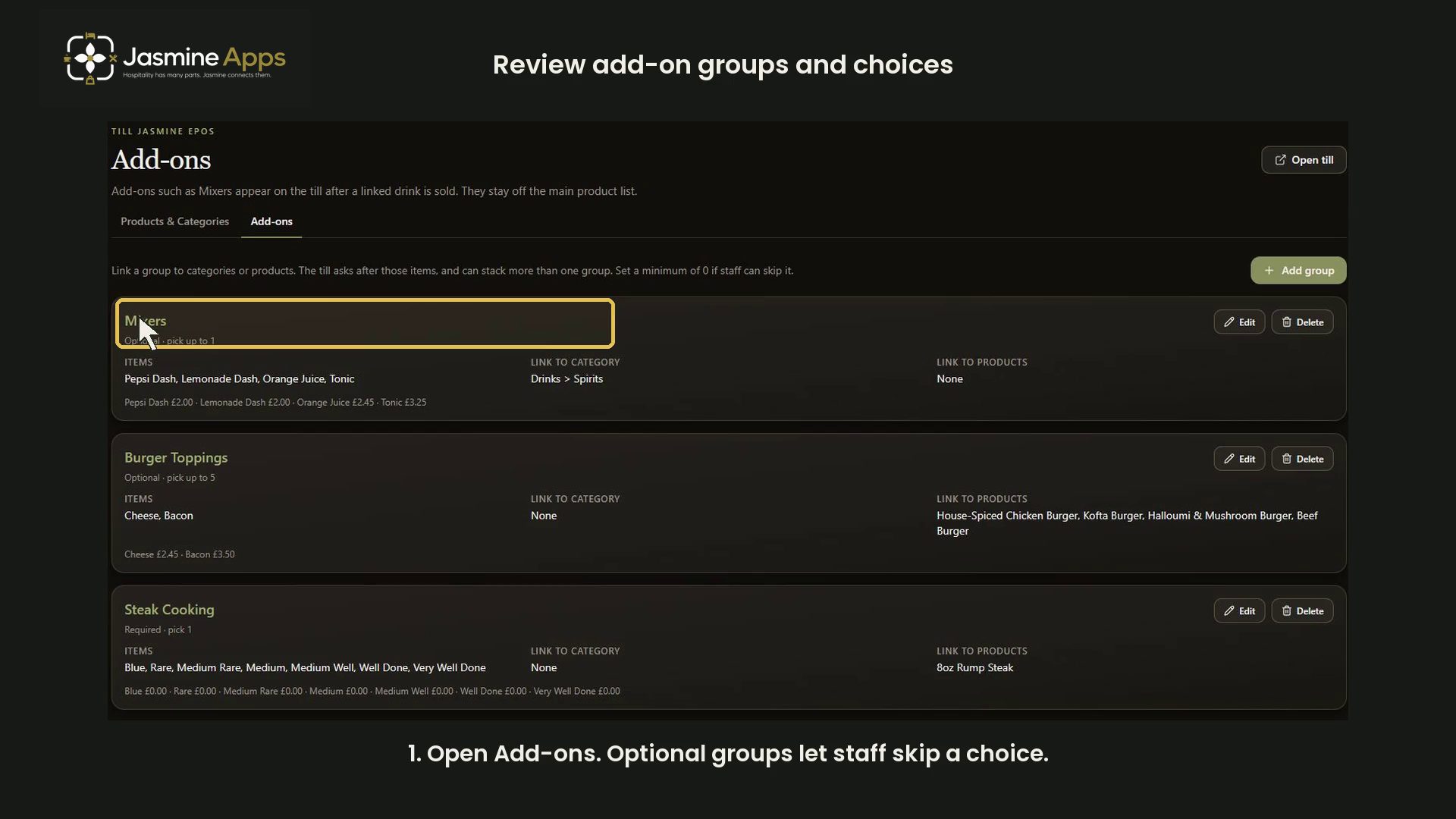
- Till Jasmine: review add-on groups and choices
- Till Jasmine: review linked and till-only tables
- Till Jasmine: review trading day, lock screen and service charge
- Till Jasmine: save and reopen table and room orders
- Track stock in Till Jasmine
- View all Till Jasmine EPOS
- Tutorial
Spa BookingSpa Booking: settings and configuration video guidesReview Spa Booking settings navigation, widget preview and per-therapist commission guidance through narrated dark-mode videos. Nothing changed.
- Tutorial
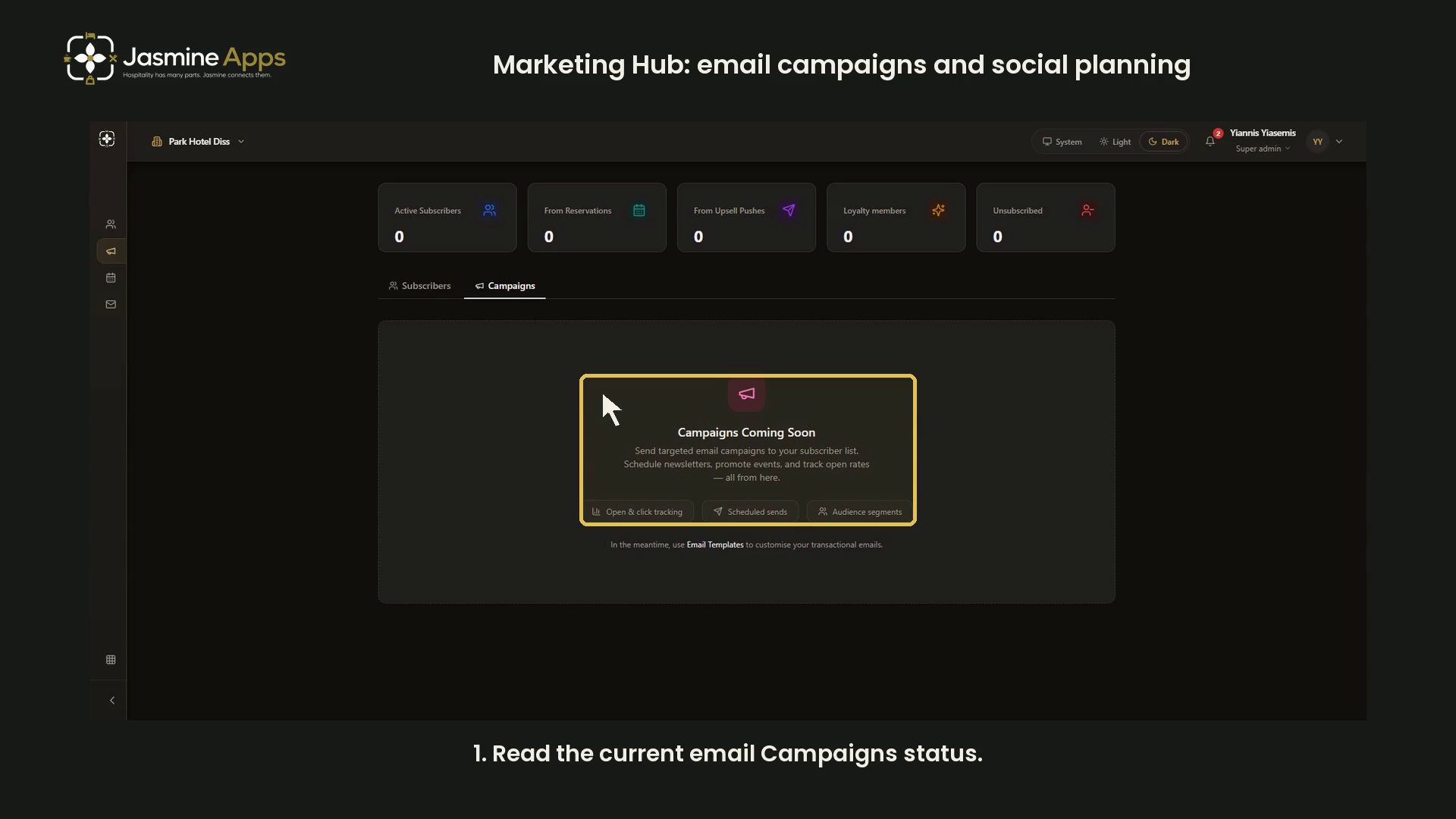
Jasmine Marketing HubMarketing Hub: email campaigns and social planningSee the current email Campaigns status and distinguish it from social-post planning and transactional templates in a narrated dark-mode guide.
- Tutorial

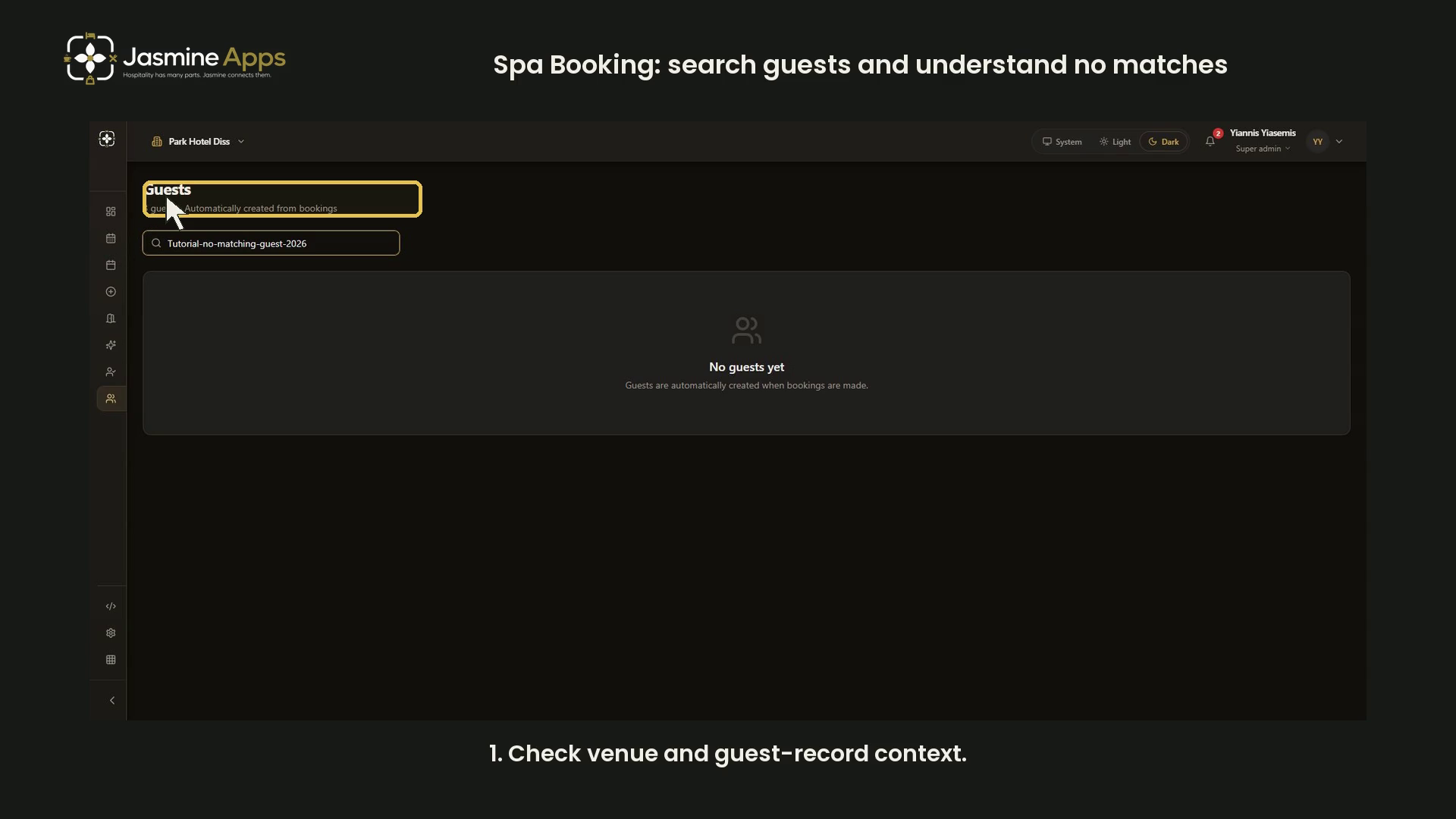
Spa BookingSpa Booking: search guests and understand no matchesUse a deliberate no-match search to review Spa Booking guest search and its empty-state wording in dark mode. No guest contacts or profiles shown.
- Tutorial

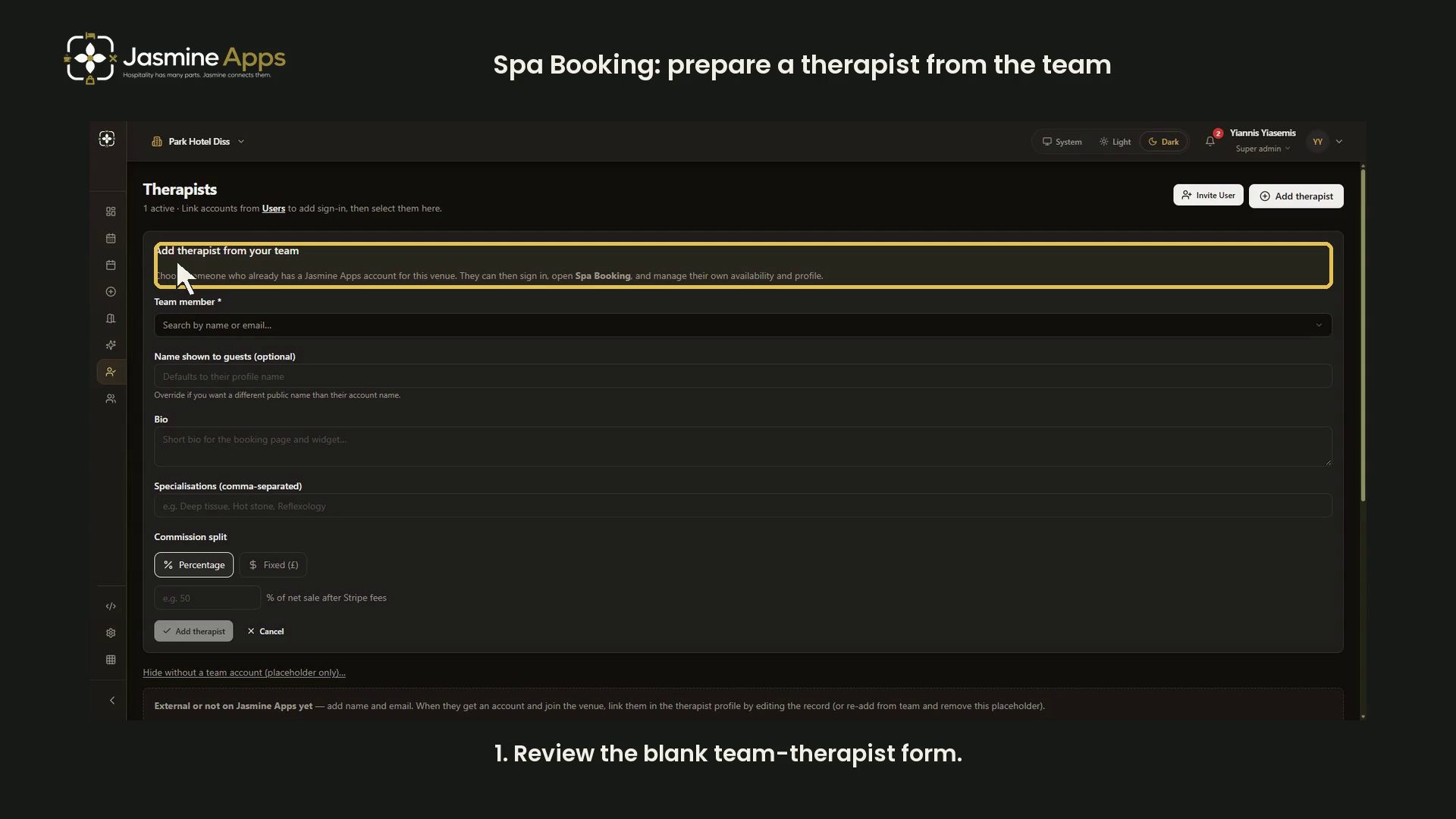
Spa BookingSpa Booking: prepare a therapist from the teamReview the blank Spa Booking team-therapist form, public profile fields and percentage or fixed commission inputs in dark mode. No invitation sent.
- Tutorial

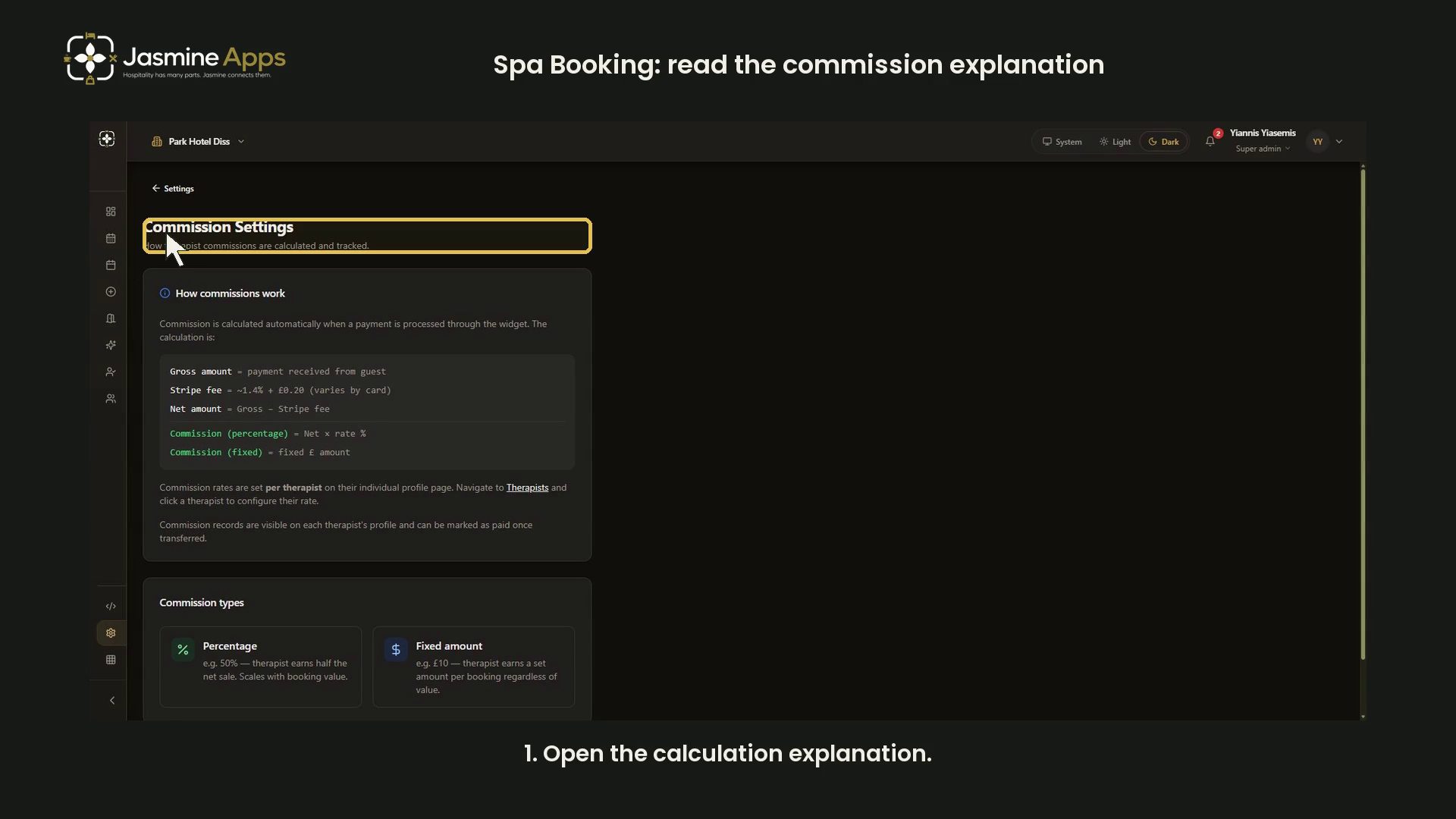
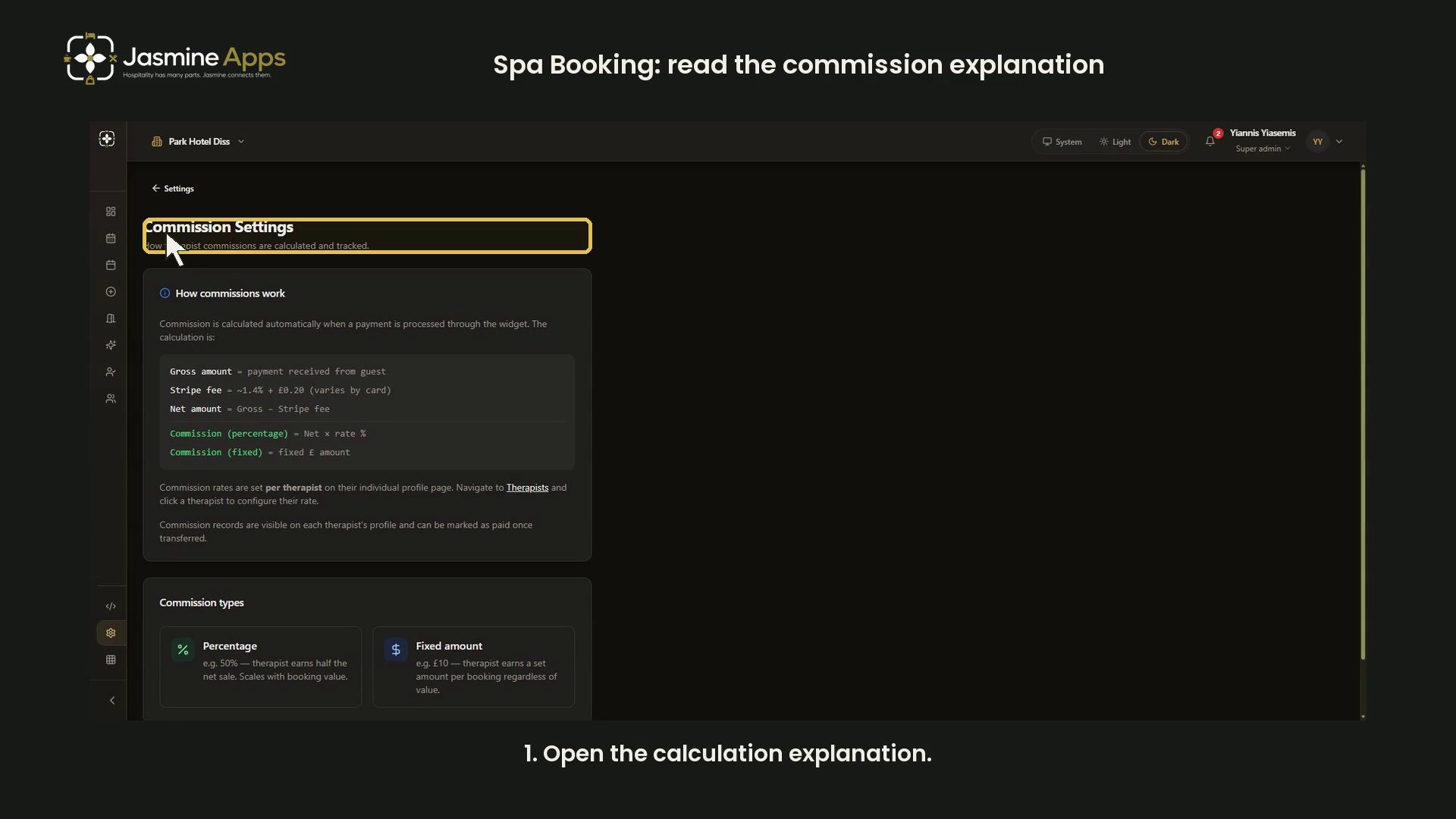
Spa BookingSpa Booking: read the commission explanationRead Spa Booking commission terminology, percentage and fixed examples, and per-therapist rate scope in a narrated dark-mode guide. No rate changed.
- Tutorial

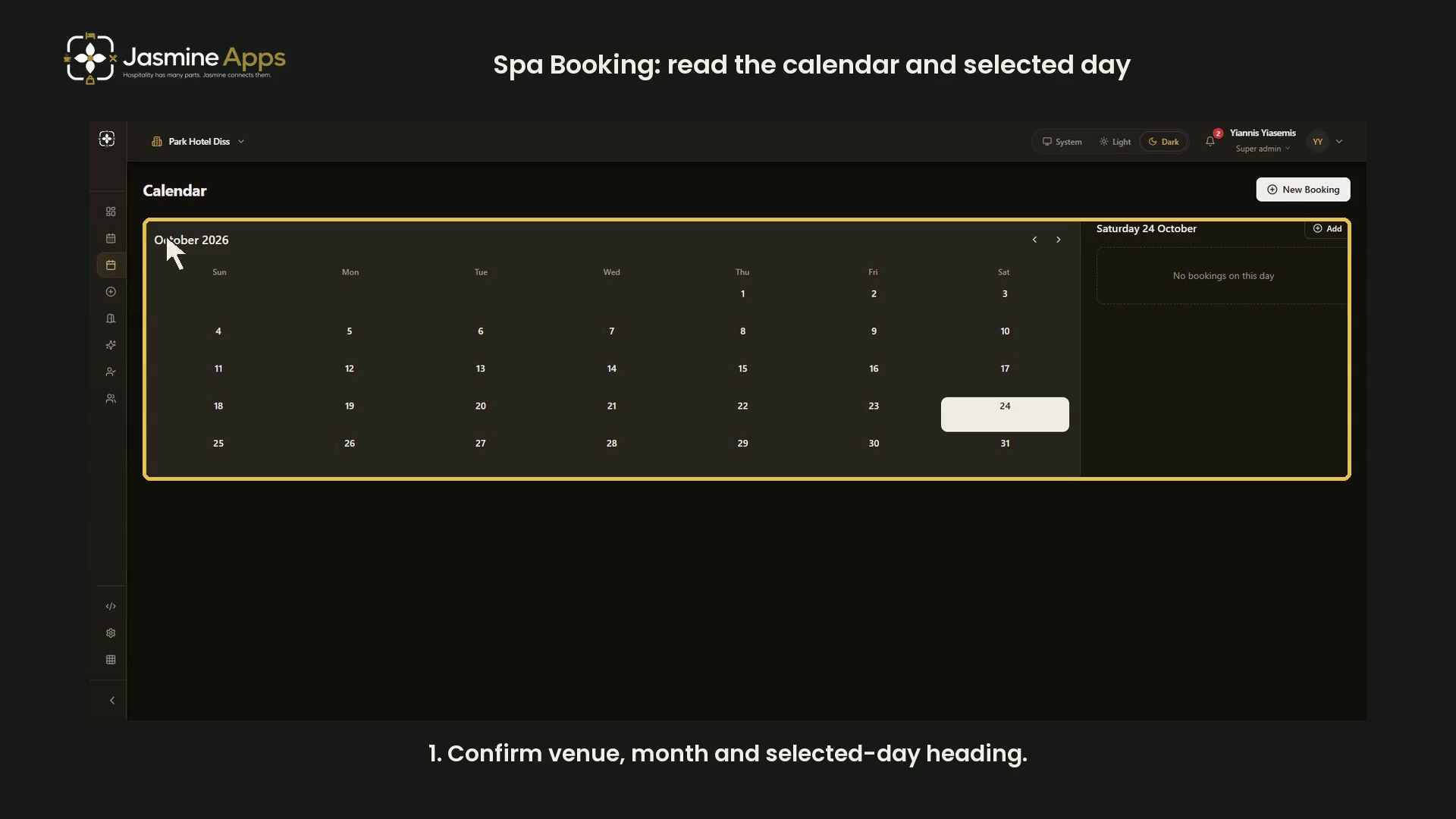
Spa BookingSpa Booking: read the calendar and selected dayRead the Spa Booking calendar, switch months and confirm the selected-day panel in a narrated dark-mode walkthrough. No appointment created.
- Tutorial

Jasmine TV: preview the welcome screenPreview the Jasmine TV greeting, venue logo, fallback image and sample nights prompt in dark mode, then discard the unsaved example. No TV changed.
- Tutorial
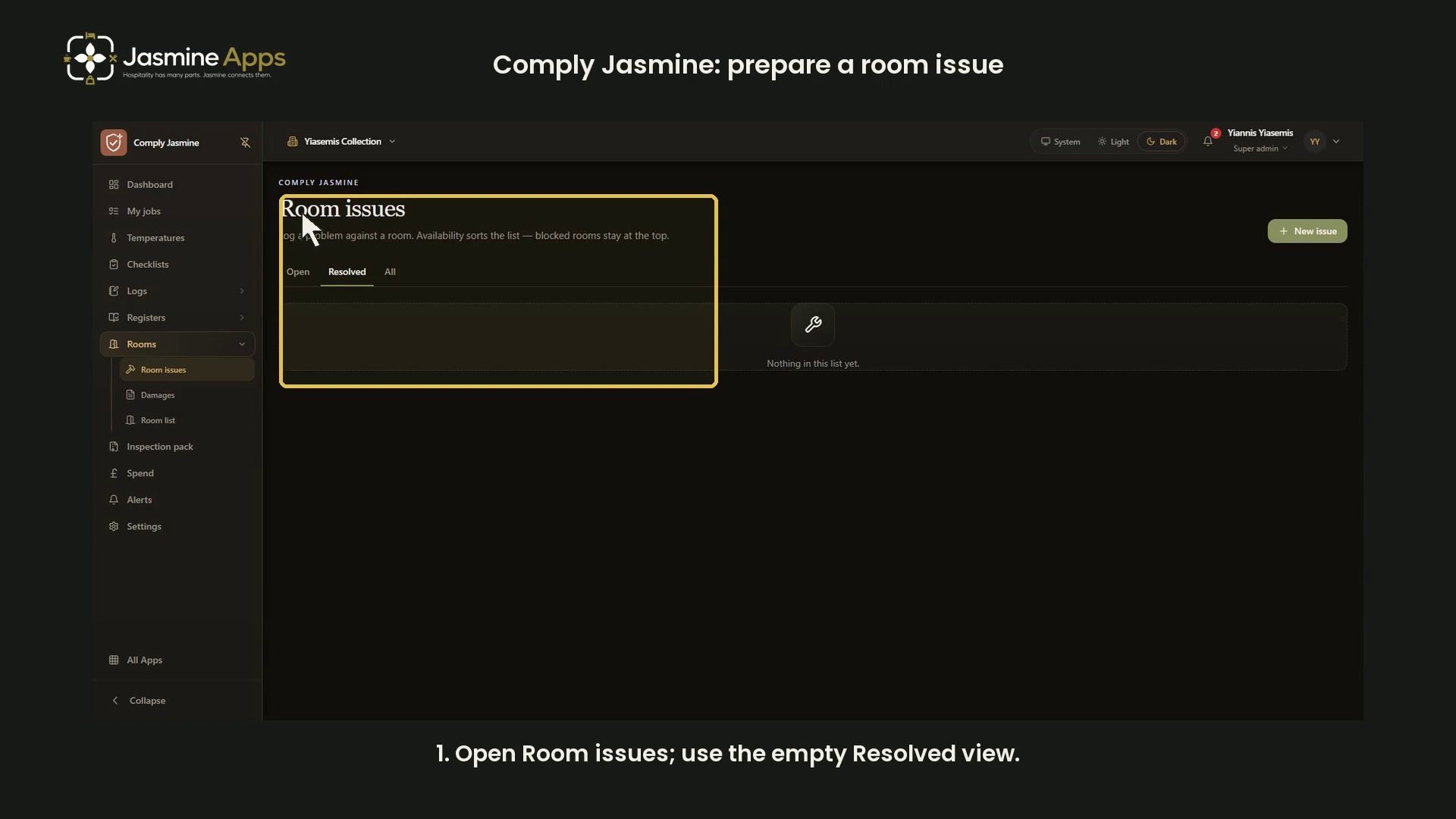
Comply Jasmine: prepare a room issueReview Comply Jasmine room-issue preparation, venue and room fields, availability choices and optional steps in dark mode. No issue logged.
- Tutorial
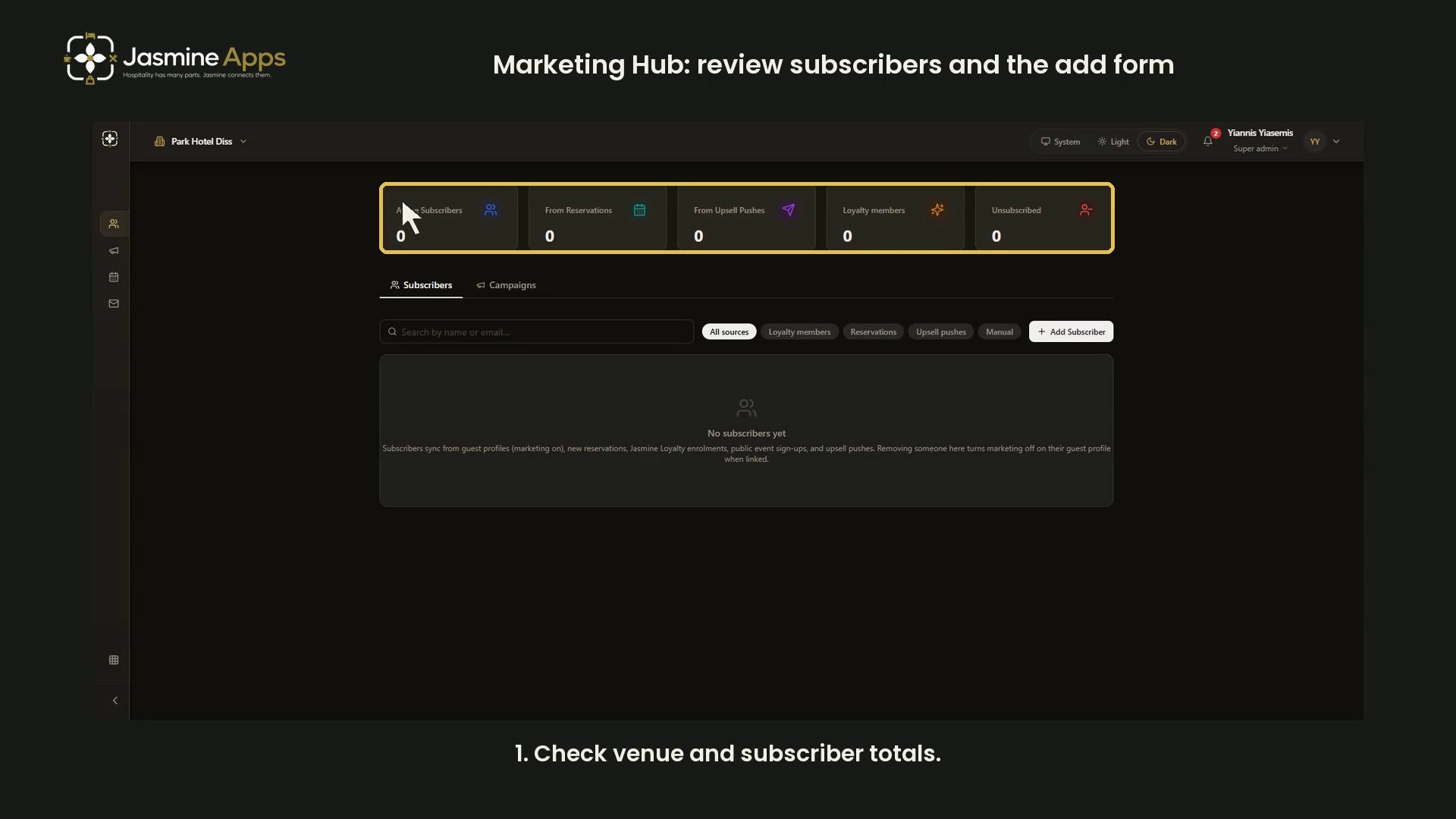
Jasmine Marketing HubMarketing Hub: review subscribers and the add formReview Marketing Hub subscriber totals, source filters, search and the blank Add Subscriber form in a narrated dark-mode guide. No contacts changed.
- Tutorial

Jasmine Loyalty: guest sign-in and homepage previewReview an existing dark-mode sign-in example and the labelled sample-member homepage with narration. No email sent or real account accessed.
- Tutorial
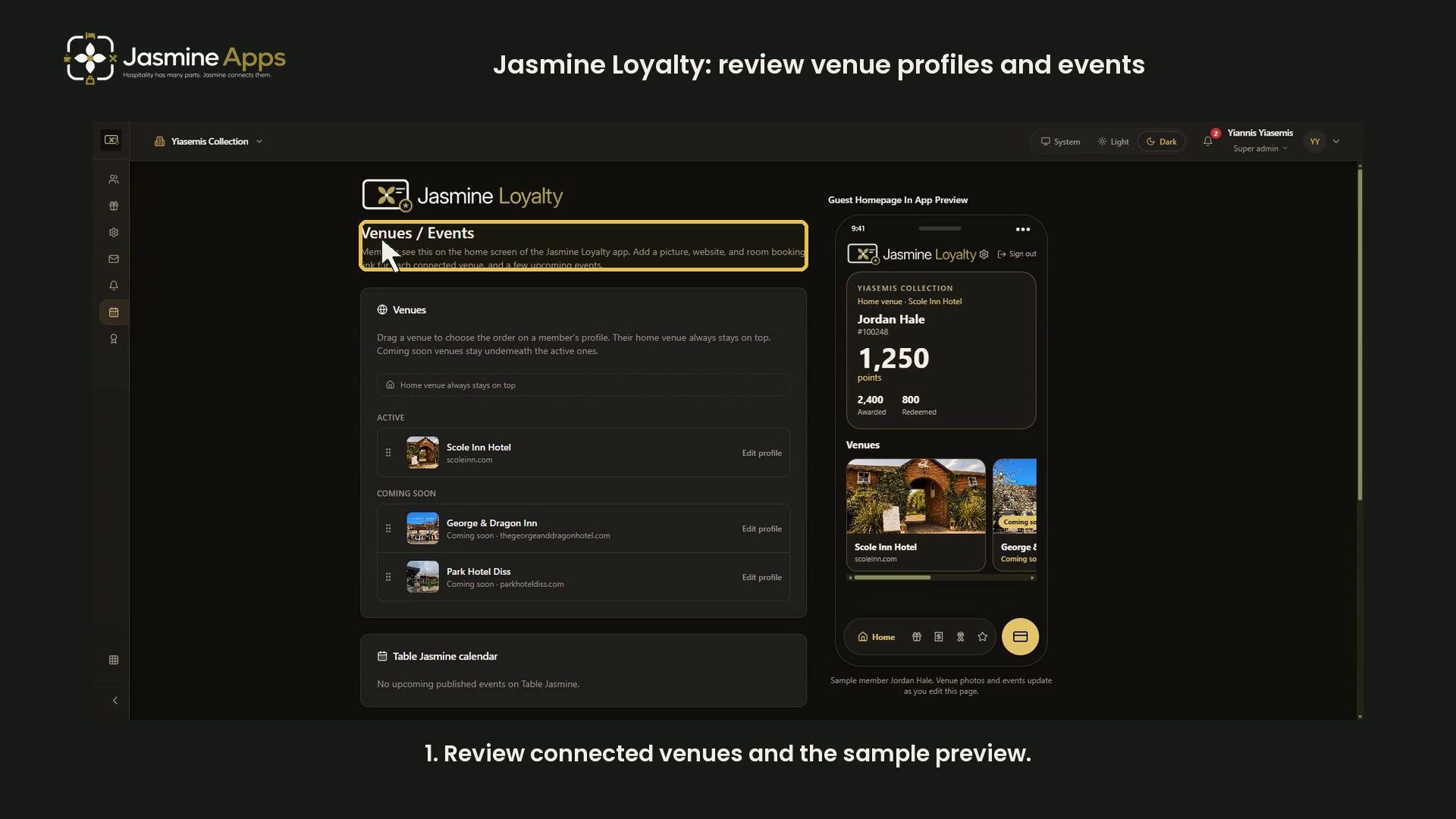
Jasmine Loyalty: review venue profiles and eventsReview venue order, profile links, event fields and the labelled sample-member homepage in a narrated dark-mode walkthrough. Nothing saved.
- Tutorial

Jasmine Loyalty: find and review achievement titlesUse tier, category and title-search filters in a narrated dark-mode walkthrough. Bonus points and member awards remain unchanged.
- Tutorial

Jasmine Loyalty: prepare a reward packageReview points price, till discount, venue validity and package images in a narrated dark-mode walkthrough. No reward created or redeemed.
- Tutorial

Spa BookingSpa Booking: prepare an appointmentReview guest fields, treatment selection, available start times and booking notes in a narrated dark-mode walkthrough. No appointment created.
- Tutorial

Spa BookingSpa Booking: review treatment-room capacityReview single and couples room capacity, optional description and turnaround buffer in a narrated dark-mode walkthrough. No room saved.
- Tutorial

Spa BookingSpa Booking: review widget settings and previewReview widget status, appearance, booking options, payment controls and embed code with an unsaved dark preview. Live settings stay unchanged.
- Tutorial

Clock Jasmine: prepare an absence formReview absence type, dates, summary, attachments and notes in a narrated dark-mode walkthrough of an unsaved form. No absence or approval record created.
- Tutorial
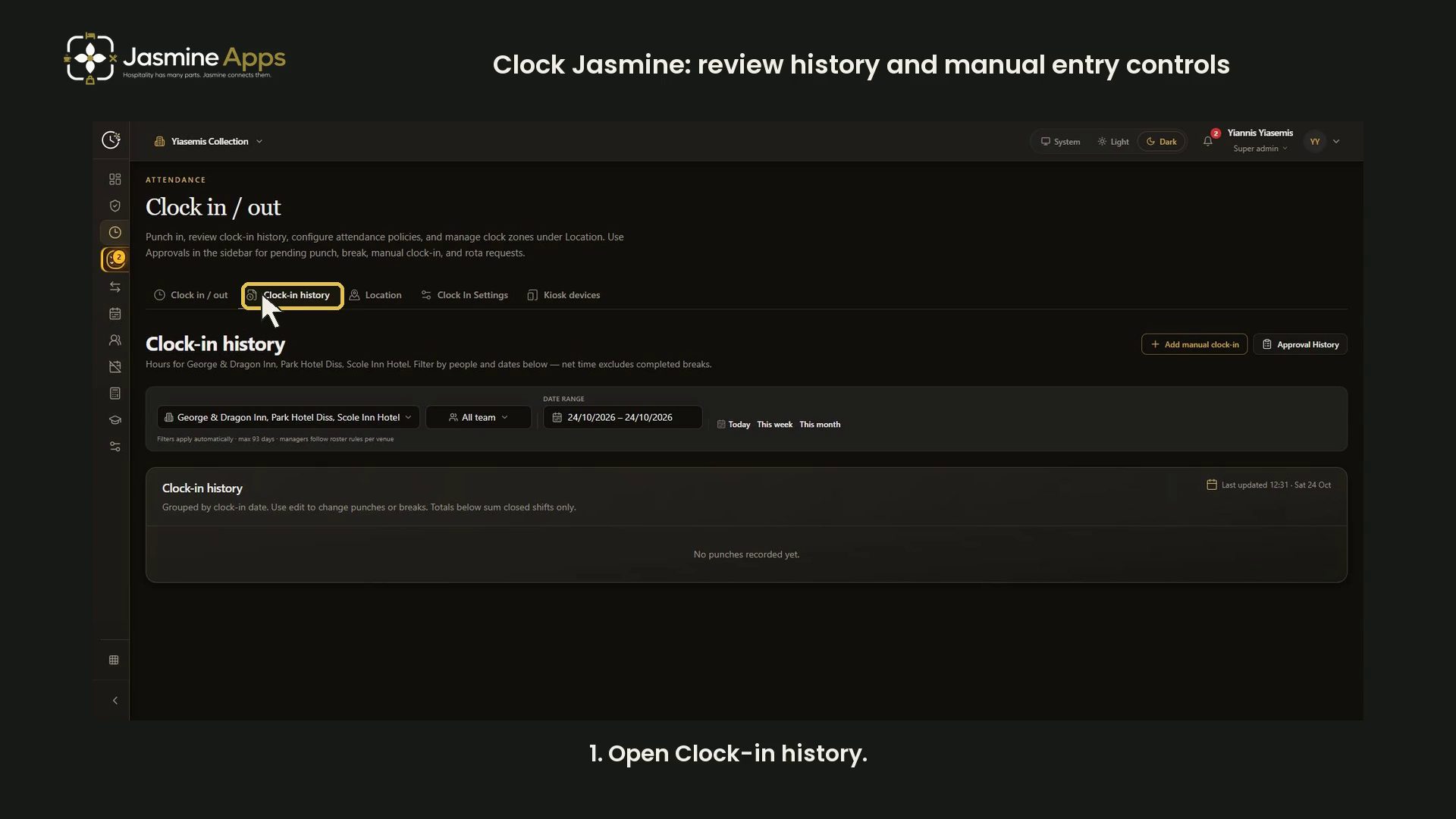
Clock Jasmine: review history and manual entry controlsReview attendance filters, history totals and the blank manual entry form in a narrated dark-mode walkthrough. No punches or approvals changed.
- Tutorial

Clock Jasmine: review clock-in and location controlsReview the off-shift screen, attendance hints, history and a blank clock-location form in a narrated dark-mode walkthrough. No punches or zones saved.
- Tutorial

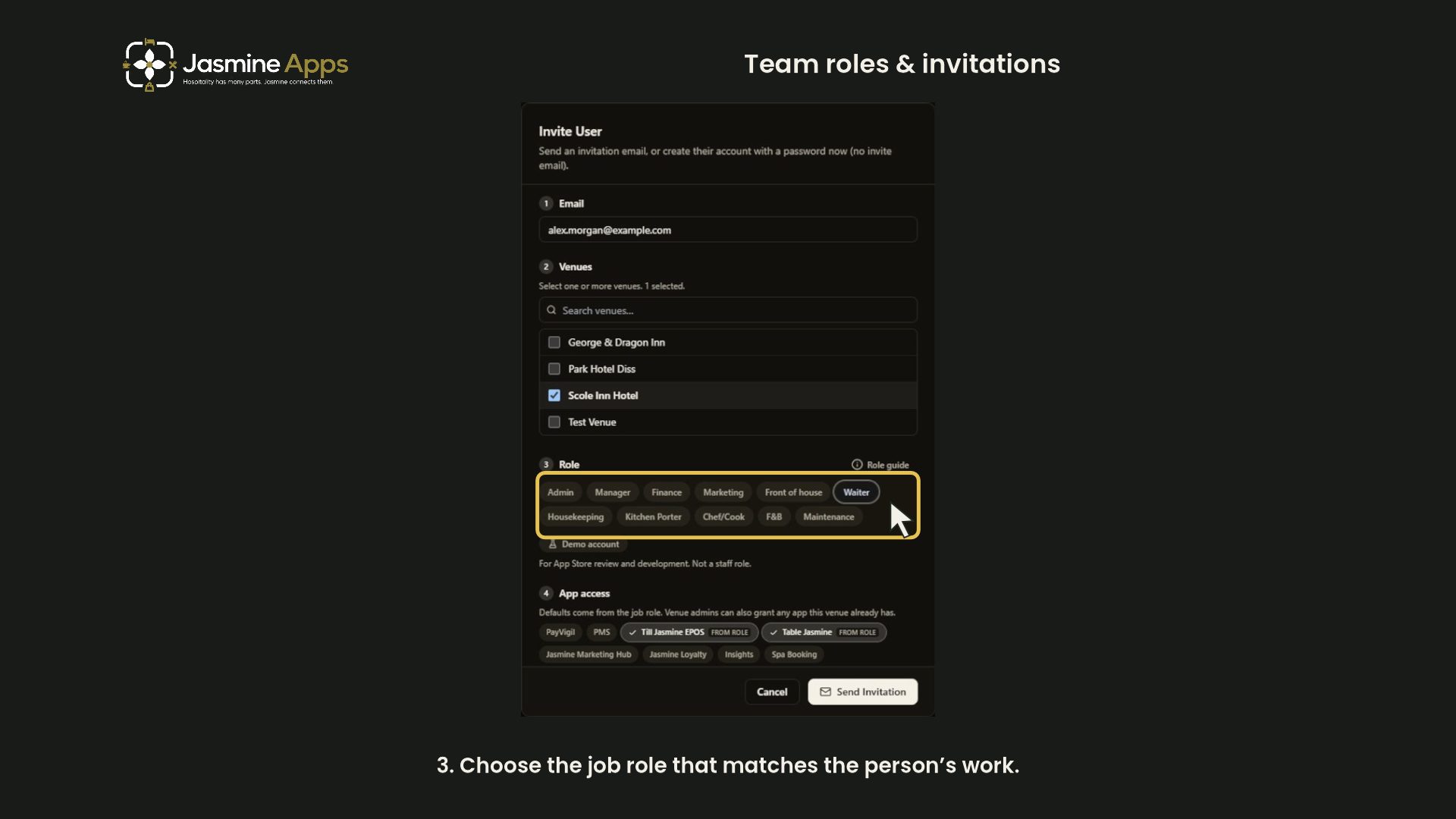
Getting started with Clock Jasmine: staff onboardingPrepare Clock Jasmine staff onboarding with a contract preview, venue and role checks, app access and invitation options. Includes a narrated dark-mode walkthrough.
- Tutorial

Clock Jasmine: review hours export controlsFind the recent clock-punch CSV controls and check the loaded-row scope before payroll use. Includes a narrated dark-mode video; no employee records or bank details are shown.
- Tutorial

Clock Jasmine: prepare a rota boardReview a new rota board’s title, planning dates, roster scope, venue defaults and managing-team controls with a narrated dark-mode walkthrough. The example is closed without creating a board.
- Tutorial

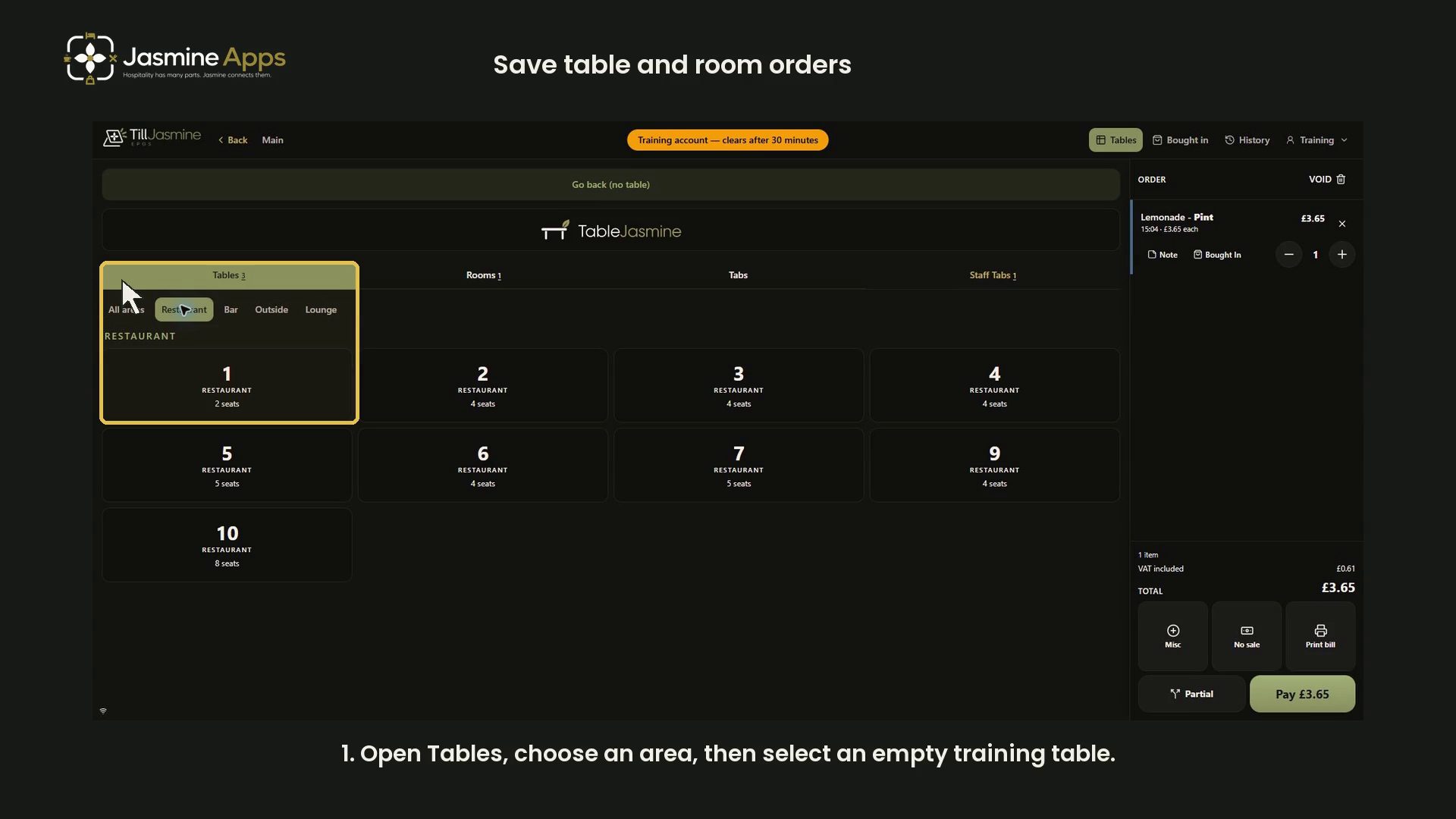
Till Jasmine: save and reopen table and room ordersSave and reopen table orders, and select rooms directly, in a narrated dark-mode training walkthrough. No payment or external hotel-system posting is demonstrated.
- Tutorial
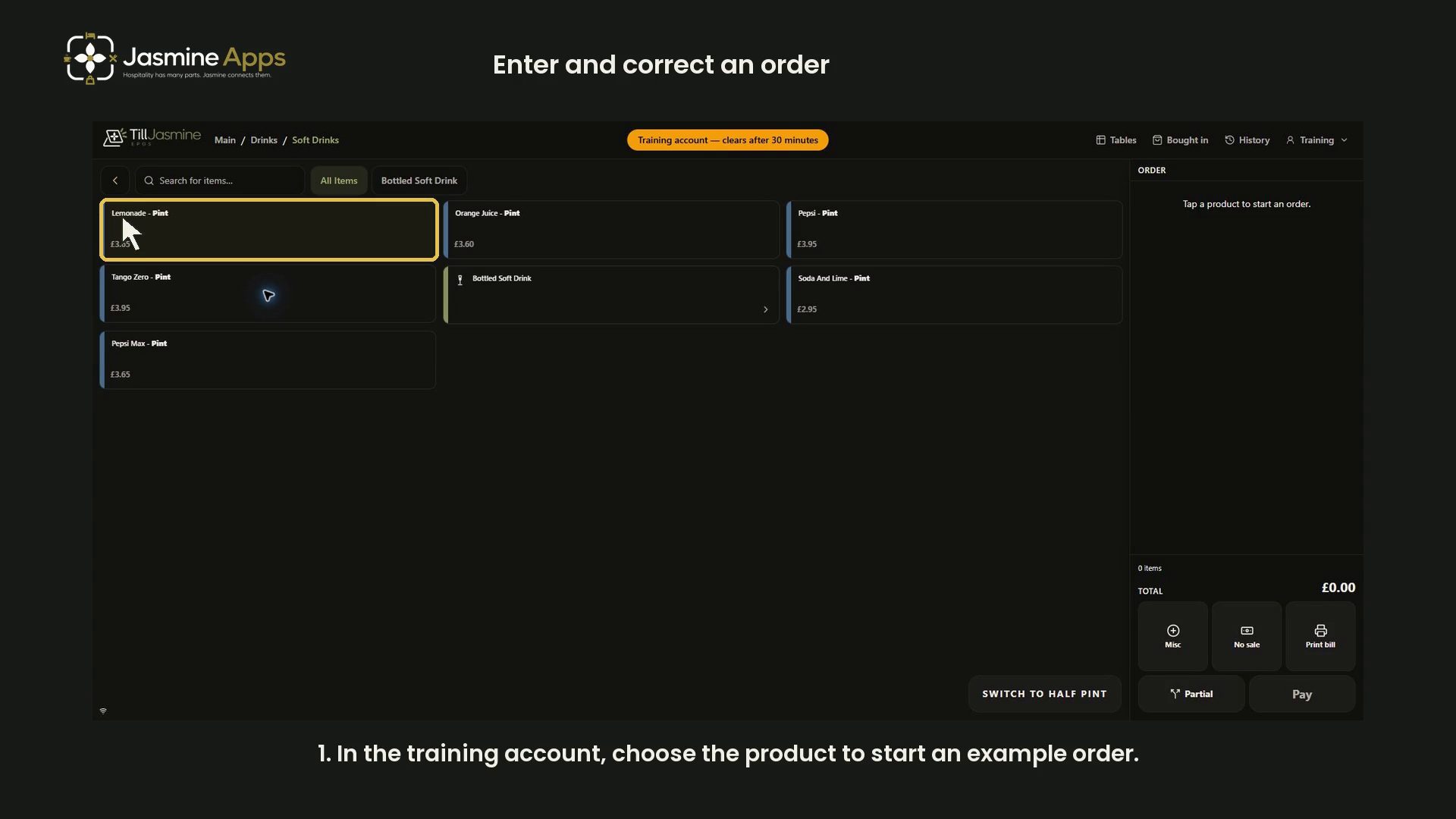
Till Jasmine: enter and correct an orderPractise adding items, correcting quantities, saving line notes and choosing void reasons with a narrated dark-mode training walkthrough. Includes payment review without taking money.
- Tutorial

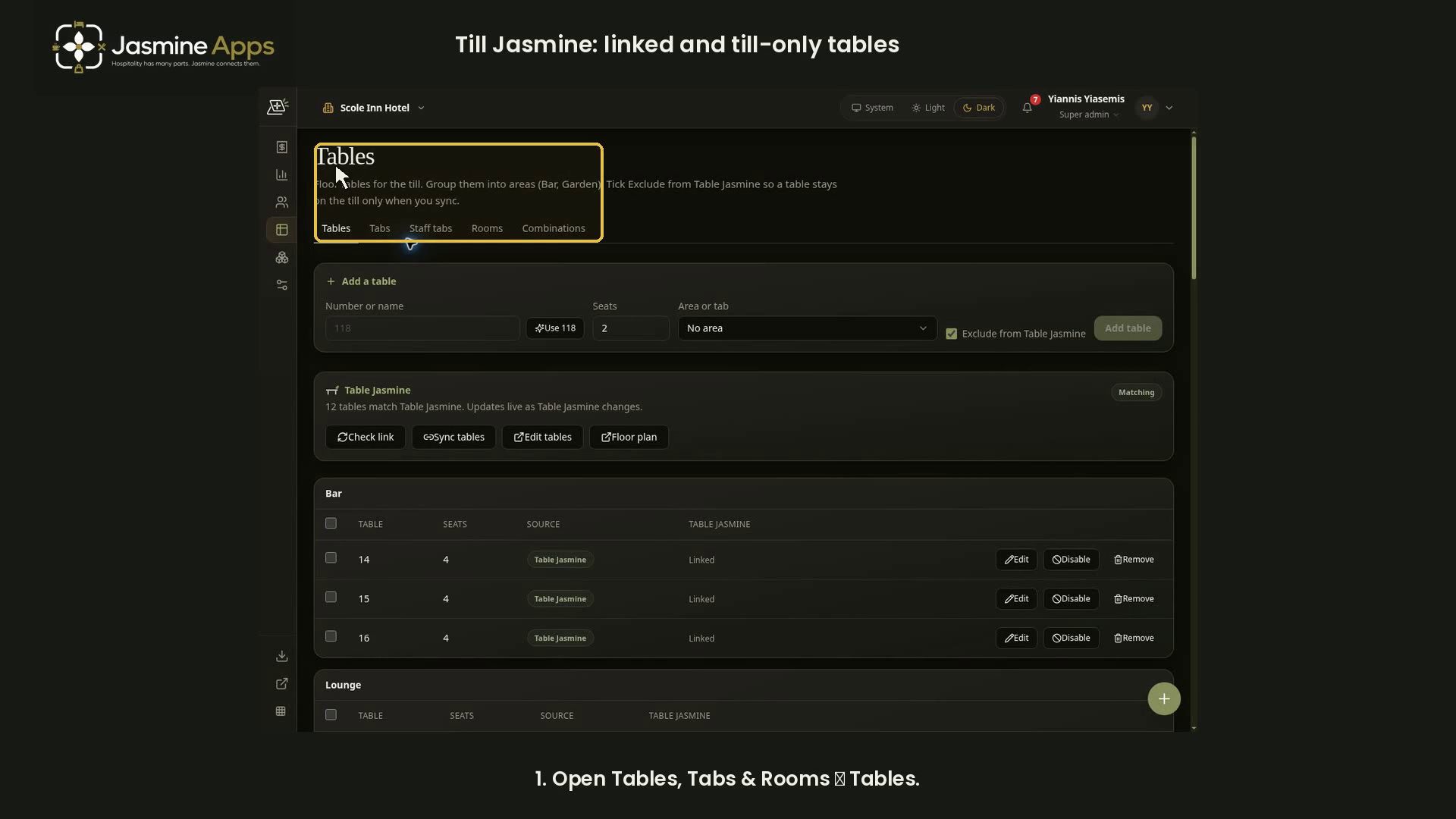
Till Jasmine: review linked and till-only tablesFollow a narrated dark-mode walkthrough of table areas, Table Jasmine link status, linked tables and till-only exclusions. Includes complete screenshots and an embedded video.
- Tutorial

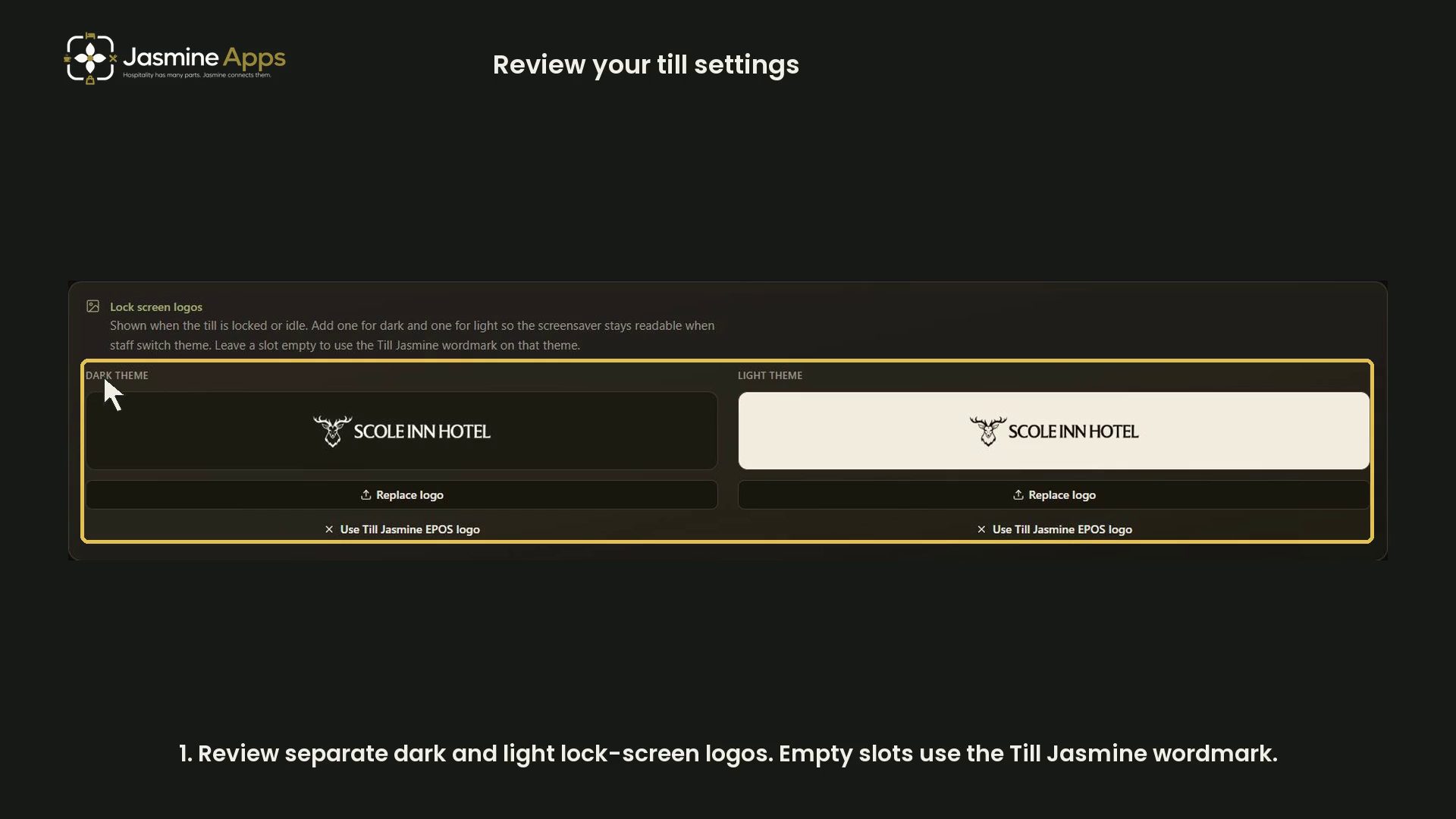
Till Jasmine: review trading day, lock screen and service chargeReview Till Settings with a narrated dark-mode walkthrough: theme-specific logos, the trading-day cut-off, autolock and service charge. No live settings are changed.
- Tutorial

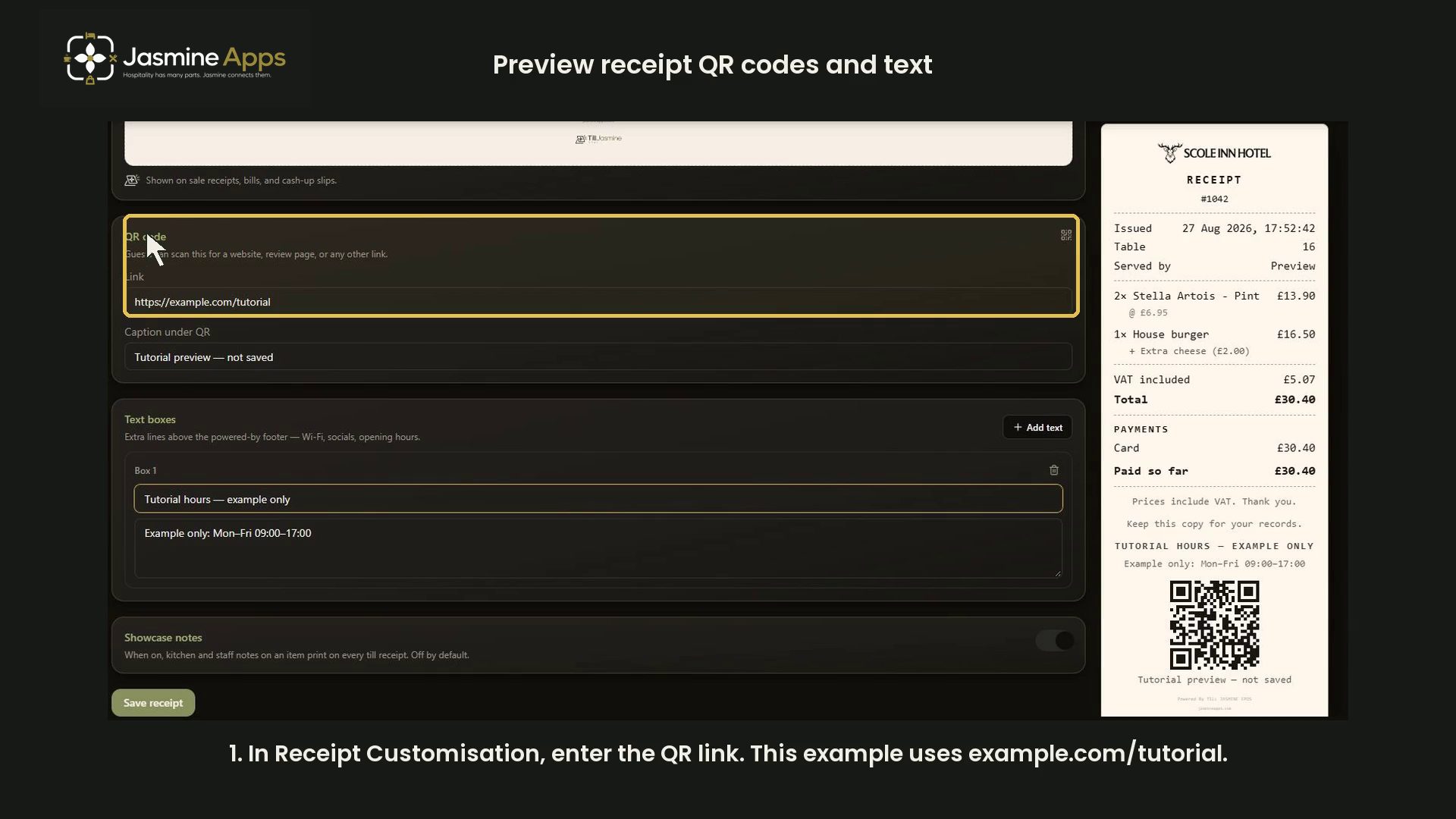
Till Jasmine: customise receipt QR codes and textPreview a receipt QR link, caption and extra text such as example opening hours. Includes a dark-mode video with highlights and click sounds.
- Tutorial

Till Jasmine: review add-on groups and choicesReview optional and required add-on groups, minimum and maximum choices, category links and item controls in a dark-mode video walkthrough.
- Tutorial

Table Jasmine: invite a team member and check their accessReview Table Jasmine team roles, venue defaults, app access and onboarding options before preparing an invitation, with illustrated step-by-step checks.
- Tutorial
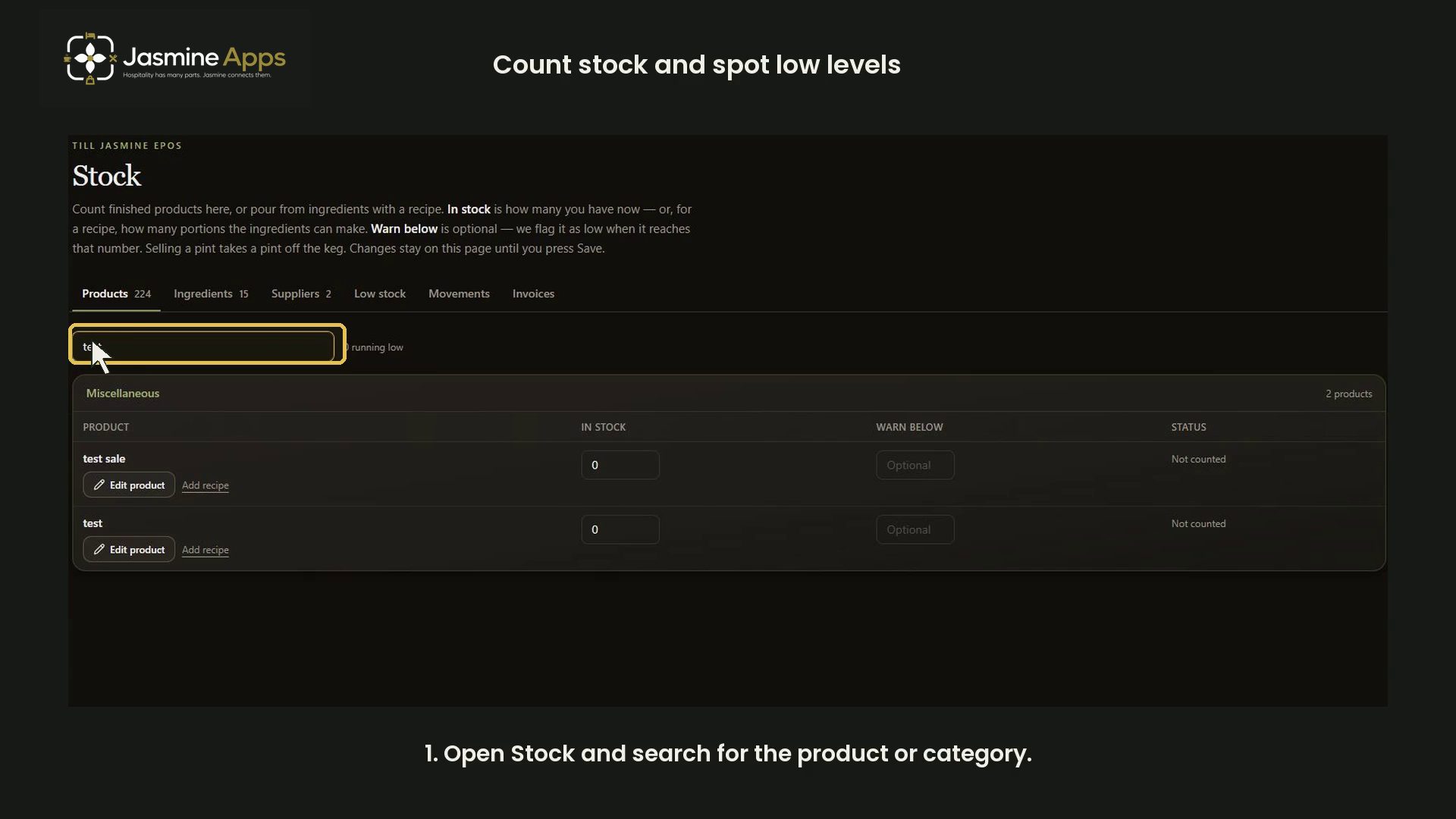
Track stock in Till JasmineCount products, set warning levels and review unsaved stock changes. Includes a dark-mode video showing an example count and low-stock status.
- Tutorial

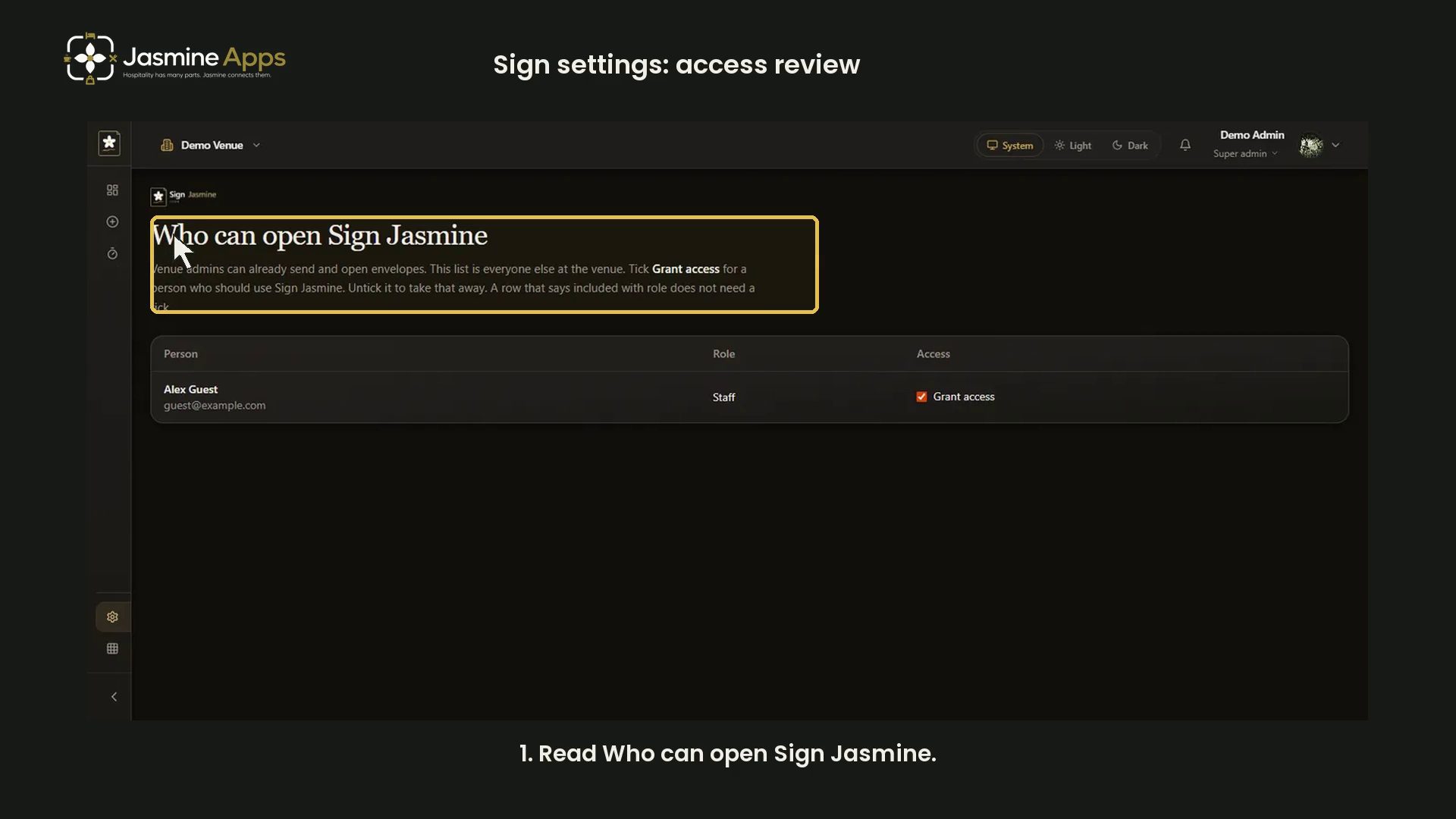
Sign Jasmine settings: review document accessReview Sign Jasmine access in Settings. This video uses an existing demo capture with an example account; it changes no permissions.
- Tutorial
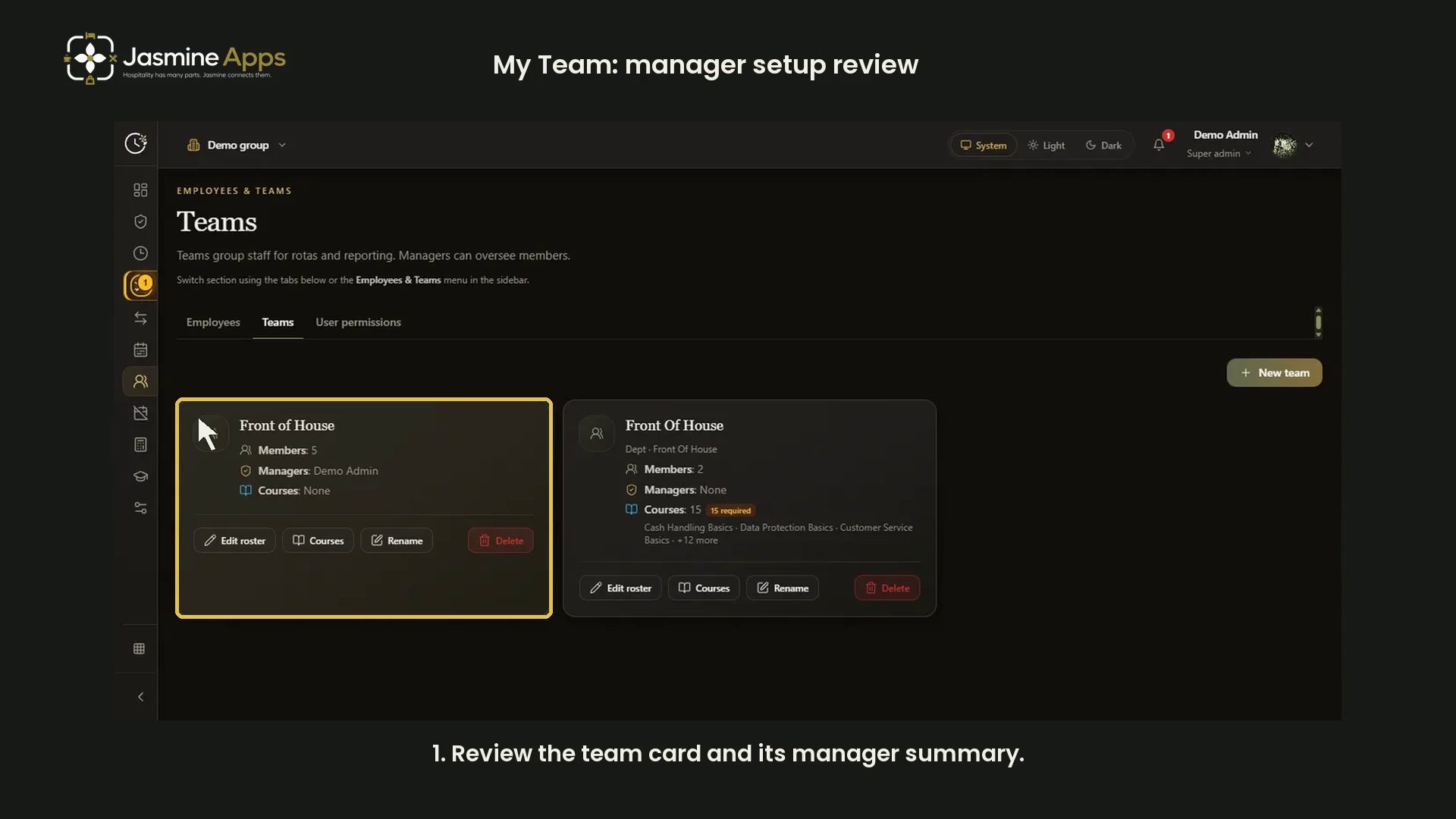
Clock Jasmine My Team: review manager setupThis video reviews the existing demo captures for team-manager setup. It does not demonstrate the current My Team page or change live access.
- Tutorial

Clock Jasmine: review raw-punch CSV controlsReview Clock Jasmine Reports, the loaded-punch count, server-cap notice and CSV control in a narrated dark-mode guide. No staff-time file shared.
- Tutorial

Jasmine TV Hotel info: sections, formatting and previewFollow the Jasmine TV Hotel info editor with a narrated dark-mode walkthrough: section titles and text, opening hours, formatting, Undo/Redo and review before Save.
- Tutorial

Clock Jasmine: prepare course content and a quizWalk through course details, learning sections, quiz answers, duration, approval and publication controls in Clock Jasmine. Includes a narrated dark-mode video and complete screenshots.
- Tutorial

Pair a Till Jasmine EPOS tillPrepare the Windows installer, name the till and choose a pairing-code expiry. Includes a dark-mode video showing the setup controls without generating a code.
- Tutorial

Jasmine TV rooms: review room and guest-stay controlsWalk through Jasmine TV room names, shared-app indicators, pairing status and guest-stay inputs with a narrated dark-mode video and an unsaved example.
- Tutorial

Jasmine TV Apps: review visibility, availability and orderReview Jasmine TV app states, unavailable entries and ordering handles with a narrated dark-mode walkthrough. The demo picks up a row and cancels without changing the live menu.
- Tutorial

Jasmine TV Local attractions: cards, pictures and QR codesBuild Jasmine TV attraction cards with pictures, descriptions and website QR codes. Follow the narrated dark-mode walkthrough of adding, ordering and removing an unsaved sample.
- Tutorial

Jasmine TV Activity: understand the page and empty stateJasmine TV Activity describes recent television use. This video explains the page's scope and empty state using an existing clean demo capture.
- Tutorial

Clock Jasmine staff handbook: read the published pageRead the staff handbook in Clock Jasmine to find workplace guidance. The video uses an existing fictional demo capture and covers the reader page.
- Tutorial

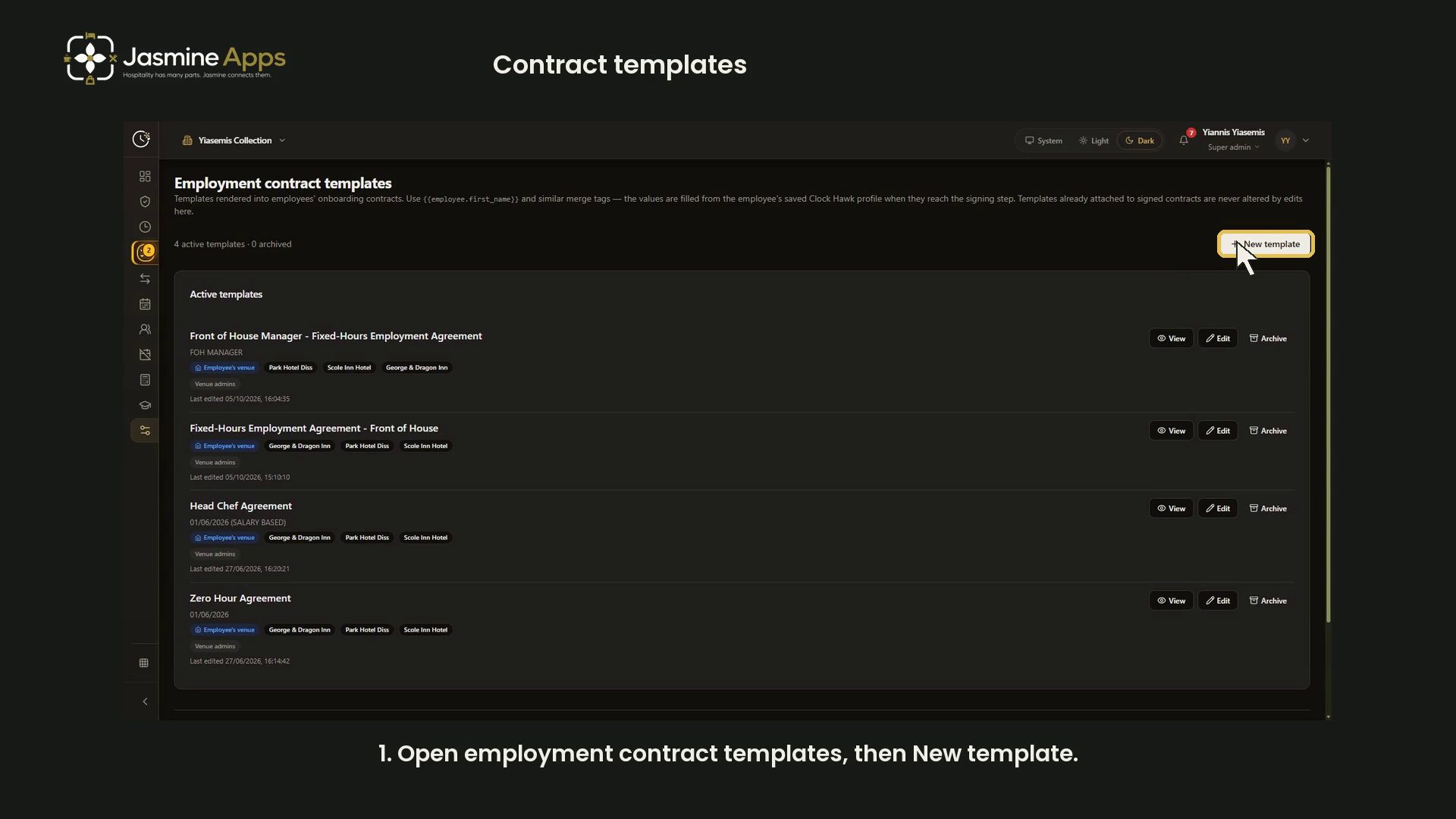
Clock Jasmine contract templates: merge tags and previewWalk through the Clock Jasmine contract template editor: venue scope, sender controls, wage options, merge tags and a live sample preview, with a narrated video.
- Tutorial

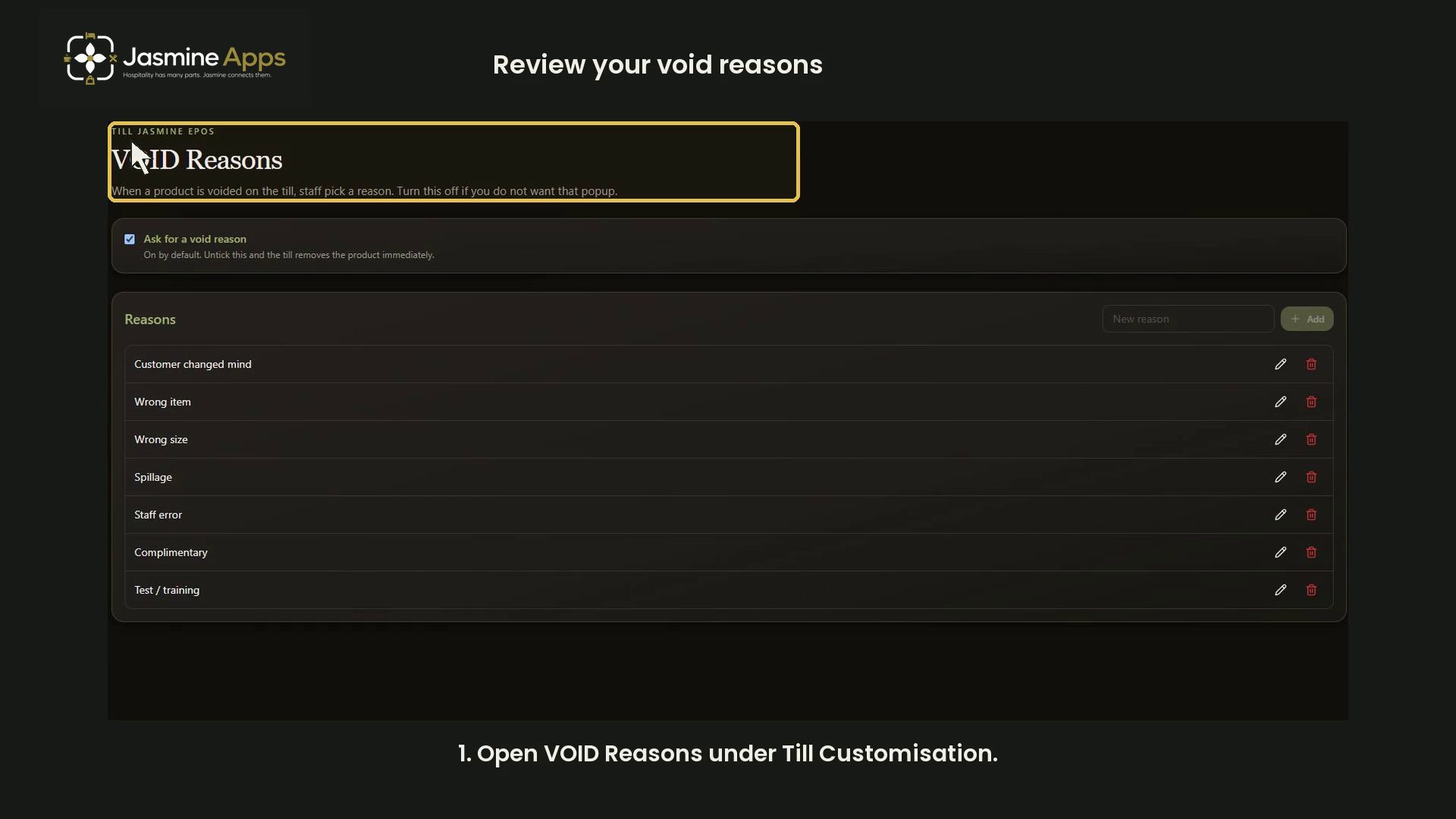
Add Till Jasmine void reasonsReview the void-reason prompt, prepare clear reason labels and check the list. Includes a dark-mode configuration walkthrough with highlights.
- Tutorial

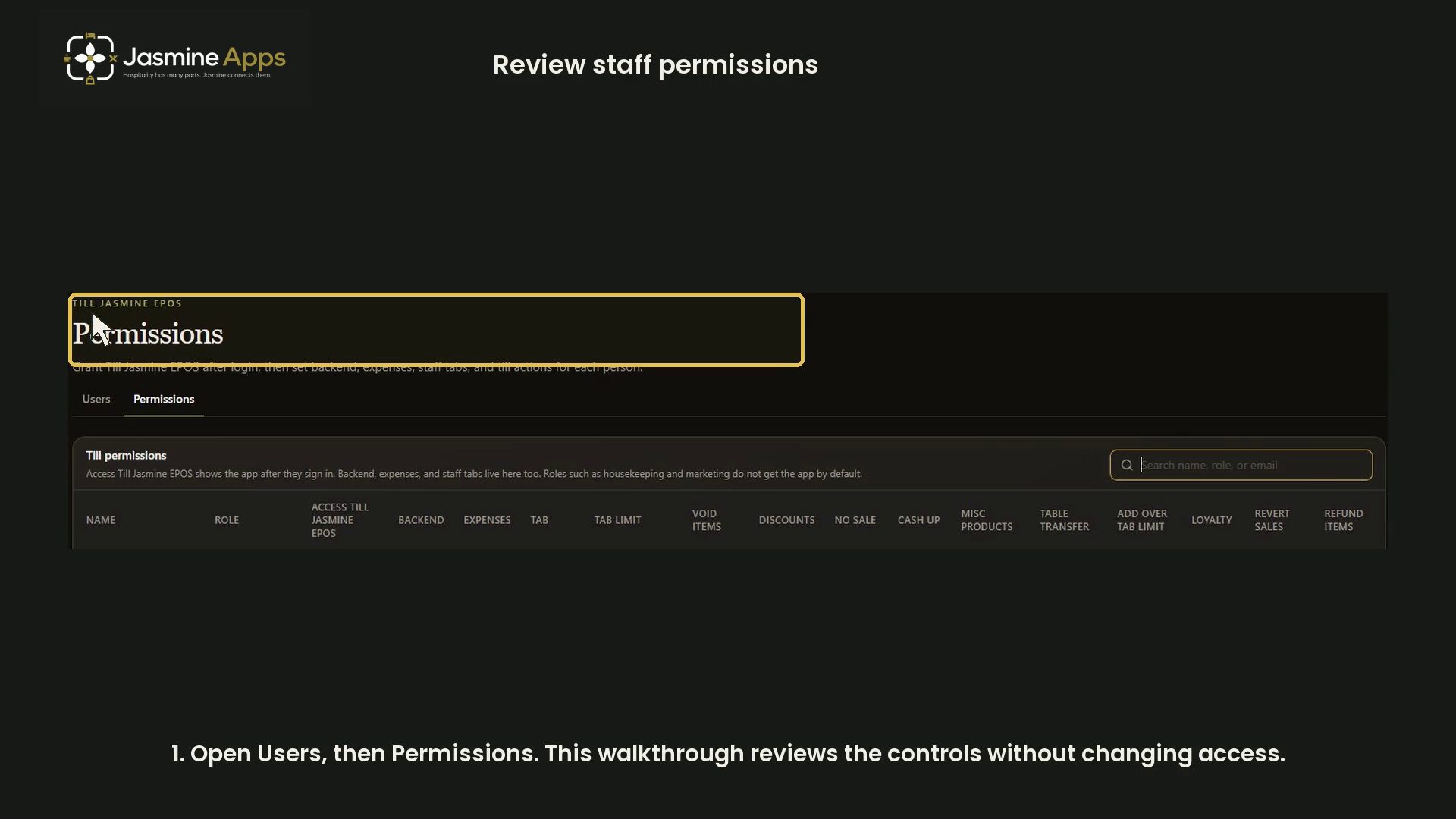
Review Till Jasmine users and permissionsFind staff permissions and review app access, backend access, staff tabs and individual till actions in a dark-mode video without changing access.
- Tutorial

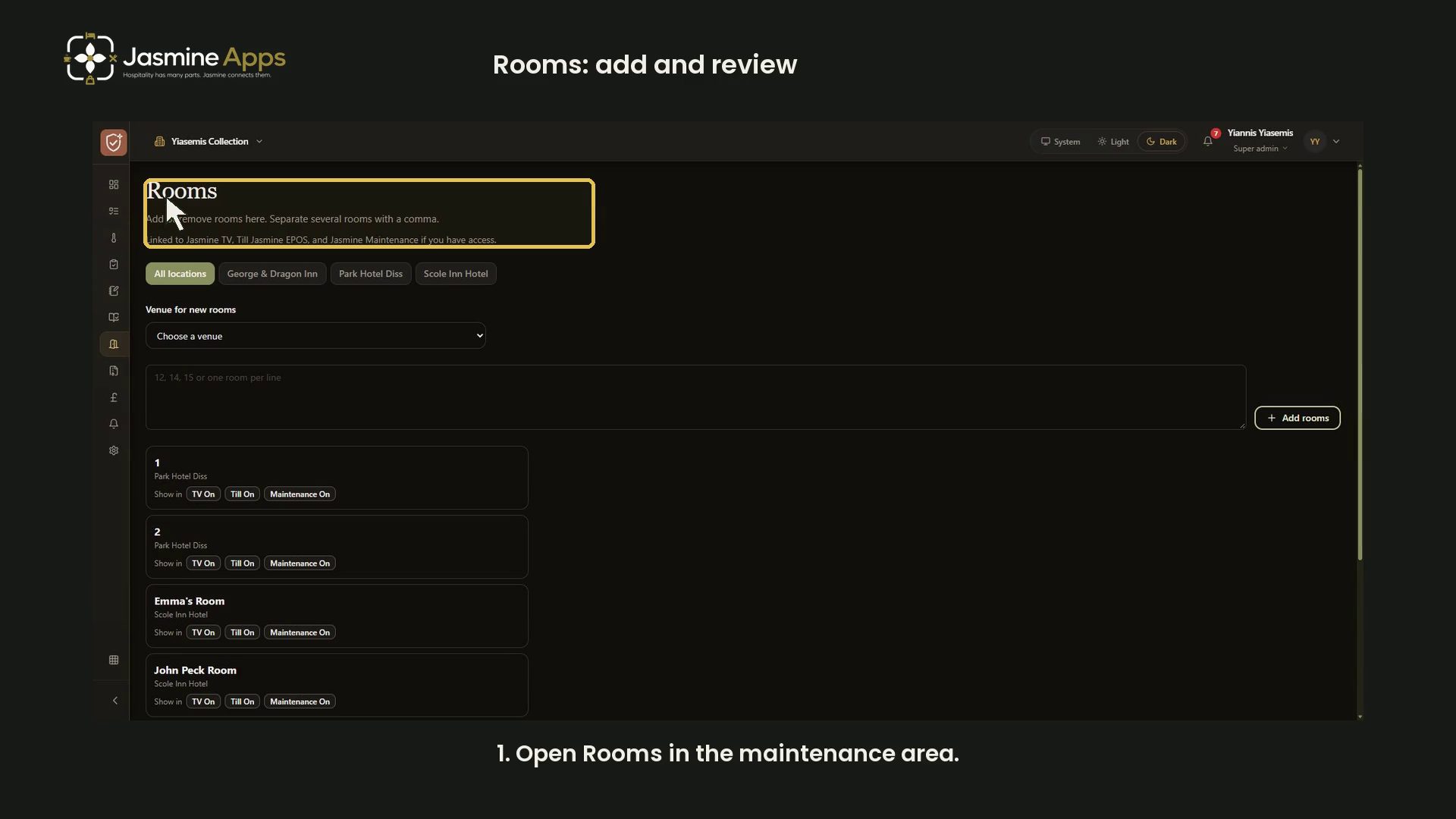
Jasmine Maintenance rooms: add names and review before savingFollow the current Rooms workflow in the maintenance area: choose a venue, stage room names, correct or remove unsaved rows and review before saving, with a narrated video.
- Tutorial

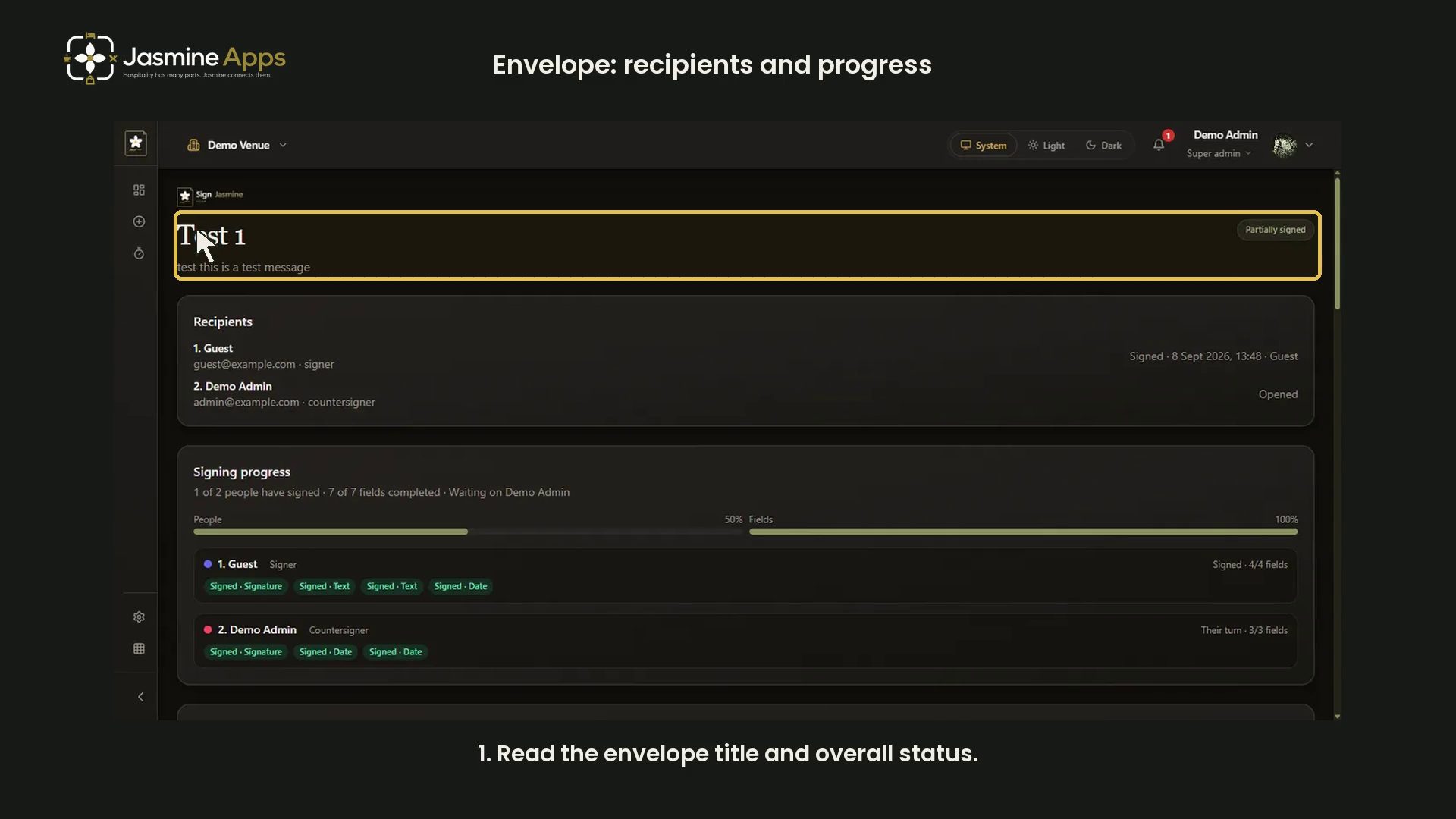
Sign Jasmine envelope: read recipients and signing progressReview a Sign Jasmine envelope's recipients and signing progress. The video uses an existing fictional test capture, rather than a real agreement.
- Tutorial

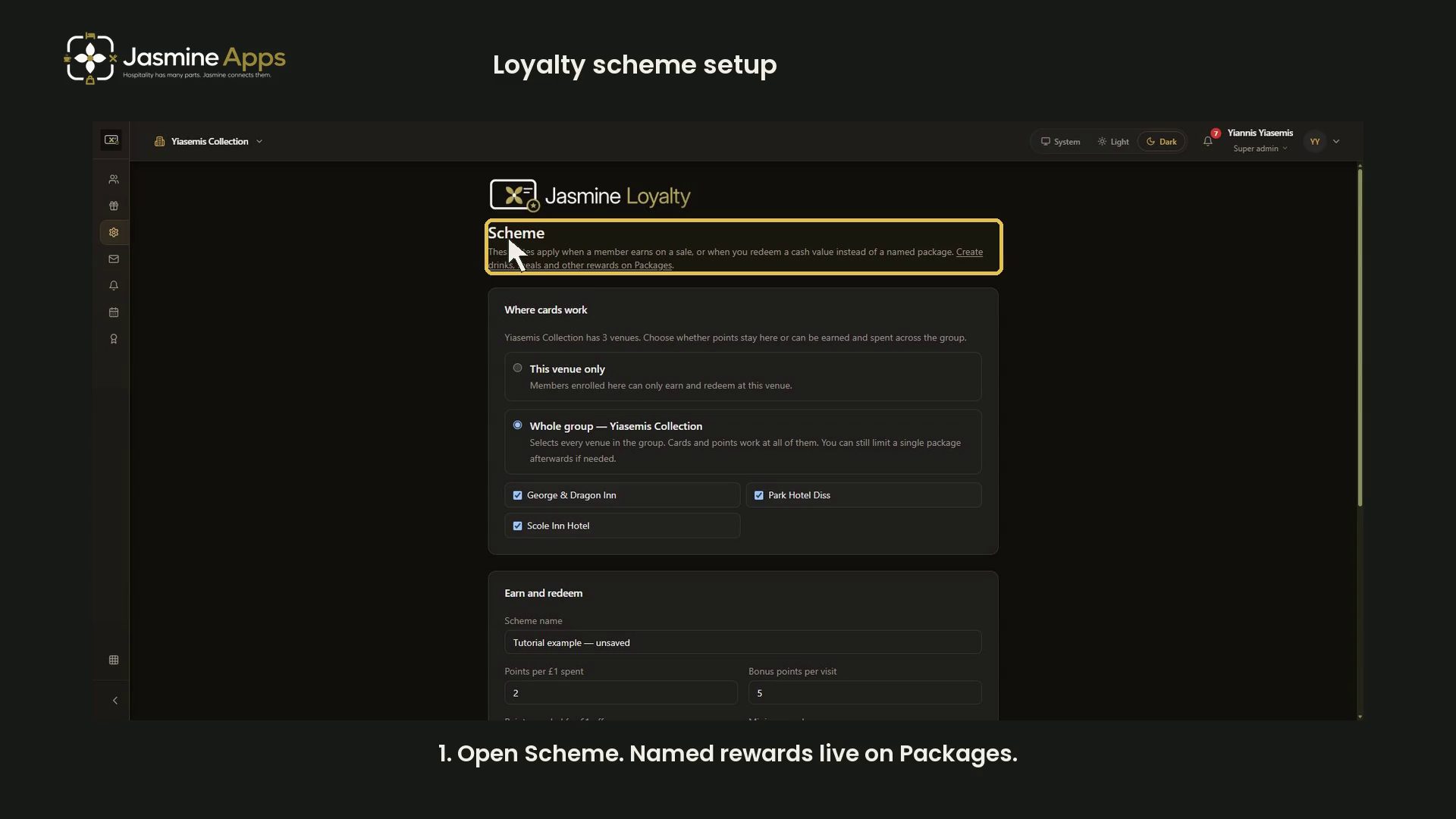
Jasmine Loyalty: scheme rates and redemption settingsReview venue scope, earning rates, cash redemption, expiry and card terms in Jasmine Loyalty, with a narrated dark-mode walkthrough and an unsaved example.
- Tutorial

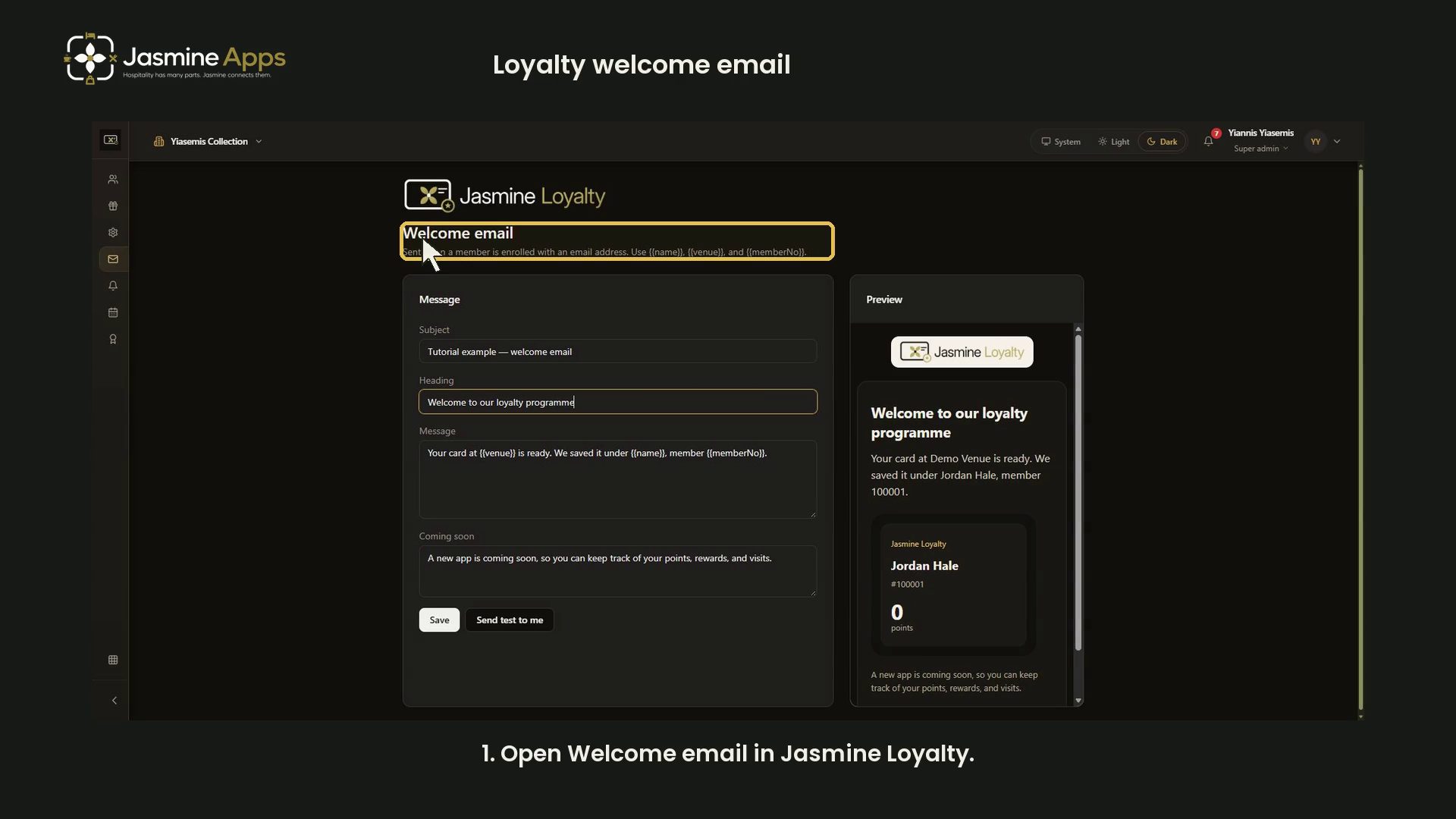
Jasmine Loyalty: edit and preview the welcome emailWalk through the Jasmine Loyalty welcome email editor: subject, heading, personalisation tags, Coming soon and the live sample preview, with a narrated video.
- Tutorial

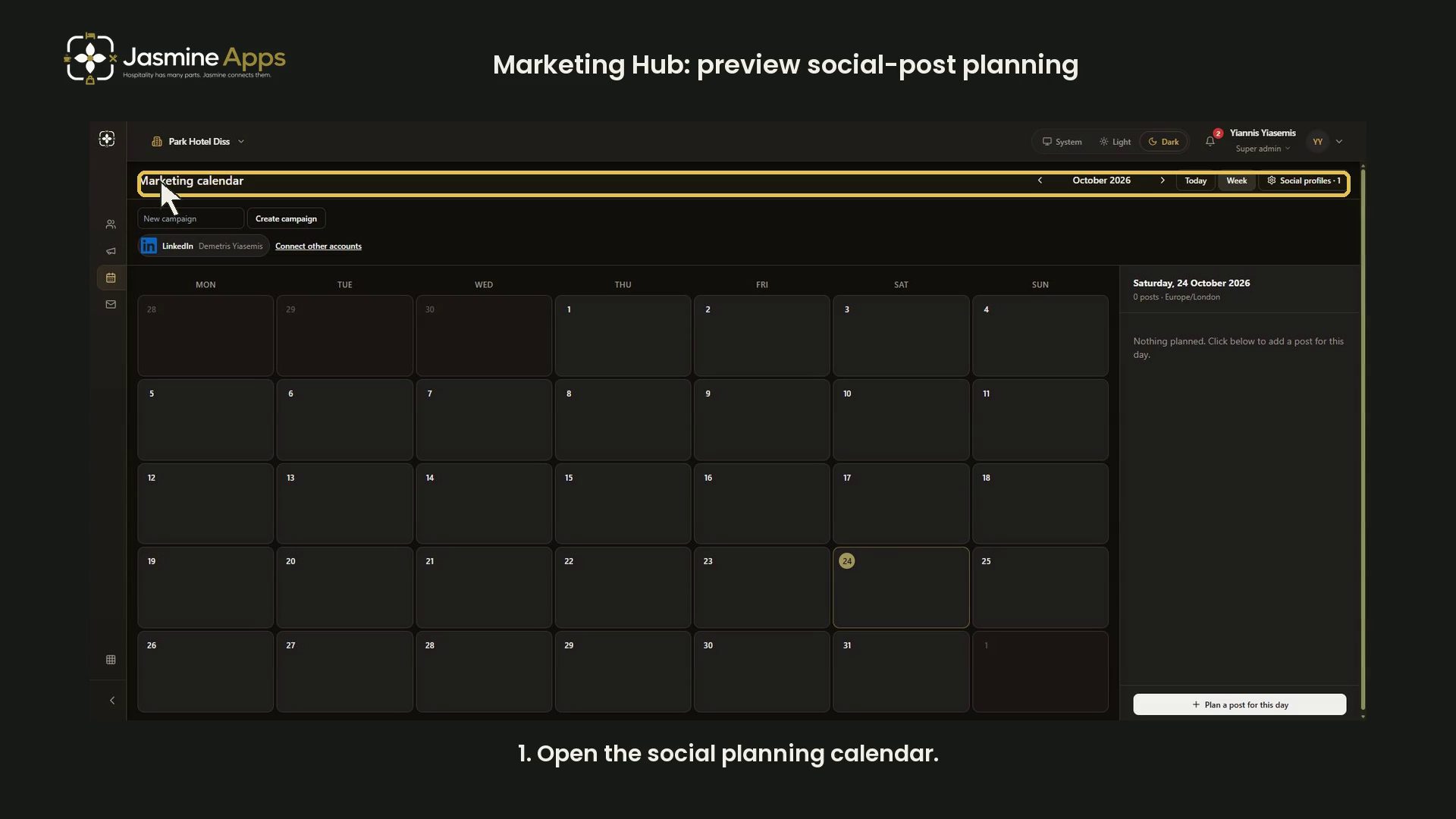
Jasmine Marketing HubMarketing Hub: preview social-post planningReview Marketing Hub month and week views, selected dates and the blank social-post form with narration in dark mode. No post saved or published.
- Tutorial

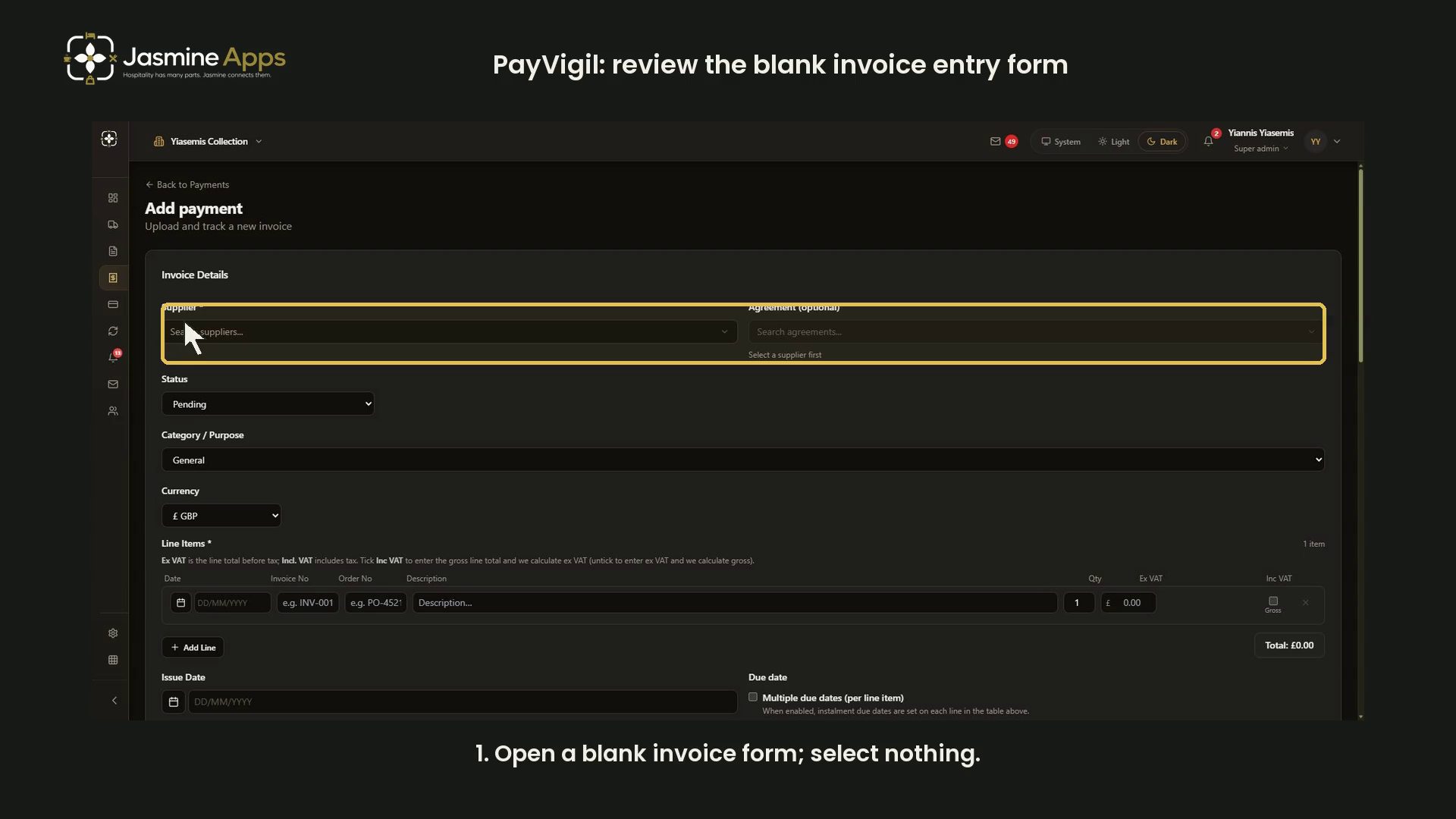
PayVigilPayVigil: review the blank invoice entry formReview PayVigil invoice entry, supplier selection, line items, dates, venue scope and documents in a narrated dark-mode video. No invoice created.
- Tutorial

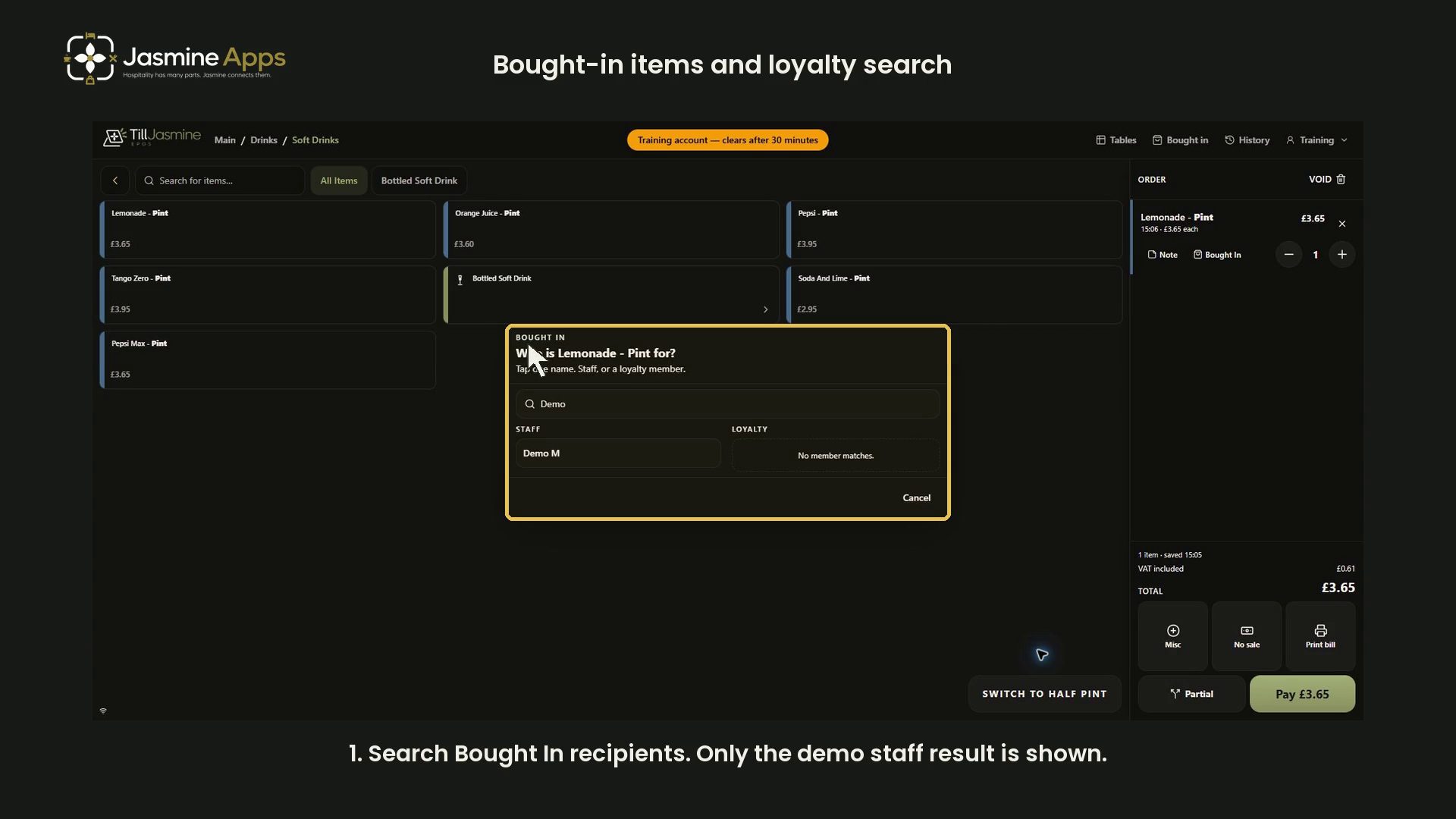
Till Jasmine: bought-in recipients and loyalty searchMark a training item for a demo recipient and review loyalty search, with synchronized narration and full dark-mode screenshots. No points or rewards are changed.