

Restaurant EPOS Migration Checks: Is Your Menu Ready for Service?
· Yiannis Yiasemis
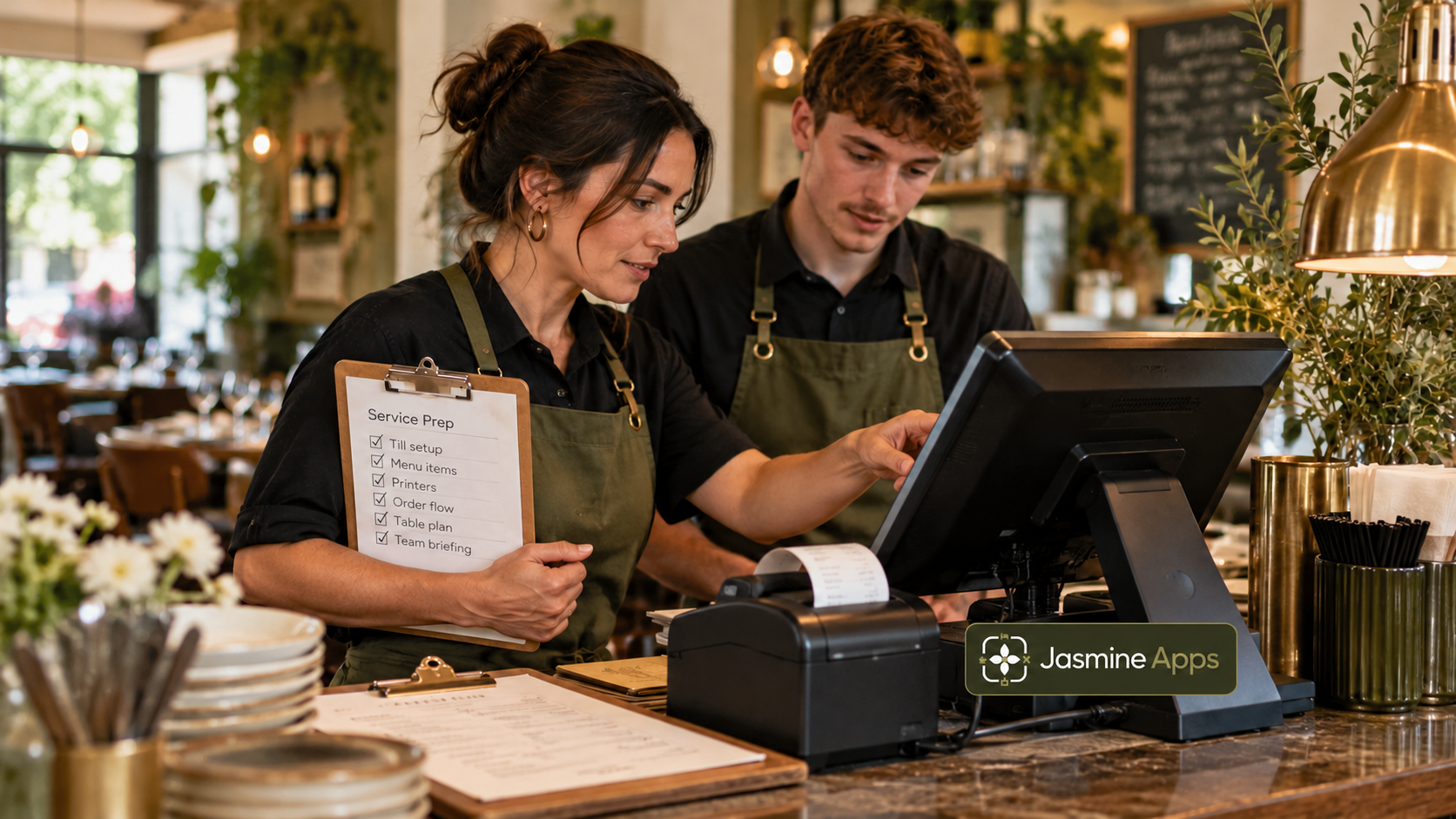
A menu can import successfully and still send the wrong information to your kitchen. The dish name and price may look correct while its course, tax treatment or order destination needs attention. Your restaurant EPOS migration checks should follow each important product through the service, rather than stop when the upload finishes.
With Till Jasmine, the product administration exposes practical fields including price, cost, tax, category, course, kitchen and on-till status. Those details give your manager a concrete rehearsal plan. You can validate the menu, order route and closing records before the first busy shift relies on them.
Key Takeaways
- Test product behaviour, not only imported names and prices.
- Use representative orders and important exceptions.
- Confirm tax treatment with the appropriate adviser.
- Preserve required old records through an agreed route.
- Set a clear approval and cutover decision for the new setup.
Start restaurant EPOS migration checks with approved source data
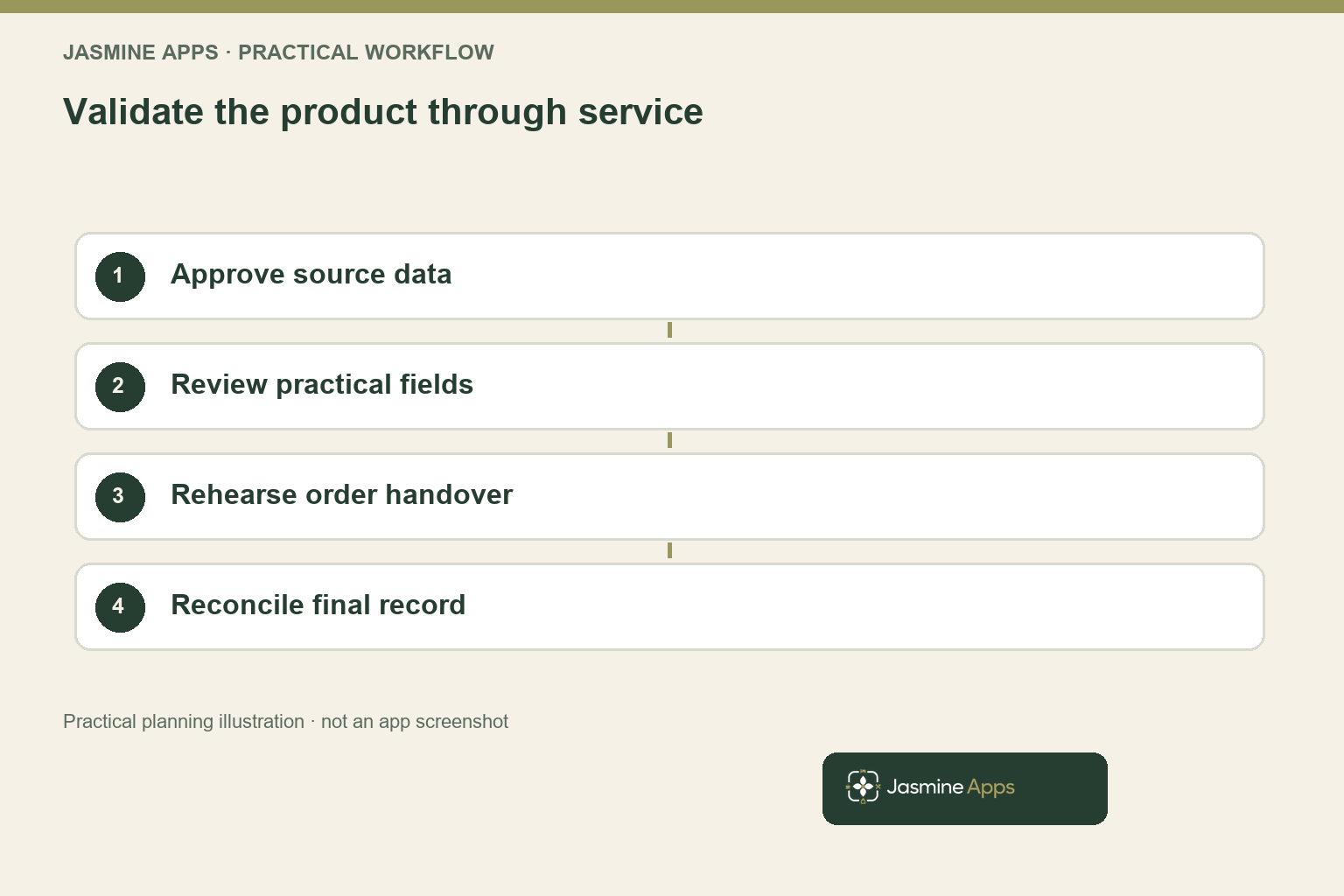
Choose the source menu and product list your venue wants to carry into the new setup. Confirm that prices, descriptions and product availability reflect the current service rather than an old export or promotional file. Give one role responsibility for approving the source, so the person configuring the till knows which information is authoritative.
Map the practical fields before entry or import. A dish may need a category, sale type, course and kitchen destination as well as its name and price. Your data route should preserve the meaning of those fields or provide a clear review step where it cannot, with the proposed capabilities demonstrated by the supplier.
Select a representative sample for the first rehearsal. Include a popular standard item, a product with important modifiers, a different service or tax treatment and an item that should not appear on the till. The full menu still needs approval, but this sample reveals whether the workflow and validation method are suitable before you repeat the process across every product.
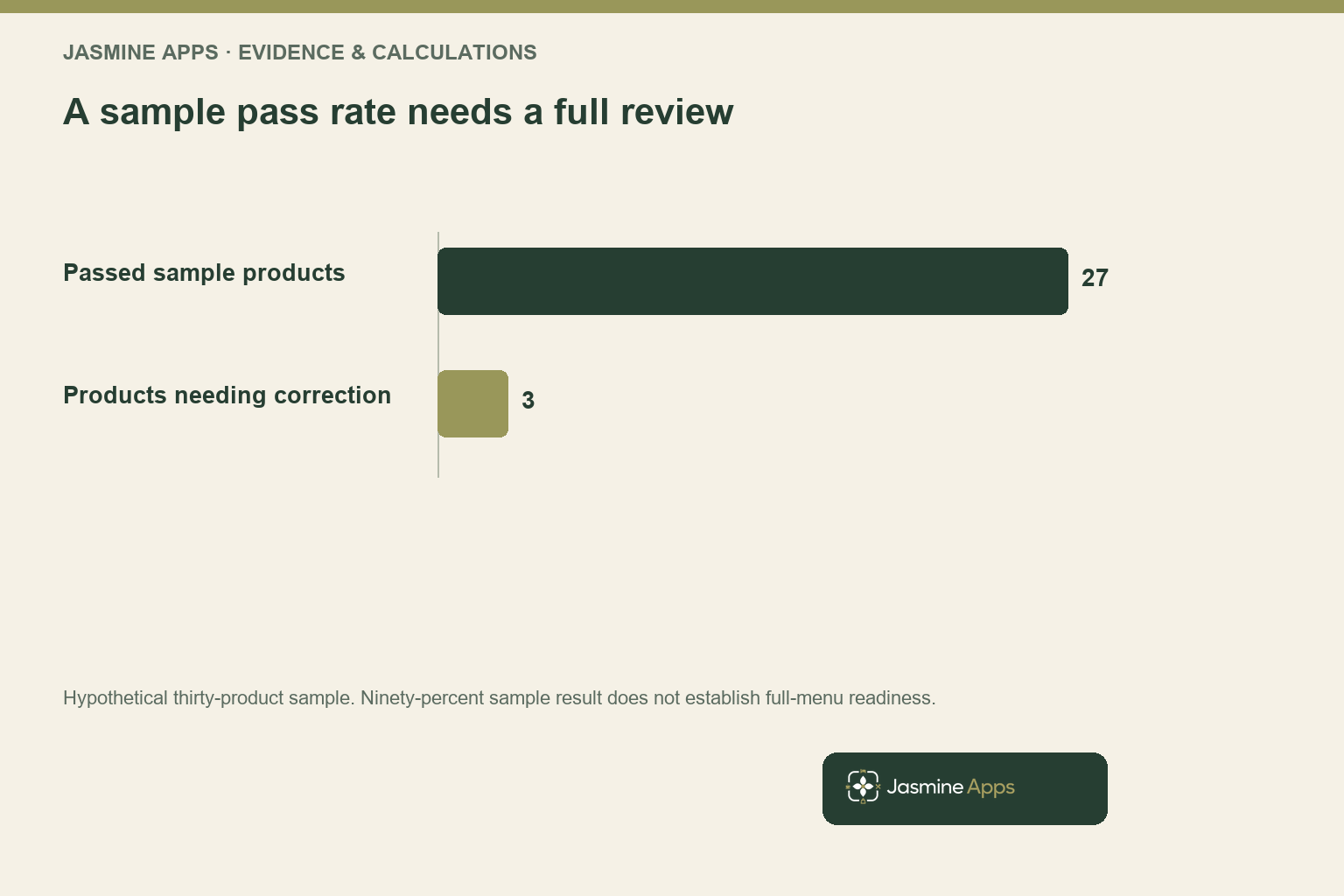
In a hypothetical thirty-item sample, twenty-seven products pass the complete test and three need correction. That is a ninety-percent sample pass rate, not proof that the entire menu is ready. Review the pattern of the errors and expand the check where similar products could share the same configuration problem.
Your AI menu scanning guide covers the separate extraction and review workflow. This migration article follows the approved product into service behaviour, whether the data was entered manually or through a supported import. The buying decision becomes stronger when your team understands both how the information arrives and how it is validated before use.
Follow restaurant EPOS migration checks through a real order
Your test order should use the role, device and service route intended for the venue. Check what the employee sees, how the product is selected and what information reaches the next colleague. A correct office preview is useful, but it does not establish the kitchen or receipt behaviour during the actual operating sequence.
In the product administration, Till Jasmine includes price, cost, tax, category, sale type, course, kitchen and on-till fields. Demonstrate the required behaviour with approved fictional orders or a supported test environment. Confirm the available modifiers, printing and other device functions in your scope rather than assuming every external peripheral works the same way.
Include the exceptions your team uses. A permitted adjustment, void, refund or unavailable item may follow a different route from a standard sale, so test the responsible role and resulting record. Agree a suitable rehearsal process with the provider; the goal is to validate behaviour without creating unintended live charges or misleading operational records.
The GOV.UK VAT-record guidance explains the need to retain relevant VAT records, including applicable digital requirements. Have the appropriate adviser confirm your product treatment and record process. A field that accepts a tax value does not decide the correct treatment for every product or service your business supplies.
Your EPOS demo checklist helps you choose realistic tasks for the supplier conversation. Use the migration sample to make those tasks specific to your menu. You can then see whether the configured product supports the order, the next handover and the record your manager needs after the transaction is completed.
Use restaurant EPOS migration checks to validate closing records
Your rehearsal should continue through the reports and reconciliation your manager uses at the end of service. Confirm that product categories, payment types and the relevant tax basis appear as expected. A menu that works for ordering can still leave closing questions if the reporting definitions differ from the source setup or the staff instructions.
Compare the approved sample with its resulting records using the same units and period. Keep gross sales, net sales, adjustments and payment receipts distinct where your process requires it. Your accountant or responsible manager should understand the proposed closing route, including any exports or handovers to another system that remain part of the workflow.
For an illustrative rehearsal, five test cases might cover a standard sale, modifier, approved discount, permitted correction and end-of-service report. Mark each as complete only when the final record matches the intended behaviour. One unresolved critical case can justify further correction even if the other four pass, so avoid using a simple percentage as your cutover authority.
Preserve the required historical records through the route agreed with your existing and new providers. Confirm export formats, access after termination and the applicable retention requirements before closing the old service. Do not assume all history will move into the new till or remain accessible indefinitely because the current login still works.
Your EPOS switching guide covers the broader service transition. This closing-record check gives that plan a concrete acceptance stage. Your team can approve the new configuration with evidence from representative transactions, while the manager knows how the first live service will be reconciled and where any historical information remains available.
Approve the cutover around a complete operating rehearsal
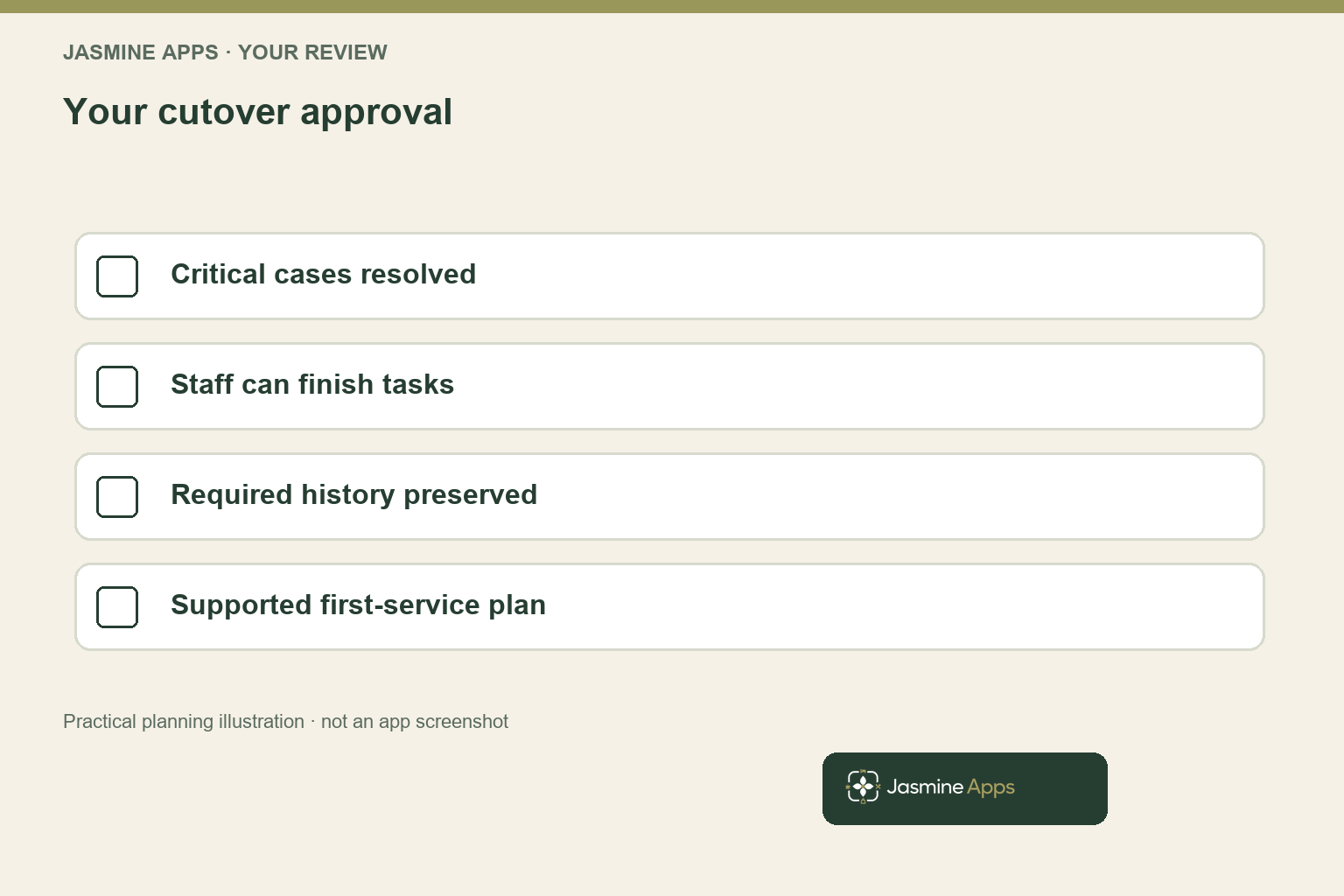
Set the person who can approve the new menu and the criteria they will use. Include product configuration, role permissions, supported devices, order handovers and closing records, with critical exceptions resolved. Your supplier and venue team should understand the same finish line so installation completion does not become an automatic instruction to begin live trading.
Give staff a practical rehearsal rather than only a presentation. Ask them to complete the normal order and explain what to do when an item or permitted adjustment needs attention. Record questions and use them to improve the setup or instructions, with the new manager responsible for confirming that the revised route is understandable.
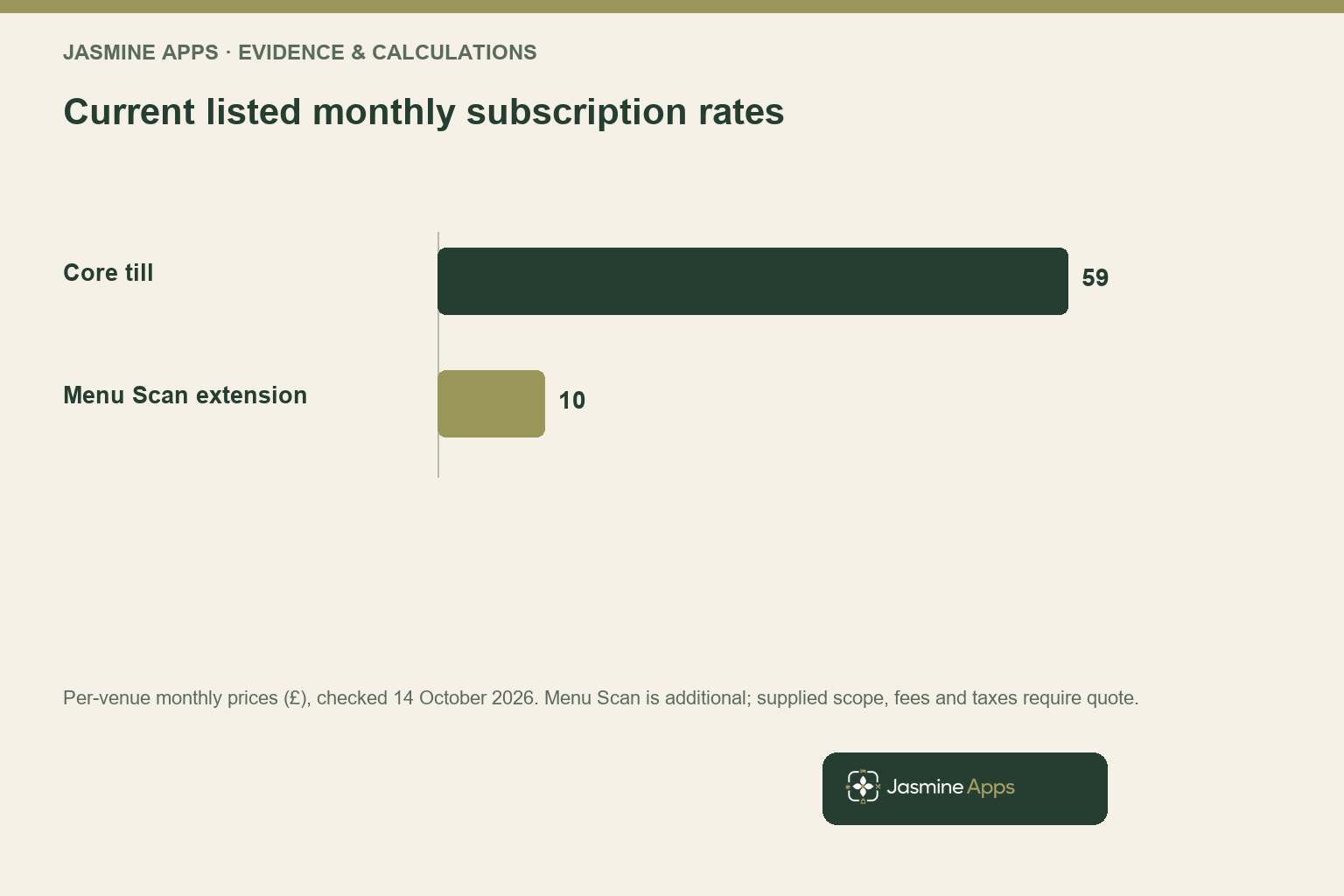
Jasmine Apps currently lists the till at £59 per venue monthly or £590 annually, with quote confirmation for the supplied scope. Menu Scan is a separate £10 monthly extension. Include supported hardware, payment services, setup, migration assistance, record access and taxes in the proposal so your cost comparison covers the transition you intend to run.
Agree a practical support and fallback plan with the provider for the first service. Confirm who to contact, which issues require pausing the affected task and how approved alternative records are maintained where needed. Your venue should know the supported behaviour during device or connection problems rather than improvising a process after the first guest has ordered.
After the initial live period, review the actual questions, corrections and closing records before expanding the configuration. Your strongest migration produces a menu your team can use and a record your manager can trust. The checks then become a repeatable approval method for future menu changes, keeping the value of the new system connected to the service it helps your venue deliver.
Pro Tips
Use a representative product sample. Choose items that expose different routing, course and treatment requirements. A sample made only of the simplest products can miss the configuration issues that matter most during service.
Follow the final record. Test the receipt, report or approved export needed by the next colleague. Your order is complete only when the intended operating and reconciliation outcome is clear.
Make approval explicit. Name the cutover decision maker and the critical conditions. A successful upload or high sample pass rate should not replace the complete readiness review your venue needs.
Common Mistakes
Checking only dish names and prices. You can miss course, kitchen, availability or treatment errors. Validate the product through the relevant order and final record.
Assuming all historical records migrate. You may lose useful access when the old service ends. Agree exports, retention and continuing access before termination.
Using live charges as informal tests. You can create unintended payments or misleading records. Agree a supported rehearsal process and use approved fictional data or a test environment.
Frequently Asked Questions
What should you check when moving a restaurant menu to a new till?
You should verify the approved source, names, prices, availability and the practical fields that affect ordering and records. Include category, course, kitchen destination and the appropriate tax treatment for your setup. Follow representative products through the staff screen, next handover and closing outcome. Your full menu still needs approval, with a clear owner and a supported rehearsal method before live service relies on the imported or entered configuration at your venue.
Does a successful menu import mean your EPOS is ready?
Your import confirms only the supported data-entry stage, not every product’s behaviour in service. A product may still need a routing, availability, permission or reporting correction. Test representative orders and critical exceptions through their final records, then review the pattern of any failures across the full menu. Your cutover decision should use the agreed complete readiness criteria rather than rely on an upload message or a high sample pass rate alone.
How should you test a new restaurant till without creating real charges?
You should agree a supported test environment or approved rehearsal process with the provider before running transactions. Use fictional or authorised sample records and confirm how the resulting data is treated. Avoid informal live payments, unnecessary guest details or misleading service entries. Your rehearsal should still follow the role, device, order route and final report intended for the venue, so the test gives your manager a practical basis for configuration approval.
Will your old EPOS history automatically move to the new system?
You should confirm the historical-data scope, export formats and continuing access with both providers. A menu transfer does not necessarily include every transaction or document, and access may change when the old service ends. Agree the records you need to retain and the applicable treatment with your responsible adviser. Your migration plan should identify where each required record remains available before termination, rather than assume the new till will reproduce all past history.
How much does a Till Jasmine migration cost?
Jasmine Apps currently lists the core subscription at £59 per venue monthly or £590 annually, with quote confirmation for the supplied scope. Menu Scan is listed separately at £10 monthly or £100 annually. Your complete proposal should specify migration assistance, supported hardware, payment services, setup, record access and taxes. Demonstrate the menu-to-order-to-closing route you need so the price comparison covers the transition and operating capabilities your venue actually intends to use.
Restaurant EPOS migration checks: your next step
Your restaurant EPOS migration checks should leave you with a menu that behaves correctly and records your manager can reconcile. Request a Till Jasmine migration demonstration with five representative products and your closing questions. You can agree the transition scope, rehearse the important exceptions and choose a setup ready for the way your venue serves guests.