

Are Opening and Closing Hours Making It Into Hospitality Payroll?
· Jasmine Apps
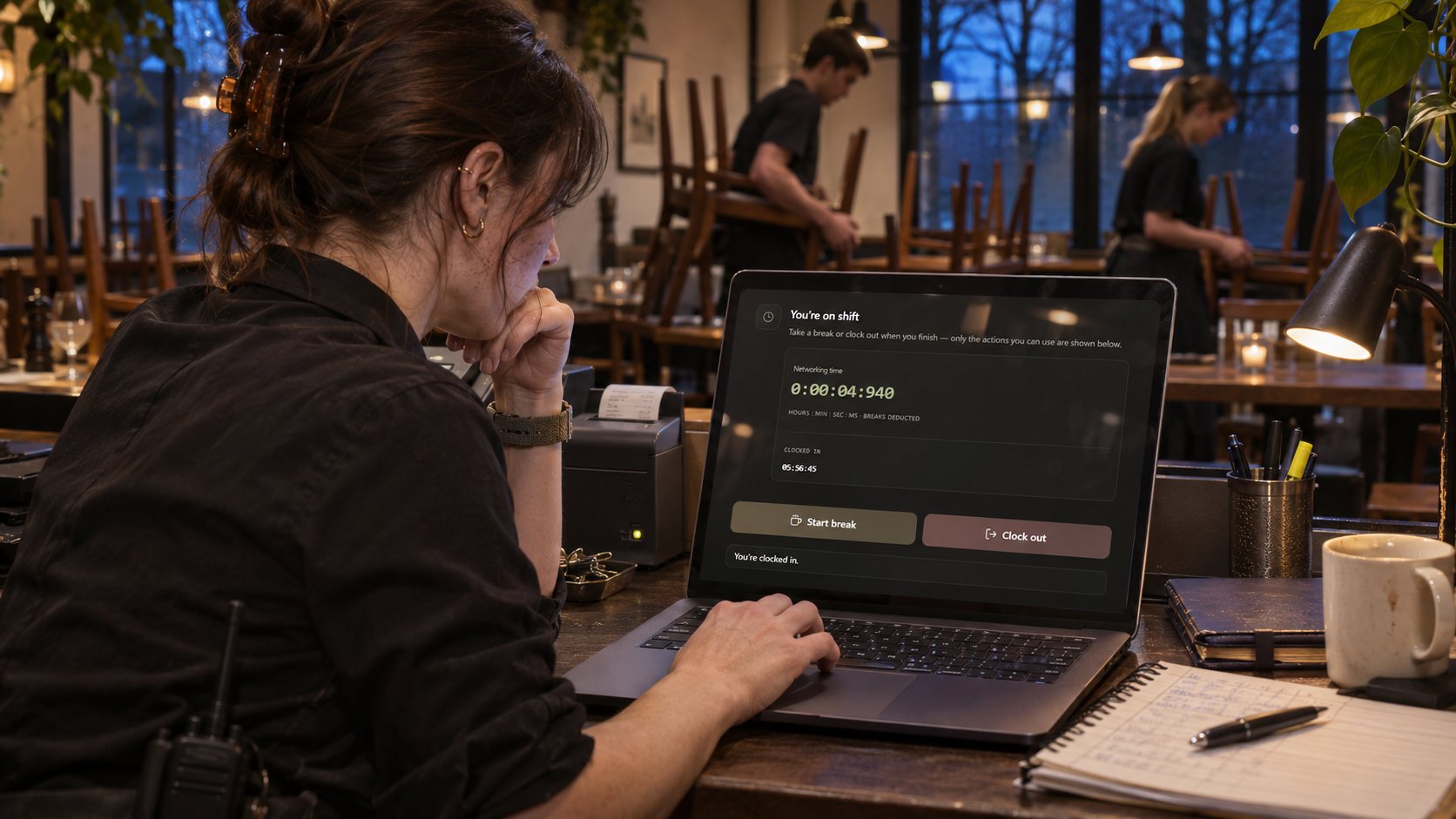
Start with the jobs that happen around service. Who sets up the till before the doors open? Who cleans the coffee machine and counts the drawer after the last guest leaves? Pick one opening and one closing shift and check the actual working times against the hours sent to payroll. The difference may be hiding in a finish time copied over from the rota.
Cover image: AI illustration based on a Jasmine product capture.
Look at who did what outside service
List the work someone has to do before opening and after the public closing time. It might be setting up tills, doing a pre-service briefing, taking a delivery, cashing up or locking the kitchen after cleaning. Ask the opening and closing supervisors when people usually start and finish. If the work is regular, check whether enough time is built into the rota.
Government guidance includes time spent working at the workplace and time a worker is required to be available there in the minimum wage calculation for hourly paid workers. It also distinguishes genuinely taken rest breaks. Check the rules for the relevant pay arrangement if people are paid other ways. GOV.UK working-hours guidance · HMRC guidance on breaks for time work
Compare the rota, punch and approved time
Here is a worked example for two staff members both rostered until 23:00. The first clocks out at 23:00 and leaves. The second finishes the cash-up at 23:15 and forgets to clock out. Once the supervisor verifies the late finish, record 23:00 for the first worker and 23:15 for the second. If the second worker has four verified finishes like that in one week, the difference between the rota and their approved time is one hour.
For an eligible worker aged 21 or over, the National Living Wage is £12.71 an hour from April 2026 and rises to £13.21 from April 2027. A new rate applies from the first pay reference period that starts on or after the rate changes. Check the worker’s eligibility and pay reference period before you compare pay with recorded hours. GOV.UK minimum wage rates · GOV.UK guidance on minimum wage calculations
Ask about differences in both directions. A later punch could be legitimate work or someone who forgot to clock out before waiting for a lift. An early punch could reflect a genuine early departure or an instruction to carry on cleaning afterwards. A supervisor should review the facts and give the employee a straightforward way to raise a correction.
Review the exceptions before payroll closes
Give the supervisor a cut-off for reviewing missing punches, early starts, late finishes and breaks. Record the actual time, the reason, who approved it and the relevant evidence. Compare a sample with the payroll file. If you keep seeing the same extra 15 minutes, plan that work in the next rota and check whether the new finish is realistic.
Clock Jasmine's published walkthrough shows a time correction checked in the approvals view. The export downloads recent individual punch events as a CSV, including their approval status. Net shift hours appear separately in Clock-in history. In a trial, compare one corrected shift with the record you send to payroll. Clock Jasmine correction guide · Clock Jasmine clock-punch exports
Bring a redacted closing shift to a Clock Jasmine demo and ask to follow the actual finish through to payroll handover.