

Switching Restaurant Reservation Systems Without Losing Future Bookings
· Jasmine Apps
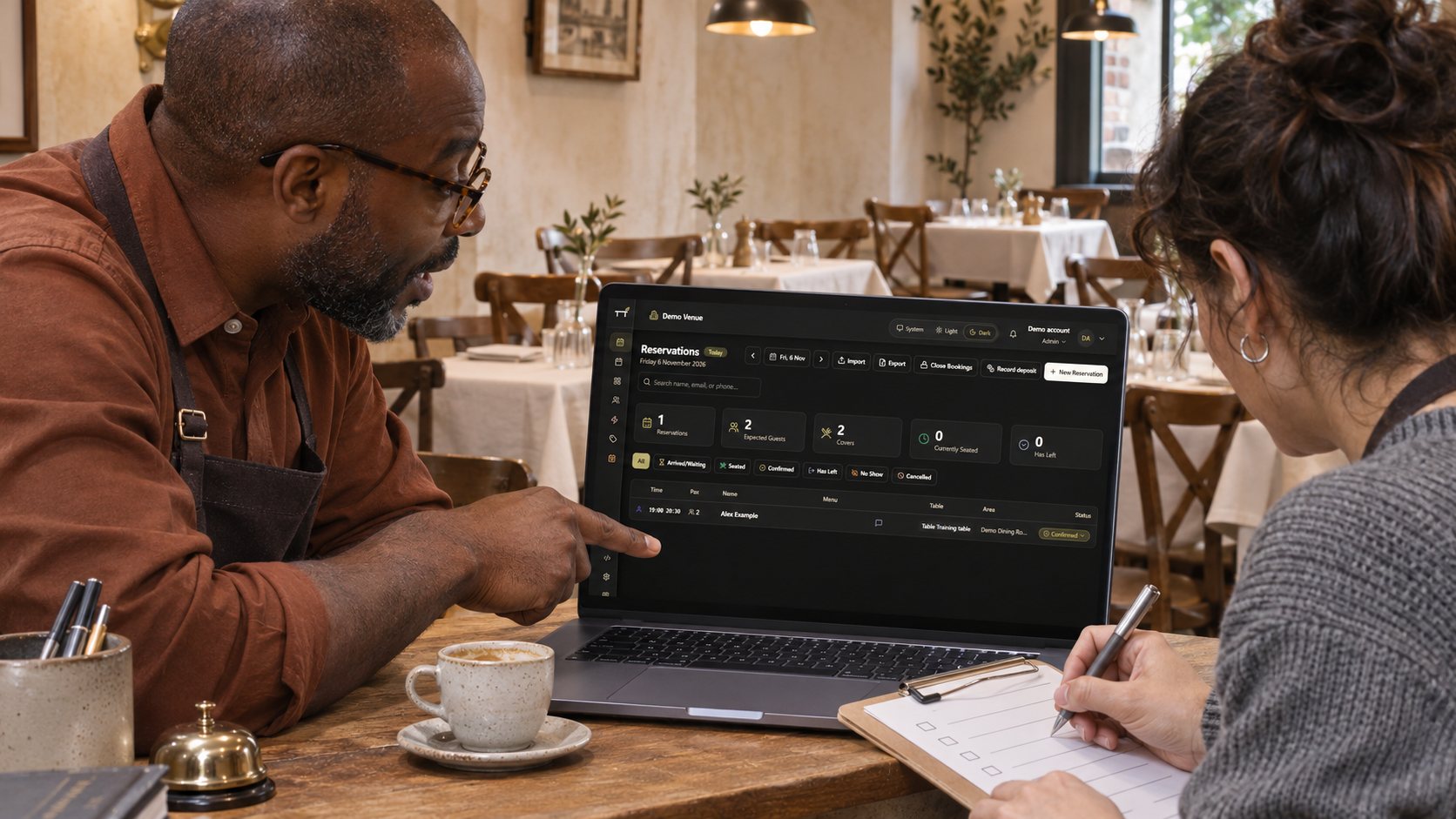
Before switching restaurant reservation systems, try to amend a future function in the replacement diary. Find the booking, check what the organiser has paid and work out whether their original confirmation link still goes anywhere useful. Those three checks tell you more about the handover than a total count of imported bookings.
Cover image: AI illustration based on a Jasmine product capture.
List the bookings you need on day one
Pull a realistic sample from the current diary. Include an ordinary booking, a function several months away, a party with a deposit, a moved reservation and a booking with a useful service note. Check exactly which fields the old provider can export and compare them with what the replacement can take.
Separate live commitments from history. Decide whether the new diary needs the full note, a brief instruction or a reference to the approved source. Identify information that requires extra care, such as an identifiable guest's allergen details. Ask the payments provider how existing deposits and payment references can be handled. Keep payment card data in the provider's approved process.
Rehearse a move before opening the new diary
Import a permitted sample if supported, or re-create fictional bookings to test a manual move. Compare the date, arrival time, party size, guest contact method, area or table, booking status and any deposit reference. Check a future event against the organiser's package, pre-orders and deadlines.
Test what happens if a guest uses an older confirmation link after cutover. If there's a gap, agree the route staff will use for amendments and tell guests when they need to act. A simple check is for a duty manager unfamiliar with the project to find a booking, confirm the deposit reference and explain how the guest can change it.
Make one diary authoritative at the switch
Choose a quieter window, give one manager ownership and write down the point at which the new diary becomes the one the team uses. Catch bookings and amendments made since the first export. Check the website link, any listings that accept reservations, and what the team sees when they take a booking by phone or email. Put a clear point in the plan for a pause or rollback if the totals fail to match.
Agree what your current supplier will return or delete and when. A UK GDPR processor contract must say that, at the end of the contract, the processor will delete or return personal data at the controller’s choice, unless the law requires storage. Keep any retained records available to authorised people for a clear purpose and period. ICO guidance on processor contracts
Check what the new system can demonstrate
Table Jasmine's guides show how to create reservations, assign tables and preview an embeddable booking widget. Ask the supplier to confirm how your existing data and payment references would transfer, using the fields from your sample. Table Jasmine reservations · Table Jasmine booking widget
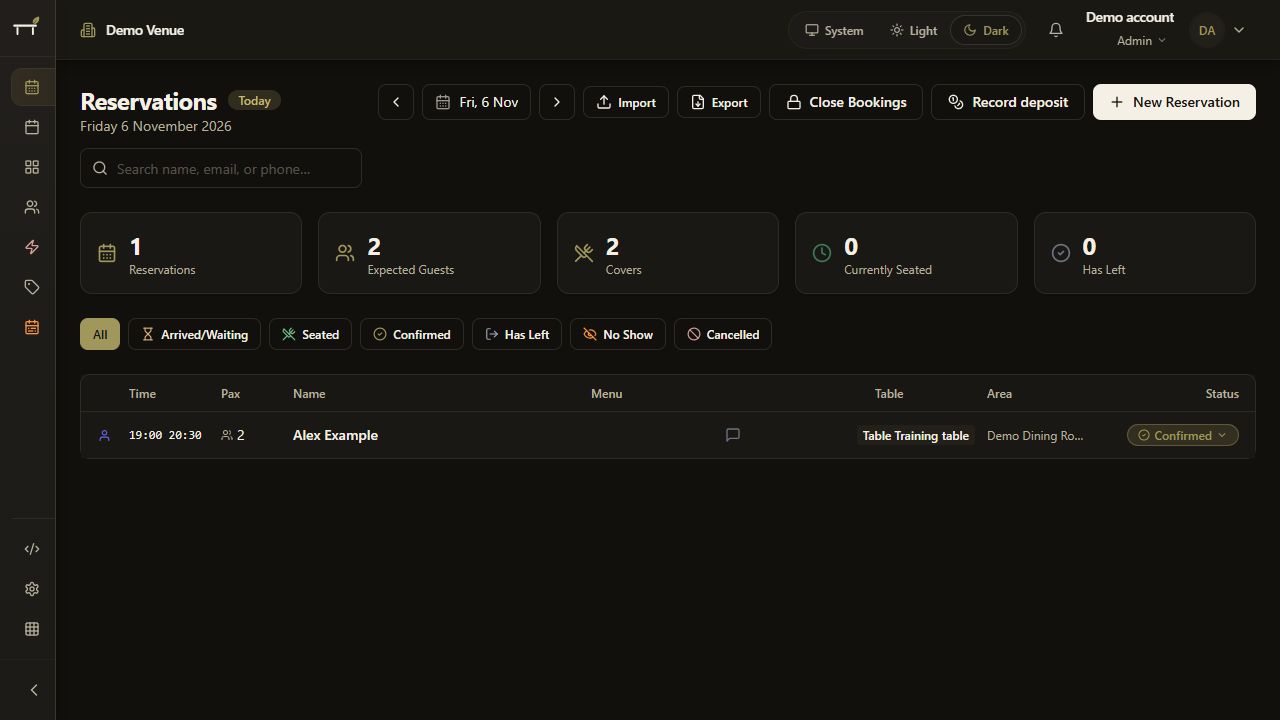
Bring two fictional reservations and a deposit-backed function to a Table Jasmine demo. Ask to check each one as both a member of staff and a guest.