

Electronic Signatures for Hotel Supplier Agreements That Hold Up at Renewal
· Jasmine Apps
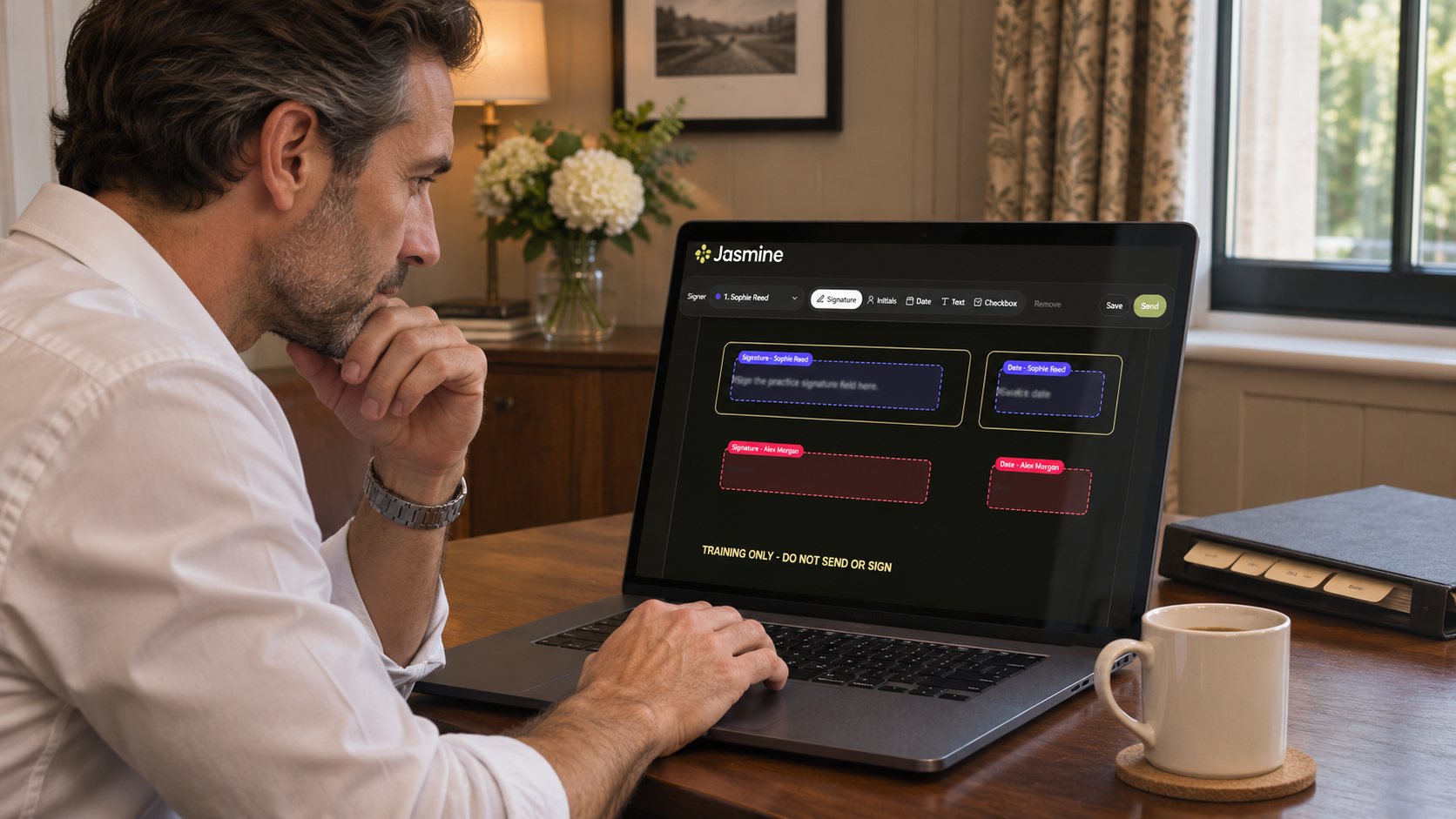
Bidfood’s published January 2024 trading terms say that for orders placed outside its online ordering service, the price is set on the day of delivery. A purchasing manager reviewing any supplier agreement needs to be able to find the exact clause and schedule their venue accepted. Give someone who joined after the agreement was signed that retrieval task during your e-signature trial. Bidfood published trading terms
Cover image: AI illustration based on a Jasmine product capture.
Set up a supplier agreement you would recognise
Use a fictional change to a real type of arrangement, such as a new minimum order or delivery window. Put the effective date, which venues it covers and the approved schedule in the same sample pack. Name the supplier representative, the hotel employee who can agree the change and anyone who needs a completed copy. Check the venue’s own signing authority before turning the rehearsal into a live workflow.
For England and Wales, the Law Commission concluded that an electronic signature can execute a document where the signer intends to authenticate it and the applicable formalities are met. The document and jurisdiction still matter. Ask your adviser to confirm requirements for deeds, witnessing or any supplier contract with unusual execution terms. Law Commission electronic execution report
Follow both signers and the completed record
Have a test supplier open the private signing link and complete their fields. Pause before the venue countersigns. From the venue side, check that staff can tell who signed and who is still waiting. Complete the sequence using the designated hotel signer and compare both copies against the intended version. Sign Jasmine documents PDF envelopes, ordered signers, guest signing links and an in-app audit trail. Sign Jasmine product overview · Sign Jasmine signing-order guidance
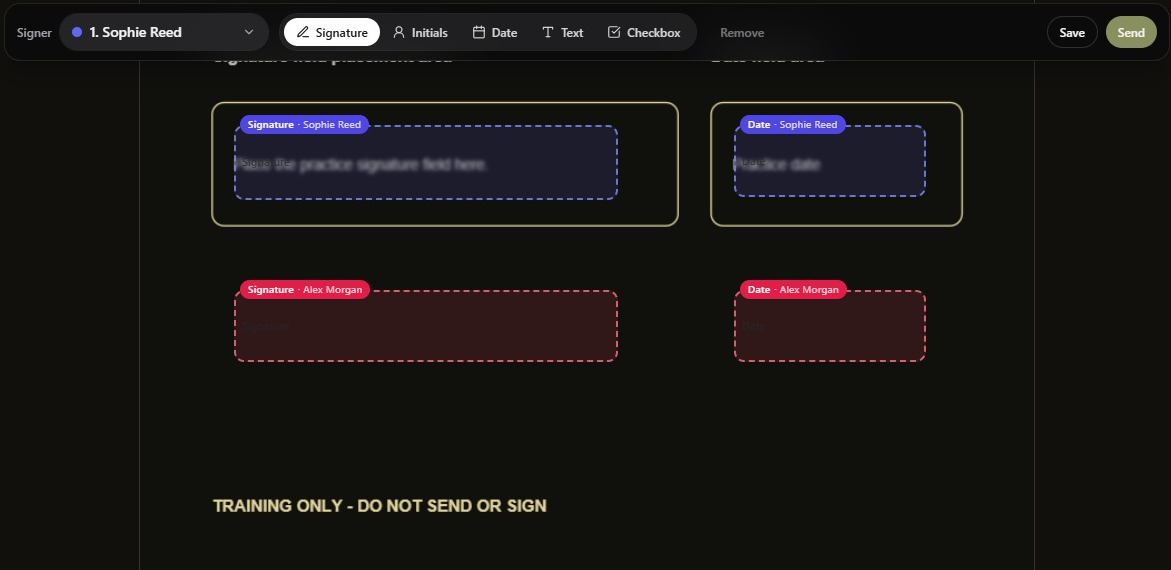
Compare where each supplier puts the evidence
Docusign’s UK feature page describes a Certificate of Completion for signing participants. Sign Jasmine keeps its internal certificate in the app, while recipients get the signed document. Ask two practical questions in either demo. What can the venue retrieve later, and what will the supplier have in its files? Download the sample and check which material accompanies it. Docusign UK eSignature features · Sign Jasmine product overview
Put the notice date in the renewal diary
Give the completed agreement a reference the next manager can recognise. In the venue’s register, record the current terms, contract owner, notice deadline and location of the signed copy. Rehearse retrieving it through that register. Ask the software vendor separately about alerts or extracting dates if you need that functionality. Until you can demonstrate that step, give the named owner responsibility for the diary entry.
Book a Sign Jasmine demo with an anonymised supplier variation. Ask to run a two-signer agreement and retrieve the completed records as the incoming manager.