

Can You Keep Your Existing Till Hardware When You Switch EPOS?
· Jasmine Apps
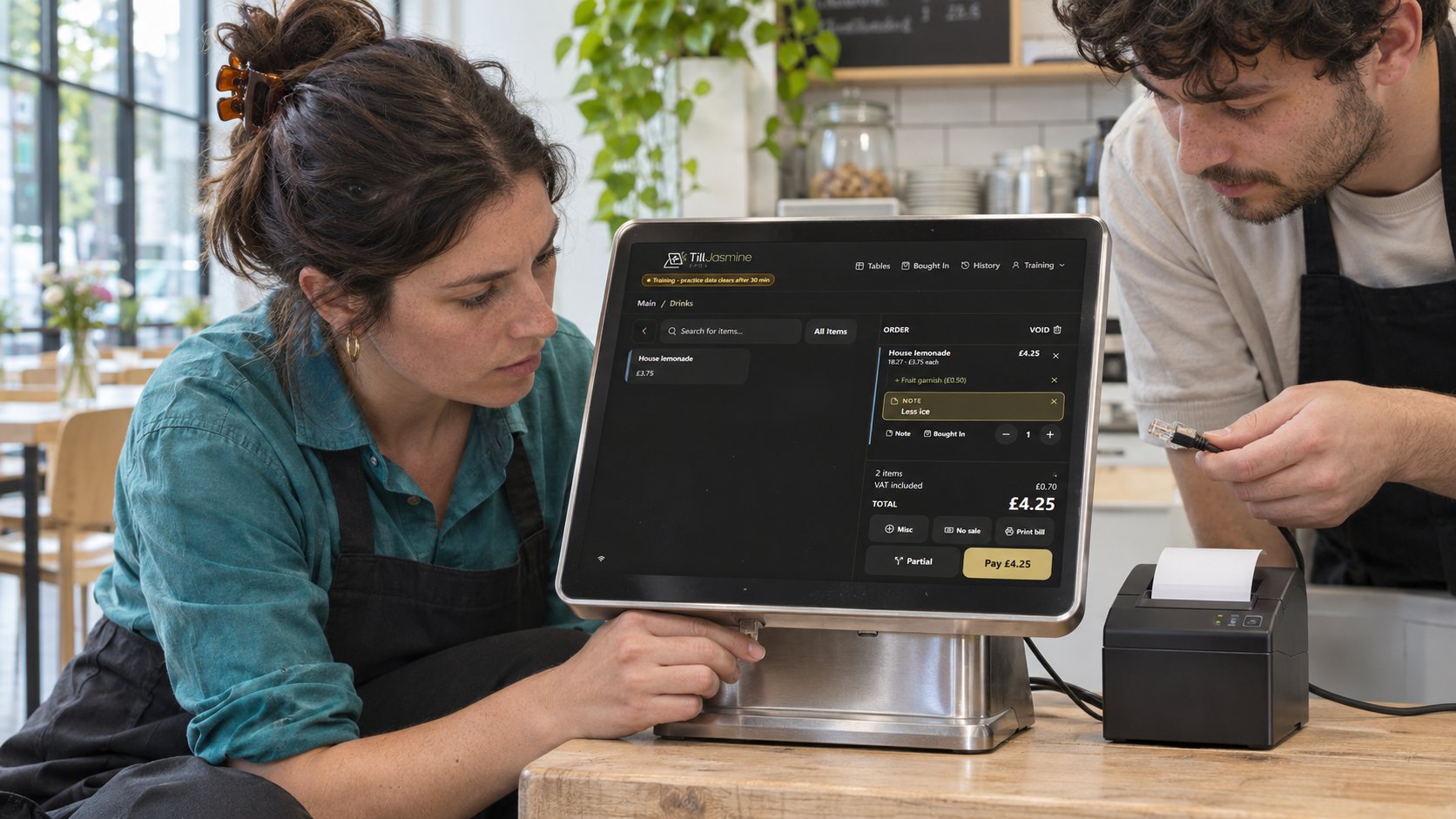
In our venues, we’ve dealt with confusing receipts and back-office till changes that took hours. When a checkout frustrates the team, work out which part causes the problem before replacing the full setup. List the counter equipment you already have and test the same models on the proposed software before accepting the hardware quote.
Cover image: AI illustration based on a Jasmine product capture.
Write down what is actually on the counter
Start with the touchscreen or PC, the operating system and version, the receipt printer and how it connects, the cash drawer and the card reader. Photograph the model labels. On your list, add who owns each device and who supports it. A reader you rent from the payment company and a printer you own may come with very different options when you leave.
Check the operating system separately from the machine. Microsoft ended standard support for Windows 10 on 14 October 2025. Extended Security Updates and specialised editions can have separate arrangements. Check the support status of your exact edition, whether the PC can move to a supported version and which versions your EPOS supplier will support. Microsoft Windows 10 support guidance, Microsoft Windows 11 requirements.
Test the exact models under normal service conditions
A product screenshot gives little away about the kit on your counter. On the actual models, run a practice sale using touch. Print the receipt, open the drawer if you use one and check how the card amount reaches the reader. Restart the equipment and run the same test. If you have both an office printer and a kitchen printer, test the destination of each print separately.
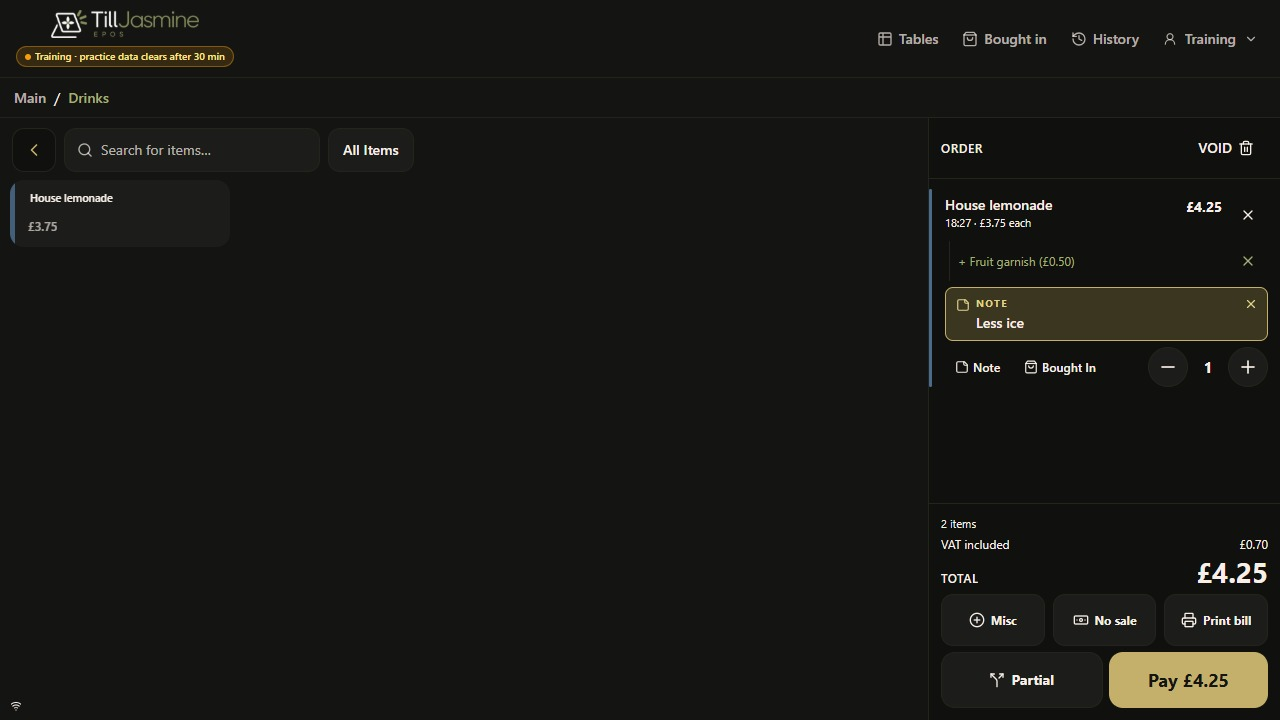
Label the cables and record which port each device uses. If you have several tills, test a second counter before agreeing a whole-venue change. Distance from the router, a different driver or an older printer can change the outcome even when the checkout looks the same.
Look at the practical cost of reuse. In an illustrative quote, £120 of installation and driver work plus £90 for a backup part makes the first-year hardware setup £210. Compare this with a replacement quote covering the same setup and support. Add any outstanding lease, next-day replacement options and staff time before deciding.
Get the agreed configuration in writing
Till Jasmine provides a web interface and a Windows till client. It also publishes a pairing guide for Windows devices. Ask for written confirmation of the proposed operating system, terminal, printer, drawer and payment models. Then agree who will help if one of them fails during service. A customised receipt preview shows what has been configured to print. Run a physical print to see how it comes out. Till Jasmine and Windows download, Till Jasmine till pairing · Till Jasmine receipt preview
Book a Till Jasmine demo and send the model list first so we can discuss which equipment is worth checking for reuse.