

Do Staff Need Their Own Phones to Clock In at a Pub?
· Jasmine Apps
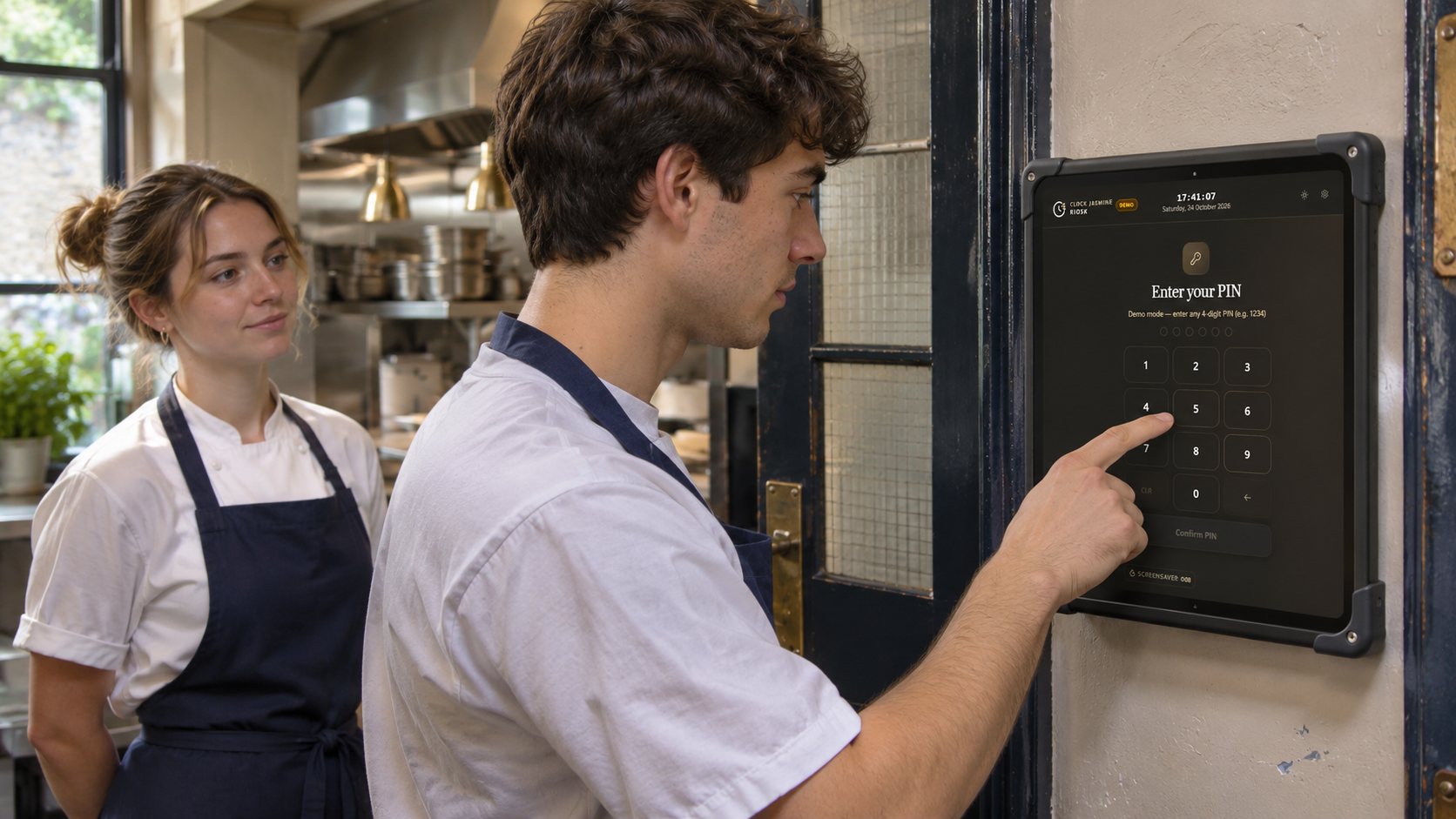
A shared staff tablet lets pub workers clock in without taking out a personal phone. Start by checking where your team comes in, where they leave their belongings and whether the device works through a busy handover. Give every new starter a practice run and decide who will fix a missed punch before the first pay cut-off.
Cover image: AI illustration based on a Jasmine product capture.
Give staff a choice that fits the venue
A staff app can suit someone who works across sites and already uses it to see their rota. A shared tablet can suit a pub where everyone comes in through the same staff entrance or where workers leave phones in lockers. A web option may fit members of staff who have access to an approved back-office computer. Decide who can use each route and what they should do if it fails.
Think through a new starter, a cover shift and someone who keeps their phone off at work. Each person needs a way to record the actual time they start, take a break and leave. Make their first punch part of induction so the shift supervisor can check that it appears in the right place.
Test a shared tablet through an entire shift
Clock Jasmine Kiosk is a companion to Clock Jasmine for authorised Android tablets. A manager registers the device and staff use their own PINs for clock-in, clock-out and break actions that the device is set up to allow. Ask which models and Android versions are supported before purchasing equipment. Clock Jasmine Kiosk · Clock Jasmine Kiosk PIN walkthrough
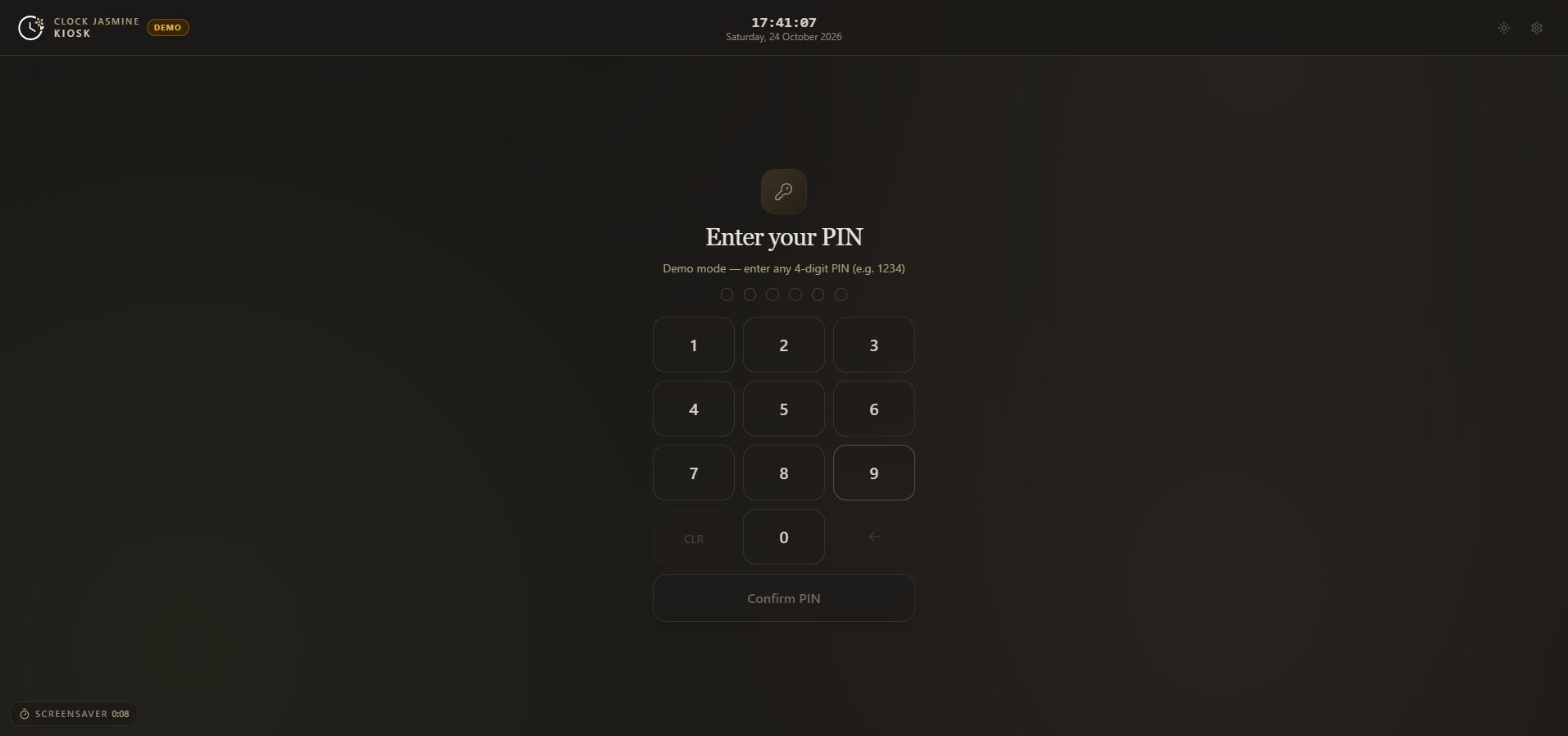
Try a training clock-in, start and end a break and clock out. Ask a manager to check that the right person, venue and time are shown in the attendance record. Run the test with several people close together, ideally in the space you will use, where the next shift really arrives. Include someone who has never seen the screen.
Decide what happens when the tablet is unavailable
Give staff one person to tell if they forget their PIN or find the tablet off. Agree how to record the actual time, who can approve a correction and how the worker checks it before payroll. Keep the fallback accessible if the internet or device is unavailable. Ask the supplier to demonstrate registration on a replacement device and to confirm connectivity requirements for your site.
Measure what staff have to do at the door
For a week, count first-attempt punches, requests for help and corrections. If support calls cluster around the same shift, ask what's causing them. The answer could be the placement of the device, how new starters are given their PINs or the way staff hear about changes.
Ask for a Clock Jasmine Kiosk demo on the tablet you intend to use. Bring a new starter, a regular closer and a member of staff who covers more than one venue as test scenarios.